Minecraft for Architects and Urban Planners
Architects and planners spend a lot of effort helping people who do not read drawings understand what a project will feel like. Plans, sections and renders work for professionals, but most residents, students and young people never engage with them. Minecraft is one tool that closes that gap: almost everyone under thirty knows how to move around in it, and a real site rebuilt in blocks is easy to explore. This article looks at Minecraft for architects and urban planners: what it is good for, how to set up a site model from real map data, and where it falls short.
What Minecraft Is Good For
Quick site context
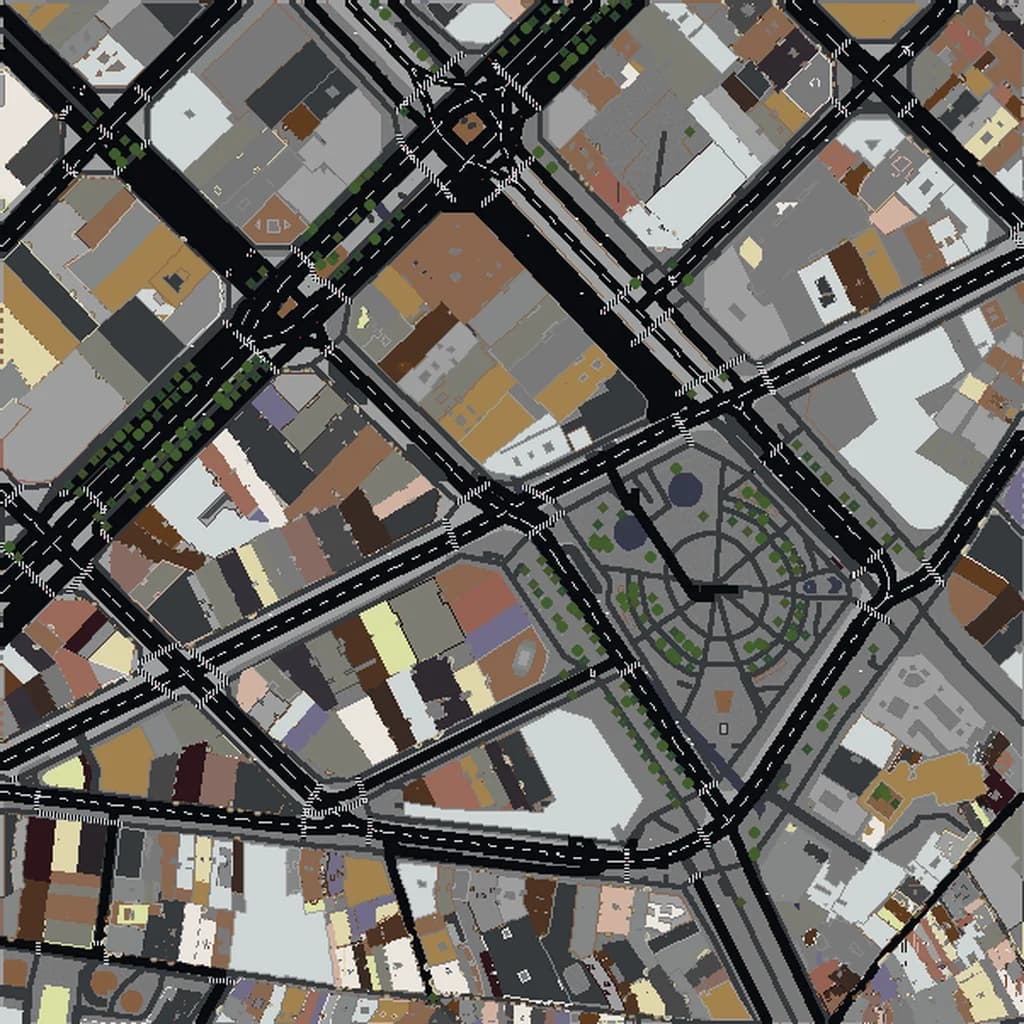
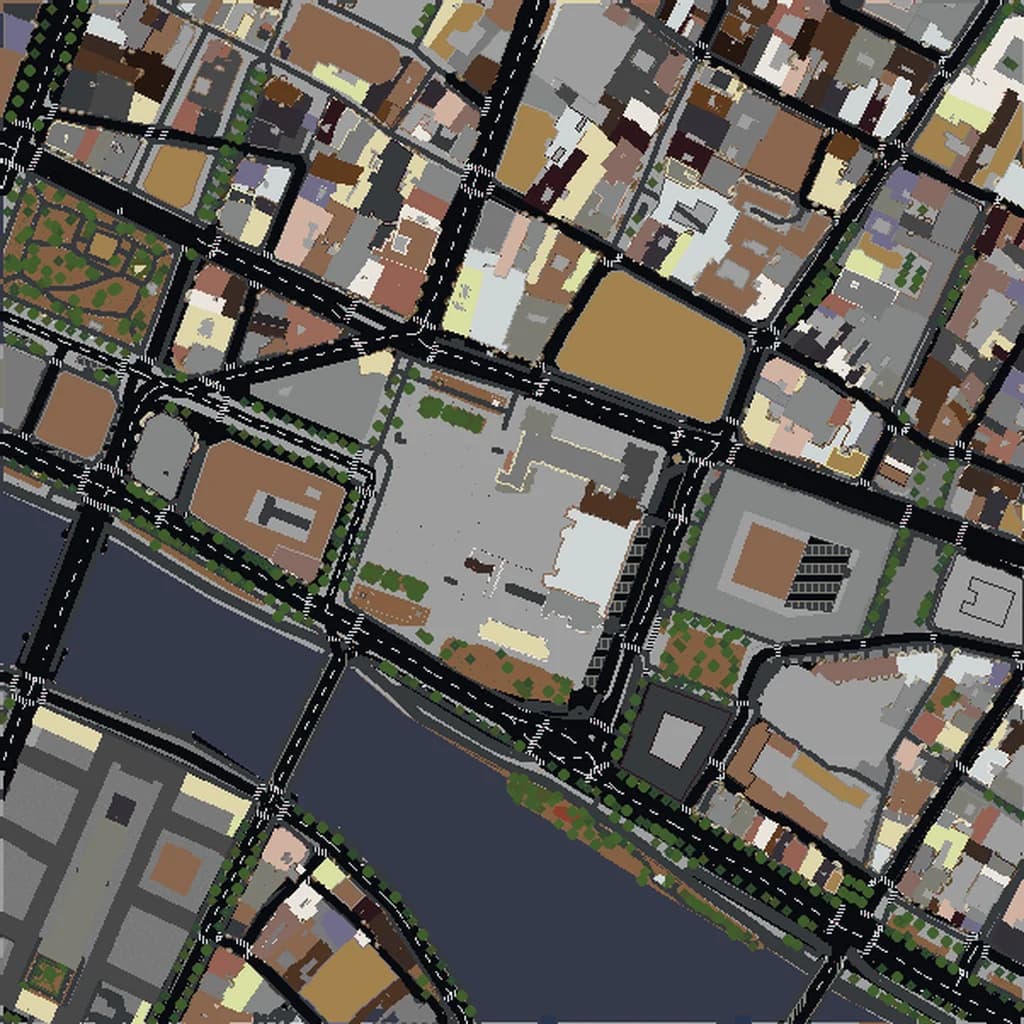
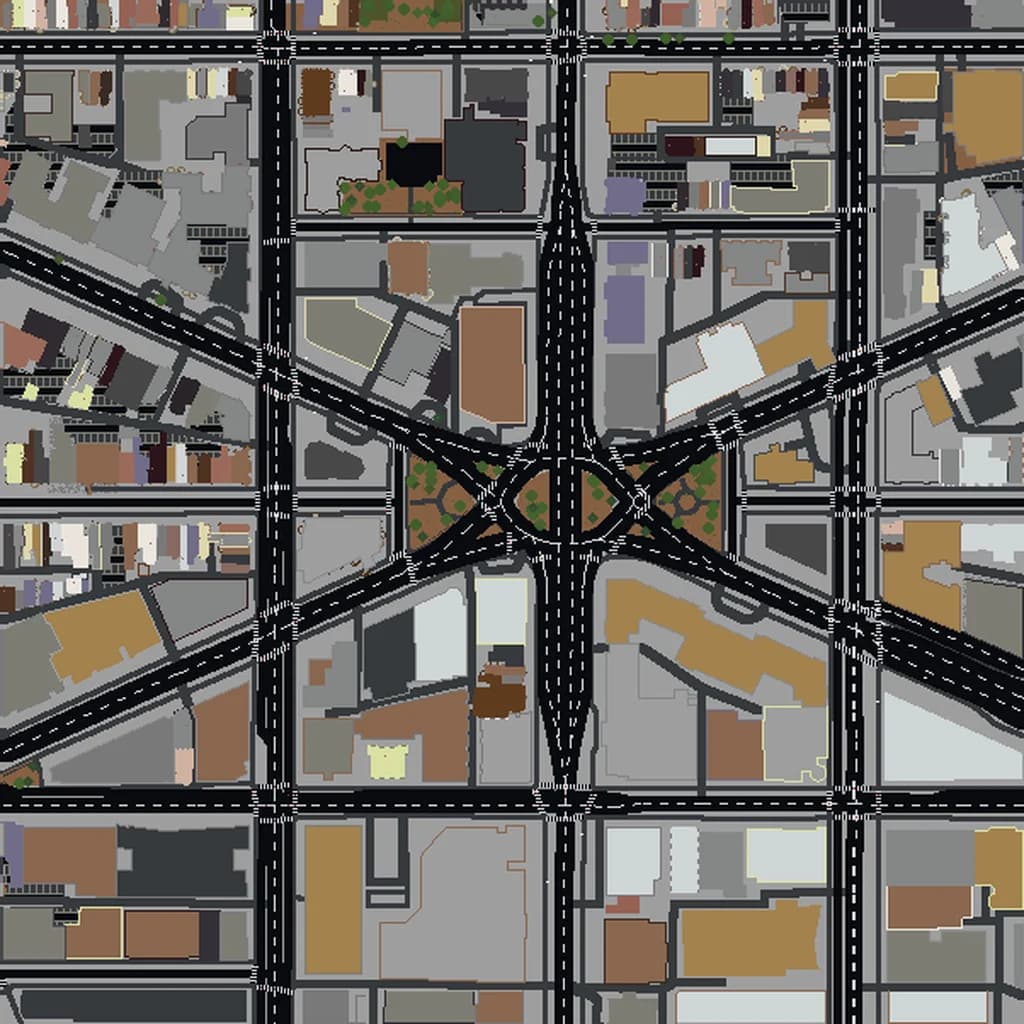
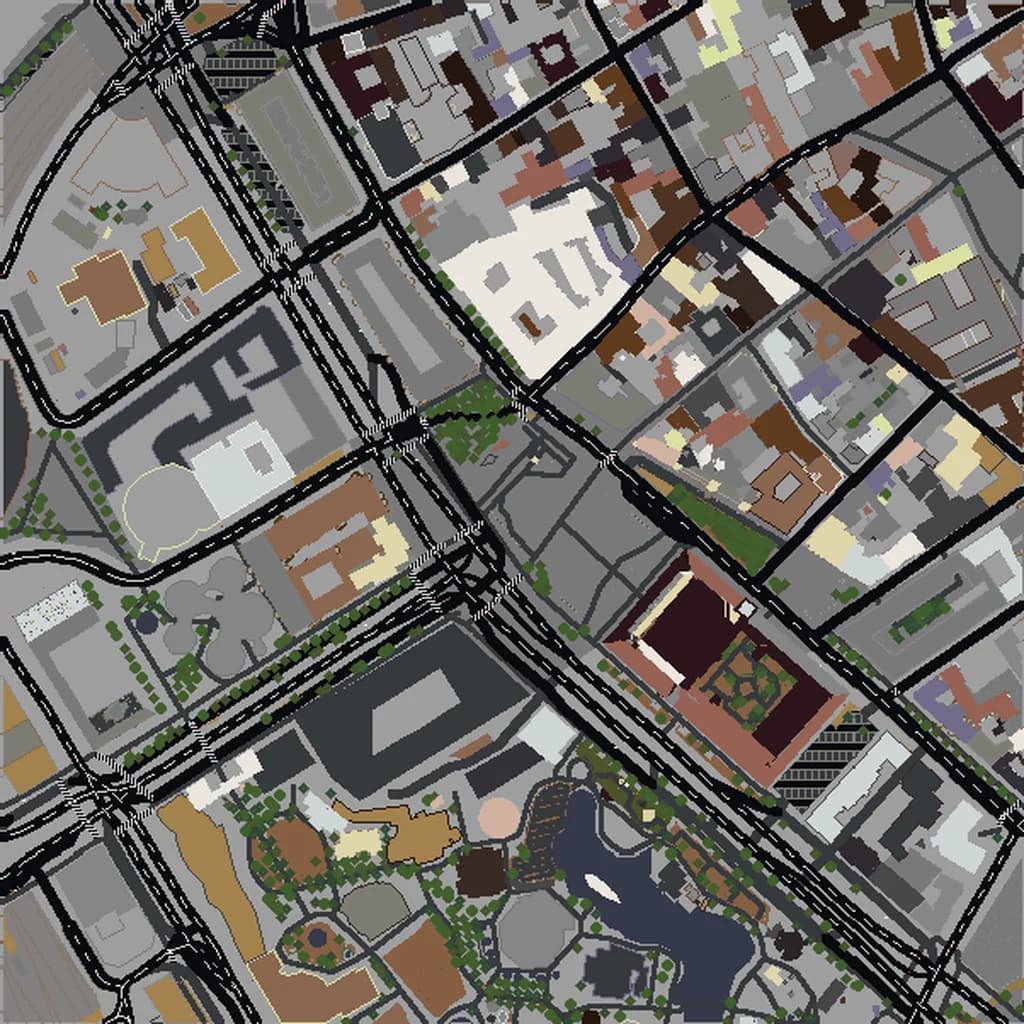
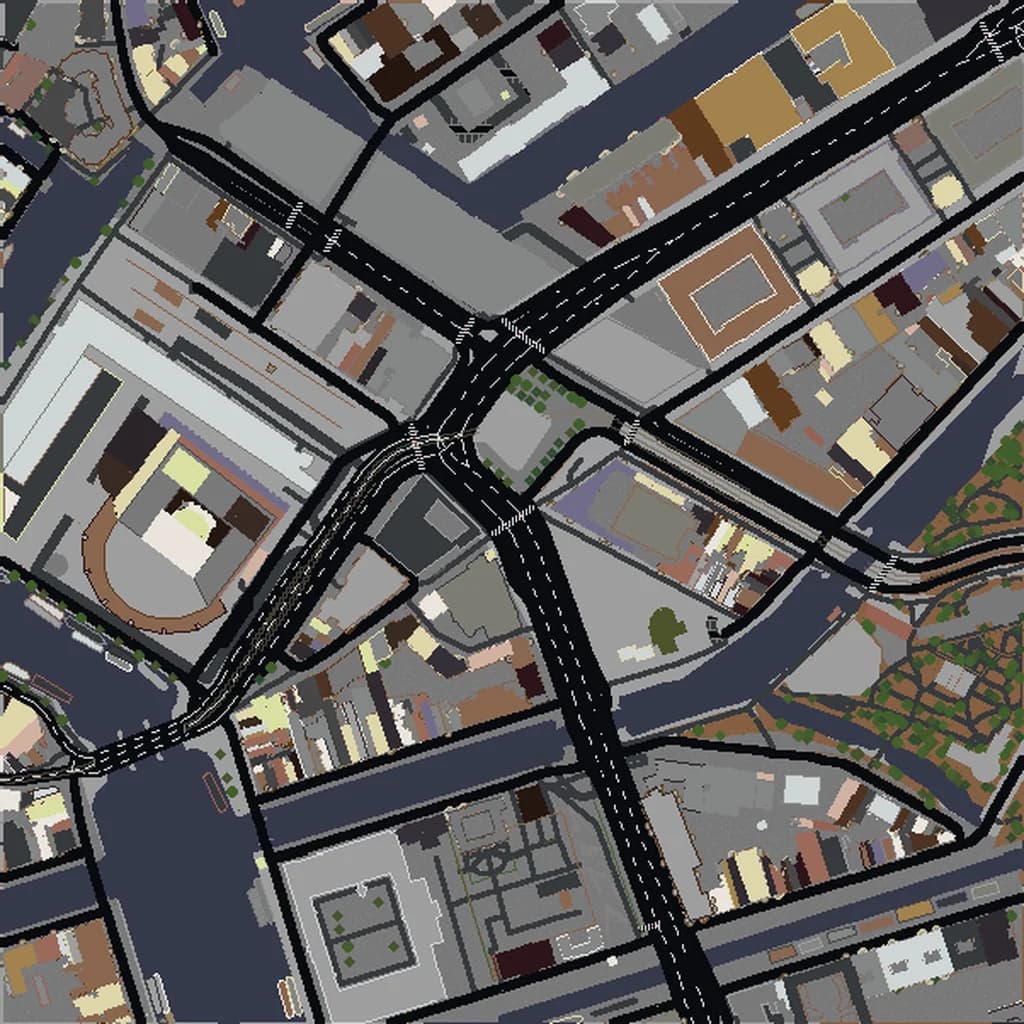
A real-world map gives you the street network, building footprints, parks, water and terrain around a site in a form you can walk through at eye level. It is a fast way to get a feel for an area before a visit, or to show a client how a site sits among its neighbours.
Massing studies
Blocks are a natural medium for rough massing. With the surrounding context in place, you can clear a plot and try out different volumes: a tower against a mid-rise block, a courtyard scheme against a perimeter block, setbacks along a street. At one block per metre, heights and distances are easy to read: a 20-block building is roughly 20 metres tall. It is not a substitute for proper modelling, but it is fast, and anyone in the room can change it.
Public engagement
This is where Minecraft has the strongest track record. The Block by Block programme, started by UN-Habitat and Mojang, has used Minecraft for years in community workshops where residents redesign real public spaces themselves. Participants who would never comment on a planning drawing will happily rebuild a square, add trees and benches, and argue about where the playground should go. Their models then feed into the professional design.
The same approach works at a smaller scale: a workshop at a school or community centre where people walk a model of their own street and suggest changes.
Teaching urban form
Students can compare real cities side by side: the grid and chamfered blocks of Barcelona's Eixample, the radiating boulevards of Paris, the monumental axis of Washington D.C., the canal ring of Amsterdam. Walking them at street level makes density, block size and street width feel concrete. Our article on teaching geography with Minecraft maps has lesson ideas that adapt well to planning courses.
Setting Up a Site Model From Real Data
- Draw the area. On Map2Minecraft, search for the site and pick a size that includes the context you need: usually the site plus a few surrounding blocks, or enough to see the nearest landmarks.
- Set the options. Keep 3D terrain on for sloping sites. The scale setting lets you build at more than one block per metre if you need finer detail on a small area, at the cost of a larger world.
- Check the result. Look around the 3D preview in your browser to make sure the buildings you care about are there.
- Download and open it in Java or Bedrock. Java with WorldEdit is the most practical for professional use, because it lets you clear plots and place volumes precisely. Bedrock suits workshops where participants use tablets or consoles.
- Prepare the site. Clear the plot, mark the boundary with a contrasting block, and protect the surrounding context if participants will be building.
Where the Data Comes From
Building footprints, roads, water and land use come from OpenStreetMap, a collaborative map made by volunteers and published under the Open Database Licence (ODbL). Terrain comes from public elevation data. No satellite photos or commercial map data are used. That has two consequences you should explain to anyone using the model:
- Coverage varies. City centres in Europe, North America and Japan are often mapped building by building. Other areas may have gaps.
- Heights are often estimated. Where OpenStreetMap records a height or number of floors, it is used. Where it does not, height is estimated from the building type. Do not treat the model as a measured survey.
The Honest Limits
Minecraft is a sketch tool, not a design tool. Be clear about what it cannot do:
- Resolution. At one block per metre, anything smaller than a metre disappears or gets rounded. Curves become steps, thin walls become a full metre thick, and facades are simplified to a pattern of wall and window blocks.
- Floor heights. Real storeys are often 3 to 4 metres. In blocks they round to whole numbers, which slightly changes the proportions of tall buildings.
- Build height. Minecraft worlds have a maximum height, so very tall towers cannot always be built at full size at one block per metre.
- No precise export. A Minecraft world is not a CAD or BIM file. You cannot take a massing study back into your design software with accurate dimensions; you will need to remodel it.
- Materials and light. Blocks suggest materials but do not represent them. Shadows in the game are not a sun study.
- Interiors. Generated building interiors are generic floors and rooms, not real layouts.
Used within those limits, it is a quick, cheap way to put a real place in front of people and let them react to it.
Tips for Workshops
- Start each session with a guided walk through the existing site, so participants understand where they are before they change anything.
- Give people a fixed plot and a clear question, such as "what should this corner become?". Open-ended briefs tend to produce castles.
- Take screenshots from the same viewpoints before and after, so different proposals can be compared.
- Record what people say while they build. The conversation is often more useful than the model.
Try It on Your Next Site
Draw a box around your site, pick a size, and walk it in the 3D preview. For background on how footprints and terrain are turned into blocks, read how Map2Minecraft works.
Real city maps to try