For server owners · SMP · City RP

Real-world maps for your
Minecraft server.

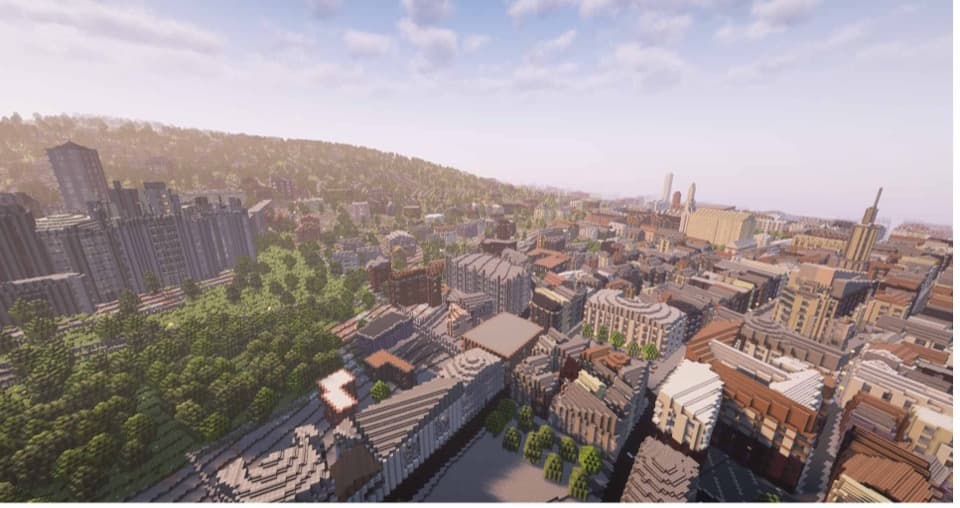
Pick any city on the map and get a playable world of it — real streets, real buildings, real terrain. Built for city roleplay, spawns, hubs and SMP seasons, in Java or Bedrock, up to 100 km² at a time.
World DemoWhat servers build
A real city generated as a Minecraft world, seen from above
Real City RP — Downtown● online
Real streets · Real buildings · Java & Bedrock
Live demo · Walk around Chicago

Try it right now — no download, no signup

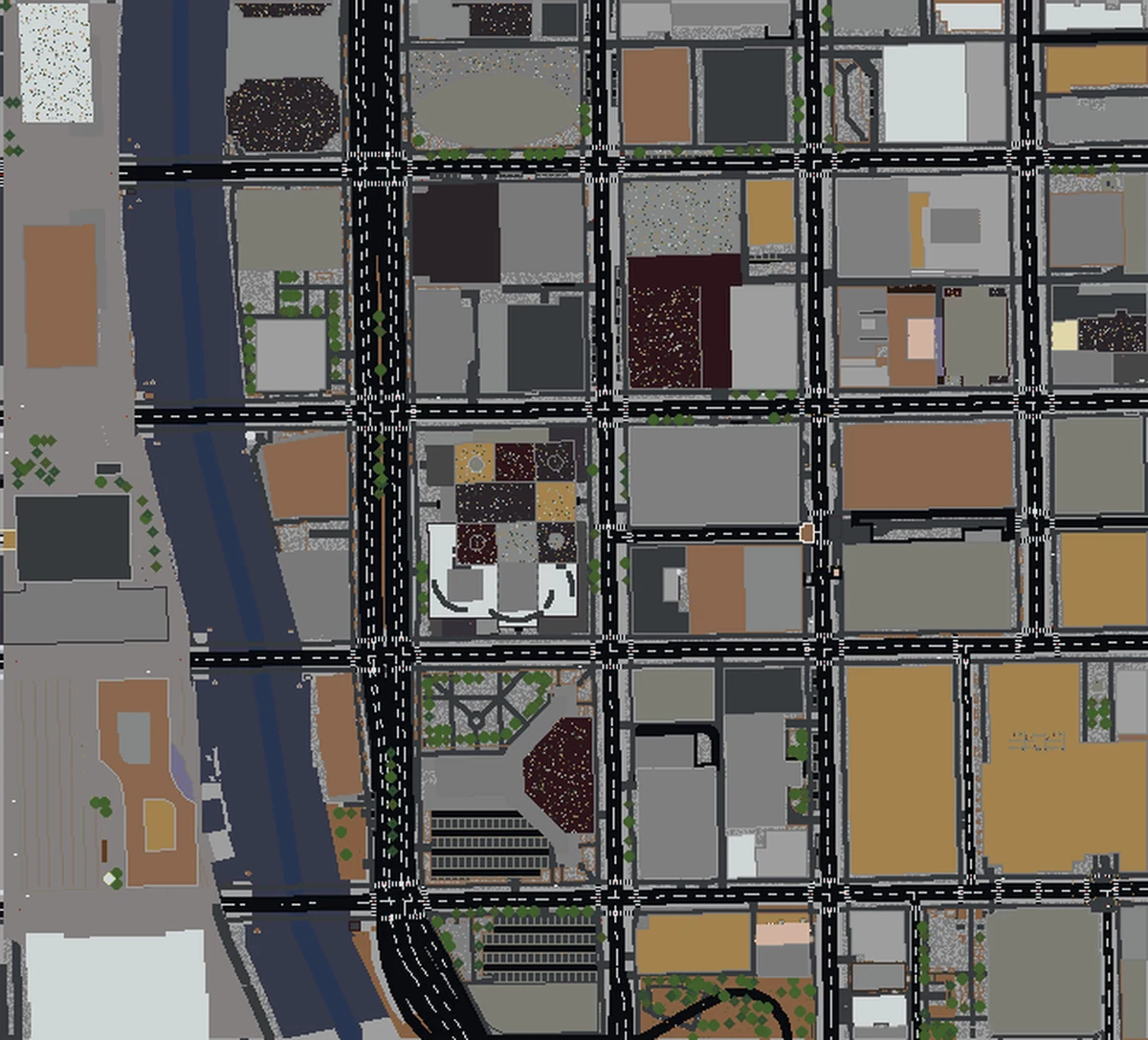
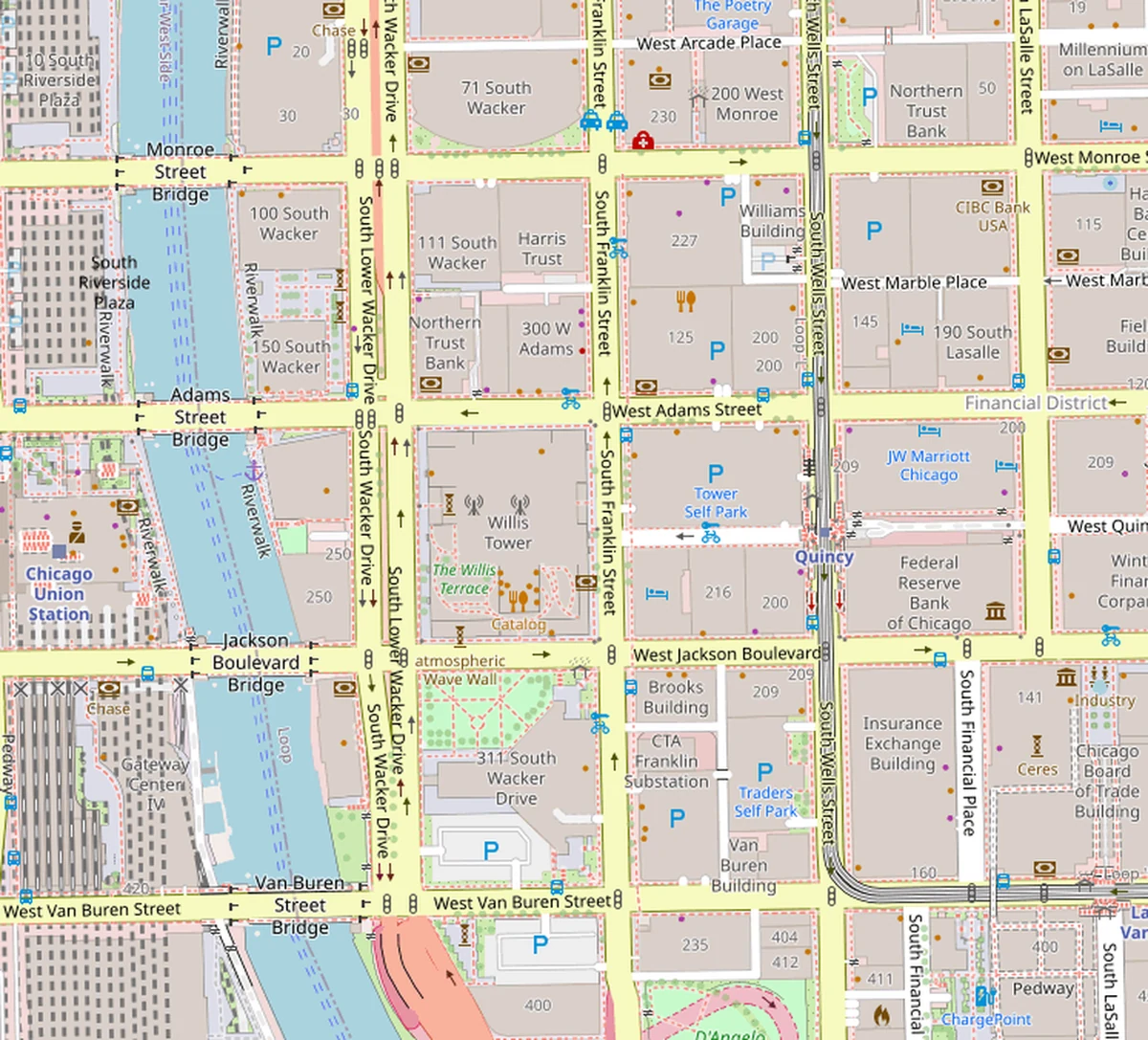
Walk through downtown Chicago — Willis Tower, the Loop, the lakefront — as a real Minecraft world. Drag to rotate, pinch to zoom.

Like what you see? Pick any place on Earth next.

Create your own world
Side-by-side

A real city, ready to host

Drag the slider to compare Manhattan on a real map against the same area generated as a Minecraft world.
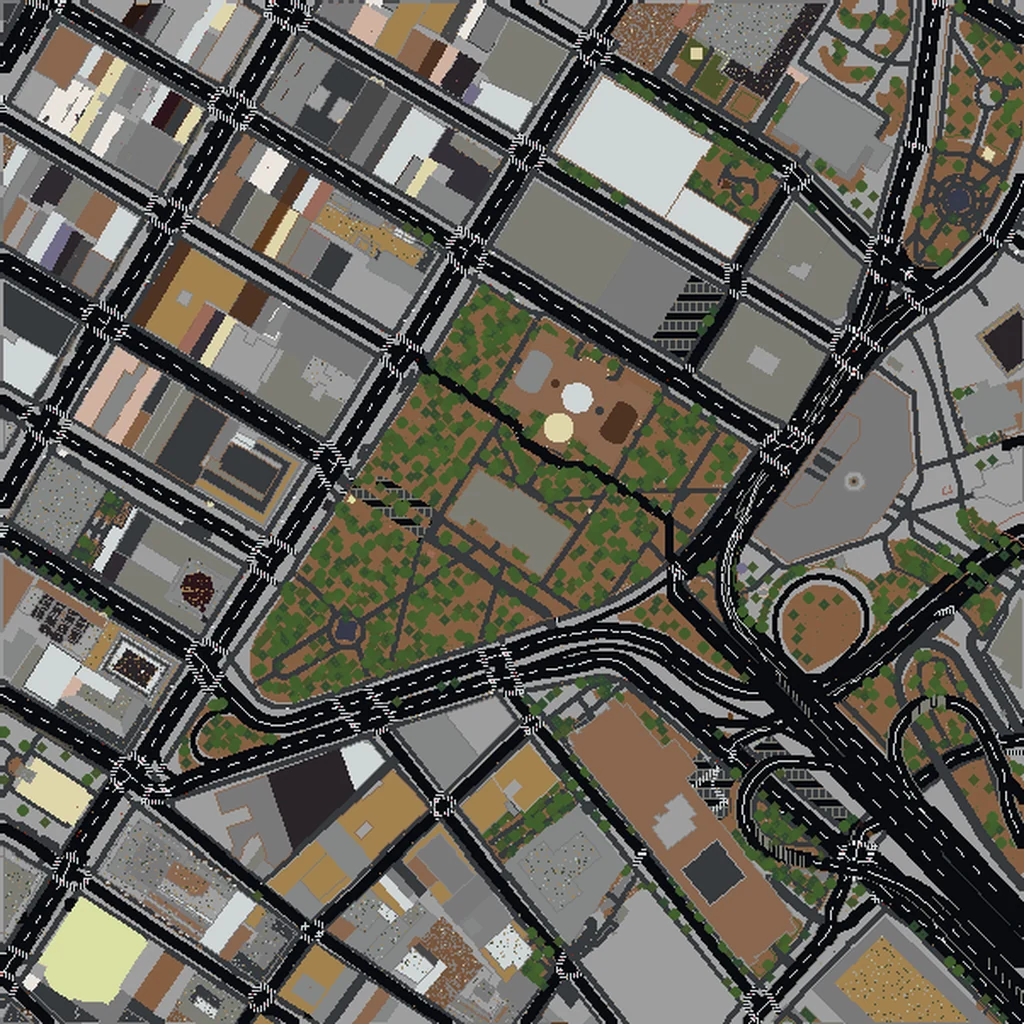
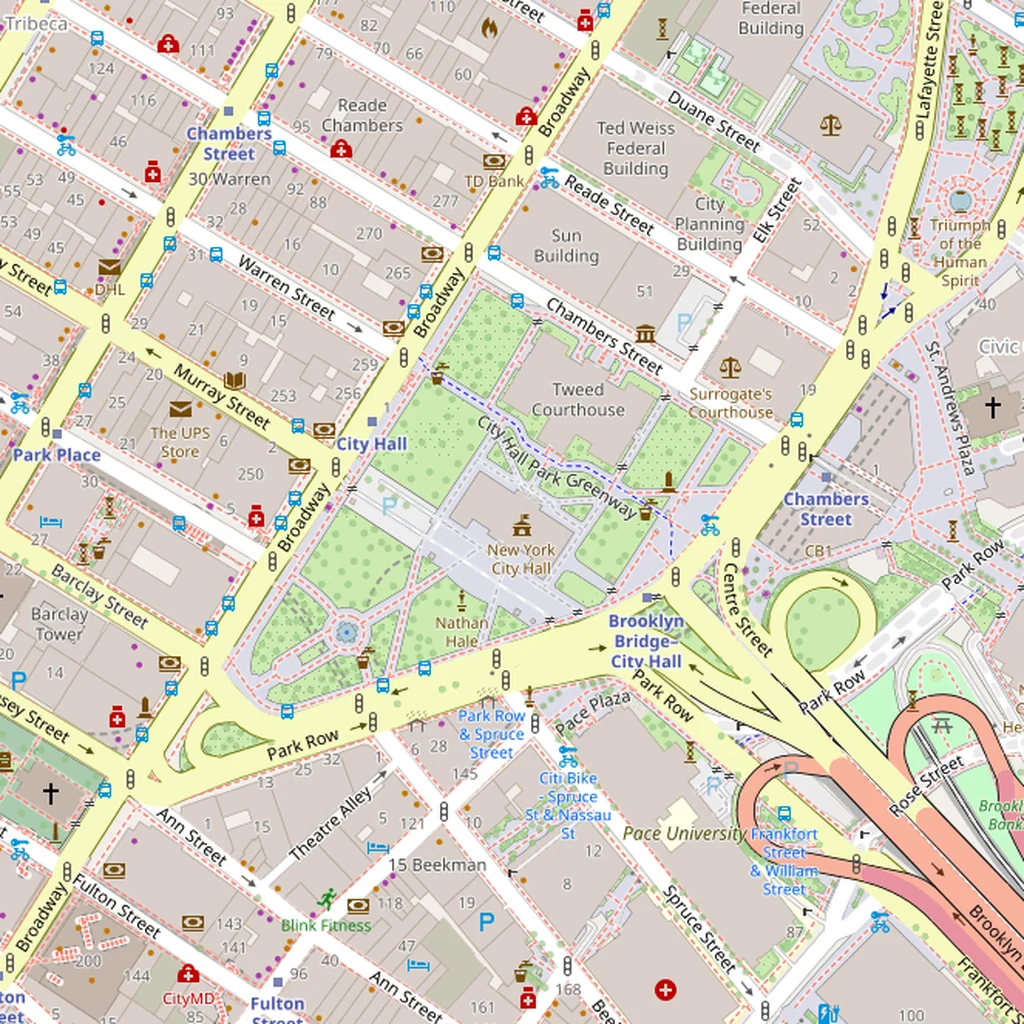
Top-down view of Manhattan generated as a Minecraft worldReal-world map of Manhattan, New York
Real Map
Minecraft
Manhattan: real street grid (left) vs. generated Minecraft world (right)
What servers build on it

A real place is a better starting map

City roleplay maps

Police, fire, taxi, businesses — on a downtown with real street names, real blocks and real distances. Players already know their way around.

Spawns & hubs

Drop new players into a landmark they recognise. A real plaza or square makes a spawn that screenshots itself.

SMP starting towns

Start the season in a real town instead of an empty plains biome. Claim a street, rebuild a block, argue over the bridge.

Events & minigames

Races across a real neighbourhood, hide-and-seek in a city block, capture the flag between two landmarks.

Why Pro

Built for people who make a lot of maps

Unlimited generations
Try five downtowns before you pick one. Rebuild a map for next season. No per-map charge on Pro.
Up to 100 km² per world
At 1 block ≈ 1 m that's up to roughly 10,000 × 10,000 blocks — a whole city core in one world.
Java & Bedrock
Java worlds for Paper, Spigot, Fabric and vanilla servers; .mcworld for Bedrock Dedicated Server and Realms.
Regenerate any time
Lost the file or wrecked a test build? Generate the same area again — it's free on Pro.

One plan for every map you'll make

Cancel any time from the billing portal.

Pro Monthly
Month to month
$49/ mo
  • Unlimited generations
  • Up to 100 km² per world (~10,000 × 10,000 blocks)
  • Java & Bedrock downloads
  • Regenerate any area, free
Pro Annual
Save 49% vs monthly
$299/ yr
  • Unlimited generations
  • Up to 100 km² per world (~10,000 × 10,000 blocks)
  • Java & Bedrock downloads
  • Regenerate any area, free

Just need one world? Pay once per map — no subscription.

Scale
1 block ≈ 1 m
Real distances
Java
1.21.4+
Paper · Spigot · Fabric
Bedrock
1.21+
BDS · Realms
Data
OpenStreetMap
Live extract per world

Server owner Q&A

How do I put the world on my server?
Java: unzip the download, copy the world folder into your server directory, and point level-name in server.properties at it (or replace your existing world folder). Bedrock Dedicated Server: a .mcworld is a zip — extract it into worlds/<name> and set level-name to match. Realms: upload it from your local worlds like any other save.
Which Minecraft versions does it work with?
Java worlds are written in the 1.21.4 format, so they load on 1.21.4 and newer — Paper, Spigot, Purpur, Fabric and vanilla. Newer versions upgrade the world on first load; older servers can't load it. Bedrock worlds target 1.21 and newer.
How big can a server map be?
Pro generates up to 100 km² in a single world. Most maps are ready in a few minutes; the very largest areas take much longer to build — plan on an hour or more for a full 100 km².
Can I use it on a public or monetized server?
Yes — the world file is yours to use. The map data comes from OpenStreetMap (ODbL), so keep a credit such as "Map data © OpenStreetMap contributors" somewhere players can see it: a sign at spawn, your website, or your server's info page. Selling ranks or perks on your server is governed by Mojang's Minecraft Usage Guidelines, the same as with any other map.
Can I edit the world after it's generated?
Yes. It's a standard Minecraft world — use WorldEdit, Axiom or any editor, and build on top of it. Most servers treat it as the base layer: real streets and footprints first, custom builds where it matters.
Are the buildings hollow?
No — generated interiors are on by default, so buildings have floors and rooms rather than empty shells. RP servers usually customise the few buildings their gameplay revolves around.

Your next map is a real place.

Pick a city. Generate. Open the server.

Try one map first