Turn any place on Earthinto a Minecraft world
Pick a spot on the map and we build a Minecraft world from it — real buildings, real streets, real terrain. Java & Bedrock.
Free preview of any area · from $5
See examples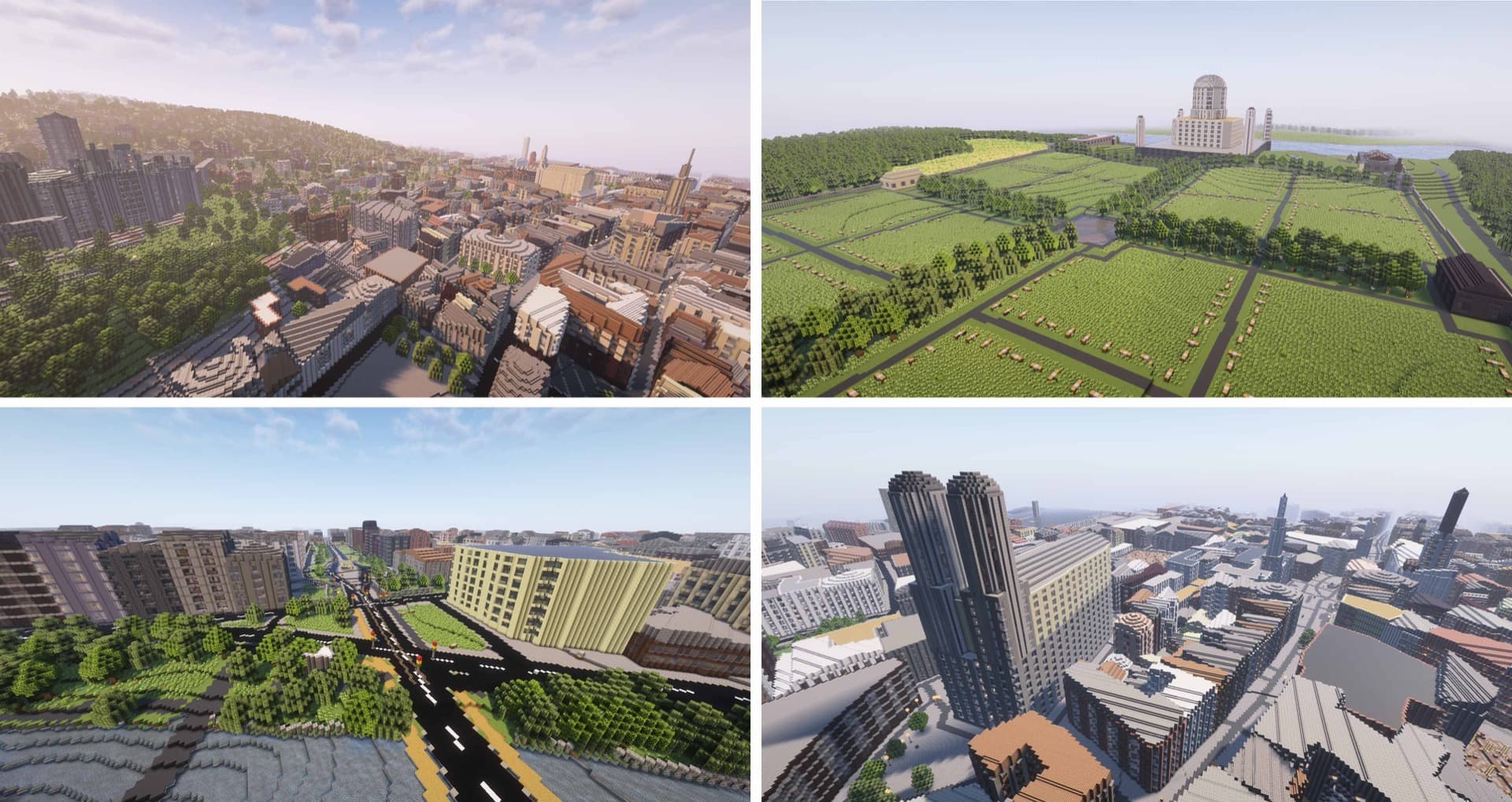
Try it right now — no download, no signup
Downtown Chicago — Willis Tower, the Loop, the Chicago River — as a real Minecraft world, right in your browser. Walk the streets, step inside the buildings, or fly over the rooftops.
Like what you see? Pick any place on Earth next.
Create your own worldReal cities, block-for-block
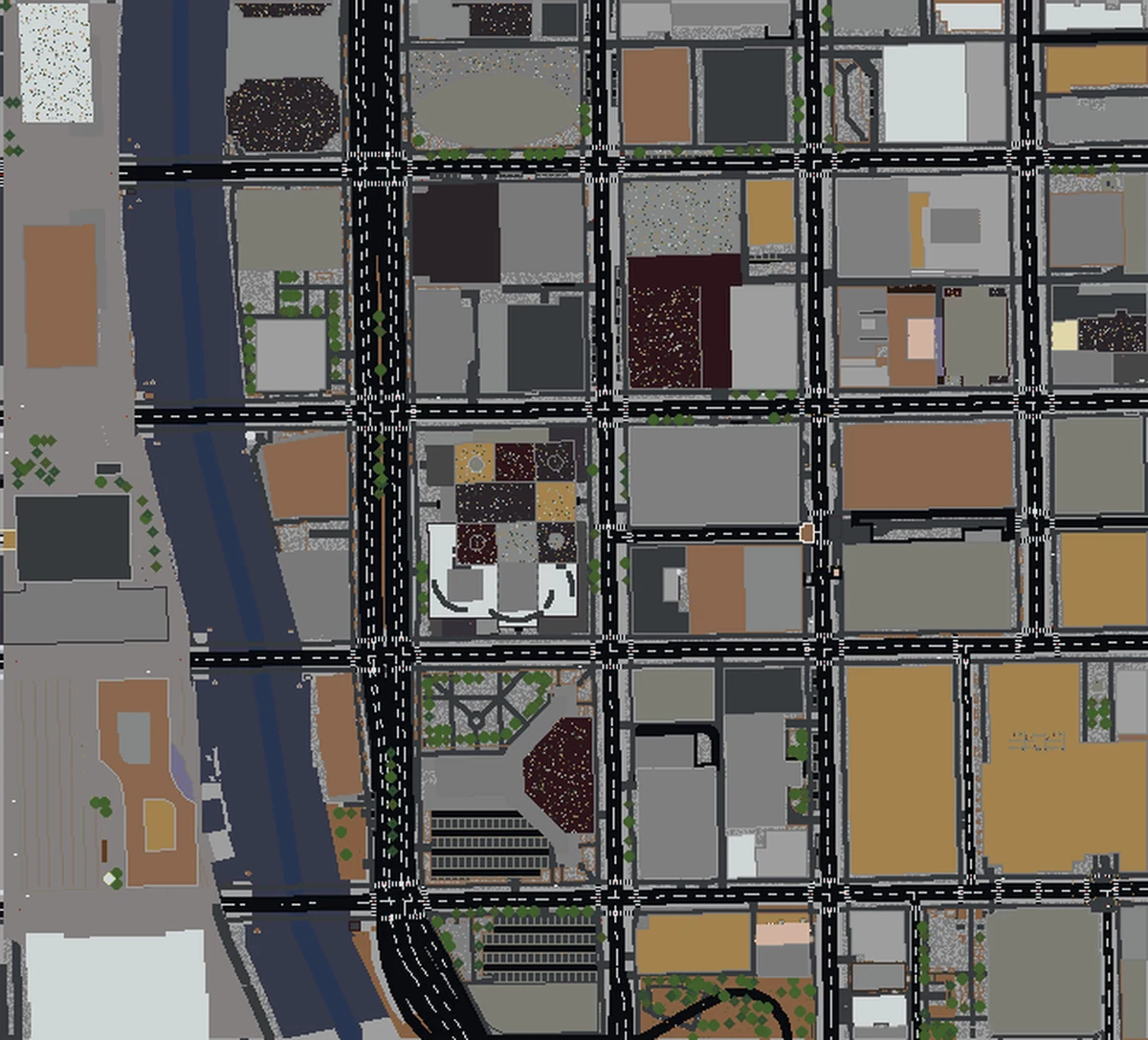
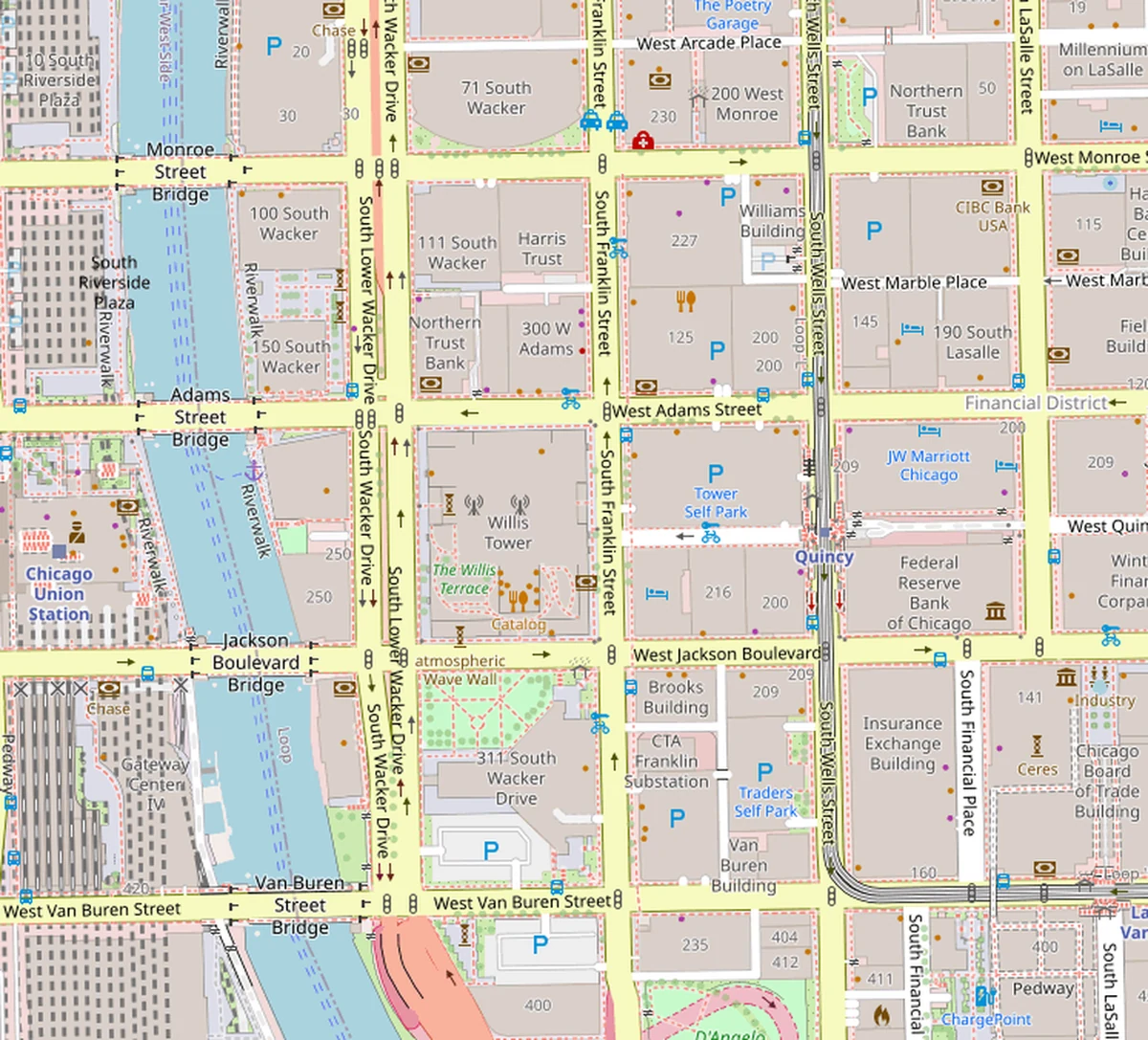
Drag the slider to compare downtown Chicago on a real map against the same area generated as a Minecraft world. Buildings, roads, and the river all in their real positions.
What a Real-World Minecraft World Looks Like
Every building, road, and park from OpenStreetMap — transformed into a playable Minecraft world with real elevation data.
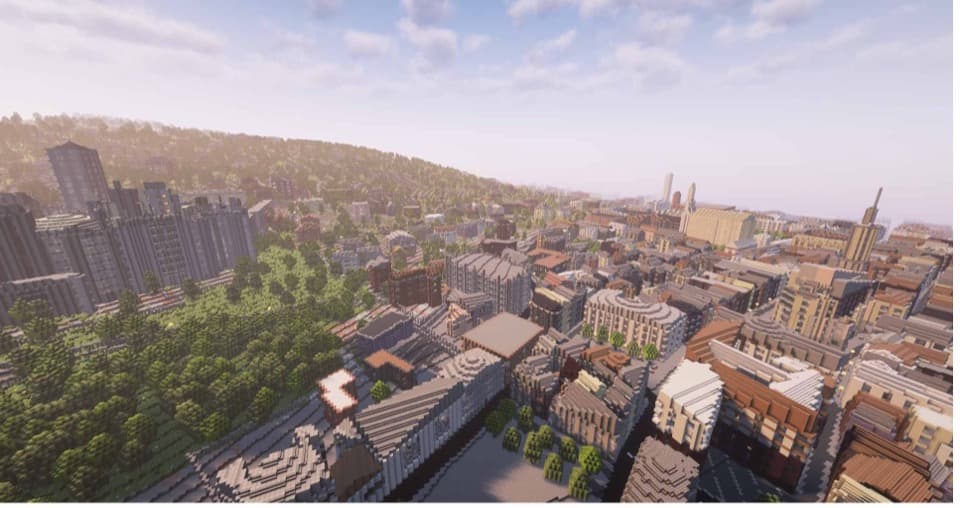
Historic City Center
Dense streets, churches, and brick row houses faithfully recreated block by block.
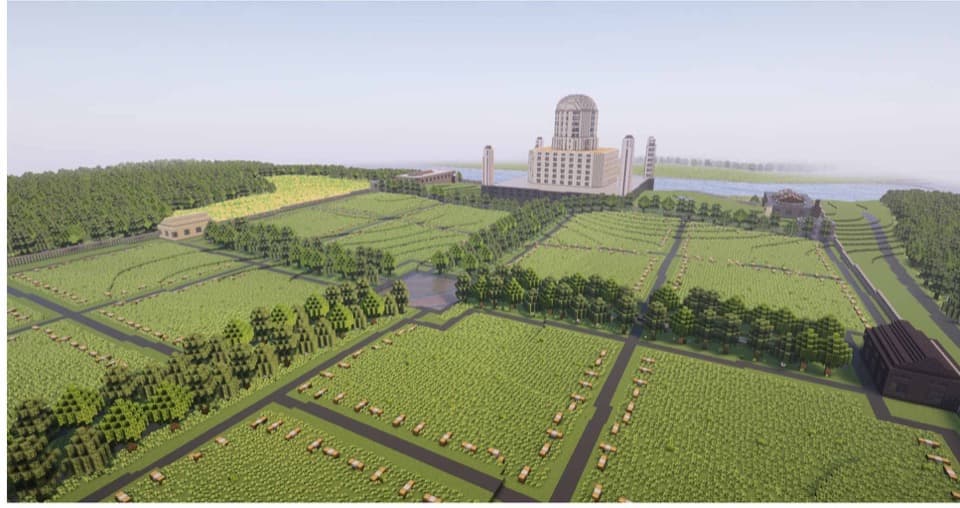
Parks & Countryside
Open fields, tree lines, and landmarks surrounded by lush terrain.
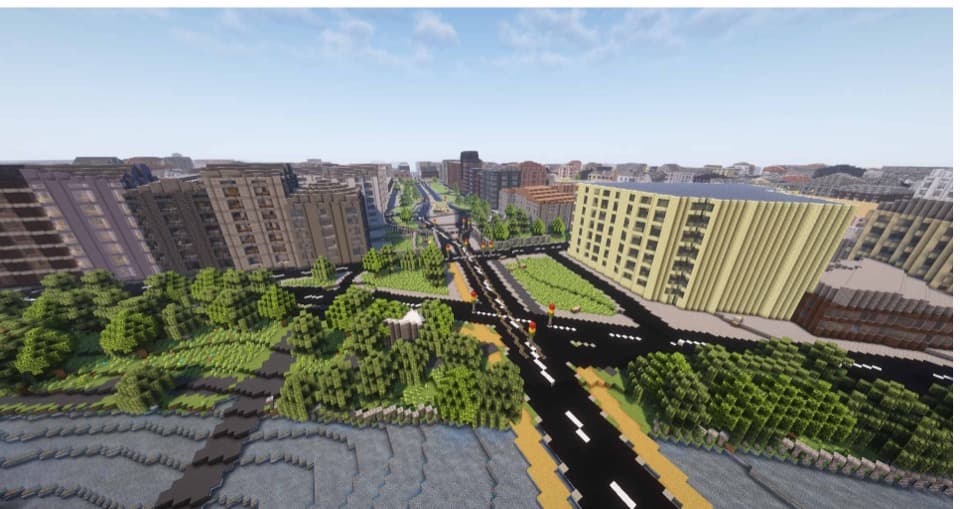
Urban Intersections
Wide boulevards, traffic circles, and mixed-use buildings at true scale.
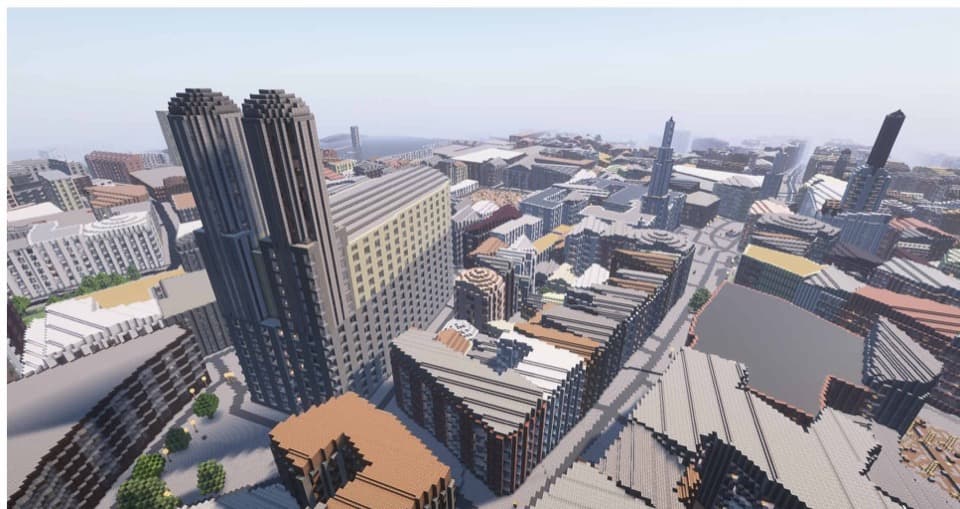
Downtown Skyline
Skyscrapers, office towers, and dense high-rises reaching into the clouds.
Popular cities
Ready-to-generate worlds for iconic places
How It Works
Select Location
Search a city, landmark or address, pick a world size, then drag and zoom the map until your area fills the frame.
Generate World
Our engine converts OpenStreetMap data into a detailed Minecraft world with buildings, roads, and terrain.
3D Preview
Explore an interactive 3D preview of your generated world before purchasing. Rotate, zoom, and inspect.
Download & Play
Get your world as a ready-to-play file for Java or Bedrock Edition. Drop it in your saves folder and go.
Pricing
Pay per map for one-offs, or go Pro: worlds up to 100 km² and unlimited generations, all month.
Cancel anytime · Java & Bedrock · Powered by OpenStreetMap
- Under 1 km² · $5
- 1–5 km² · $10
- 5–25 km² · $20
- Java & Bedrock formats
- Instant download
- Worlds up to 100 km² (Bedrock up to 40 km²)
- Unlimited generations — no per-map charge
- Java & Bedrock formats
- Cancel anytime
- Everything in Pro Monthly
- Effectively $24.92/mo
- One charge, twelve months
- Cancel anytime via Stripe portal
Already a Pro subscriber?
Enter the email you subscribed with to unlock free downloads on this device — no need to pay again.
Frequently Asked Questions
Can I download a real city as a Minecraft map?
Is Map2Minecraft free?
How do I turn a real-world location into a Minecraft world?
What file format do I get?
Do I need any mods?
How long does generation take?
What data is used to build the world?
Can I use the world on a Minecraft server?
Can I preview before buying?
Ready to Build Your World?
Pick any place on Earth and turn it into a Minecraft masterpiece in minutes.
Start CreatingFree preview of any area · from $5