Teach geography
the way students want to learn it
Generate any city on Earth as a Minecraft world and walk your class through it. Urban scale, cartography, comparative geography — taught in the medium they already spend their free time in.
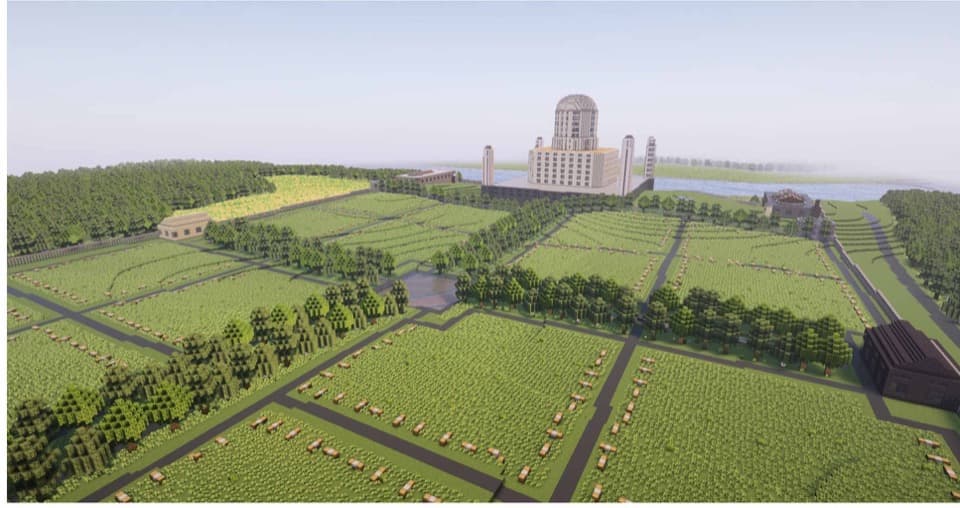
Try it right now — no download, no signup
Downtown Chicago — Willis Tower, the Loop, the Chicago River — as a real Minecraft world, right in your browser. Walk the streets, step inside the buildings, or fly over the rooftops.
Like what you see? Pick any place on Earth next.
Create your own worldReal cities, block-for-block
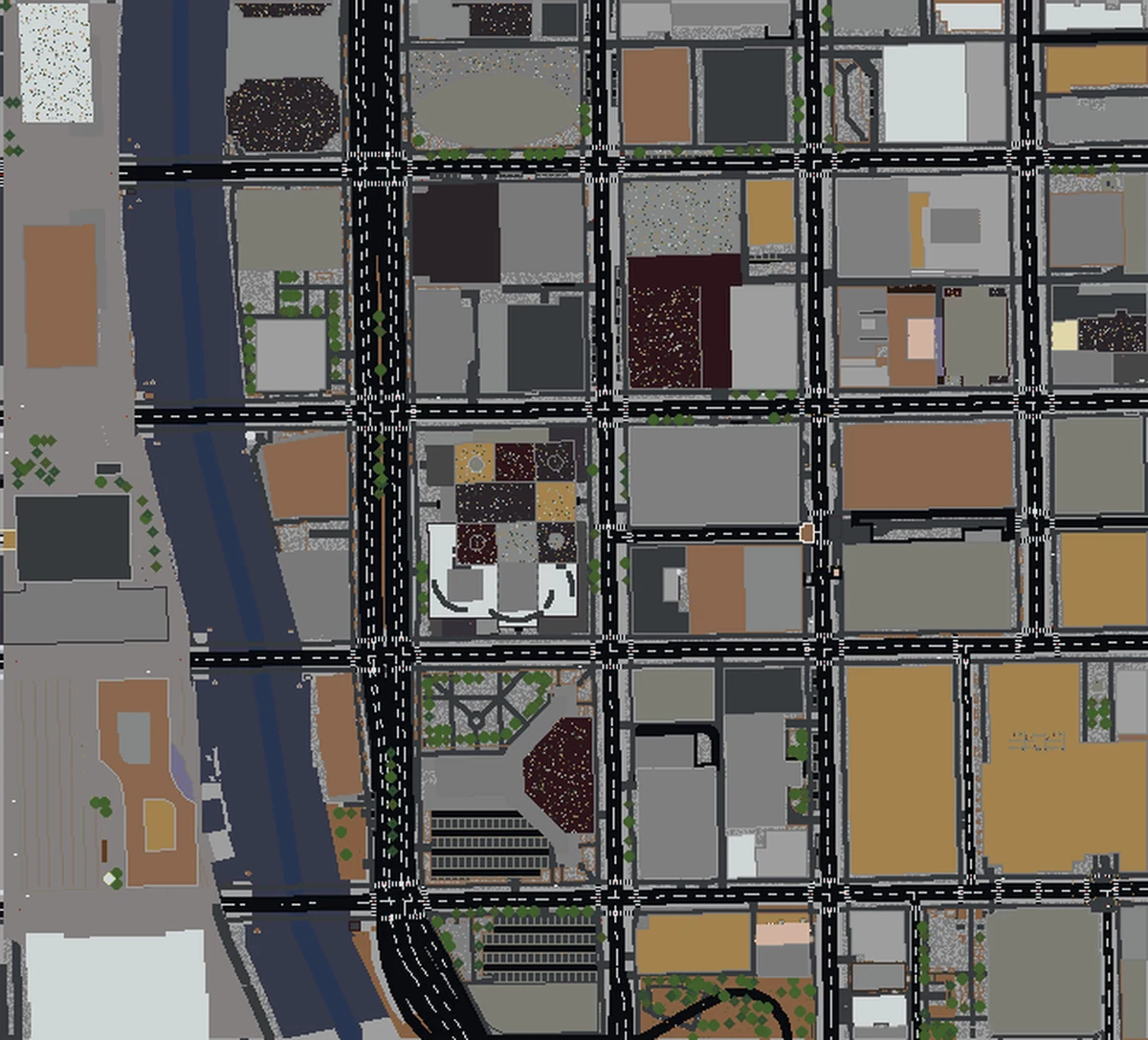
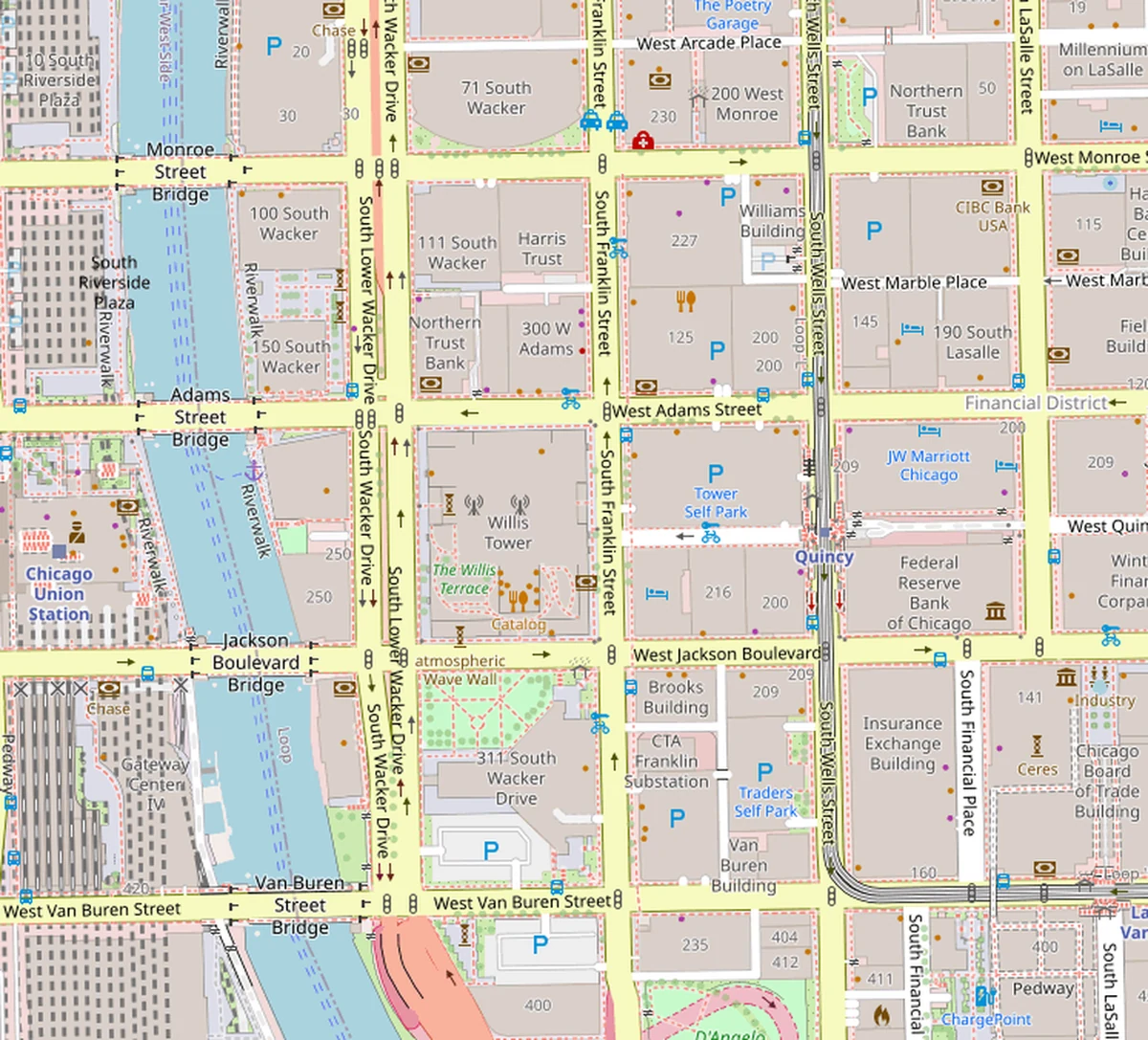
Drag the slider to compare downtown Chicago on a real map against the same area generated as a Minecraft world.
Three learning outcomes, one medium
Spatial reasoning & scale
Walking through a 1:1 city turns abstract concepts like 'a kilometer' or 'city block' into lived experience. Students intuit urban scale in minutes.
Cartography & data literacy
Every building and road comes from OpenStreetMap — an open-source, community-maintained dataset. A natural entry point for talking about what maps are and who makes them.
Comparative urban geography
Generate a gridded city, a medieval European city, and a car-dependent suburb side by side. Students see the differences in form because they can walk them.
Starter lesson ideas
Four ready-to-adapt prompts by grade level. Pick one, generate the city, run the activity.
"Find home" tour
Generate your town. Students find their street, school, and favorite park — then annotate what's missing or different. Great intro lesson for understanding what a map records.
Two cities compared
Generate Amsterdam and Phoenix. Have students walk both for 15 minutes and write about street width, density, and what kind of daily life each city seems to be built for.
Urban form and policy
Pair the generated map with a research prompt: why does this city look this way? Students investigate zoning, transit history, or colonization as historical forces that shaped the form they're walking through.
GIS / planning studio
Use as a low-friction visualization layer alongside traditional GIS coursework. Students can prototype site choices in a shared explorable world instead of flat slides.
A 10-minute classroom setup
Educator questions
Do students need individual licenses or accounts?
Does it work with Minecraft: Education Edition?
What's an appropriate size for a class activity?
Can I expense this through a school budget?
Is this appropriate for younger students?
Your next geography lesson, in Minecraft
One-time purchase. No subscription. School receipt included.
Generate Your First City