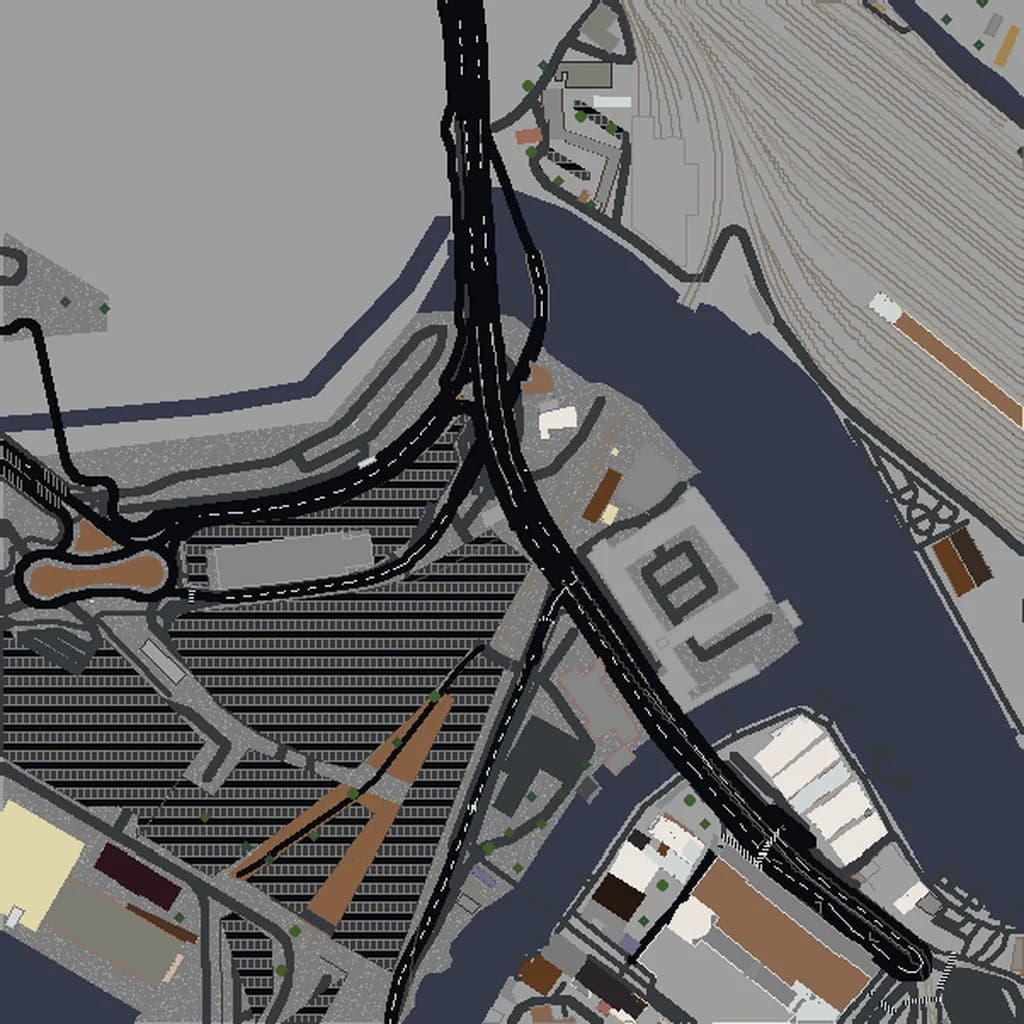
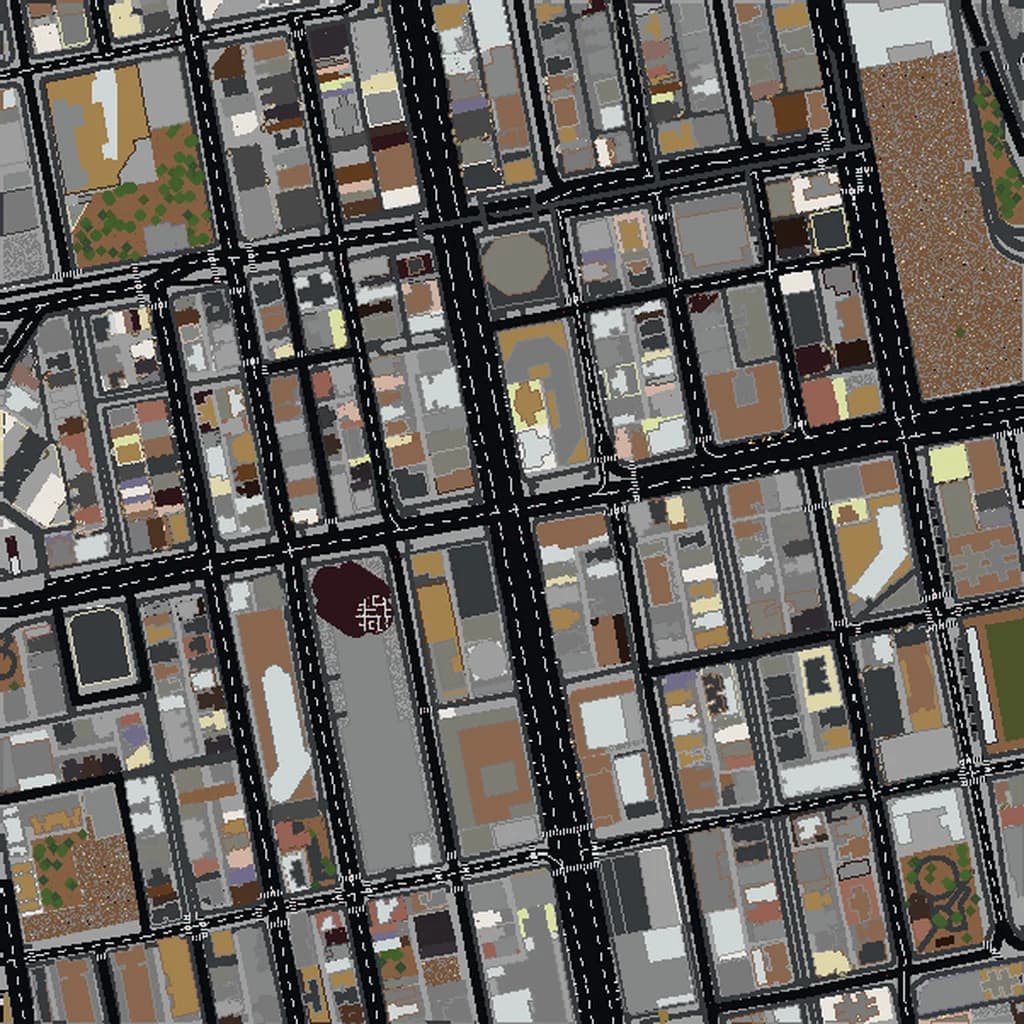
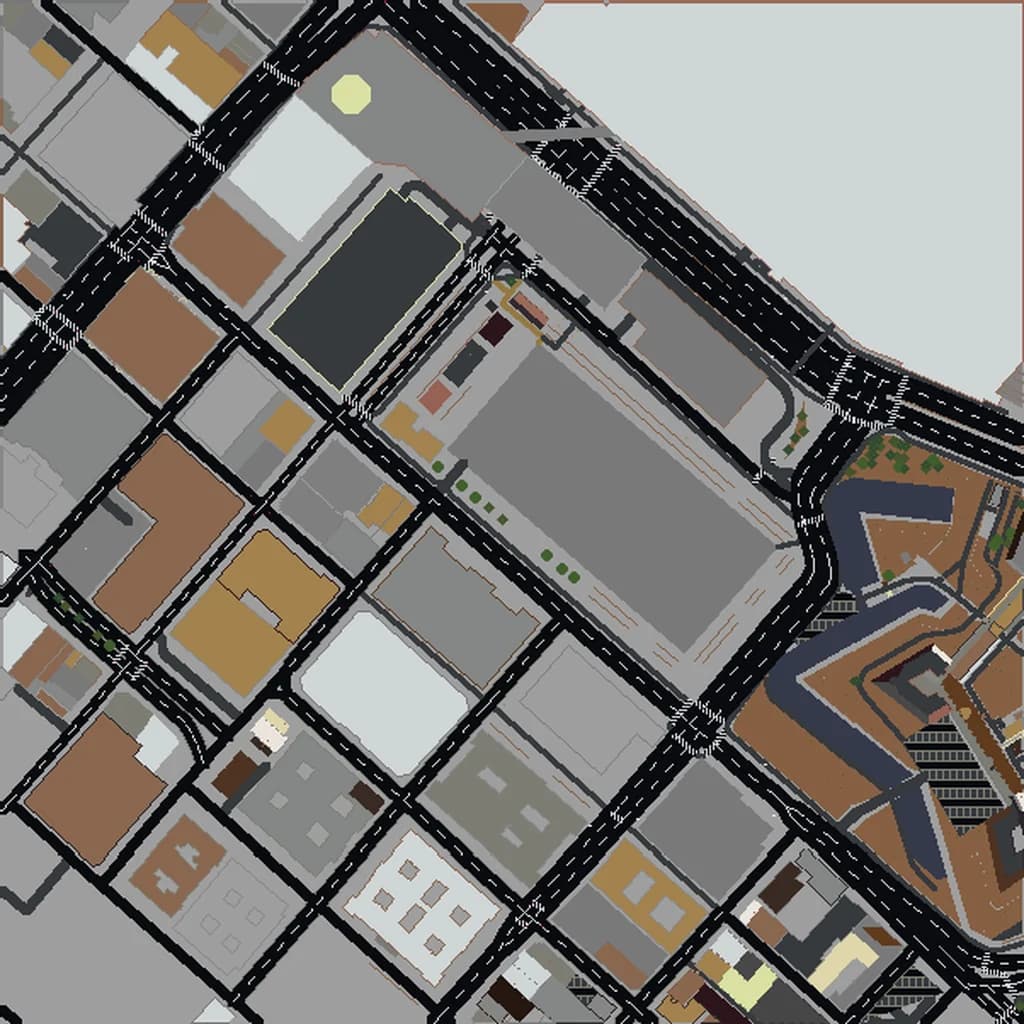
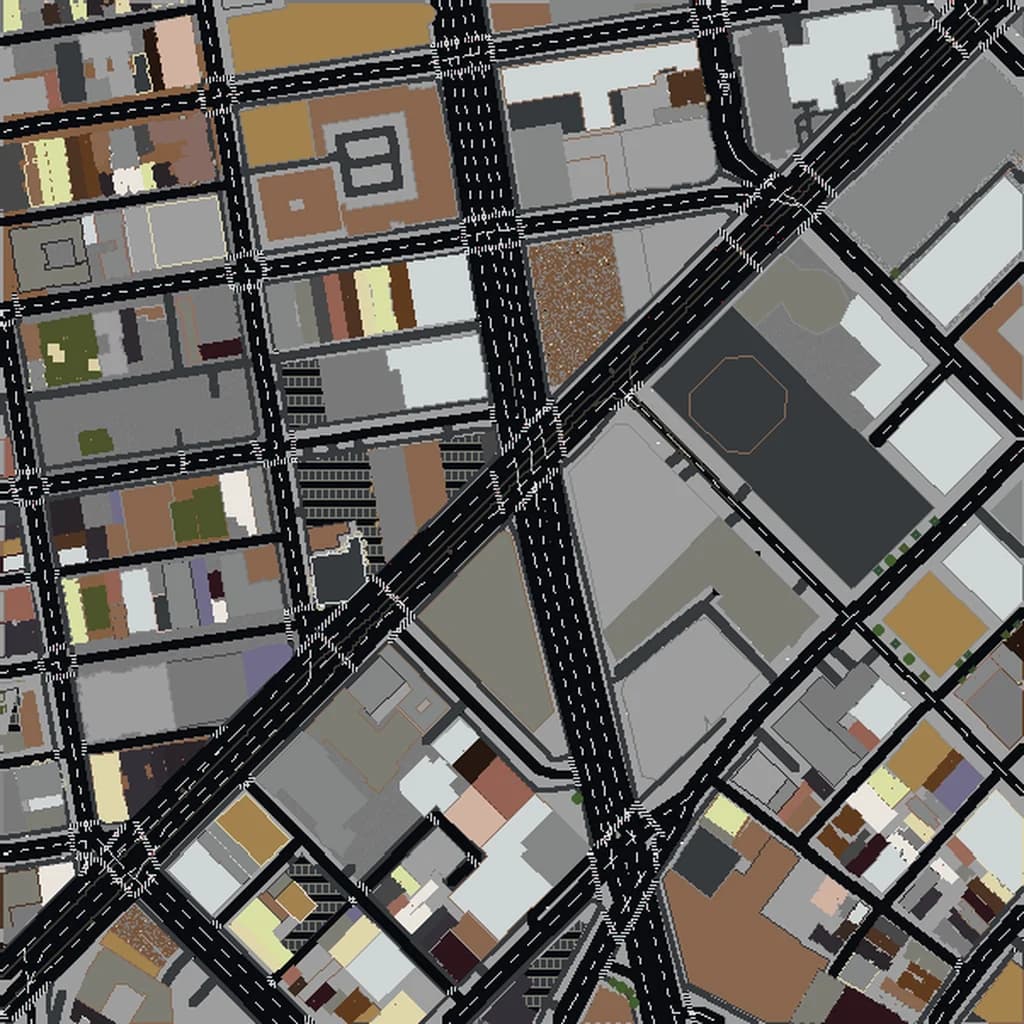
How We Convert Real Maps Into Minecraft Worlds
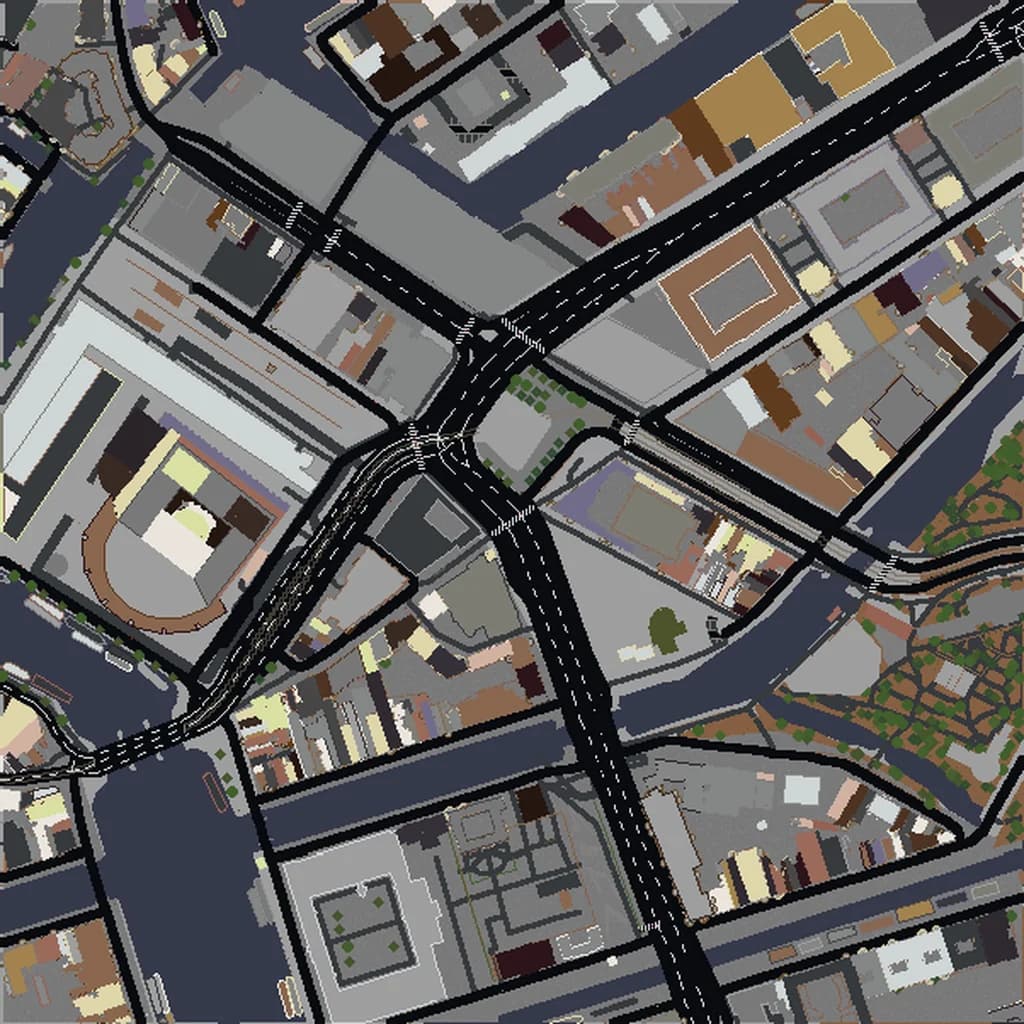
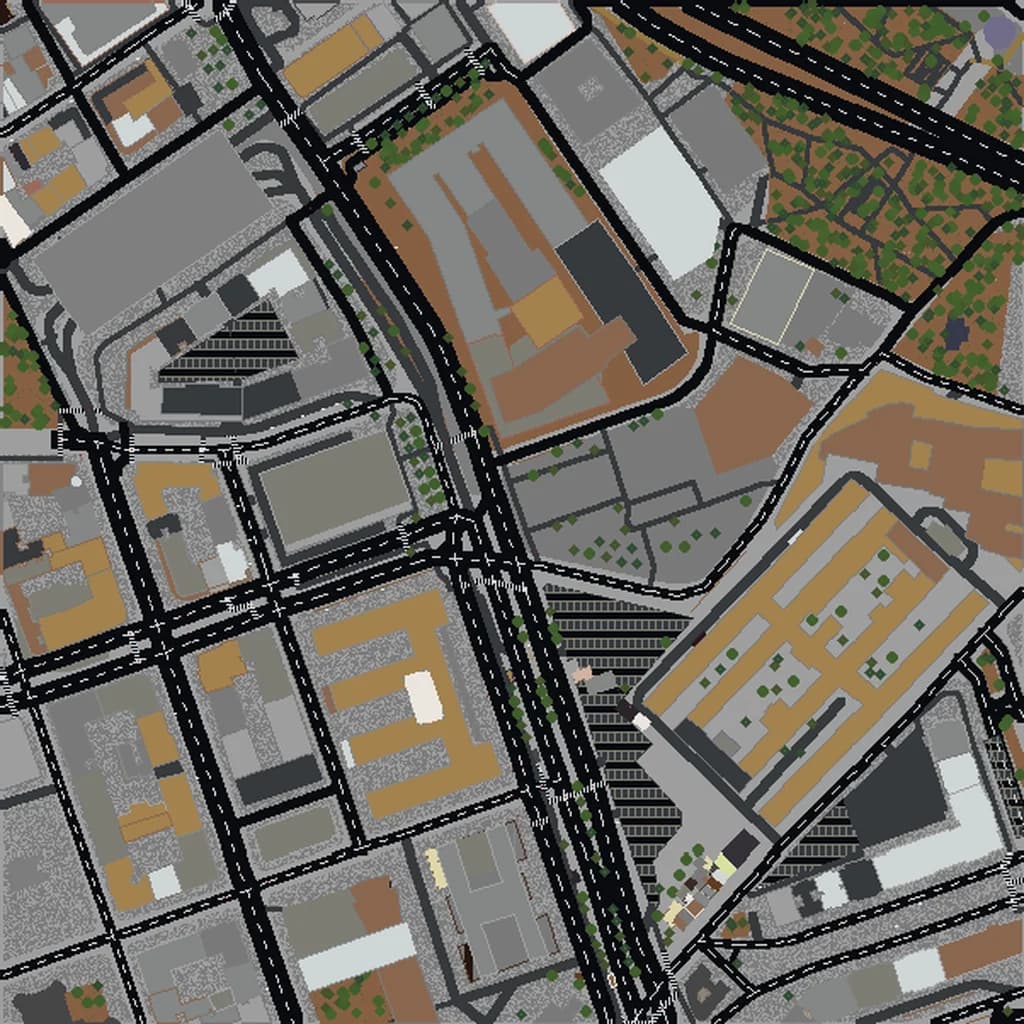
When you select an area on Map2Minecraft and click generate, a lot happens behind the scenes before you receive a playable Minecraft world. We take real geographic data — the same data that powers apps like OpenStreetMap, hiking maps, and navigation tools — and translate it into Minecraft blocks. Here is how the entire pipeline works.
Step 1: Extracting Data from OpenStreetMap
Everything starts with OpenStreetMap (OSM), a collaborative, open-source map of the entire world. Think of it as the Wikipedia of maps — millions of contributors worldwide add and update geographic features including buildings, roads, parks, rivers, land use zones, and much more.
When you select a bounding box on our map interface, we query the OSM database for every feature within that area. This includes:
- Building footprints — the outline and sometimes the height of every structure.
- Roads and paths — highways, residential streets, footpaths, and cycling lanes, each tagged with their type and width.
- Water features — rivers, lakes, canals, coastlines, and fountains.
- Land use — parks, forests, farmland, residential areas, commercial zones, and industrial areas.
- Railways and transit — train tracks, stations, and tram lines.
- Natural features — trees, beaches, cliffs, and wetlands.
The richness of the generated world depends directly on the quality of OSM data in that area. Cities in Europe, North America, and Japan tend to have extremely detailed data — sometimes down to individual park benches and mailboxes. More remote areas may have less detail, but the terrain and major features are almost always present.
Step 2: Elevation and Terrain Modeling
Flat maps are boring. To make worlds feel real, we overlay digital elevation model (DEM) data onto the map. This data comes from satellite-based radar measurements and gives us the height of the ground at every point in the selected area.
We use this elevation data to shape the Minecraft terrain, creating hills, valleys, river banks, and coastal cliffs. Cities like San Francisco and Rio de Janeiro, with their dramatic elevation changes, produce worlds with genuinely exciting topography. Flat cities like Amsterdam still benefit from subtle elevation work along canals and waterways.
The elevation data is normalized to fit Minecraft's build height limits while preserving relative differences. A city with 200 meters of elevation range will have proportionally correct hills and valleys, scaled to work within the game's vertical space.
Step 3: Feature-to-Block Mapping
This is the core translation step — deciding which Minecraft block represents each real-world feature. Our mapping system handles thousands of OSM tag combinations:
- Buildings become structures with stone, concrete, or brick walls depending on their tagged material. Heights are estimated from OSM tags or, when unavailable, from building type (a church is taller than a house, a skyscraper taller than both).
- Roads are laid in gray concrete or stone slabs, with width varying by road classification. Major highways are wider than residential streets.
- Water becomes water source blocks, with rivers and canals properly channeled using terrain shaping.
- Parks and grass use grass blocks, with trees placed using Minecraft's tree models based on species tags when available.
- Railways become actual Minecraft rail blocks on gravel beds.
- Beaches use sand, farmland uses tilled earth, forests use combinations of grass, dirt, and dense tree placement.
The goal is not photorealism — it is recognizability. When you load up London and stand at the bend in the Thames near Tower Bridge, you should immediately know where you are, even though everything is made of cubes.
Step 4: The Rust Generation Engine
All of this processing is handled by a custom engine written in Rust. We chose Rust for its combination of speed and memory safety — generating a Minecraft world from map data is computationally intensive, and Rust lets us process millions of geographic features quickly without the risk of crashes from memory issues.
The engine is based on the open-source arnis project, which we have extended and optimized for production use. The generation pipeline runs in parallel across multiple CPU cores, processing different chunks of the world simultaneously. A typical medium-sized city world generates in under a minute; larger areas take a few minutes.
The engine outputs standard Minecraft world files — the Anvil format for Java Edition, with proper chunk structures, block palettes, and lighting data. We then run a separate conversion step to produce a Bedrock Edition compatible version using the LevelDB-based format that Bedrock expects.
Step 5: Post-Processing and Quality Checks
After the initial generation, we run several post-processing steps:
- Lighting recalculation — ensuring that indoor spaces, tunnels, and covered areas have correct light levels so the world looks right when loaded.
- Spawn point placement — we set the player spawn to a sensible location, typically near the center of the mapped area on a road or open space.
- World metadata — the world name, game rules, and settings are configured so the world is immediately playable without adjustment.
- File packaging — the Java Edition world is zipped, and the Bedrock Edition world is packaged as a
.mcworldfile for easy one-click import.
What About Accuracy?
Every generated world is an approximation. We are translating a continuous, complex real world into a discrete grid of one-meter cubes. Some things translate well — street layouts, building footprints, parks, and waterways are typically very accurate. Other things are necessarily simplified — curved facades become stepped edges, and interior building details are not included since OSM rarely contains indoor mapping data.
The scale is roughly one Minecraft block equals one real-world meter, which means a 500-meter-wide area becomes 500 blocks wide. This keeps proportions feeling natural when you walk through the world. A city block takes about as long to walk in Minecraft as it would in real life.
Try It Yourself
The best way to understand the process is to see the result. Pick any location on Earth, select your area size, and generate a world. Every world gets a free 3D preview; paid worlds start at $5 for a small neighborhood, and you choose Java or Bedrock before it generates. Every world is a unique snapshot of a real place, frozen in blocks.
Curious about which locations work best? Check out our list of the 10 best cities to explore in Minecraft, or read our import guide to learn how to load your world once it is ready.
Real city maps to try