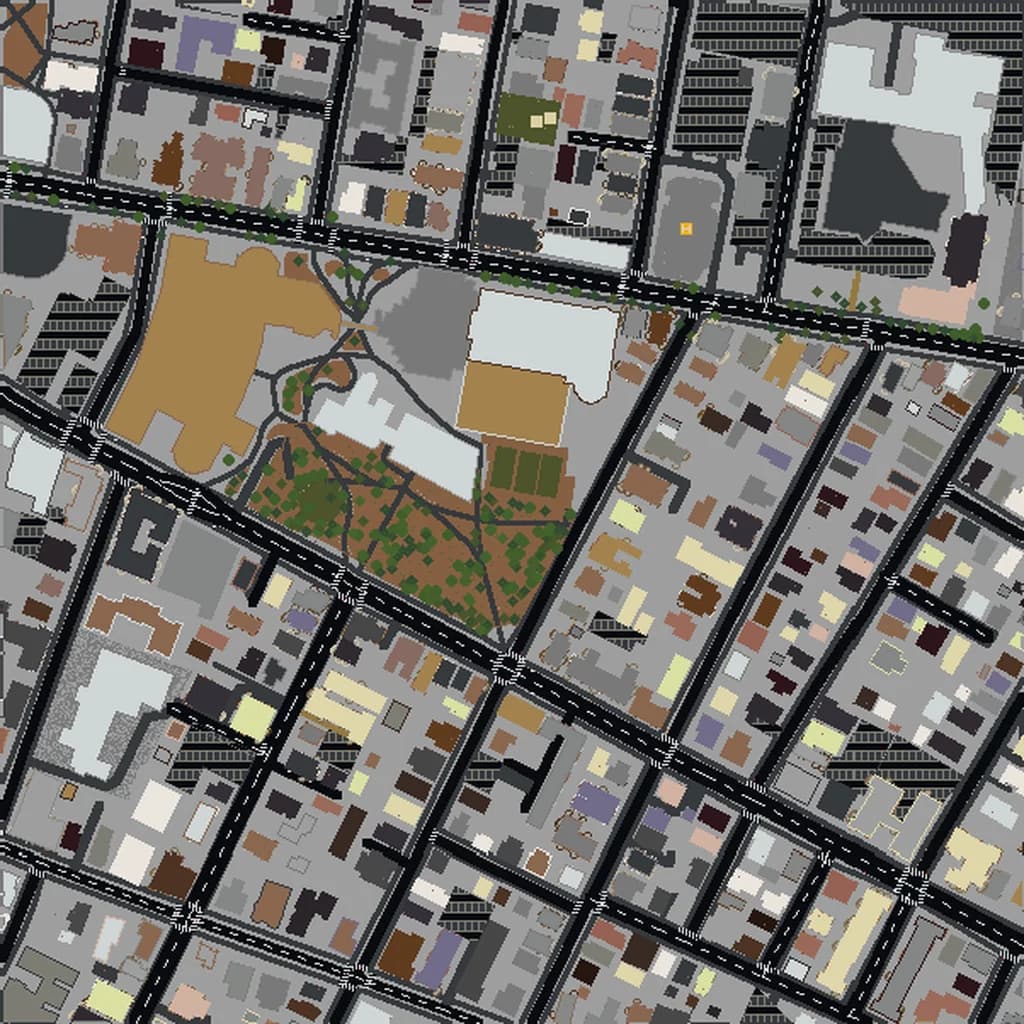
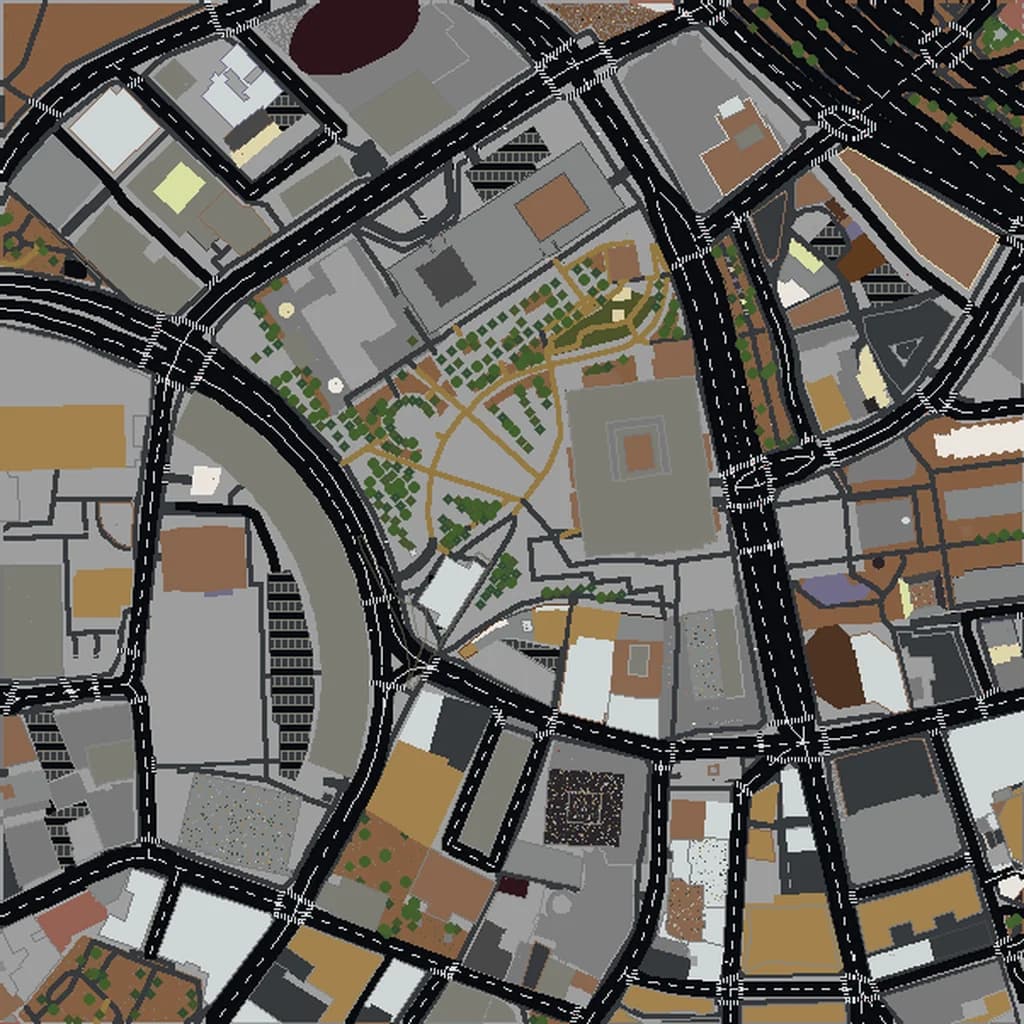
New York City Minecraft map
Real city world • Java & Bedrock Edition
Explore Manhattan's iconic grid, Central Park, and towering skyscrapers recreated block by block from real map data.
Or worlds up to 100 km² and unlimited generations with Pro · $39/mo
Real New York City vs. Your Minecraft World
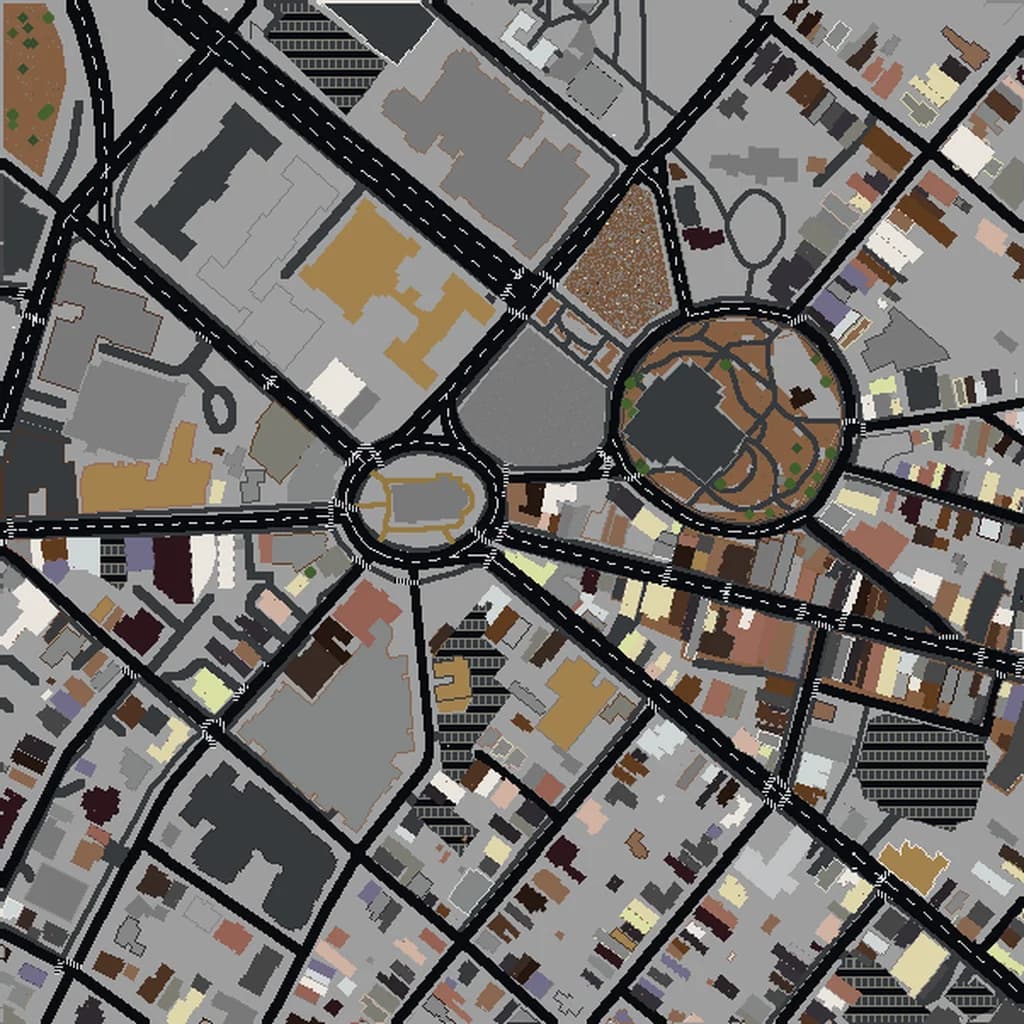
Drag the slider to compare the real street grid with the same area generated as a Minecraft world. Same blocks, same buildings, same shape.
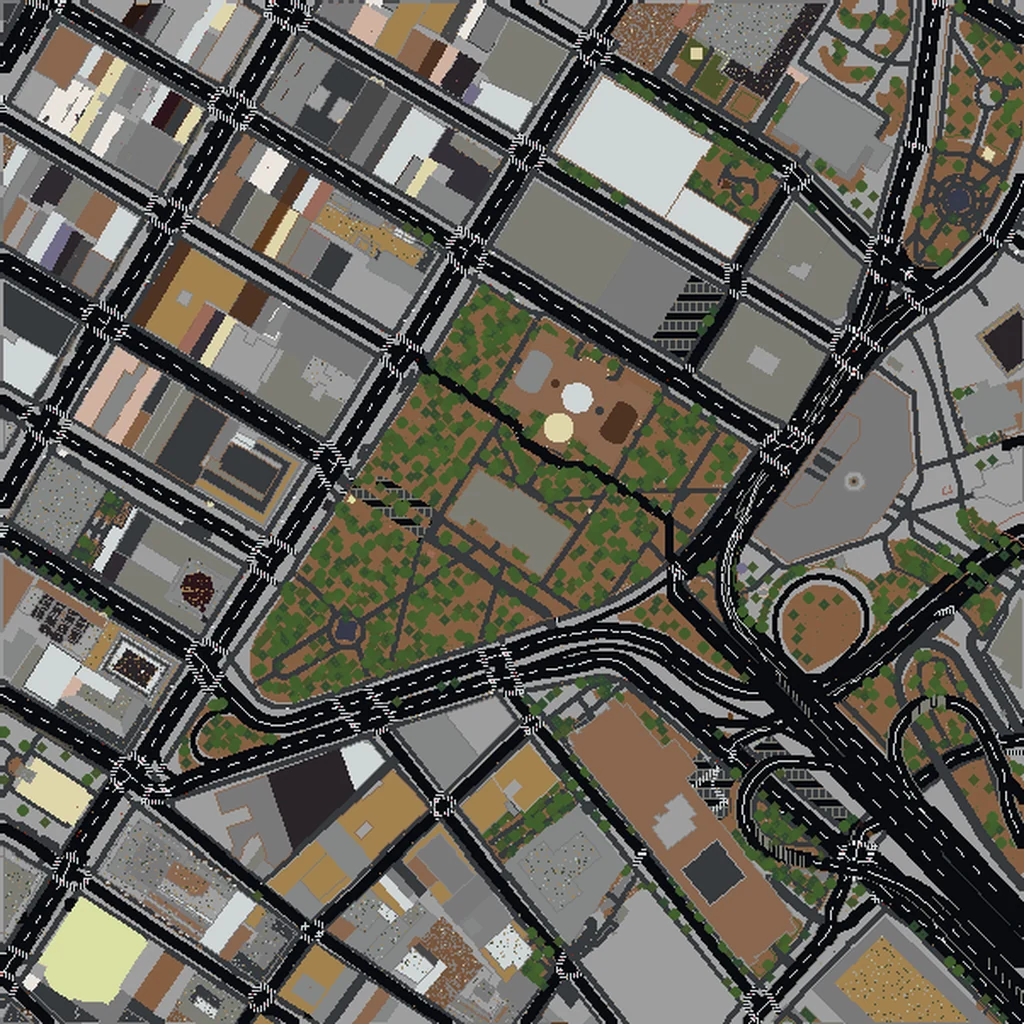
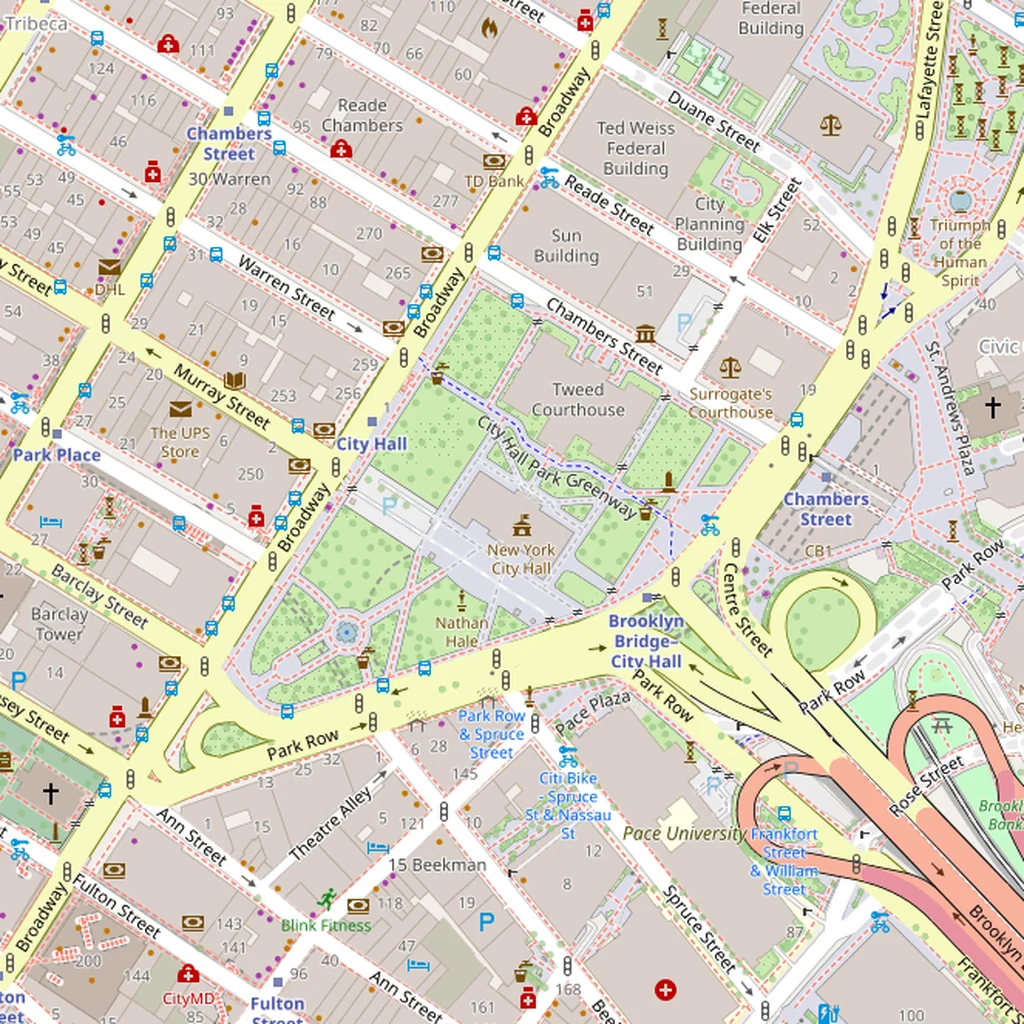
~2 minutes to generate · free 3D preview before you pay
About the New York City Minecraft World
New York City is the most requested real-world Minecraft conversion for good reason: Manhattan's grid is instantly recognizable, the skyscrapers cluster into multiple distinct skylines (Midtown, Lower Manhattan, Long Island City), and the surrounding water gives every build a natural frame. The challenge with NYC is scale — the full five boroughs exceed our largest tier, so smart selection matters more here than almost anywhere else.
What's Included in the New York City World
Central Park
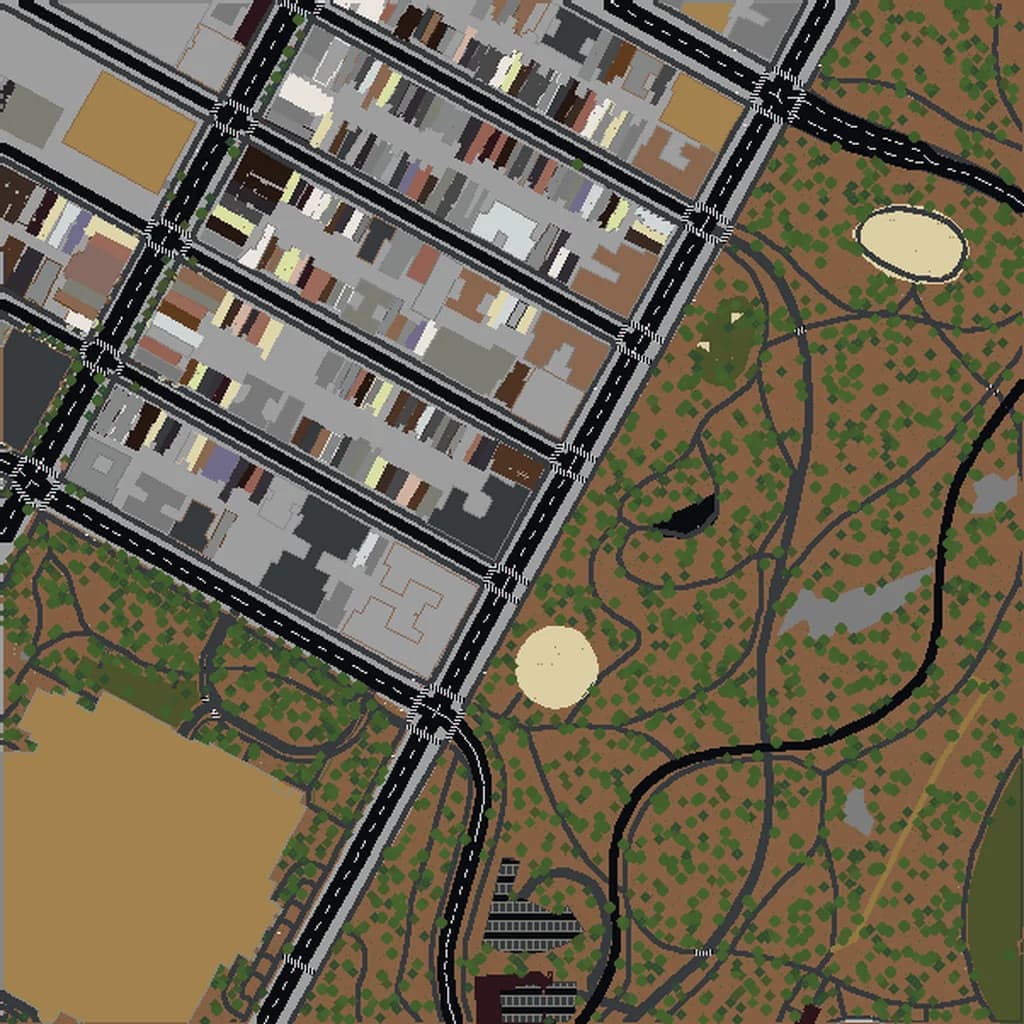
Central Park is 3.4 km long and 0.8 km wide — large enough to dominate a Medium-tier selection on its own. The reservoir, Great Lawn, and Bethesda Terrace all render with correct footprints, and the surrounding grid (5th Ave, CPW) frames it.
Times Square
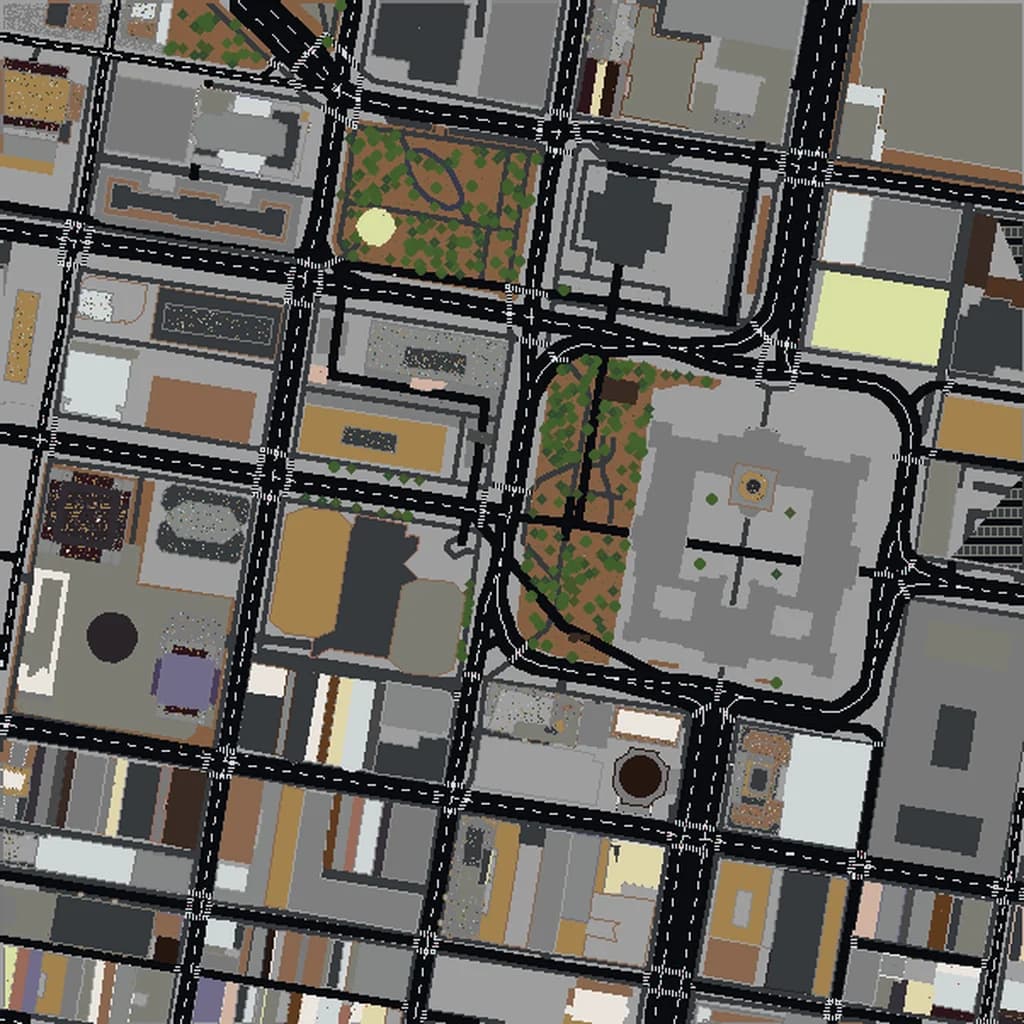
The bowtie intersection where Broadway cuts diagonally across the Manhattan grid produces the iconic triangular blocks of Times Square. In Minecraft this creates irregular, non-90° building footprints that stand out against the rectangular grid.
Empire State Building
The ESB's setbacks and spire render at accurate height — at 1:1 scale it reaches Minecraft's build limit. Great reference point for navigating Midtown in survival mode.
Brooklyn Bridge
The bridge and its Gothic stone towers connect Lower Manhattan to DUMBO with accurate cable geometry. Including it means extending your bbox east across the East River to capture Brooklyn Heights.
Plus all streets, buildings, parks, and terrain elevation from OpenStreetMap data — faithfully converted to Minecraft blocks. Available for both Java and Bedrock Edition.
What Makes New York City Special in Minecraft
- Manhattan's grid is rotated roughly 29° east of true north. Screenshots of your NYC world will look tilted relative to a north-up map — this is accurate to the real streets.
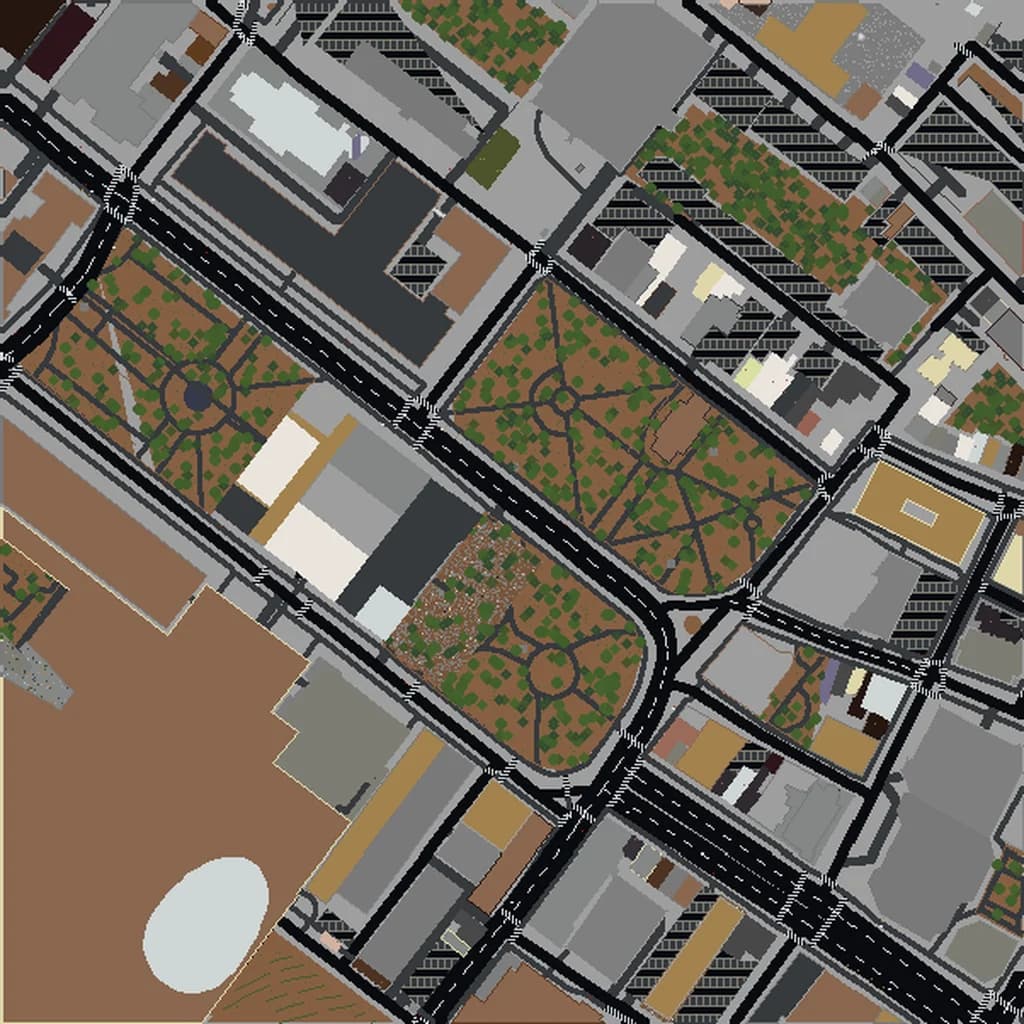
- Lower Manhattan below Canal Street has the pre-1811 irregular street plan (Wall St, Pearl St, Stone St) which stands out sharply from the uptown grid when rendered.
- The Hudson and East Rivers are wide enough that they consume significant area budget if you select both shorelines. For full Manhattan, ~25 km² (XL tier) covers the island plus a buffer.
- Central Park's elevation includes the actual rocky outcrops (Belvedere Castle sits on one) so the park isn't flat — it reads as clearly contoured terrain.
Recommended Selection for New York City
For most NYC builds, pick one of: (1) Midtown — 5th Ave to the rivers, 34th to 59th St, about 5 km², captures the iconic skyline; (2) Lower Manhattan — Battery Park to Canal St, about 4 km², captures Wall Street, the World Trade Center site, and the Brooklyn Bridge landing; (3) Central Park + Upper East/West — about 7 km², a complete park-centered build; or (4) full Manhattan — the XL tier at ~50 km², which loads slowly but gives you the entire island. Avoid trying to include all five boroughs in one world — split into separate downloads.
How It Works
Select Area
Choose how much of New York City you want — from a single neighborhood to the entire metro area.
Preview in 3D
Explore an interactive 3D preview before purchasing. Rotate, zoom, and inspect every block.
Download & Play
Get your world file for Java or Bedrock Edition. Drop it in your saves folder and start exploring.
Frequently Asked Questions
What's included in the New York City Minecraft world?
How do I import the world into Minecraft?
Do I need any mods to play?
Can I get all five boroughs in one Minecraft world?
Does the NYC world include subway lines?
Ready to Explore New York City in Minecraft?
Free preview of any area · from $5 — no subscription, no mods, no install required.
Create New York City WorldMinecraft maps of cities near New York City
The closest of our 100 ready-scouted cities, nearest first