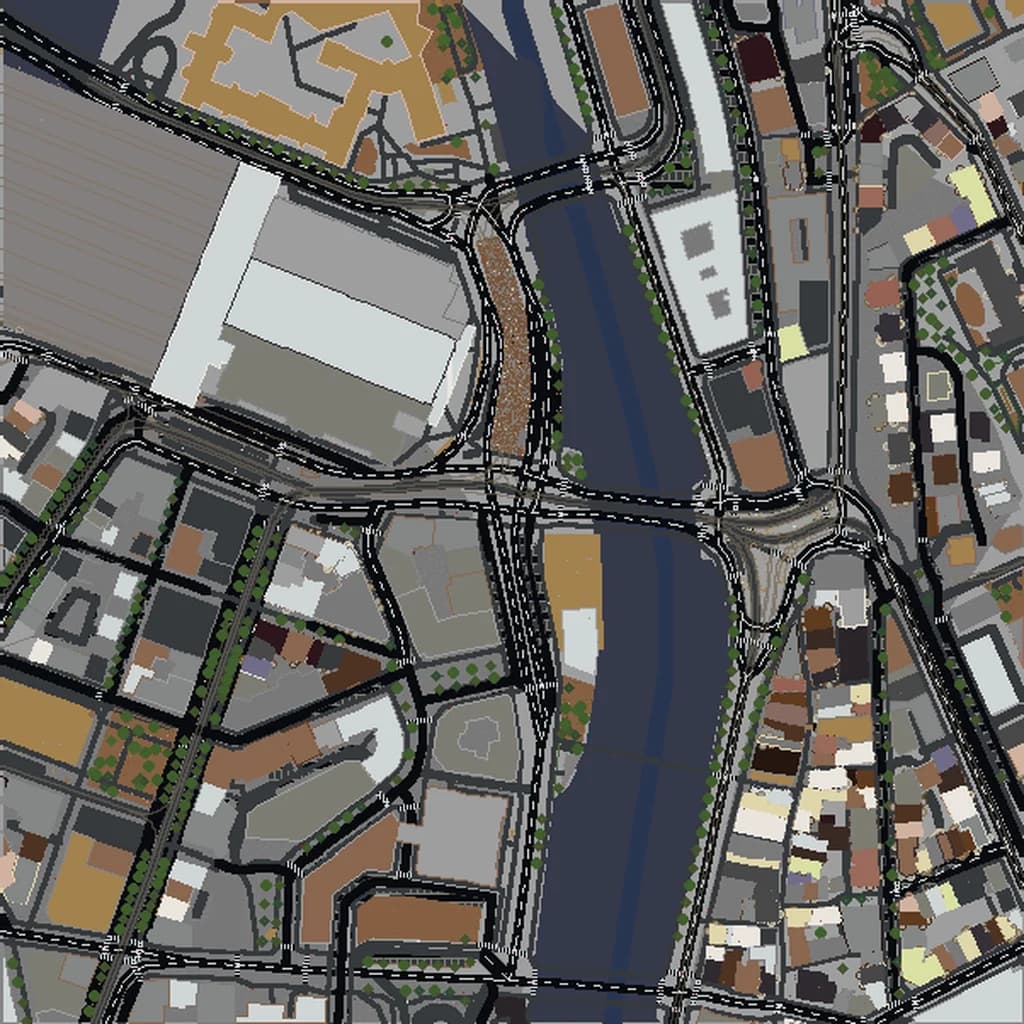
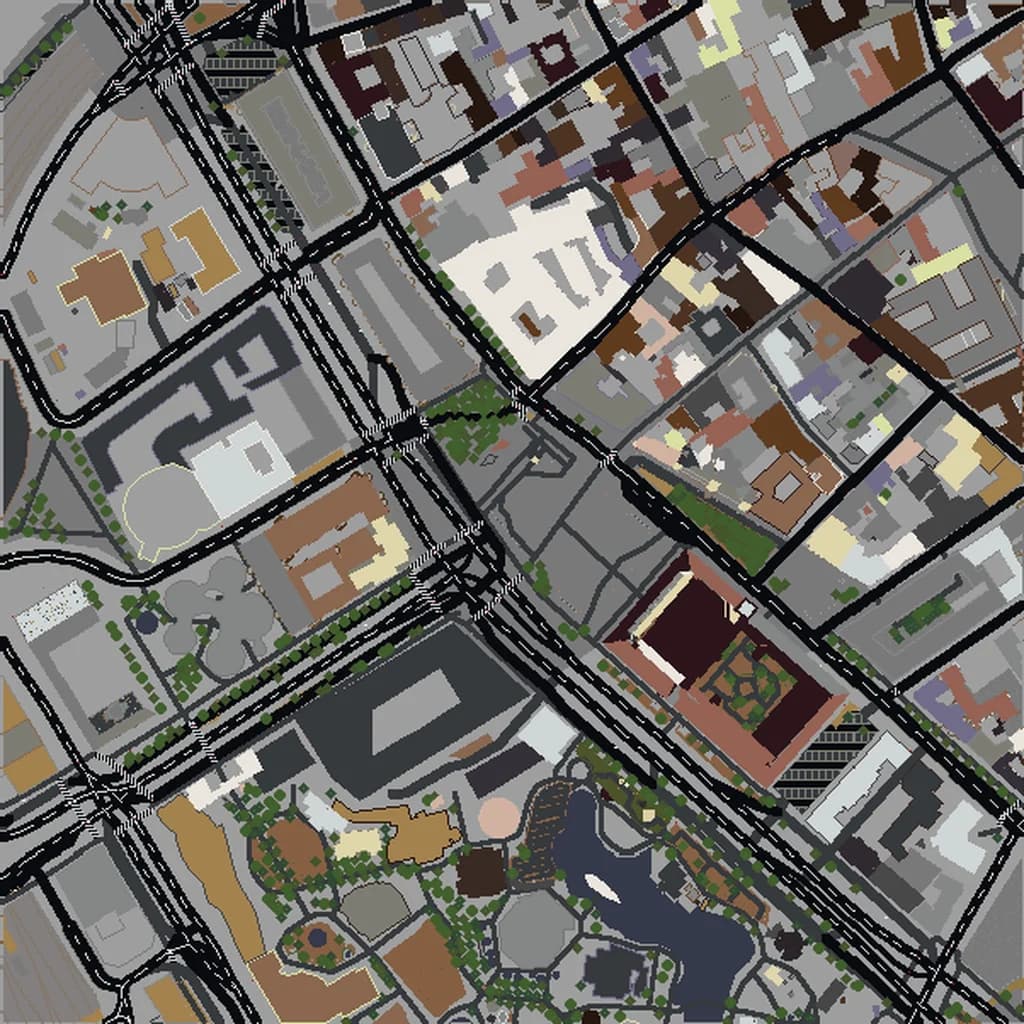
Amsterdam Minecraft map
Real city world • Java & Bedrock Edition
Amsterdam's iconic canal rings, narrow houses, and cycling infrastructure faithfully converted.
Or worlds up to 100 km² and unlimited generations with Pro · $39/mo
Real Amsterdam vs. Your Minecraft World
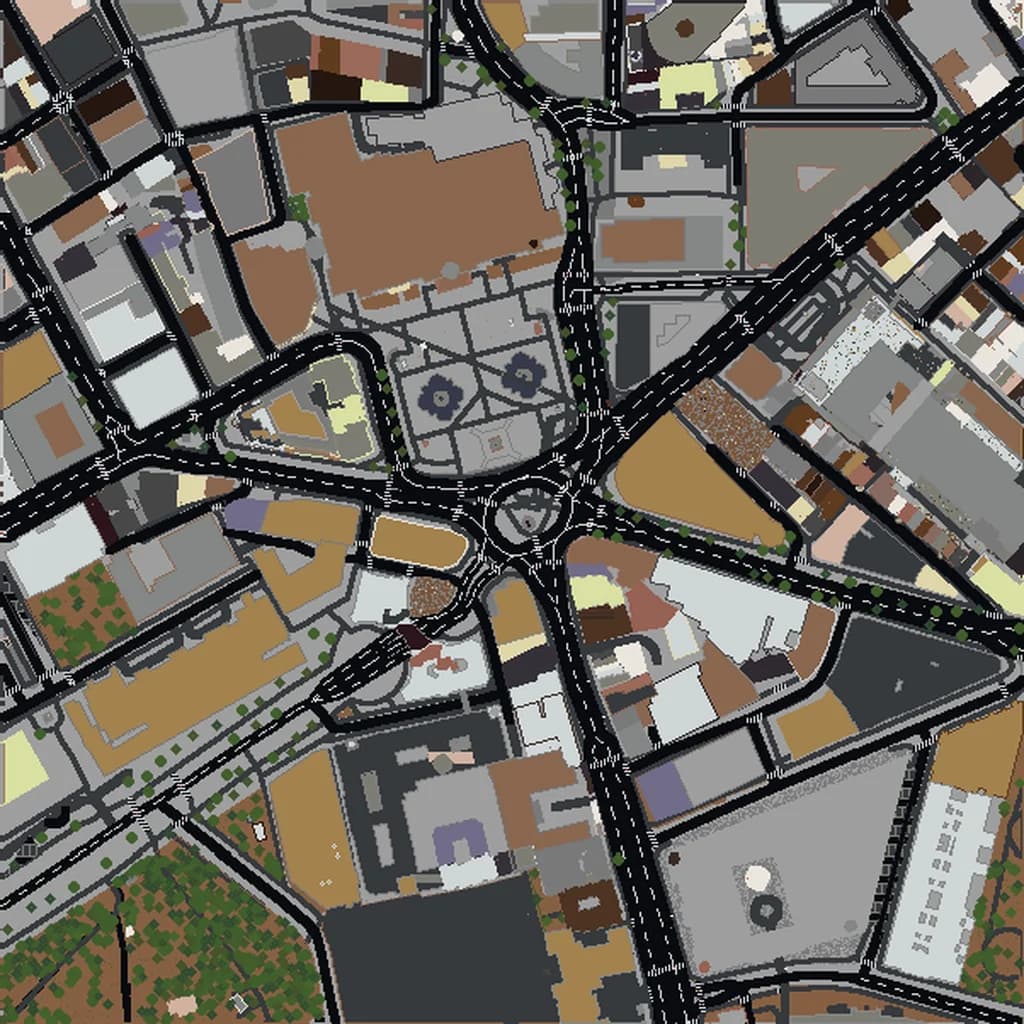
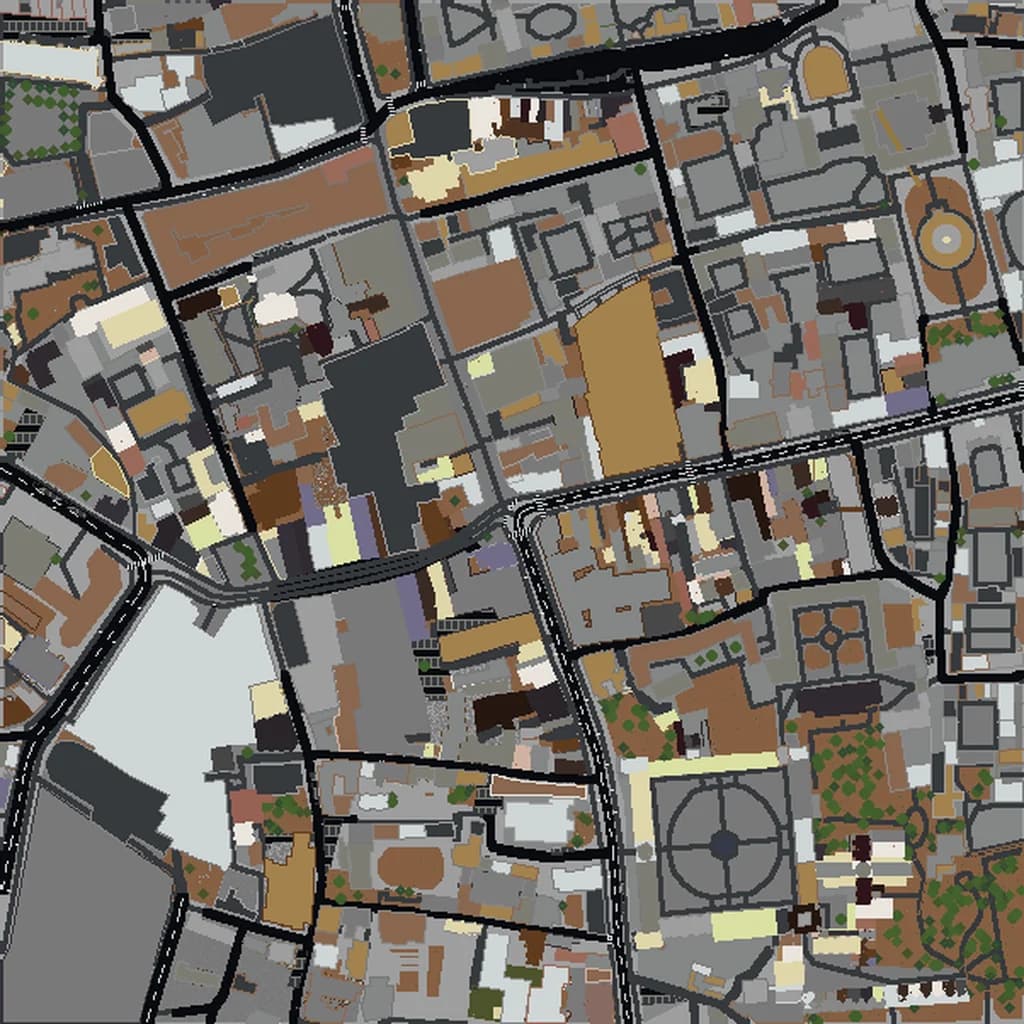
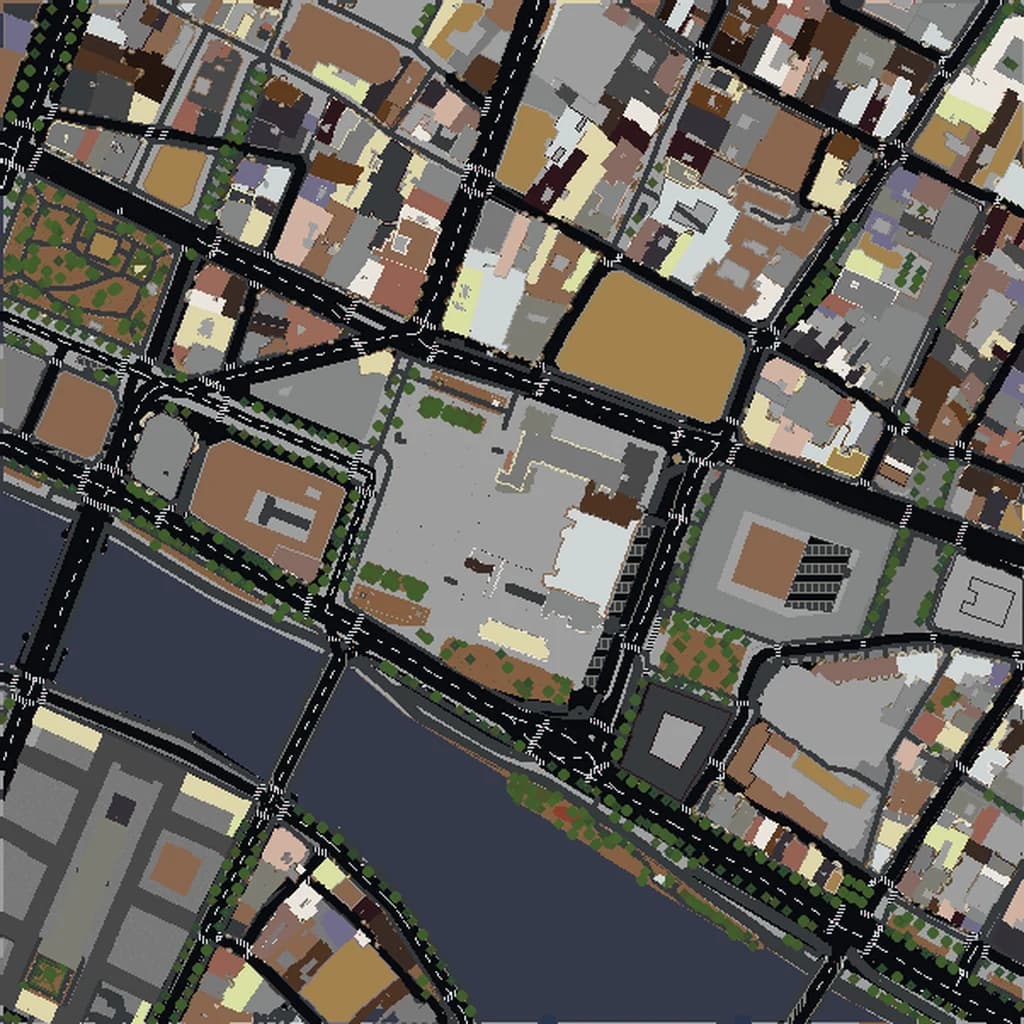
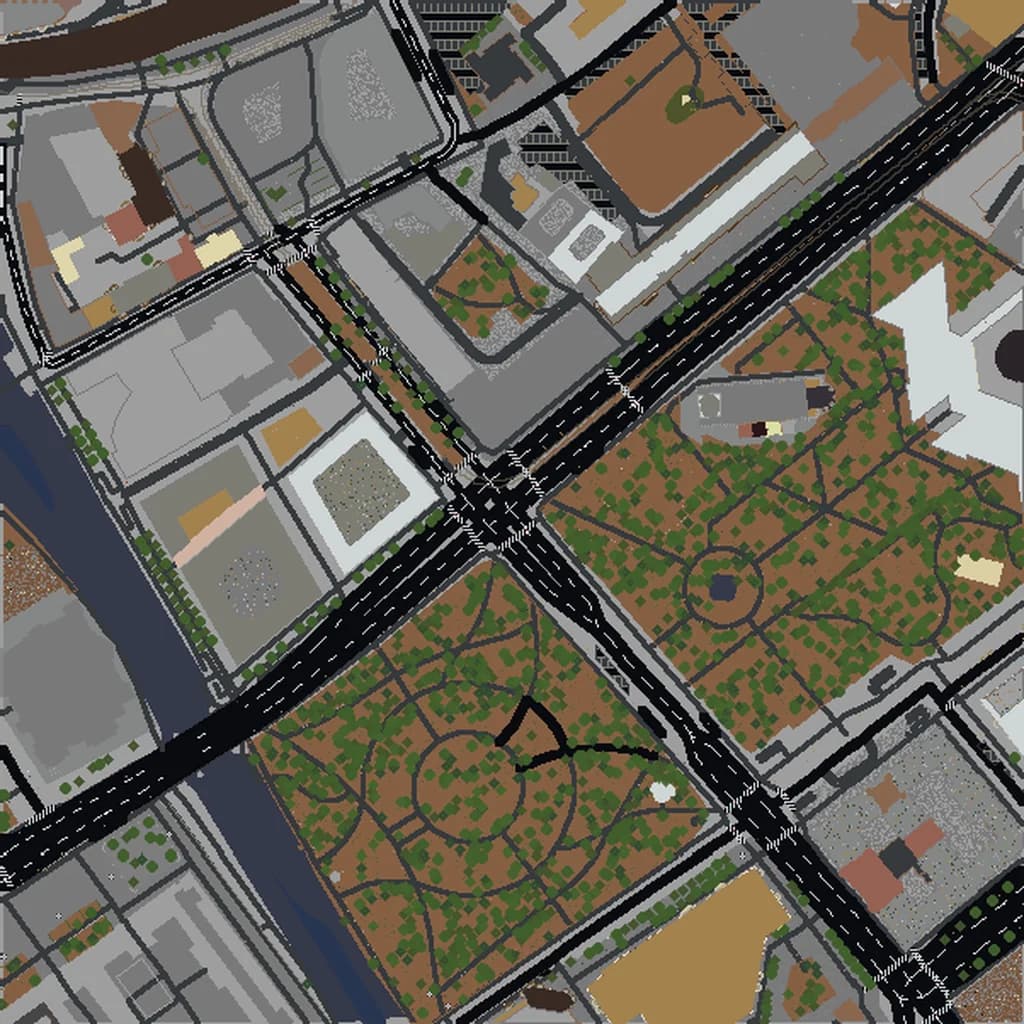
Drag the slider to compare the real street grid with the same area generated as a Minecraft world. Same blocks, same buildings, same shape.
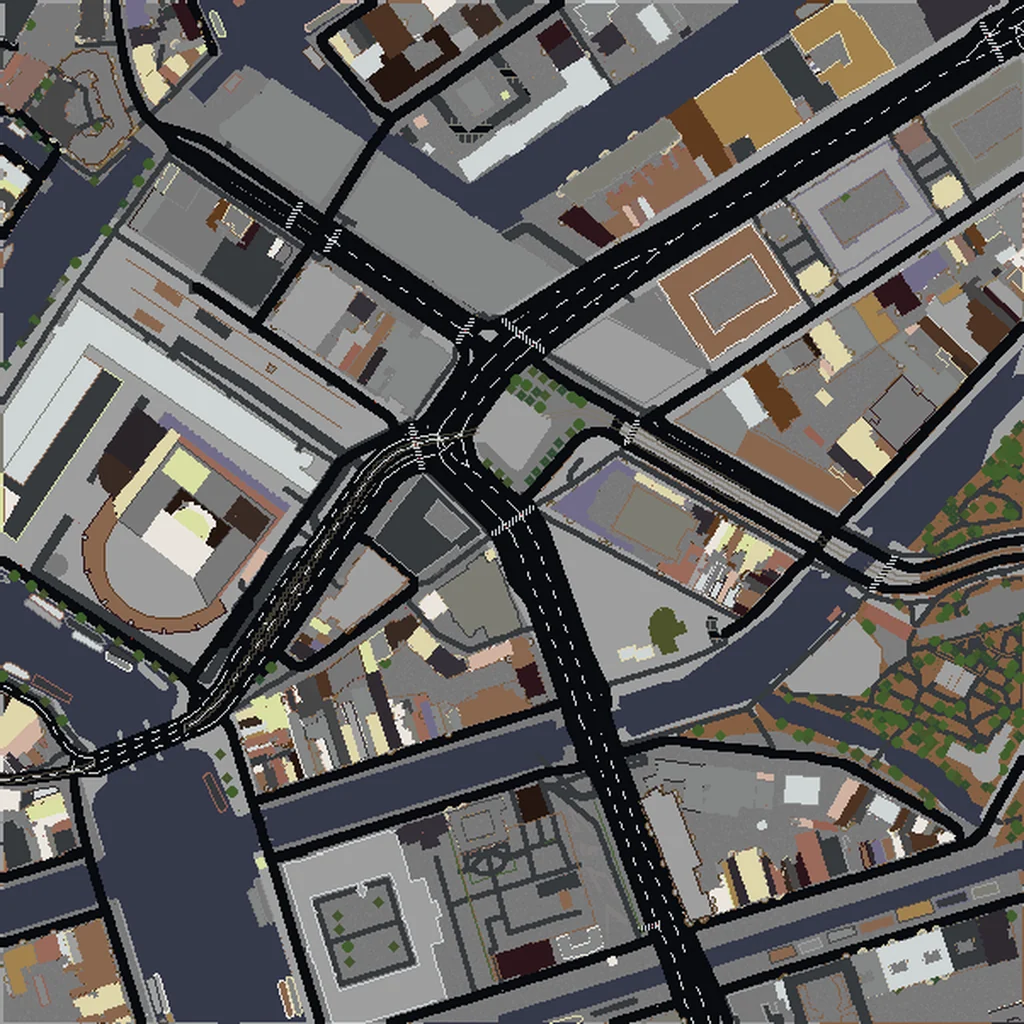
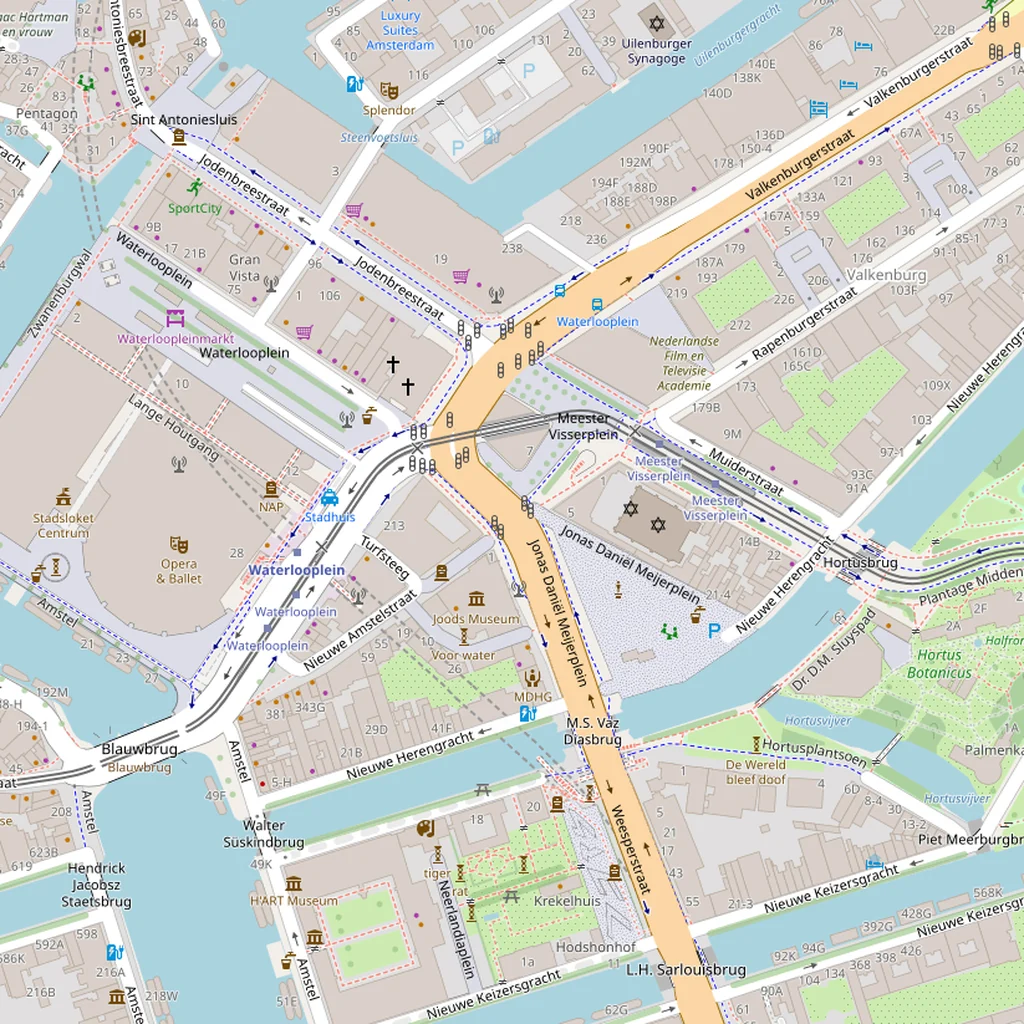
~2 minutes to generate · free 3D preview before you pay
About the Amsterdam Minecraft World
Amsterdam converts to Minecraft better than most European cities because its canal geometry is geometric in a way that reads clearly in blocks. The four main canals (Singel, Herengracht, Keizersgracht, Prinsengracht) form concentric arcs around Centrum, and each crossing street creates a bridge-and-canal-side pattern that is instantly recognizable from the air. The scale is also manageable — the full canal belt fits comfortably in our Medium tier.
What's Included in the Amsterdam World
Canal Ring
The Grachtengordel is a UNESCO site spanning about 4 km across and consisting of around 165 canals. Map2Minecraft renders each canal as accurate water channels with the correct bridge crossings at every street.
Dam Square
The irregular, wide-open plaza in the center of the old city is easy to spot — surrounded by the Royal Palace, the Nieuwe Kerk, and the National Monument, all rendered with distinct building footprints.
Vondelpark
A 47-hectare oblong green space just southwest of the canal belt. Its meandering paths and pond system stand out clearly against the tight urban grid around it.
Rijksmuseum area
The Museumplein is a large open square bounded by the Rijksmuseum (with its distinctive carriageway tunnel), the Van Gogh Museum, and the Concertgebouw — all rendering as large, distinct institutional buildings.
Plus all streets, buildings, parks, and terrain elevation from OpenStreetMap data — faithfully converted to Minecraft blocks. Available for both Java and Bedrock Edition.
What Makes Amsterdam Special in Minecraft
- The canals are narrow enough (typically 20–30 m) that they fit inside city blocks when rendered. This is visually crisp in Minecraft — you see water ribbons threading between building rows.
- Most canal houses are 3–4 stories and very narrow (many just 5–7 m wide). The resulting block density is one of the most aesthetically dense Minecraft builds you can generate.
- Amsterdam is flat — elevation varies by less than 5 m across the entire city. Unlike San Francisco, the drama here is all horizontal: canal geometry, bridge placement, and street patterns.
- Including the IJ waterfront (north of Centraal Station) adds a wide water feature and the modern EYE Film Museum area — a useful contrast to the historic core.
Recommended Selection for Amsterdam
A 2 km² selection centered on Dam Square captures all four main canals, the Red Light District, the Jordaan, and most of Centrum. For a Vondelpark + Museum Quarter build, center west of the canal belt and use about 3 km². Going larger than 5 km² starts including outer suburbs and gives you less unique canal density per area unit — Amsterdam rewards tight, focused selections more than wide ones.
How It Works
Select Area
Choose how much of Amsterdam you want — from a single neighborhood to the entire metro area.
Preview in 3D
Explore an interactive 3D preview before purchasing. Rotate, zoom, and inspect every block.
Download & Play
Get your world file for Java or Bedrock Edition. Drop it in your saves folder and start exploring.
Frequently Asked Questions
What's included in the Amsterdam Minecraft world?
How do I import the world into Minecraft?
Do I need any mods to play?
Are the canal bridges rendered or just water gaps?
Does the world include the Jordaan neighborhood?
Ready to Explore Amsterdam in Minecraft?
Free preview of any area · from $5 — no subscription, no mods, no install required.
Create Amsterdam WorldMinecraft maps of cities near Amsterdam
The closest of our 100 ready-scouted cities, nearest first