Minecraft town maps of any real small town
Big cities get all the attention, but the map most people actually want is the town they grew up in. Search for it, draw a box around the centre, and it generates from real map data — the main street, the school, the church, the house you lived in — as a Minecraft world you can walk through in about a minute.
Free 3D preview of your world before you pay anything.
Why a small town makes a better Minecraft map than a big city
A 25 km² box over a metropolis gives you a lot of repeated blocks. A 1 km² box over a town gives you all of it: every street you know, complete, with nothing cropped. Because the world is small it generates in about a minute instead of several, loads instantly, and runs well on modest hardware — including the phones and consoles that Bedrock players use.
Towns also read better at block scale. Minecraft's one-metre blocks can't reproduce a skyscraper's glass facade, but a two-storey main street, a church with a steeple, a school on a playing field, and a grid of houses with back gardens all come out recognisably — and those are what a town is made of.
Draw a box a few hundred metres across and you get your block, your neighbours, and the corner shop.
Most town centres fit inside 1-2 km² — the cheap, fast tier — with nothing left out.
A campus, a holiday village, the town you moved away from. If it's on the map, it generates.
What a small town looks like generated
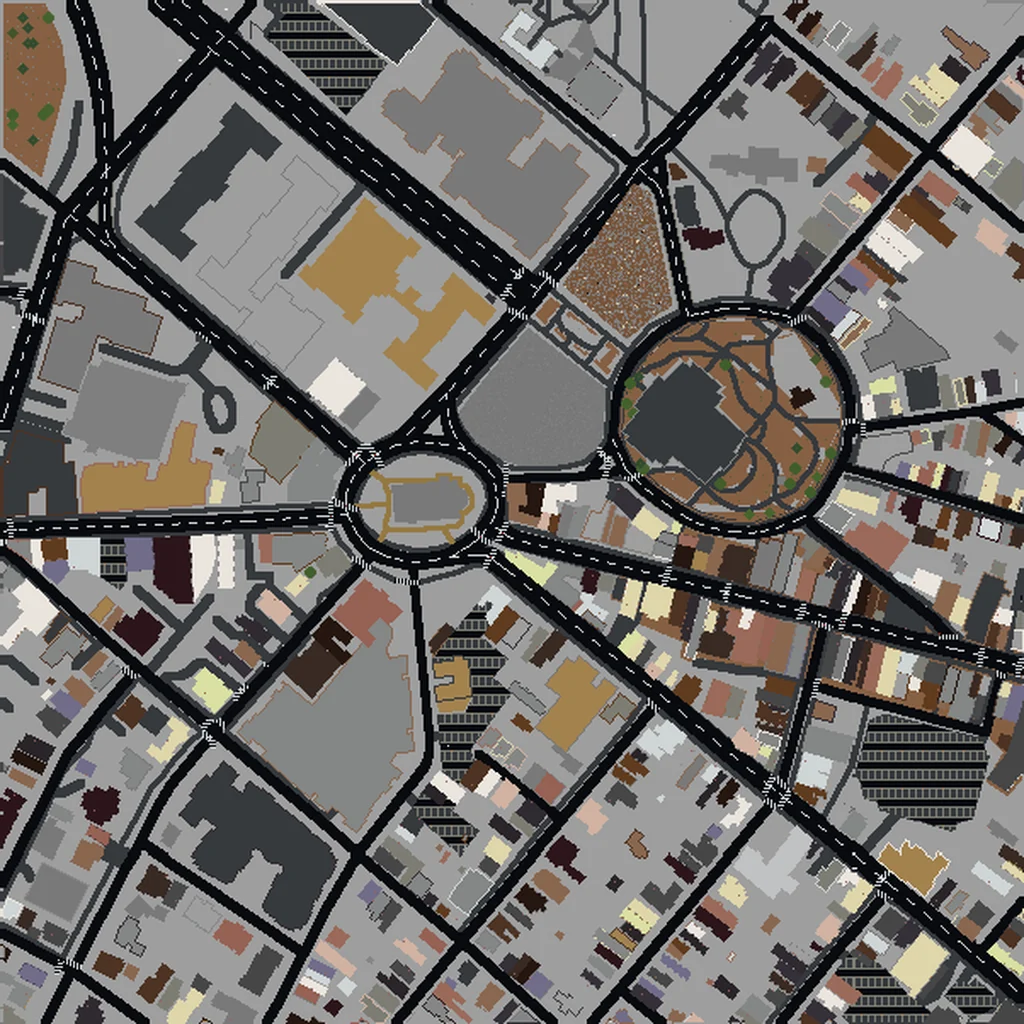
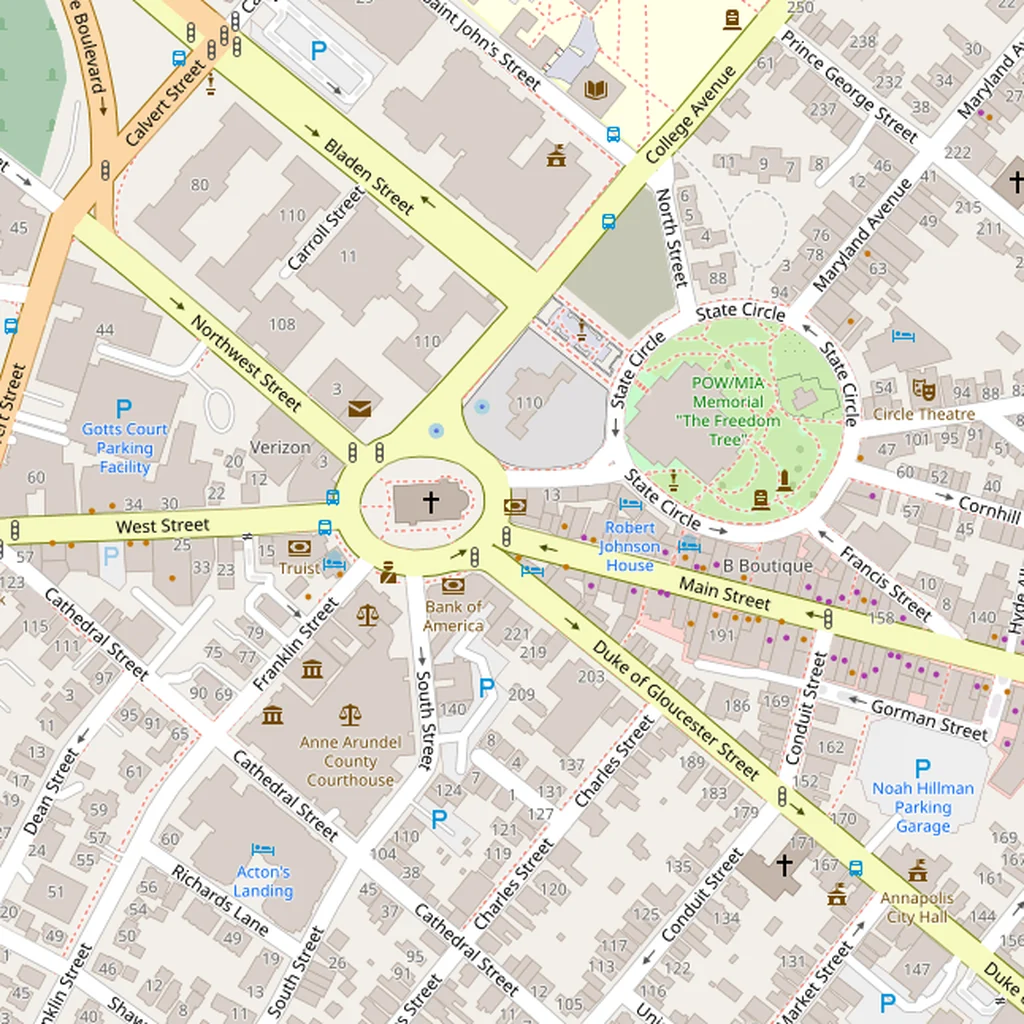
Real map on the left, the generated Minecraft world on the right. Drag to compare.
How to make a Minecraft map of your town
- 1Search for the town
Type its name into the map on the create page. It centres on the town; zoom to the part you want.
- 2Draw your area
Drag a box around it. The price and size update as you drag — most town centres land in the $5 or $10 tier.
- 3Pick Java or Bedrock
Java for PC saves, Bedrock for phones, consoles and Windows 10/11. Both are one click.
- 4Preview, then download
The world generates in about a minute. You get a free side-by-side and 3D preview first; pay only if it's what you wanted.
Frequently asked questions
Can I make a Minecraft map of my own town?
Yes — any town with OpenStreetMap coverage, which is nearly all of them. Search for it on the map, draw a box around the area you want, and the world generates from the real building footprints and street layout. Most town centres fit in a small world that's ready in about a minute.
How small can the area be?
There's no minimum. A single street, a school and the blocks around it, a village green — anything you can draw a box around. Small selections under 1 km² are the cheapest tier ($5) and generate fastest.
Will my house be there?
If it's mapped in OpenStreetMap as a building, its footprint and position will be in the world. Most towns are well covered; rural properties can be sparser. The free preview shows you exactly what generated before you pay anything.
Does it work for Bedrock Edition?
Yes. Pick Bedrock before generating and you get a .mcworld file that imports in one tap on Windows, phones, and consoles. Java worlds download as a normal save folder. No mods for either.
Looking for a big city instead? Browse the 100 pre-scouted city maps. Making one for a child? See your kid's hometown in Minecraft.
Put your town in Minecraft
Search it, draw a box, preview it free. Most towns are ready in about a minute.
Find my town