Dubai Minecraft map
Real city world • Java & Bedrock Edition
The Burj Khalifa neighborhood, Palm Jumeirah coastline, and Dubai's superlative skyline in Minecraft.
Or unlimited maps any size with Pro · $25/mo
Real Dubai vs. Your Minecraft World
Drag the slider to compare the real street grid with the same area generated as a Minecraft world. Same blocks, same buildings, same shape.
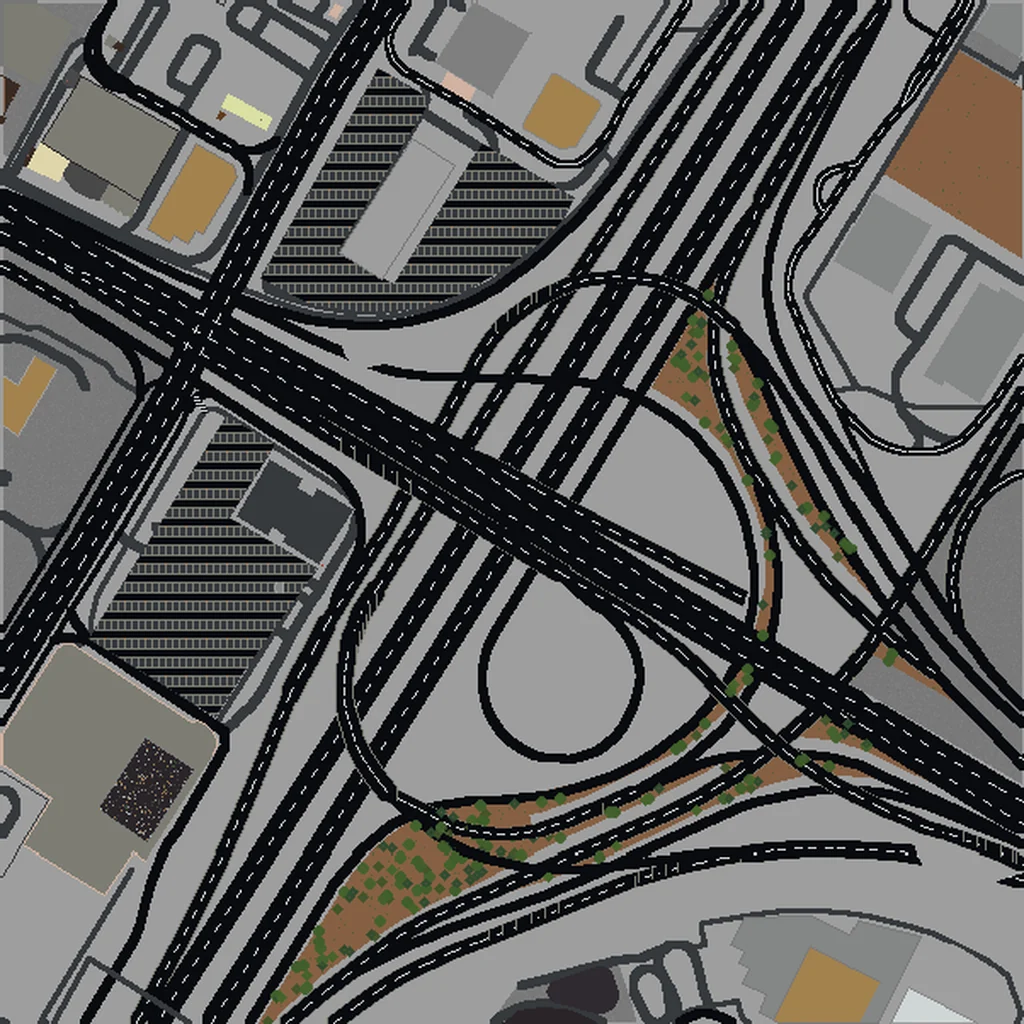
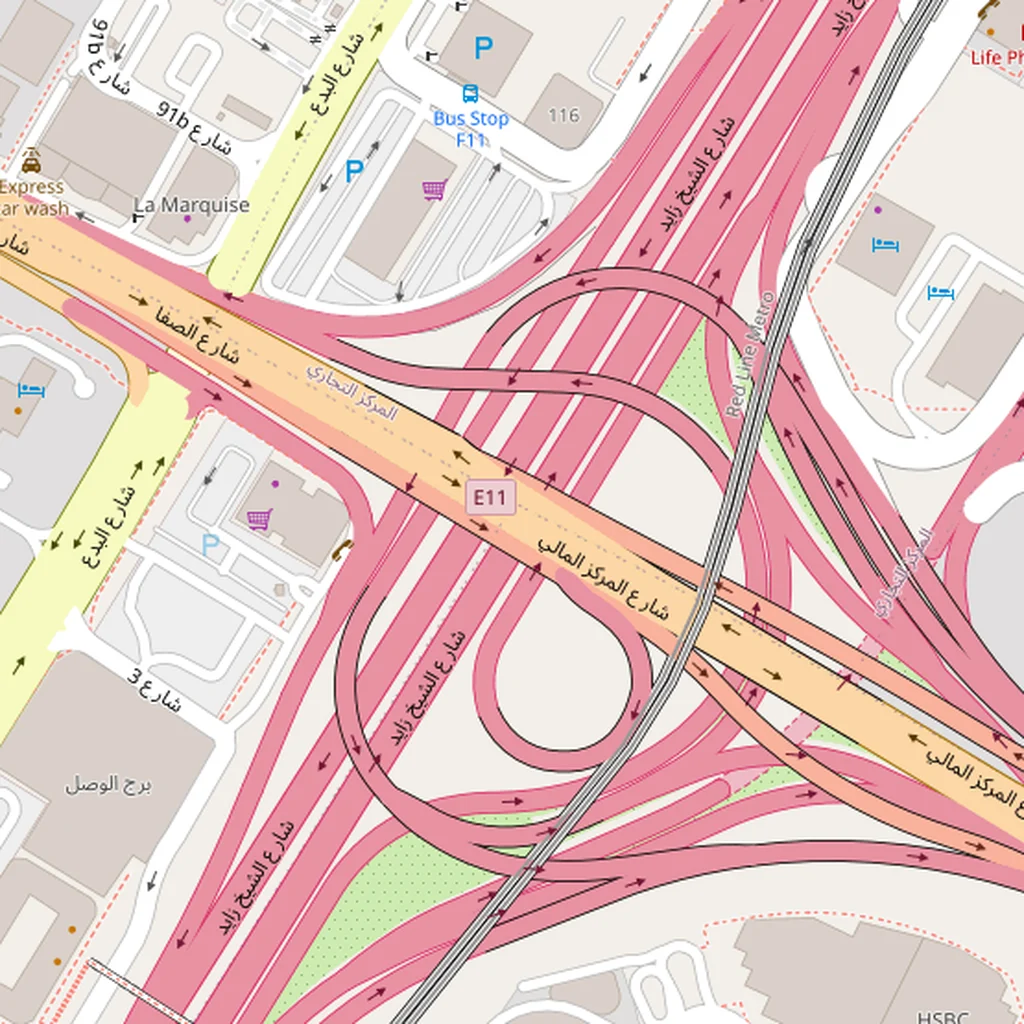
~2 minutes to generate · free 3D preview before you pay
About the Dubai Minecraft World
Dubai is one of the most dramatic Minecraft conversions because the city has more ultra-tall skyscrapers concentrated in a small area than anywhere else on earth — the Burj Khalifa alone is 828 m tall, which exceeds Minecraft's default build height and forces interesting scale decisions. The coast-parallel linear layout (everything is organized along Sheikh Zayed Road) makes Dubai one of the easiest cities to select well, because you can draw a long narrow bbox along the highway and capture everything iconic.
What's Included in the Dubai World
Burj Khalifa area
At 828 m, the Burj Khalifa exceeds the Minecraft vanilla world height limit (384 blocks in 1.18+). In your generated world it appears at full height up to the ceiling, with the spire clipped. The surrounding Downtown Dubai complex (Dubai Mall, the Fountain, Souk Al Bahar) all render as distinct massive structures.
Dubai Marina
A 3.5 km artificial canal lined with 100+ high-rise towers — the densest concentration of supertall buildings anywhere in Dubai. Renders as a spectacular linear cluster of skyscrapers along the waterway.
Old Dubai
Deira and Bur Dubai on either side of Dubai Creek — the historic core with souks, traditional wind-tower architecture, and a very different density pattern than the New Dubai highway corridor.
Palm Jumeirah
The 5 km artificial palm-tree-shaped island is one of the most recognizable geographic shapes on earth. Including it requires extending your bbox west into the Gulf — the fronds and trunk are fully rendered as land on water.
Plus all streets, buildings, parks, and terrain elevation from OpenStreetMap data — faithfully converted to Minecraft blocks. Available for both Java and Bedrock Edition.
What Makes Dubai Special in Minecraft
- Dubai is essentially flat (elevation varies by less than 10 m across the city) — all the visual drama is vertical, from skyscrapers, rather than from terrain.
- Sheikh Zayed Road is the defining axis. A bbox about 2 km × 10 km following the highway from the World Trade Centre roundabout south to Dubai Marina captures nearly every skyline landmark in the city.
- The coast is straight and runs roughly northeast-southwest. Palm Jumeirah sits about 30 km southwest of Downtown — if you want both in one world, that's an XL tier selection.
- Dubai Creek (the historic harbor) and Dubai Marina (the modern canal) are both rendered as accurate water features and give you two very different-feeling 'city with water' builds.
Recommended Selection for Dubai
The highest-impact Dubai build is a narrow selection along Sheikh Zayed Road — about 2 km × 8 km (16 km², Large tier) — that includes Downtown Dubai (Burj Khalifa, Dubai Mall), DIFC, Trade Centre, and Business Bay. To also include Dubai Marina, extend south by another 10 km (XL tier). Palm Jumeirah makes more sense as its own separate selection focused on the island shape, because including it in a larger bbox means a lot of empty Gulf water between it and the mainland.
How It Works
Select Area
Choose how much of Dubai you want — from a single neighborhood to the entire metro area.
Preview in 3D
Explore an interactive 3D preview before purchasing. Rotate, zoom, and inspect every block.
Download & Play
Get your world file for Java or Bedrock Edition. Drop it in your saves folder and start exploring.
Frequently Asked Questions
What's included in the Dubai Minecraft world?
How do I import the world into Minecraft?
Do I need any mods to play?
Is the Burj Khalifa actually as tall as it should be in Minecraft?
Can I get the Palm Jumeirah shape accurately?
Ready to Explore Dubai in Minecraft?
From $20 — no subscription, no mods, no install required.
Create Dubai WorldMore Cities to Explore
Browse 100+ cities from around the world