Using Real-World Minecraft Maps for Teaching Geography
Minecraft is already one of the most widely used games in education, with Minecraft Education Edition deployed in classrooms worldwide. But there is a gap between the game's creative sandbox and real-world geographic learning. Building a house teaches construction; exploring a faithful recreation of Paris teaches geography, urban planning, and cultural awareness.
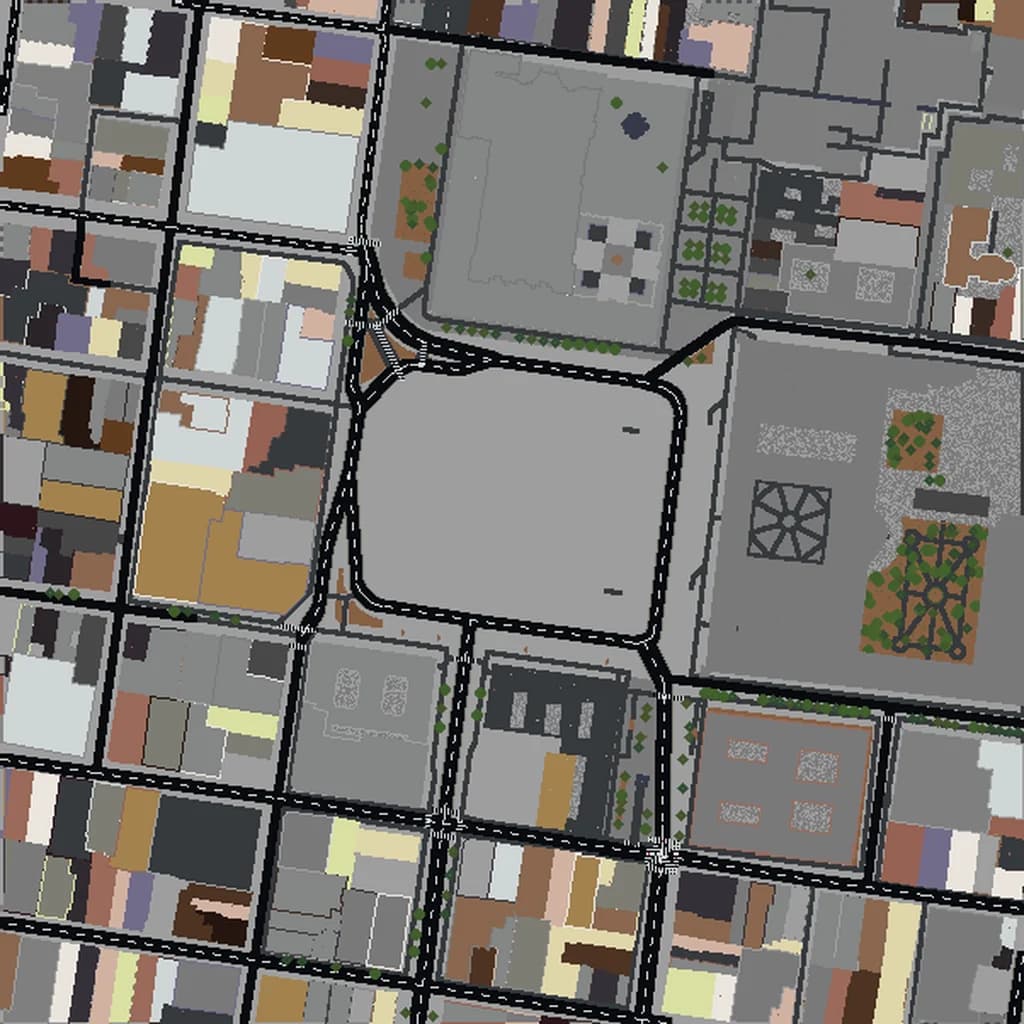
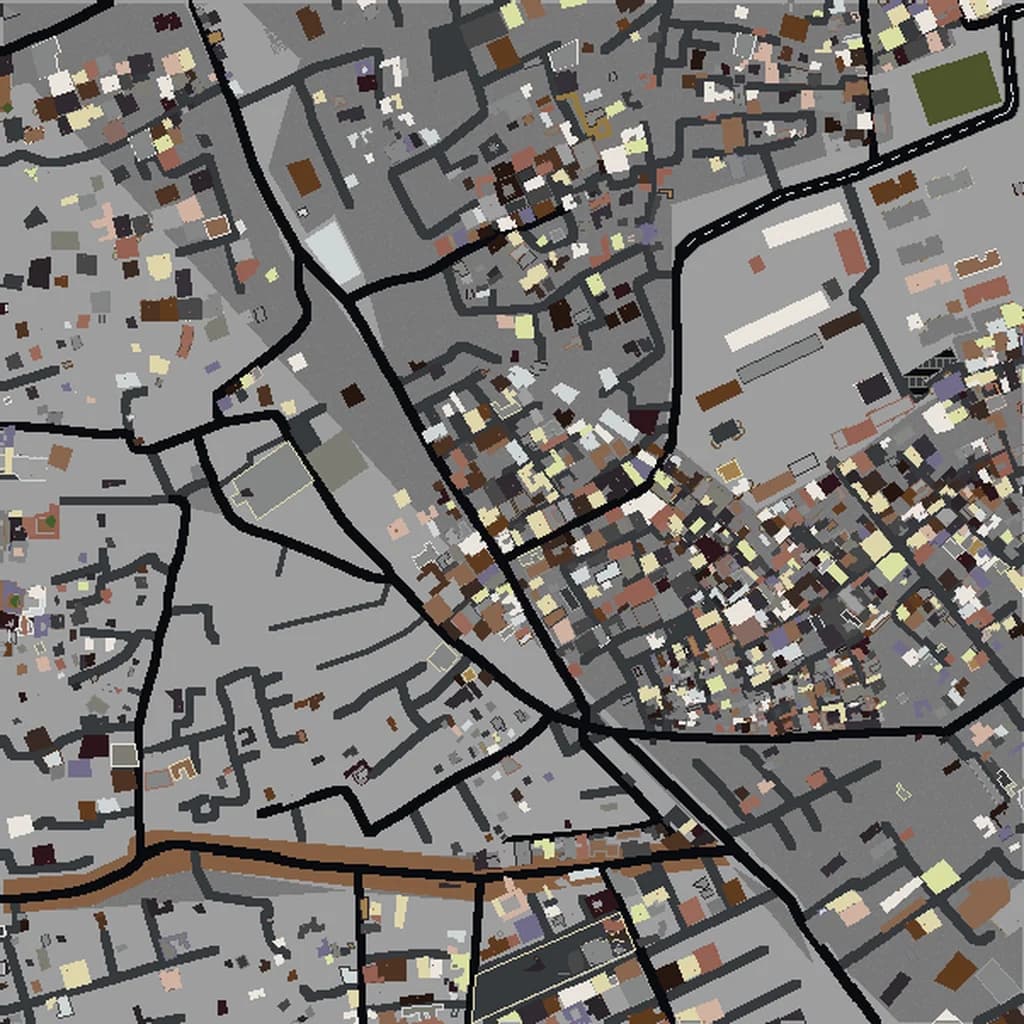
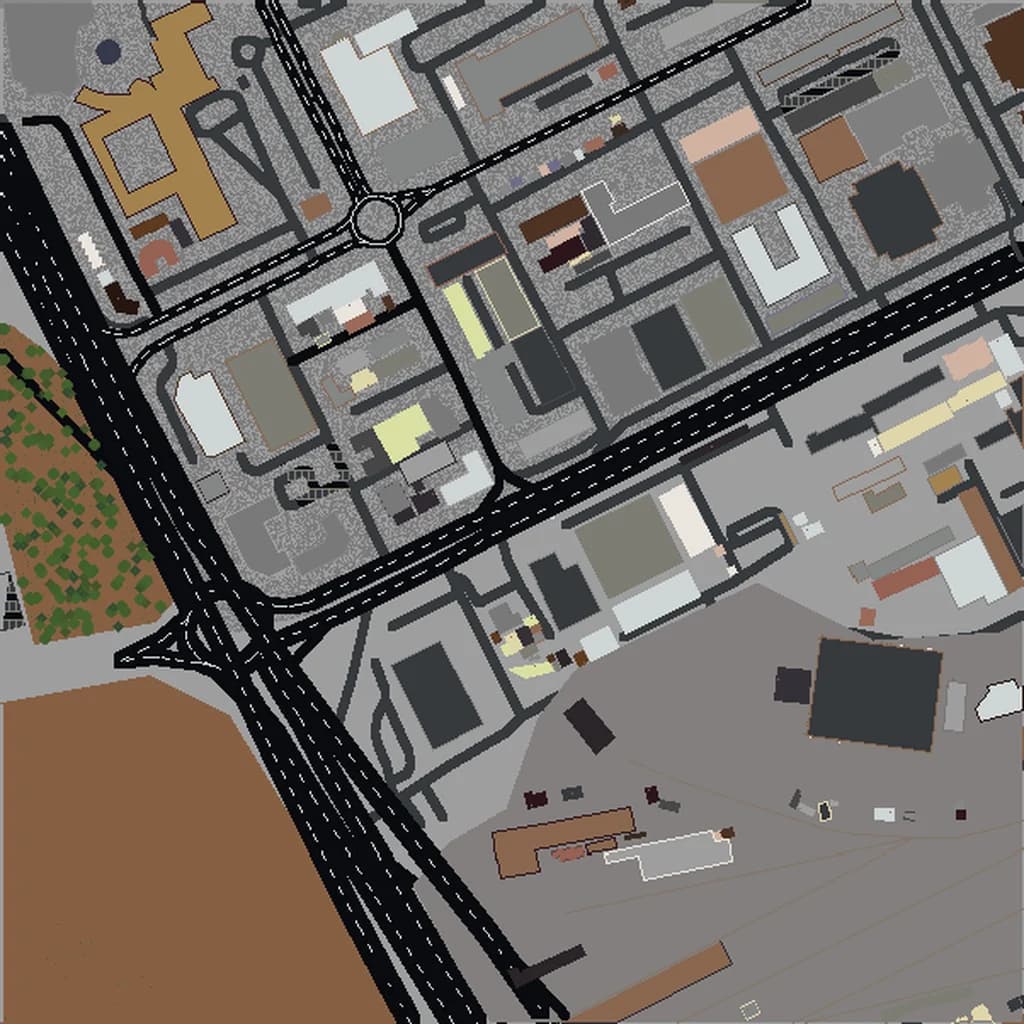
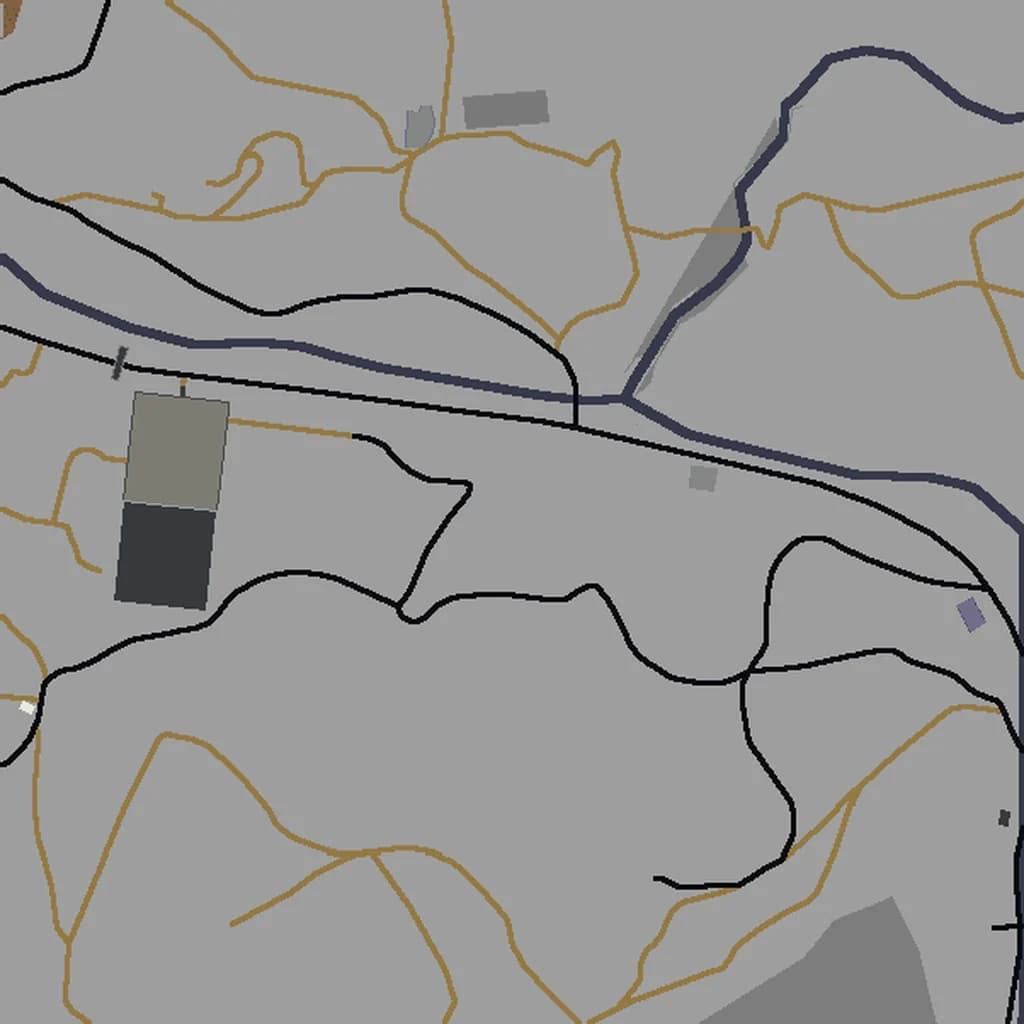
At Map2Minecraft, we generate Minecraft worlds from real map data — accurate street layouts, buildings, waterways, and terrain for any location on Earth. Here are five detailed lesson plan ideas for teachers who want to bring the real world into their students' favorite game.
Lesson 1: Comparing Urban Layouts Across Continents
Objective
Students will compare the street patterns, building density, and urban design of cities on different continents and explain how geography, history, and culture shaped each city's layout.
Activity
Generate Minecraft worlds for three contrasting cities — for example, New York City (grid system), London (organic medieval layout), and Tokyo (dense mixed-use development). Have students explore each world for 15-20 minutes, taking screenshots and notes on:
- Street patterns — are they grid-based, radial, or organic?
- Block sizes — how large are city blocks compared to each other?
- Open spaces — where are parks and public spaces located?
- Water features — how does the city relate to its river, coast, or harbor?
After exploration, students present their findings and discuss why these differences exist. New York's grid was planned in 1811. London's streets follow medieval paths. Tokyo's density reflects Japan's limited buildable land. The Minecraft worlds make these abstract concepts tangible.
Standards Alignment
This activity supports geography standards around human-environment interaction, spatial thinking, and cultural geography. It also builds observational and comparative analysis skills.
Lesson 2: River Cities and the Role of Water in Settlement
Objective
Students will identify how rivers and waterways influenced where cities were built and how they developed over time.
Activity
Select a set of river cities — Paris (Seine), London (Thames), Cairo (Nile), and Buenos Aires (Rio de la Plata) work well. Generate worlds for each and have students explore the relationship between the river and the city.
Guiding questions:
- Where is the city center relative to the river? Why?
- How many bridges cross the river? What does that tell you about the city's development?
- Are buildings taller or shorter near the river?
- How does the city use its waterfront — parks, docks, roads, or buildings?
Students map their observations on paper and write a short essay explaining why early humans chose to settle near rivers and how that original choice still shapes modern cities. Walking along the Seine in Minecraft-Paris or the Thames in Minecraft-London makes the connection between water and civilization visceral rather than theoretical.
Lesson 3: Mapping Your Own Community
Objective
Students will analyze the geography of their own town or neighborhood by exploring it as a Minecraft world.
Activity
Use Map2Minecraft to generate a world of the area around your school. This is often the most impactful lesson because students recognize streets they walk every day, buildings they visit, and parks they play in — all recreated in a game they love.
Assign students to:
- Navigate from school to home using only the Minecraft world (no external maps). This builds spatial reasoning and mental mapping skills.
- Identify land use zones — residential, commercial, industrial, parks, institutional. Color-code a paper map based on what they observe in the game.
- Propose an improvement — students identify a location in their community that could benefit from a park, bike lane, or other change, and build it in the Minecraft world. They then present their proposal to the class with reasoning.
This lesson turns students into urban planners for their own community, building civic awareness alongside geographic skills. It is particularly powerful in areas where students may not have access to field trips.
Lesson 4: Elevation, Terrain, and Natural Hazards
Objective
Students will understand how elevation and terrain affect human settlement patterns and natural disaster risk.
Activity
Generate worlds for cities with dramatic terrain differences. Good options include San Francisco (steep hills, earthquake-prone), Rio de Janeiro (mountains meeting coast), and Amsterdam (nearly entirely at or below sea level).
In each world, have students:
- Find the highest and lowest points and estimate the elevation difference.
- Observe where buildings are concentrated — on hills, in valleys, or on flat land.
- Identify areas that might be vulnerable to flooding based on their position relative to water and elevation.
- Compare how steep-terrain cities and flat-terrain cities organize their streets differently.
Extend the lesson by connecting to current events: how does Amsterdam's flat, below-sea-level geography relate to the Netherlands' world-famous water management systems? Why does San Francisco have strict building codes? Minecraft worlds make the terrain tangible in a way that contour maps on paper cannot.
Lesson 5: Cultural Landmarks and World Heritage Exploration
Objective
Students will locate and research UNESCO World Heritage Sites and cultural landmarks by finding them within Minecraft city worlds.
Activity
Create a scavenger hunt across multiple city worlds. Give students a list of landmarks and the city they are located in, and challenge them to find each one within the Minecraft world. Examples:
- Find the Colosseum area in Rome.
- Locate the canal ring district in Amsterdam.
- Walk the area around the Charles Bridge in Prague.
- Find the Grand Palace area in Bangkok.
- Explore the Old City quarters of Jerusalem.
For each landmark found, students research and write a brief report: What is it? When was it built? Why is it significant? This combines geographic navigation skills with historical and cultural research. The game element of the scavenger hunt keeps engagement high, while the research requirement ensures genuine learning.
Getting Started in Your Classroom
Map2Minecraft worlds work with both Java Edition and Bedrock Edition (which includes Minecraft Education Edition). Pick the edition before generating, and preview the world in 3D for free before you pay; paid worlds start at $5 for a small area. For classroom use, a medium-sized world ($10) covering a few square kilometers typically provides more than enough area for a full lesson.
For step-by-step installation instructions, see our guide to importing Minecraft worlds. If you want to understand how the worlds are generated from real data, read how Map2Minecraft works.
Generate your first classroom world and bring geography to life in a way your students will never forget.
Real city maps to try