Your Hometown,
In Minecraft.
Imagine your kid loading up Minecraft and seeing their own street, their school, and the park where they play — all rebuilt block by block from real-world map data.
Build Their World — From $5World DemoNo subscription • Java & Bedrock • Ready in minutes
Try it right now — no download, no signup
Downtown Chicago — Willis Tower, the Loop, the Chicago River — as a real Minecraft world, right in your browser. Walk the streets, step inside the buildings, or fly over the rooftops.
Like what you see? Pick any place on Earth next.
Create your own worldReal cities, block-for-block
Drag the slider to compare downtown Chicago on a real map against the same area generated as a Minecraft world.
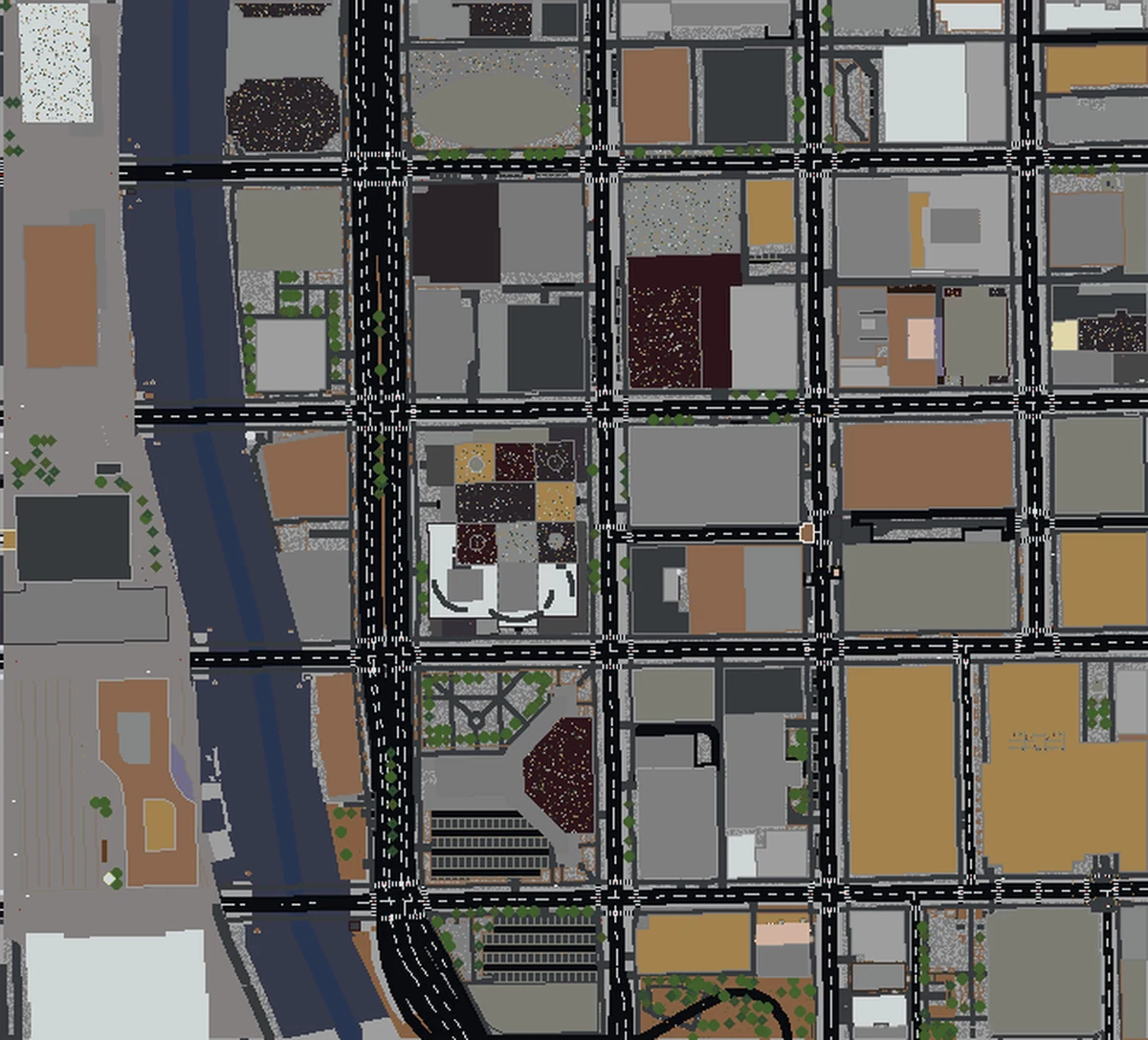
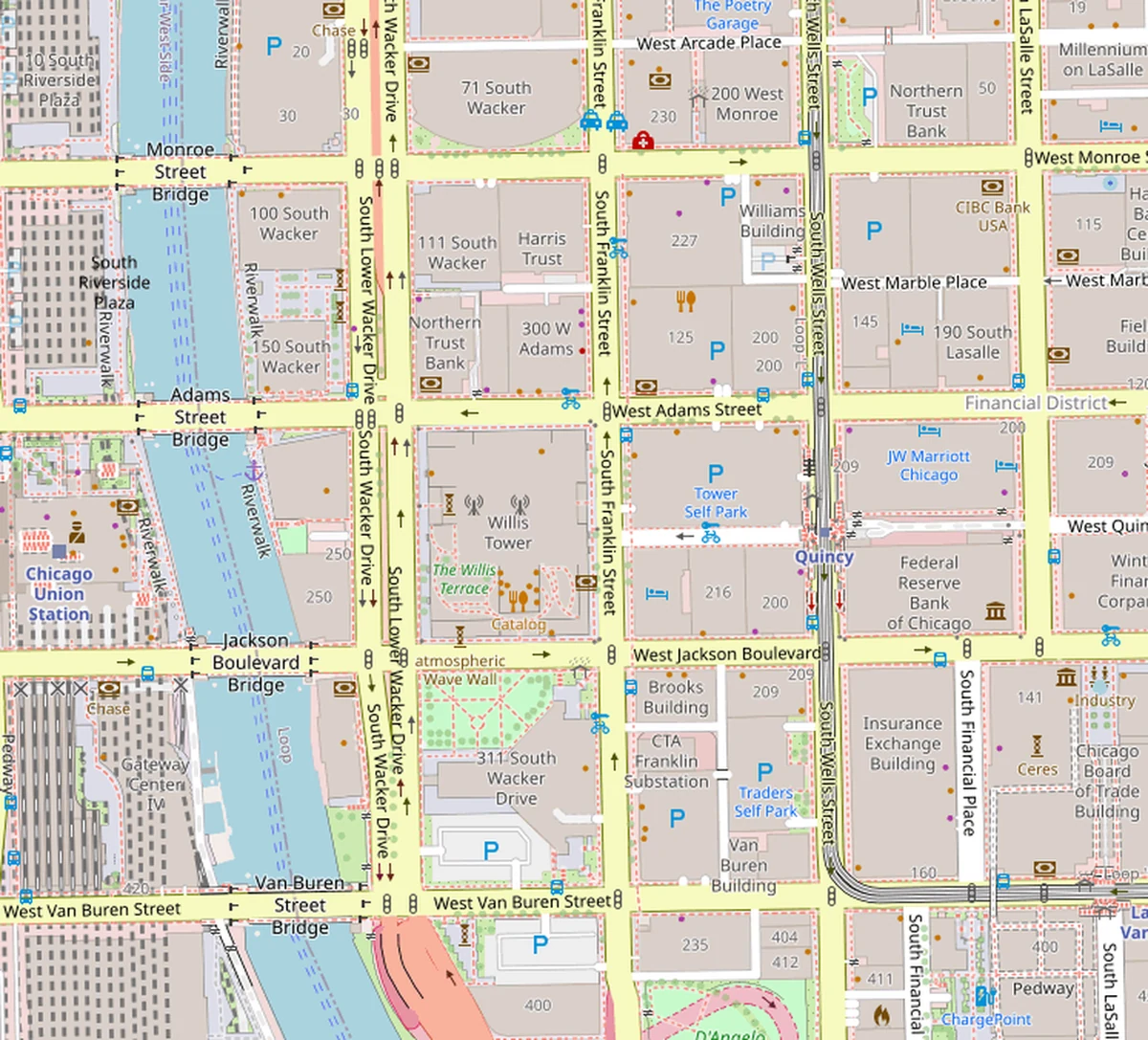
The moment they realize it's actually their neighborhood
It takes about five seconds. Then they spend the next two hours showing you everything.
Their actual house
The first thing every kid does? Find their own roof. Then their friend's house. Then their school.
Their school, their park
The playground they know by heart, rebuilt in blocks. They'll notice every detail you forgot existed.
Showing off to friends
Nothing beats a screen-share moment of 'look, this is MY neighborhood.' Instant playground bragging rights.
Real buildings. Real streets. Real parks.
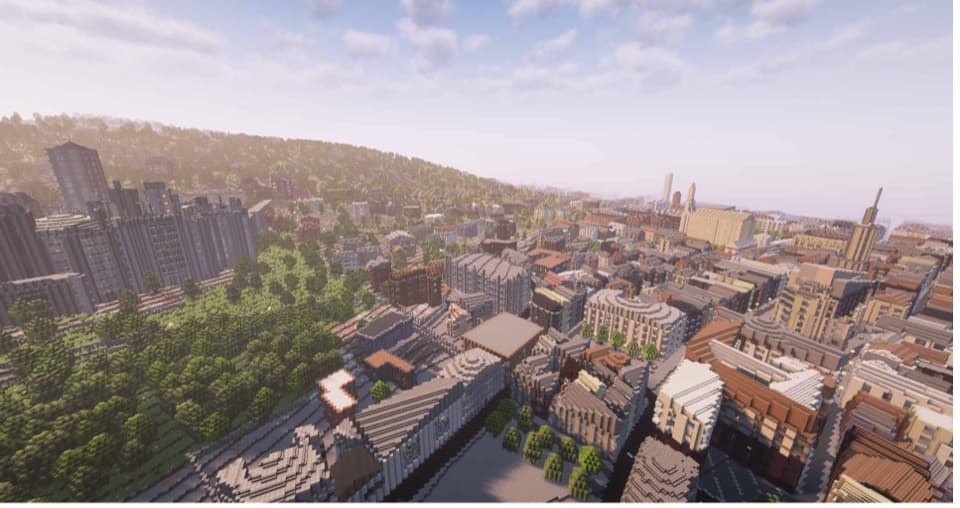
Every building footprint, every road, every park and playground — all pulled straight from OpenStreetMap, the same real-world map data used by major navigation apps. Then our engine turns it into a proper Minecraft world, complete with elevation and terrain.
- ✓Houses on your actual street
- ✓The school, library, and rec center
- ✓Parks, fields, and playgrounds
- ✓Roads, bike paths, and sidewalks
Parents always ask
Everything you want to know before hitting the button.
Is this safe for kids?
Which Minecraft editions work?
How much does it cost?
Do I need to install anything weird?
My kid is 8. Can they do this themselves?
Can I surprise them with it as a gift?
Not shopping for a kid? We've got you covered too.