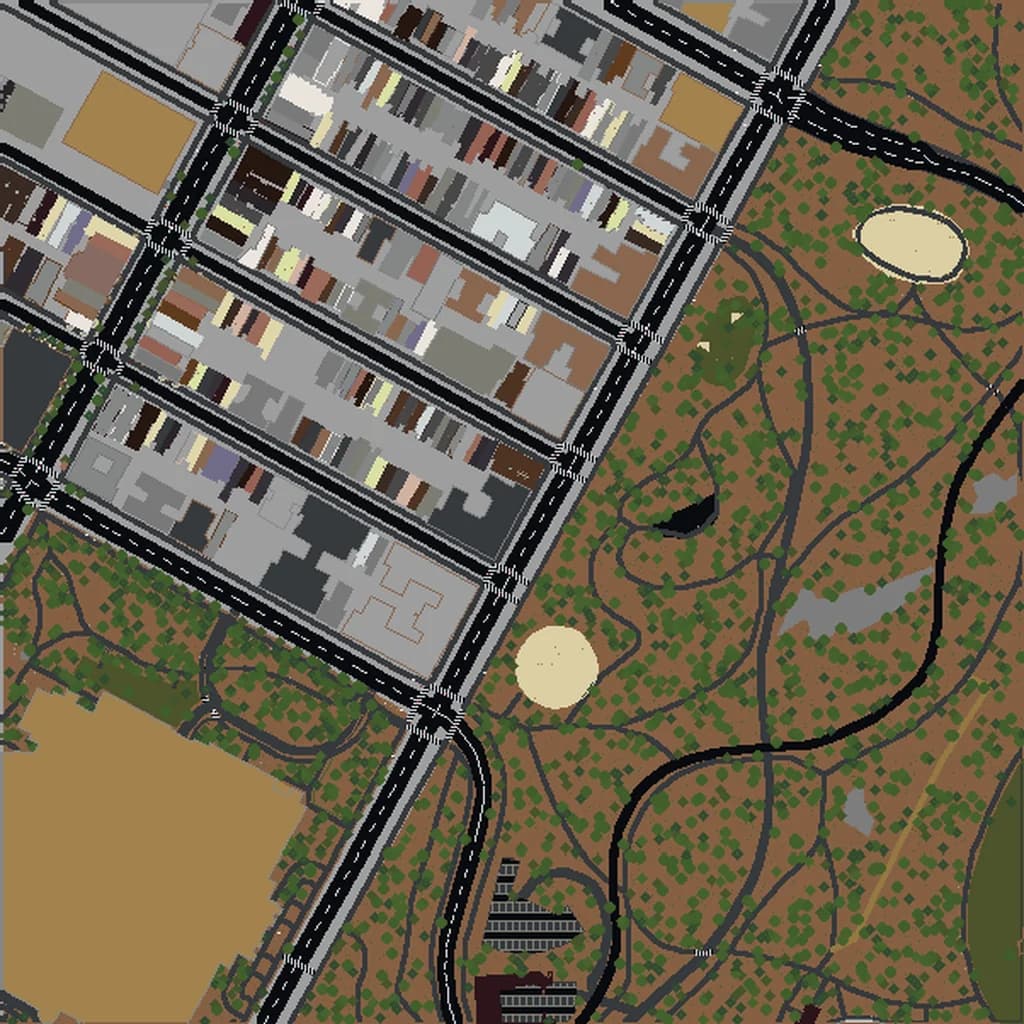
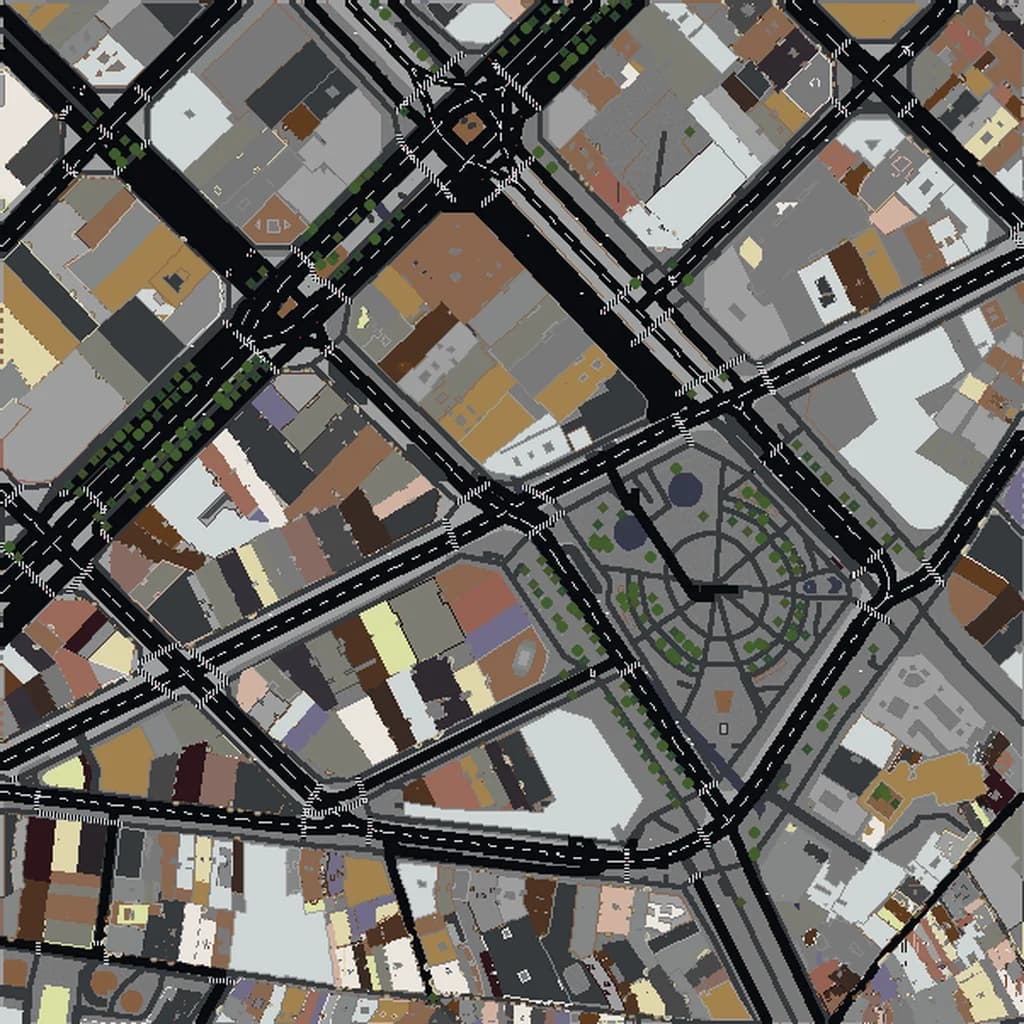
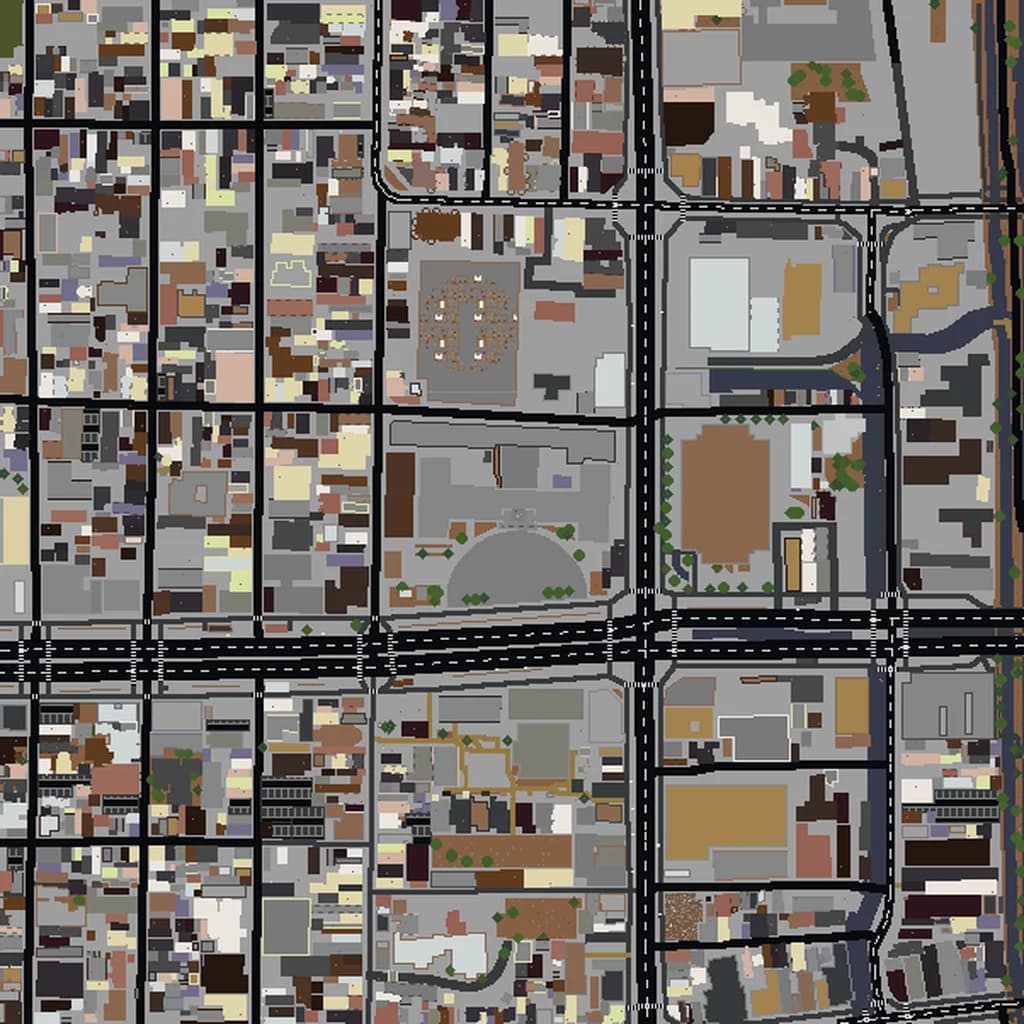
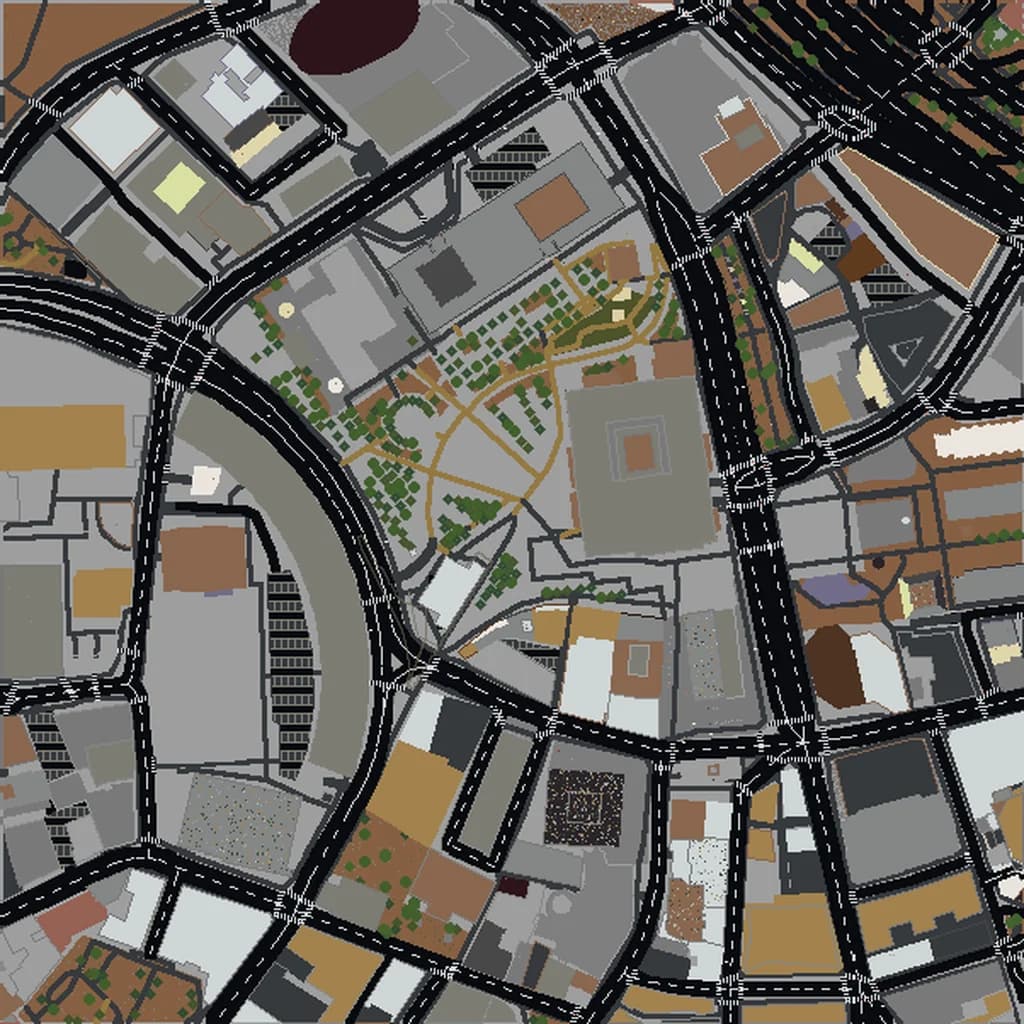
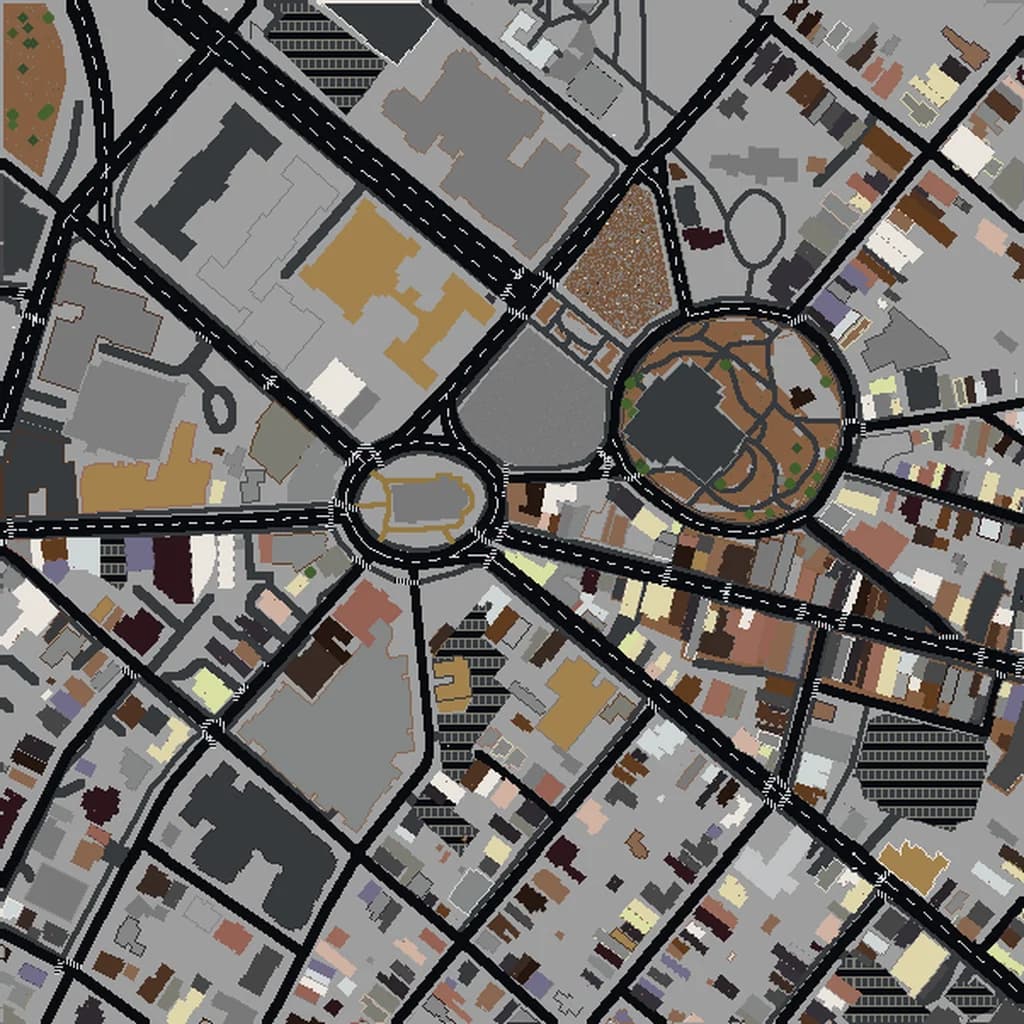
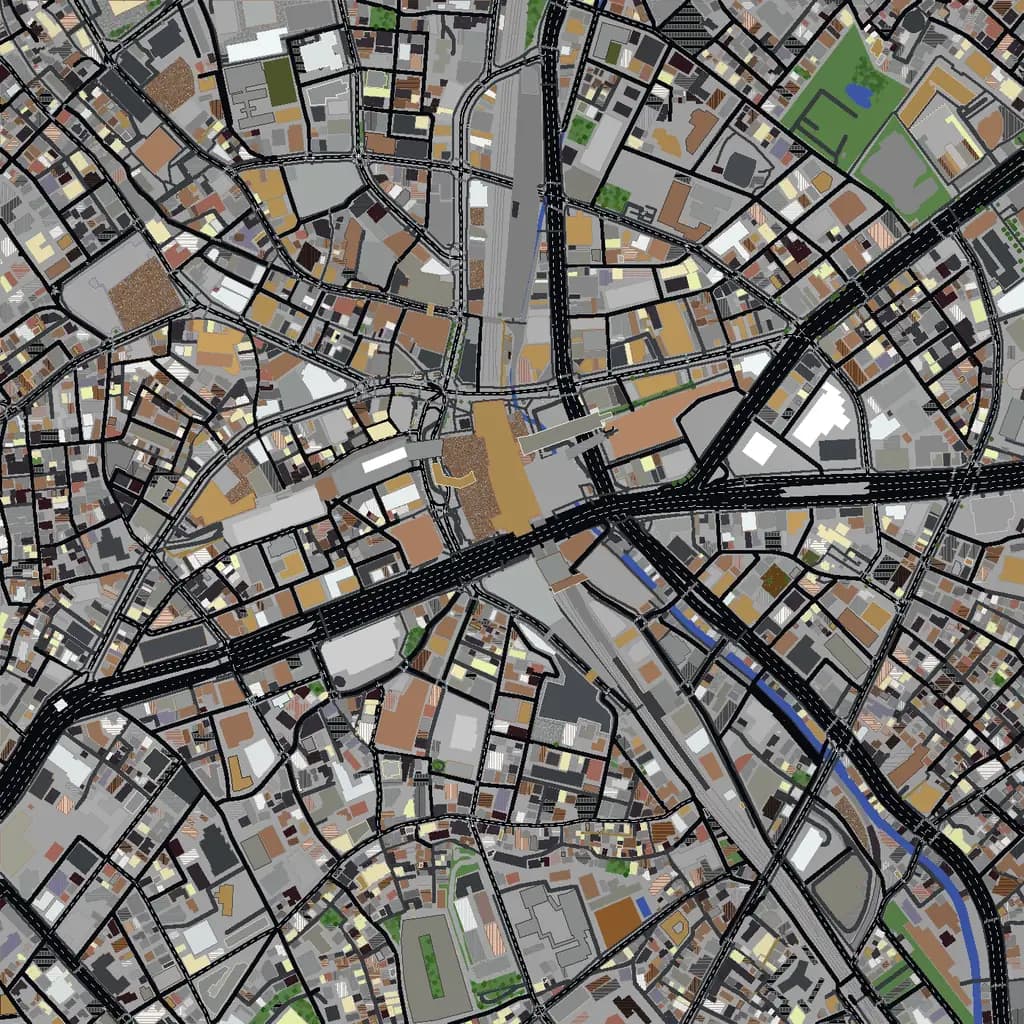
You want to build or generate a real place in Minecraft, and you need to know how big it will be. How many blocks is a meter? How long does it take to walk across a neighbourhood? Will a whole city fit on a laptop? This guide turns Minecraft scale into plain numbers, from blocks to meters to minutes on foot, so you can pick the right size before you start.
How many blocks is a meter in Minecraft?
One block is one meter on each side. That is the standard everyone uses, and it matches the game: the player is about 1.8 blocks tall, a door is 2 blocks tall, and a normal room height of 3 blocks feels right. A 100-meter street is 100 blocks long.
Map2Minecraft builds at that scale by default: one block per meter, with streets at their real width and buildings at their real footprints. You can change it under Customize when you create a world. The scale goes from half size (0.5 blocks per meter) to three times (3 blocks per meter). We will come back to when that is worth doing.
Useful numbers to keep in your head
- 1 block = 1 meter (about 3.3 feet).
- 1 chunk = 16 by 16 blocks, so a chunk covers 16 by 16 meters.
- 1 kilometer = 1,000 blocks. One square kilometer is a million blocks of ground.
- 1 storey is about 3 to 4 blocks. In our worlds, homes and apartments use about 3 blocks per floor and other buildings about 4, with a taller ground floor.
- Render distance is counted in chunks. At 12 chunks you see about 192 blocks in each direction; at 32 chunks, about 512.
That last point matters more than people expect. Even at a high render distance you see a few hundred meters around you, not a whole city. A large world feels large because you cannot see its edges.
How big does an area feel on foot?
Minecraft movement is much faster than real walking. A player walks at about 4.3 blocks per second and sprints at about 5.6. A real person walks at roughly 1.4 meters per second. In other words, you cross a real place in Minecraft about three times faster than you would in life, and faster still when flying in creative mode.
Here is how long it takes to cross each of our size presets edge to edge, walking and sprinting:
- Tiny (about 250 m across): about a minute walking, 45 seconds sprinting. A single block of houses, a square, a stadium.
- Small (about 0.7 km): under 3 minutes walking, about 2 sprinting. A neighbourhood, a campus, a small harbour.
- Medium (about 1.7 km): about 6.5 minutes walking, 5 sprinting. A town centre or an old town.
- Large (about 3 km): about 11.5 minutes walking, 9 sprinting. A downtown with the districts around it.
- City (about 6.3 km): about 24 minutes walking, 19 sprinting.
- Metro (about 9.5 km): over half an hour walking.
These are straight-line times on flat ground. Real streets wind, hills slow you down, and you will stop to look at things, so a session exploring a Large world easily runs an hour or more.
What fits in each size
It helps to think in real places rather than numbers:
- The historic core of Annapolis fits comfortably in a Small or Medium world. Every street is close enough to walk in a few minutes.
- The Gothic Quarter and Eixample edge of Barcelona suit a Medium world: enough of the grid to feel its rhythm, small enough to learn by heart.
- Lower and Midtown Manhattan need a Large world or bigger. Manhattan is about 3.7 km wide at its widest, so a Large square takes in a deep slice of it.
- Shibuya around the crossing and station works as a Medium world; add Harajuku and Yoyogi Park and you are into Large.
- Central Boston, from the Common to the North End and the waterfront, fits in a Large world with room for the river.
Height: the one dimension with a ceiling
Horizontally, a world can go on for as long as you have disk space. Vertically, Minecraft has a fixed build height, so very tall towers and mountain cities use a good share of the space above sea level. For almost every city that is not a problem: a ten-storey block is around 32 to 42 blocks tall, and most downtowns sit well within the limit.
If you want to check a building's height in game, stand at its base, note your Y coordinate on the debug screen (F3 on Java, or the coordinates setting on Bedrock), climb to the top and subtract. At one block per meter, the difference is its height in meters.
When to change the scale
One block per meter is right for most projects. Streets feel the right width, and the city looks the way it does on a map. There are two reasons to change it:
- Go bigger (1.5x to 3x) for detail. At 1:1, a small terraced house is only a few blocks wide, which leaves little room for furniture or window detail. At 2x the same house has four times the floor area, and builders who plan to furnish interiors often prefer it. The trade-off is that the world gets bigger by the square of the scale: 2x on the same map area is four times the blocks, and the create page shows you the resulting world size before you generate.
- Go smaller (0.5x) for reach. Half scale squeezes a wider area into fewer blocks. It suits overview maps where you care about layout more than individual buildings.
Choosing a size for your project
- Start from what you will do there. A survival game wants enough room to roam: Medium or Large. A detailed build project wants something you can actually finish: Small or Medium. A school lesson wants a place students can cross in a few minutes.
- Think about who plays it. Large worlds on consoles and older laptops load more slowly and show more fog. If the world is going on a Realm, see the size notes in our Realms guide.
- Frame the landmarks, not the city limits. Center the box on what people will recognise, such as the old town of Kyoto rather than the whole prefecture.
- Preview before you commit. After you generate, you get a preview of the world in your browser (Java worlds can be explored in 3D), so you can check that the area you framed is the one you meant.
For more on how the map data becomes blocks, read how Map2Minecraft works. When you know the size you want, frame your place on the map and pick a size.
Real city maps to try