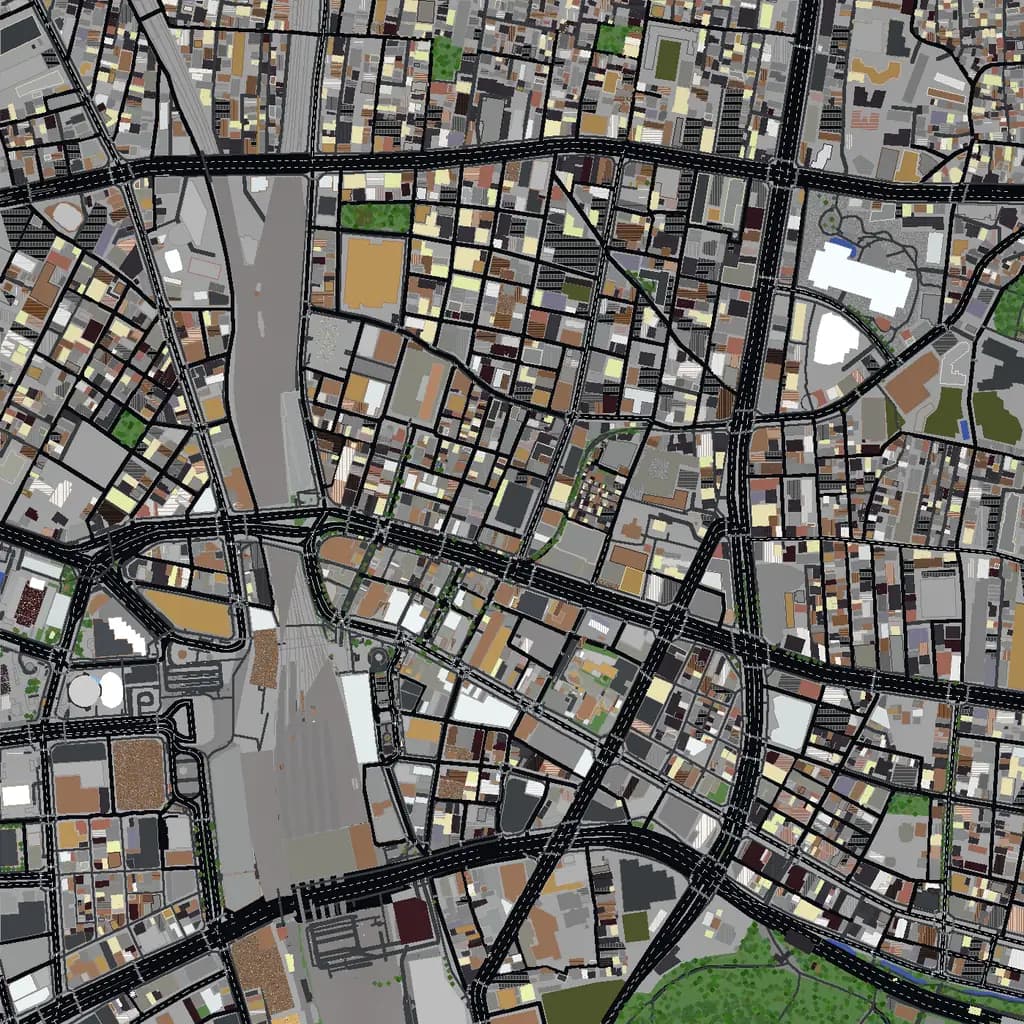
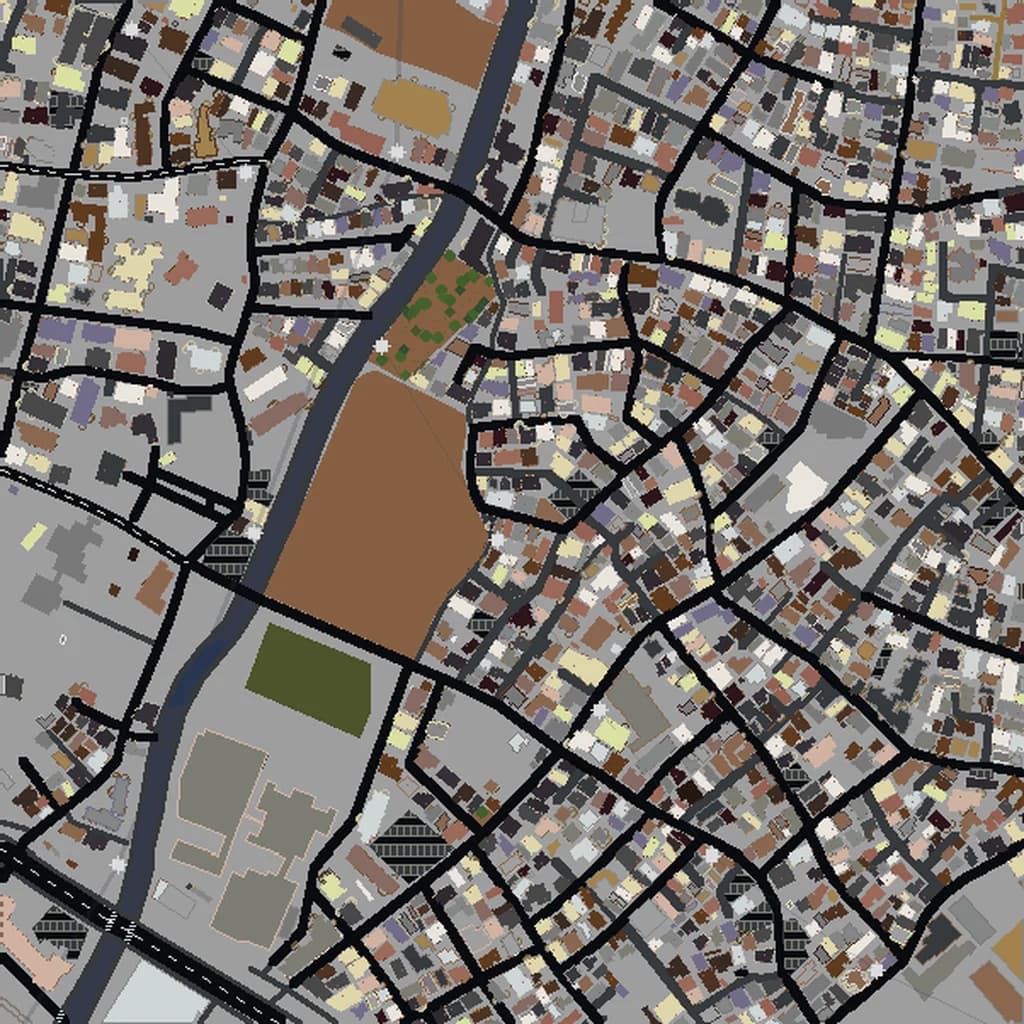
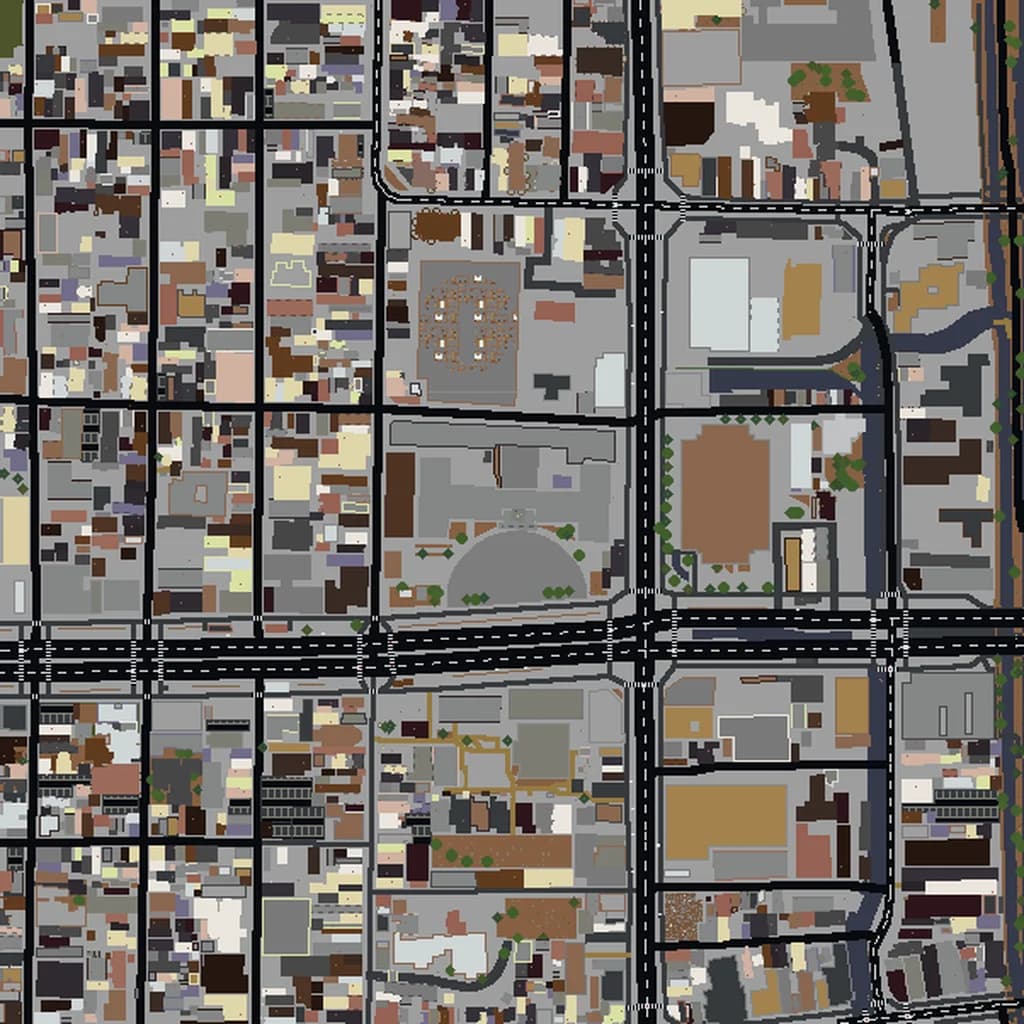
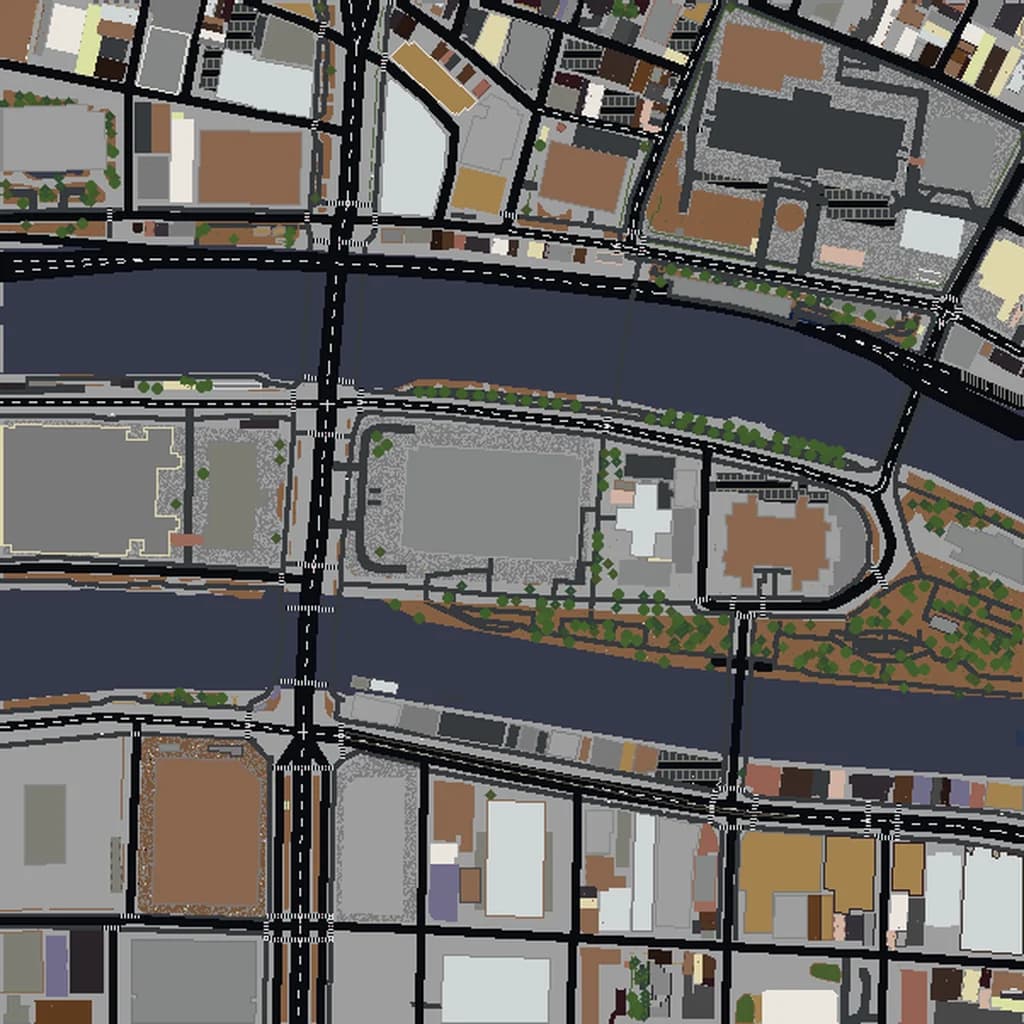
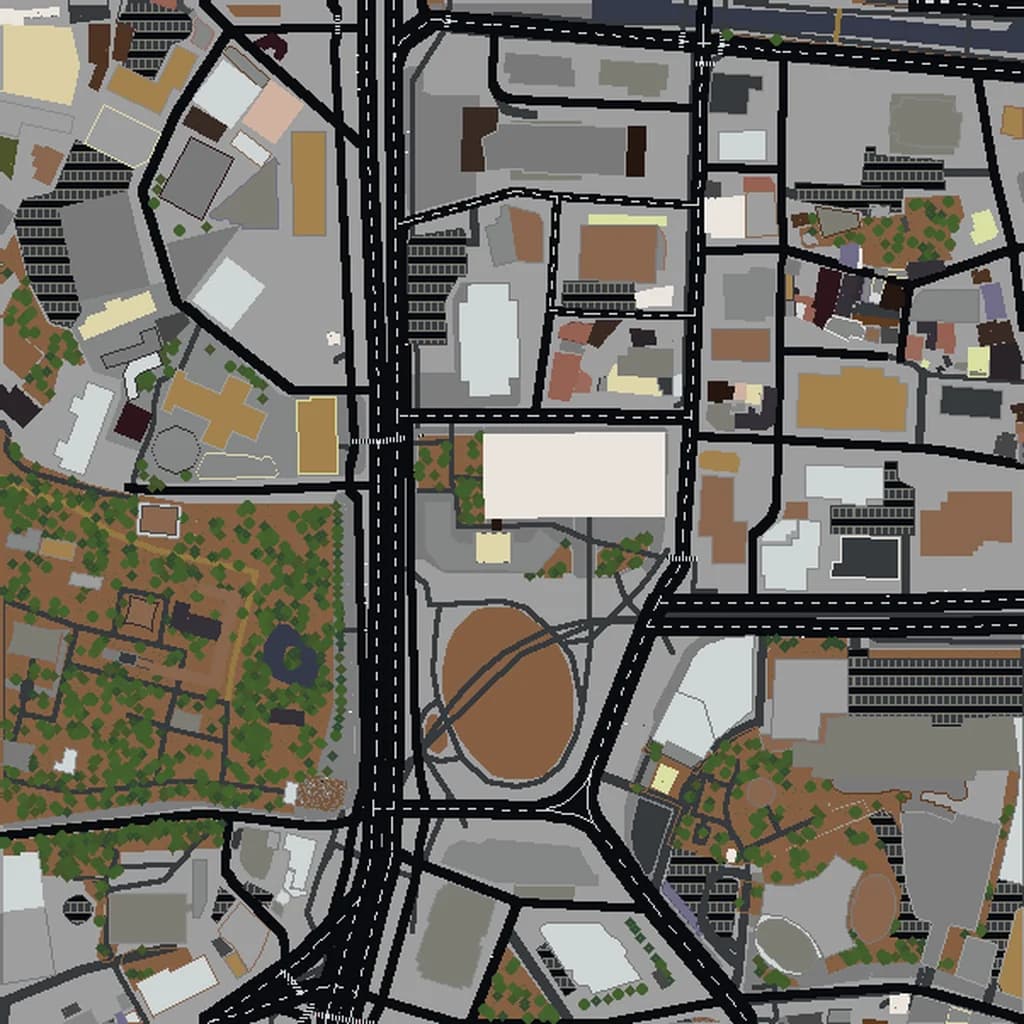
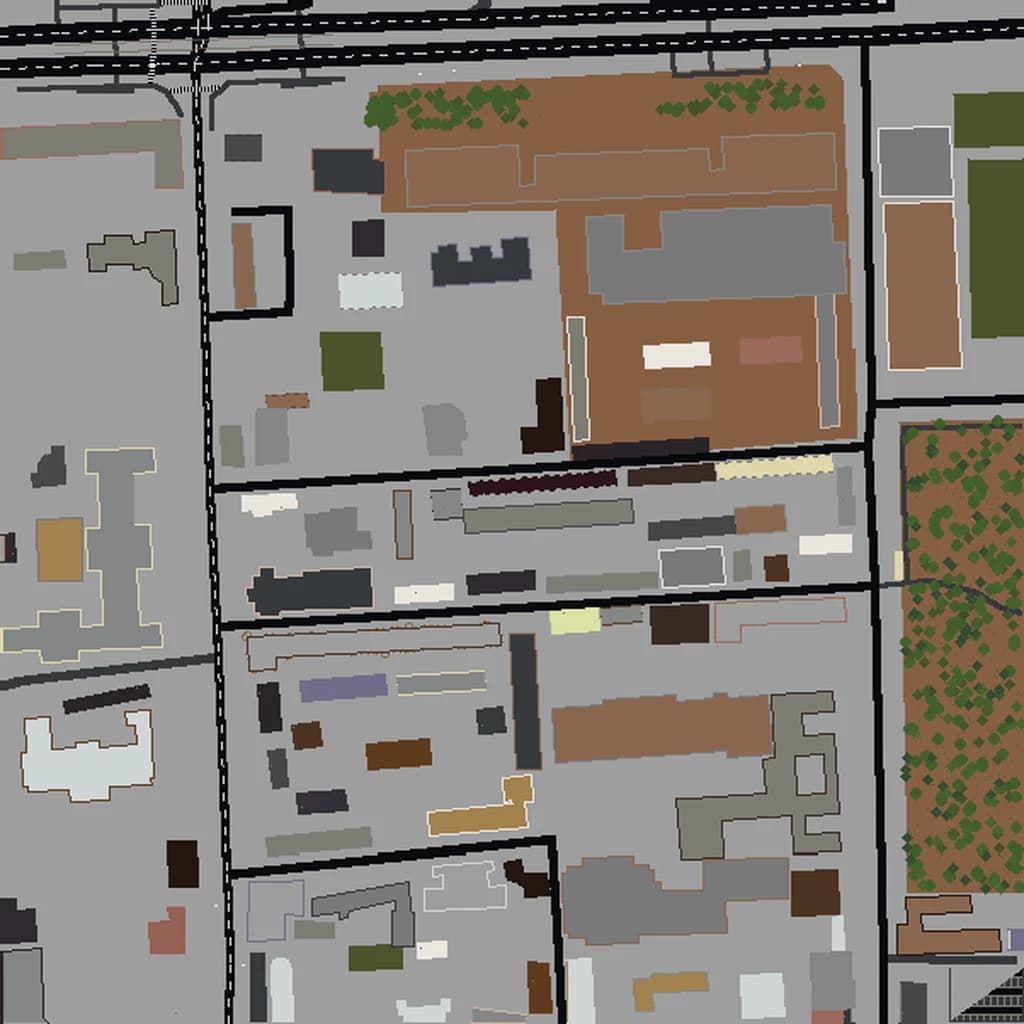
Shibuya Minecraft map
Real city world • Java & Bedrock Edition
Shibuya Crossing and the neon canyons around it — Tokyo's most famous intersection recreated block by block for Java and Bedrock.
Or worlds up to 100 km² and unlimited generations with Pro · $39/mo
Real Shibuya vs. Your Minecraft World
Drag the slider to compare the real street grid with the same area generated as a Minecraft world. Same blocks, same buildings, same shape.
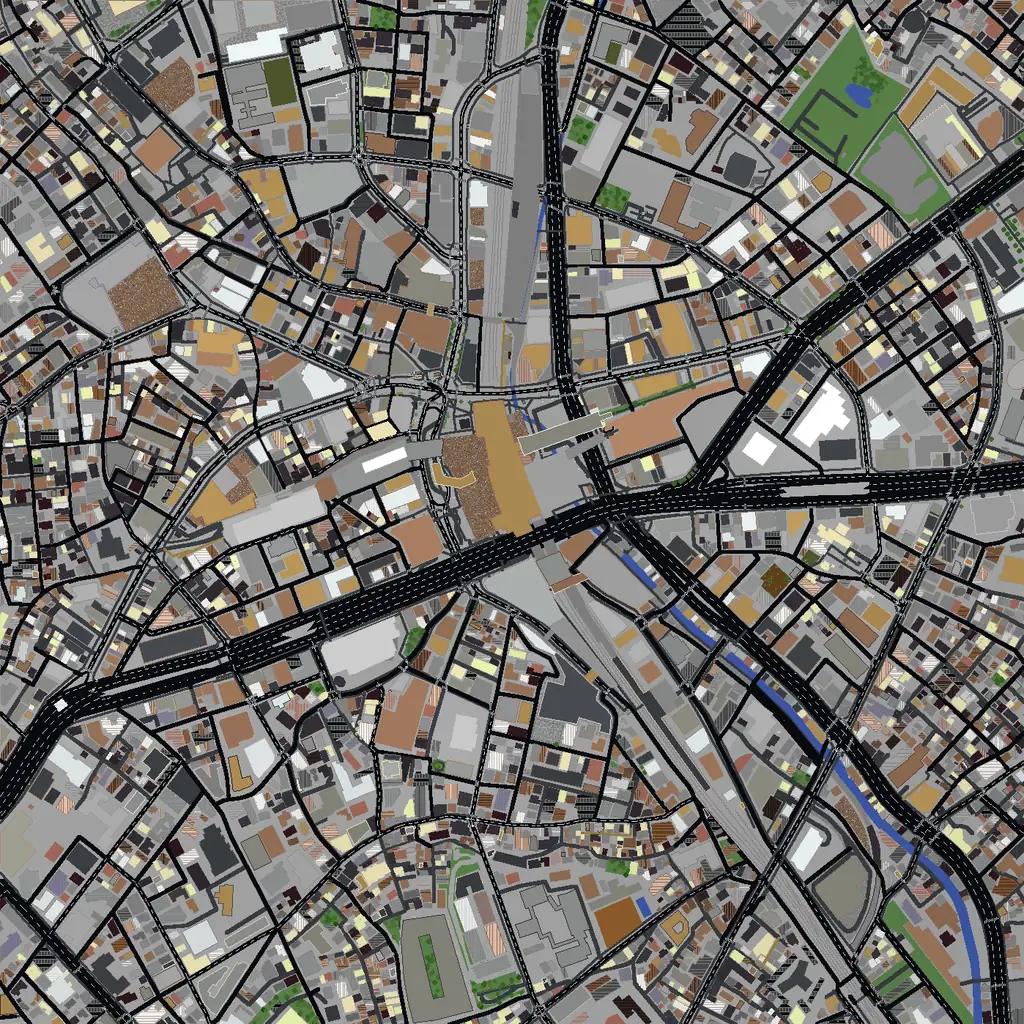
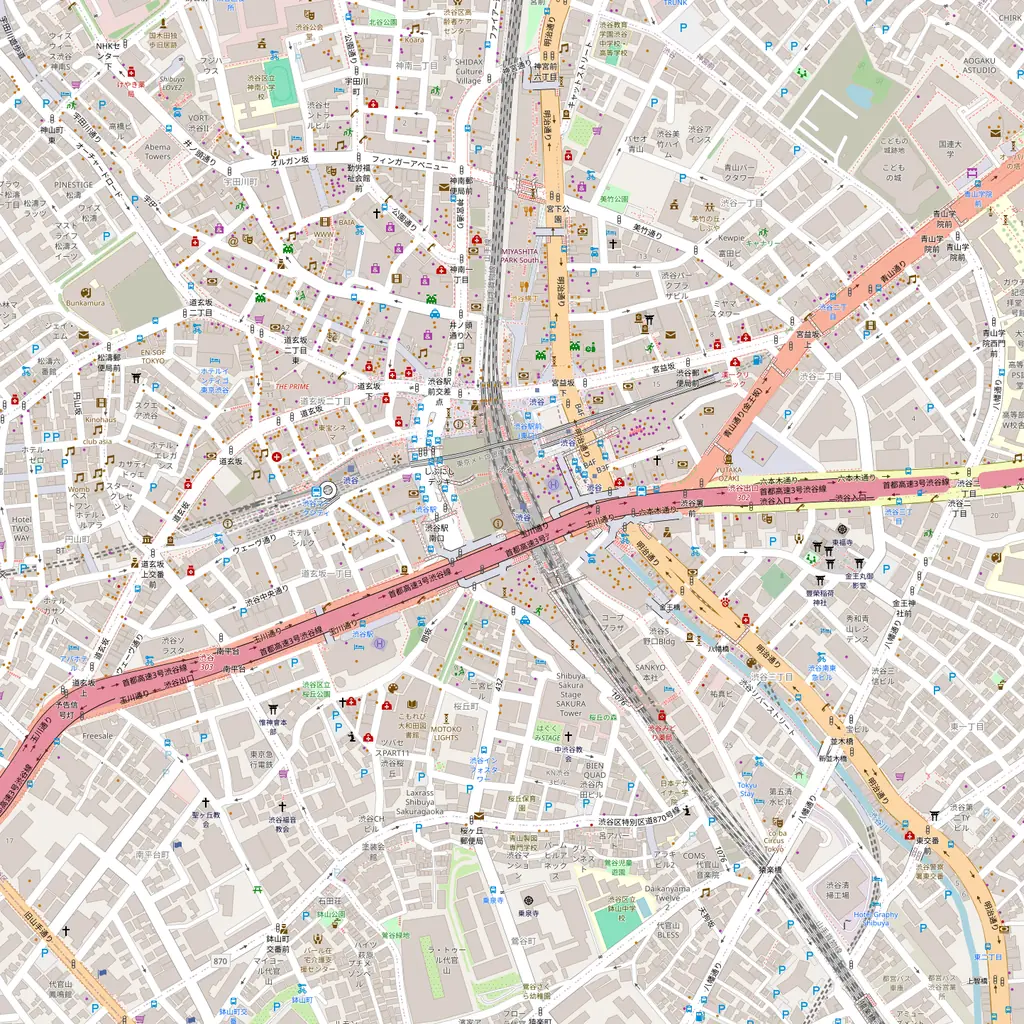
~2 minutes to generate · free 3D preview before you pay
About the Shibuya Minecraft World
Shibuya Crossing is probably the most recognizable intersection in the world, and it translates to Minecraft beautifully: five crosswalks converging in front of the station, ringed by video-screen towers, with Center Gai's pedestrian streets funneling off to the northwest. The surrounding district piles shopping towers onto steep hills — Shibuya literally means 'bitter valley' — so unlike most city builds, the terrain here actually rolls, and streets like Spain-zaka and Dogenzaka climb visibly in blocks. Yoyogi Park and Meiji Shrine's forest sit just north for a huge green counterweight.
What's Included in the Shibuya World
Plus all streets, buildings, parks, and terrain elevation from OpenStreetMap data — faithfully converted to Minecraft blocks. Available for both Java and Bedrock Edition.
What Makes Shibuya Special in Minecraft
- The crossing itself renders with the real road geometry — stand on the Hachiko square side and you're in the exact famous camera angle.
- Shibuya's valley topography means real elevation: the station sits in the low point and the streets climb in every direction.
- Include the northern edge and you get Yoyogi Park plus the forested Meiji Shrine grounds — one of the densest tree canopies in central Tokyo.
- The Shibuya Scramble Square tower (230 m) anchors the skyline right above the station.
Recommended Selection for Shibuya
A 1.5–2 km² selection centered on the crossing captures the station, Center Gai, Dogenzaka, and the surrounding towers — a Medium tier world. Go to 4 km² to bring in Yoyogi Park and Meiji Shrine's forest to the north, or all the way to Harajuku's Takeshita Street.
How It Works
Select Area
Choose how much of Shibuya you want — from a single neighborhood to the entire metro area.
Preview in 3D
Explore an interactive 3D preview before purchasing. Rotate, zoom, and inspect every block.
Download & Play
Get your world file for Java or Bedrock Edition. Drop it in your saves folder and start exploring.
Frequently Asked Questions
What's included in the Shibuya Minecraft world?
How do I import the world into Minecraft?
Do I need any mods to play?
Does the Shibuya map work on Minecraft Bedrock Edition?
Can I get Shibuya and Shinjuku in one world?
Ready to Explore Shibuya in Minecraft?
Free preview of any area · from $5 — no subscription, no mods, no install required.
Create Shibuya WorldMinecraft maps of cities near Shibuya
The closest of our 100 ready-scouted cities, nearest first