College Campuses in Minecraft: Build Your School's Map
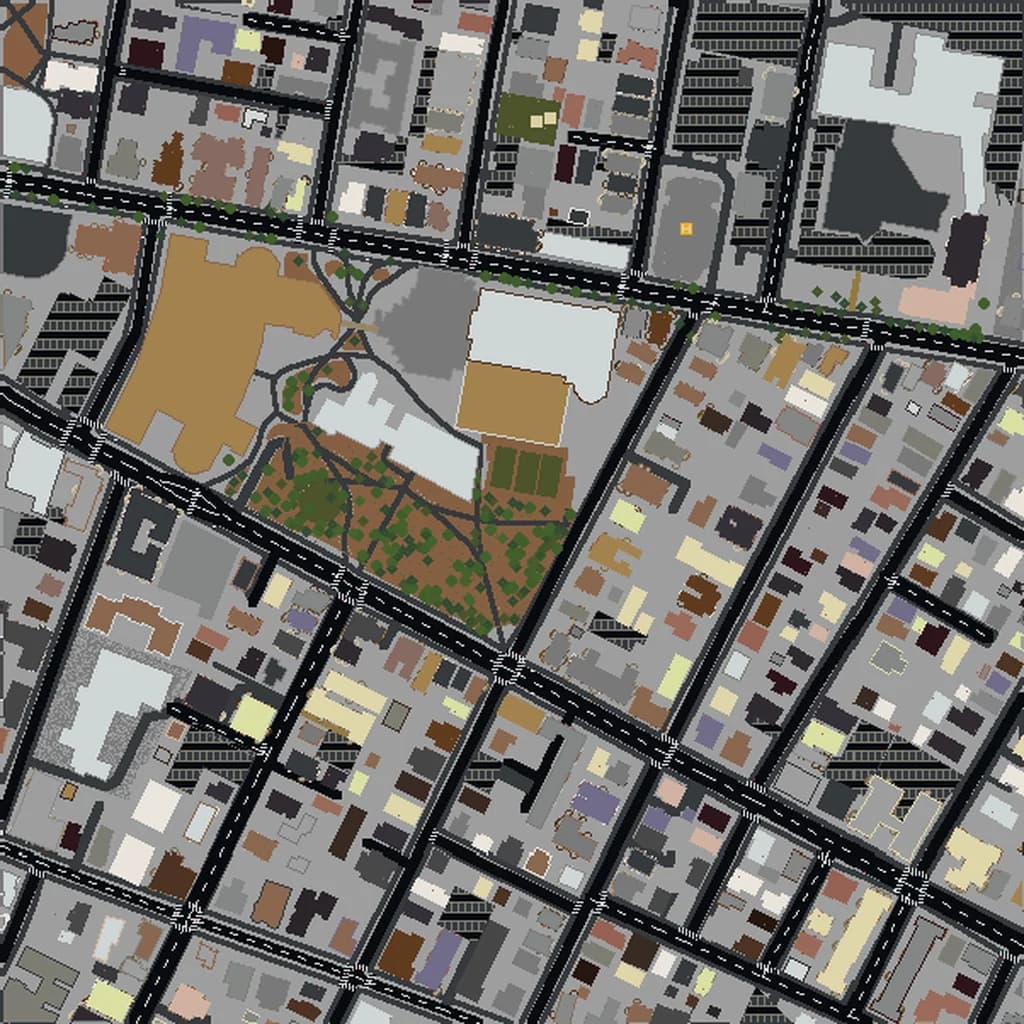
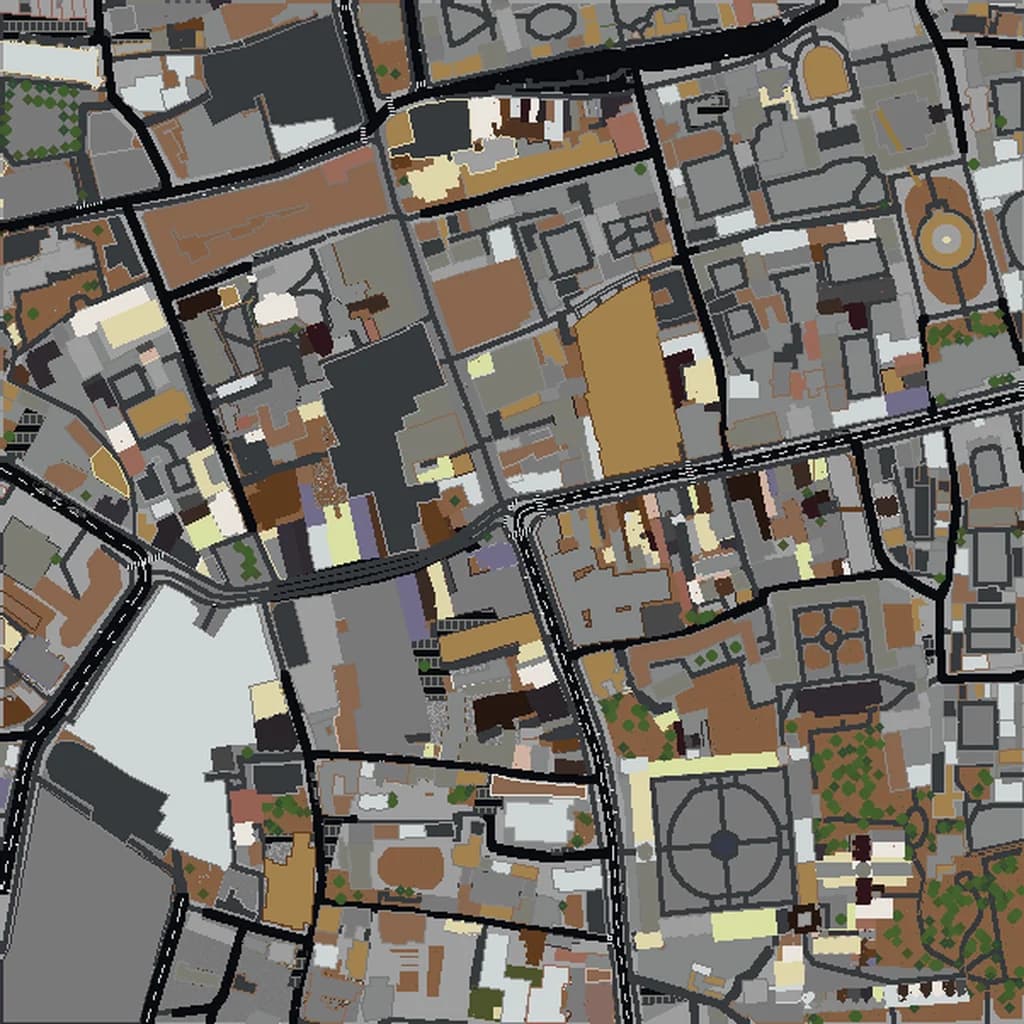
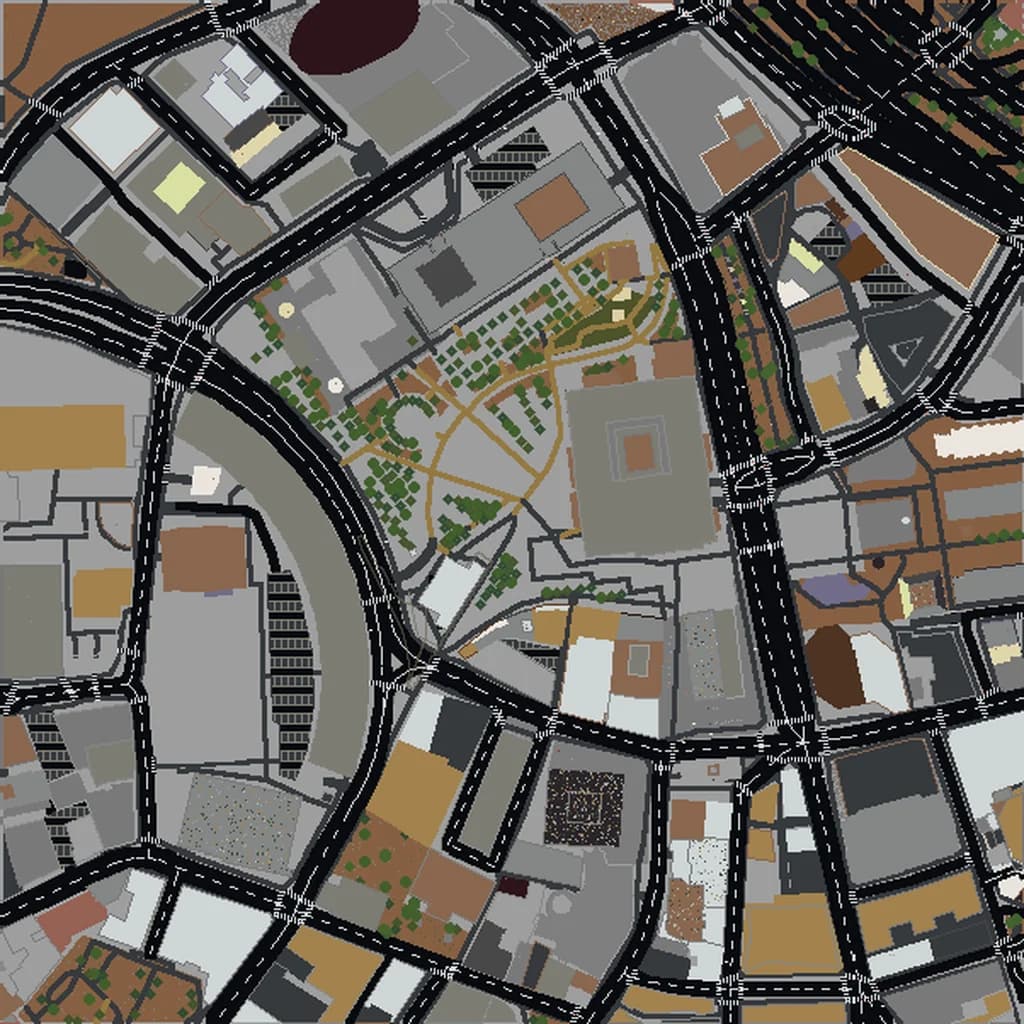
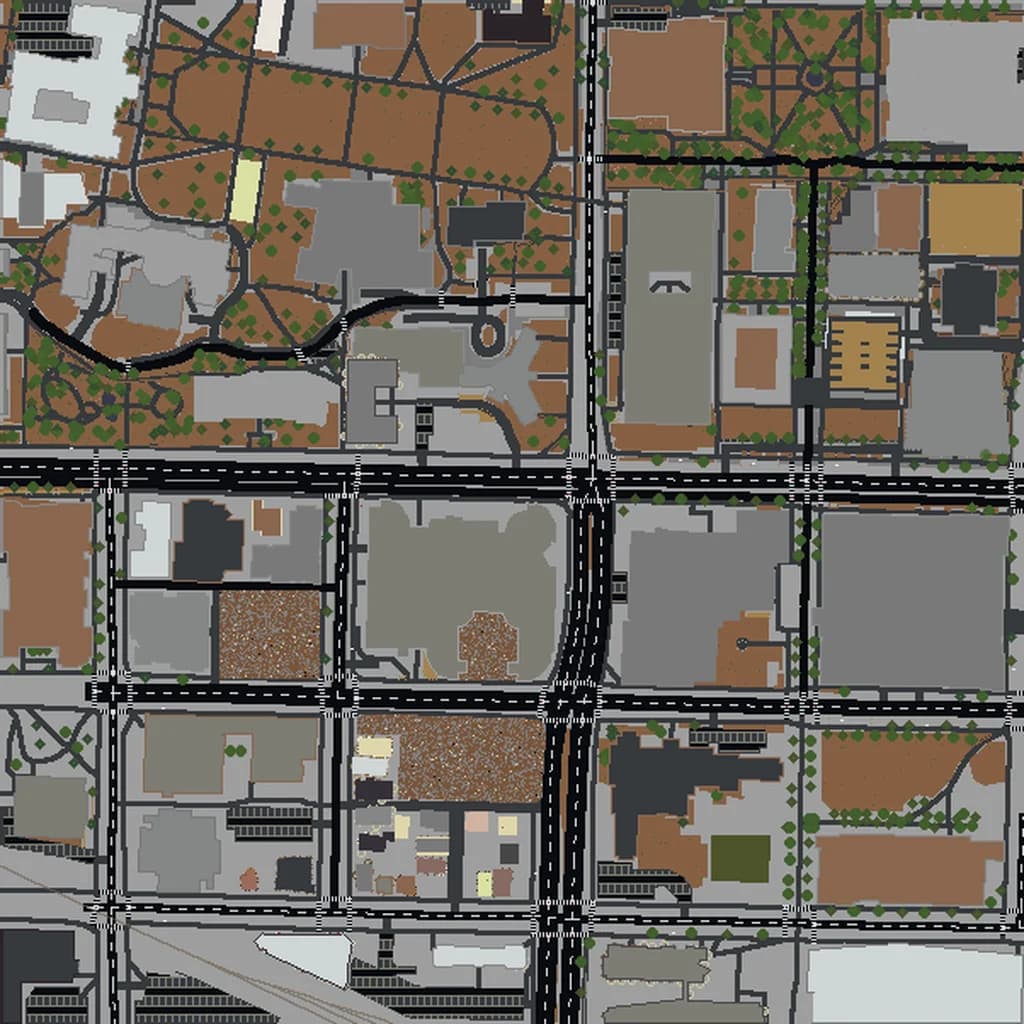
Every campus has a Minecraft club, and sooner or later someone suggests building the campus. Then they open a flat world, start on the library, and realize it would take a year. A generated world solves the hard part: the footprints, paths, quads and terrain of the real campus, laid out at real scale in an afternoon. This post covers ideas for college campuses in Minecraft — for students, alumni and clubs — and how to get a campus world that looks right.
Why a Campus Works So Well in Minecraft
Campuses are almost ideal for real-world Minecraft worlds:
- They are compact. Most campuses fit in an area of a square kilometre or two, which keeps worlds quick to generate and easy to run.
- They are well mapped. Universities attract mappers. Students, staff and geography departments often map campus buildings, paths and sports fields in detail in OpenStreetMap.
- Everyone knows them. A campus is a shared place for thousands of people, so a world of it is instantly recognisable to your whole community.
Ideas for Students and Clubs
A club server on your own campus
Generate the campus, put it on a server, and let the club take it from there. Members can fill in the details the map cannot know — the inside of the student union, the murals, the statue on the quad. Assign buildings to teams, set a deadline, and hold a walkthrough at the end of term.
Orientation and open days
A campus world is a surprisingly good way to learn the layout. New students can walk from their dorm to their lecture halls before term starts. If you help run orientation, a world with signs marking key buildings makes a memorable activity.
Build contests
Give each team the same generated campus and a theme: the campus in a hundred years, the campus after a zombie outbreak, the campus as a medieval town. Because everyone starts from the same accurate base, the results are easy to compare.
Events on a world everyone knows
Capture the flag across the quad, hide-and-seek in the library, a race from one end of campus to the other. Real places make simple games much more fun because players already know every shortcut.
Class projects
Architecture, planning and geography students can use a campus world to study sightlines, walking distances and how buildings relate to the slope of the land. Our geography teaching guide has lesson ideas that adapt well to a campus.
Ideas for Alumni
- A graduation gift. A world of the campus where someone spent four years is a personal gift for a graduate who plays Minecraft.
- Reunions. A shared world of the old campus gives a reunion something to do online, especially for classmates who now live far apart.
- Before and after. Campuses change fast. Generate the campus today and keep the world; in ten years it will be a snapshot of how it used to be.
How to Get a Campus World That Looks Right
Frame the campus, not the whole city
On the create page, search for your university, pick a size, and drag the frame until the campus fills it. Include the streets around the edge so the campus has context, but resist the urge to include the whole city — a tighter area is quicker to generate, smoother to play, and easier to fill with details later.
Check the map before you generate
Open your campus on openstreetmap.org and look at it closely. Are all the buildings drawn? Do the big ones have floor counts? If the science building is missing or the library has no building:levels tag, it will come out wrong. Fixing that is a great club project in itself — see our guide on adding your town to OpenStreetMap, and follow its rules (map from your own observation, never from Google).
Use the preview
Before you download, walk the campus in the in-browser 3D preview. Check that the main quad, the landmark buildings and the paths look the way you expect. If something is off, the cause is usually missing map data, which you can fix and regenerate later.
Know what the generator cannot know
With the Building Interiors option on, buildings get floors and rooms inside. Those interiors are generated, not the real layout of your lecture halls — OSM almost never contains floor plans. Statues, murals, signs and the exact look of a facade are also beyond what the map contains. Treat the generated world as an accurate skeleton, and let your club add the character.
Pick the right edition for your group
If everyone plays on PC, Java is the natural choice for a club server, with the widest choice of server software and plugins. If members play on phones, tablets and consoles, Bedrock lets them all join the same world. Our Java vs Bedrock guide covers the trade-offs. You choose the edition before generating.
Respect the Real Place
A campus is a real place with real people. Keep it fun: do not post anything in a shared world that maps security details, private rooms or individuals. Most universities are fine with students building their campus; if you plan to use the university's name or logo for something public, check with the student activities office first.
Campuses to Try
Some campus towns that make great worlds: Cambridge, Massachusetts has two famous campuses close together along the Charles River; Oxford packs its colleges, quads and spires into a walkable centre; Madison sits on an isthmus between two lakes with the university on the shore; Austin and Boston have large campuses right in the city; and Annapolis is home to the Naval Academy on the water.
Or skip straight to your own school. Find your campus on the map, frame it, and see it in blocks.
Real city maps to try