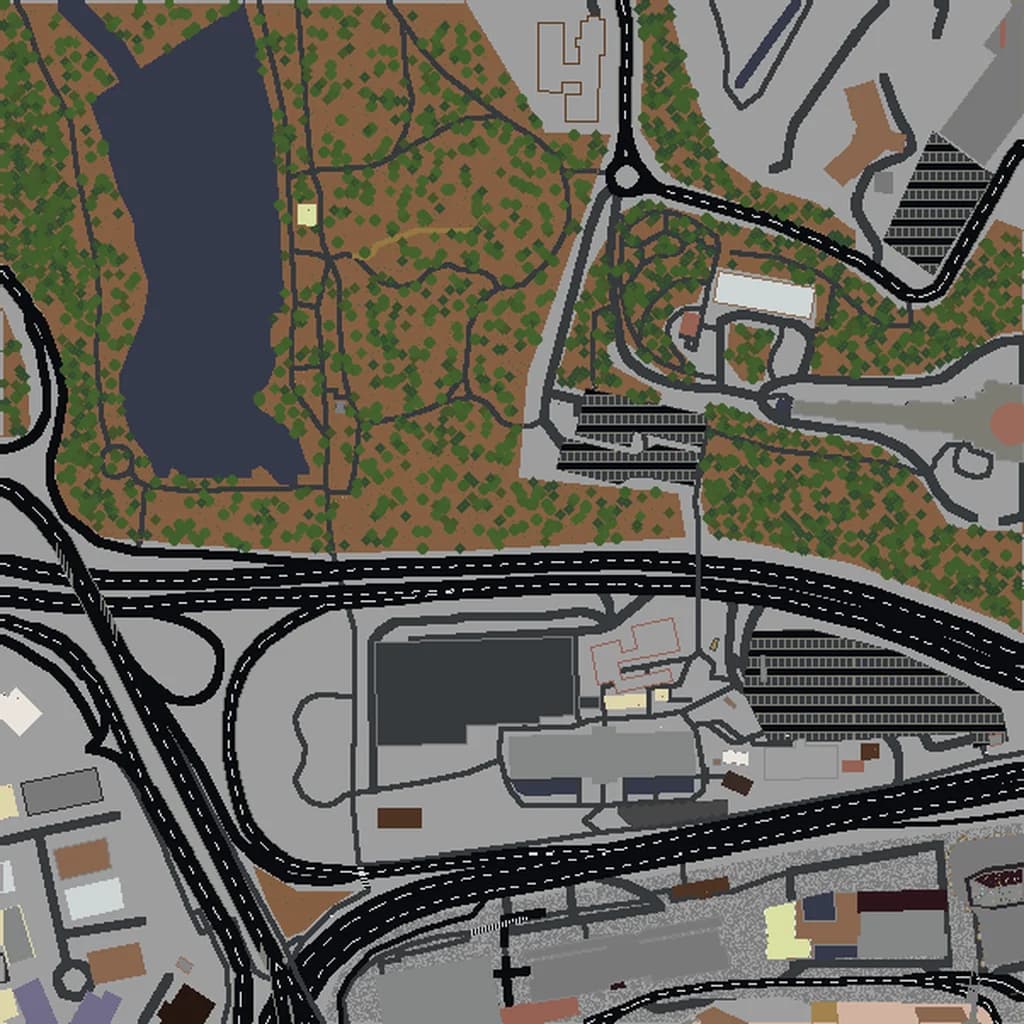
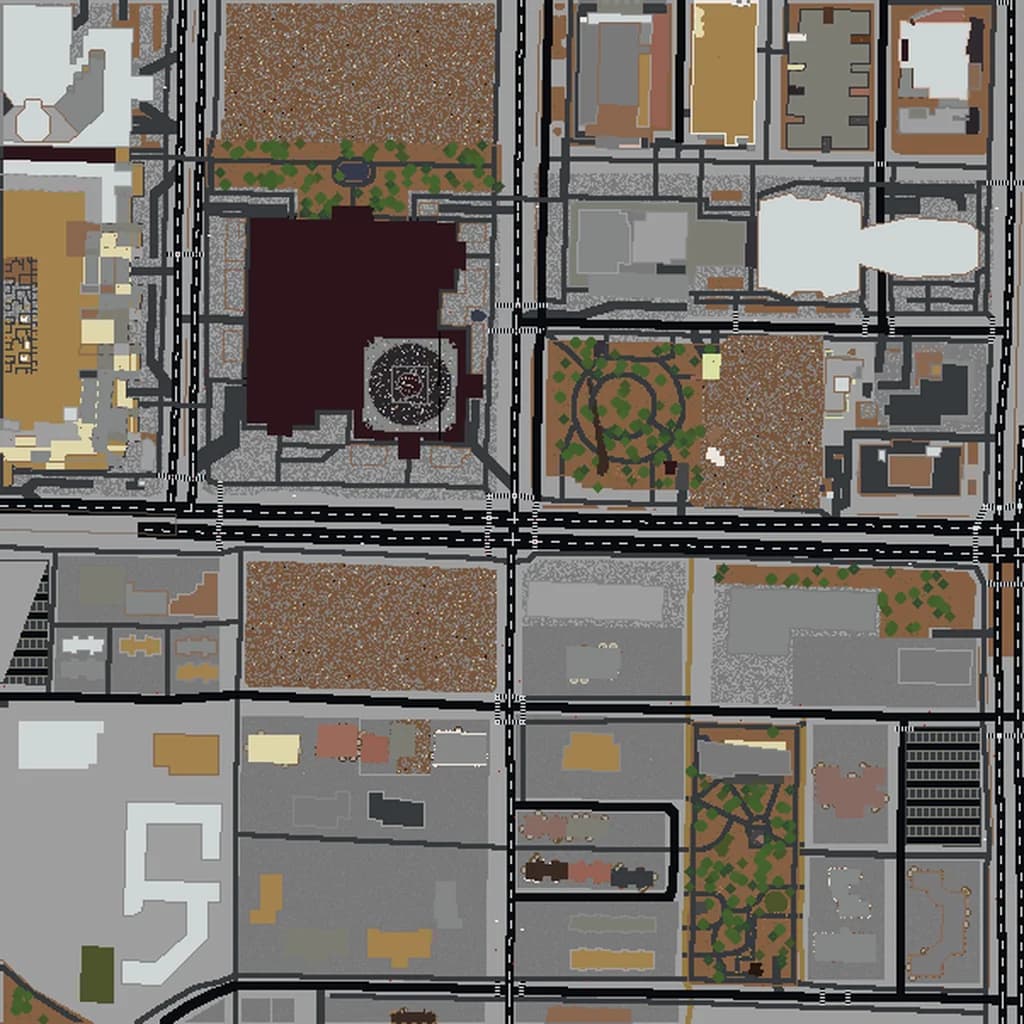
Sydney Minecraft map
Real city world • Java & Bedrock Edition
The Opera House harbor, Harbour Bridge area, and Sydney's stunning coastline in Minecraft.
Or worlds up to 100 km² and unlimited generations with Pro · $39/mo
Real Sydney vs. Your Minecraft World
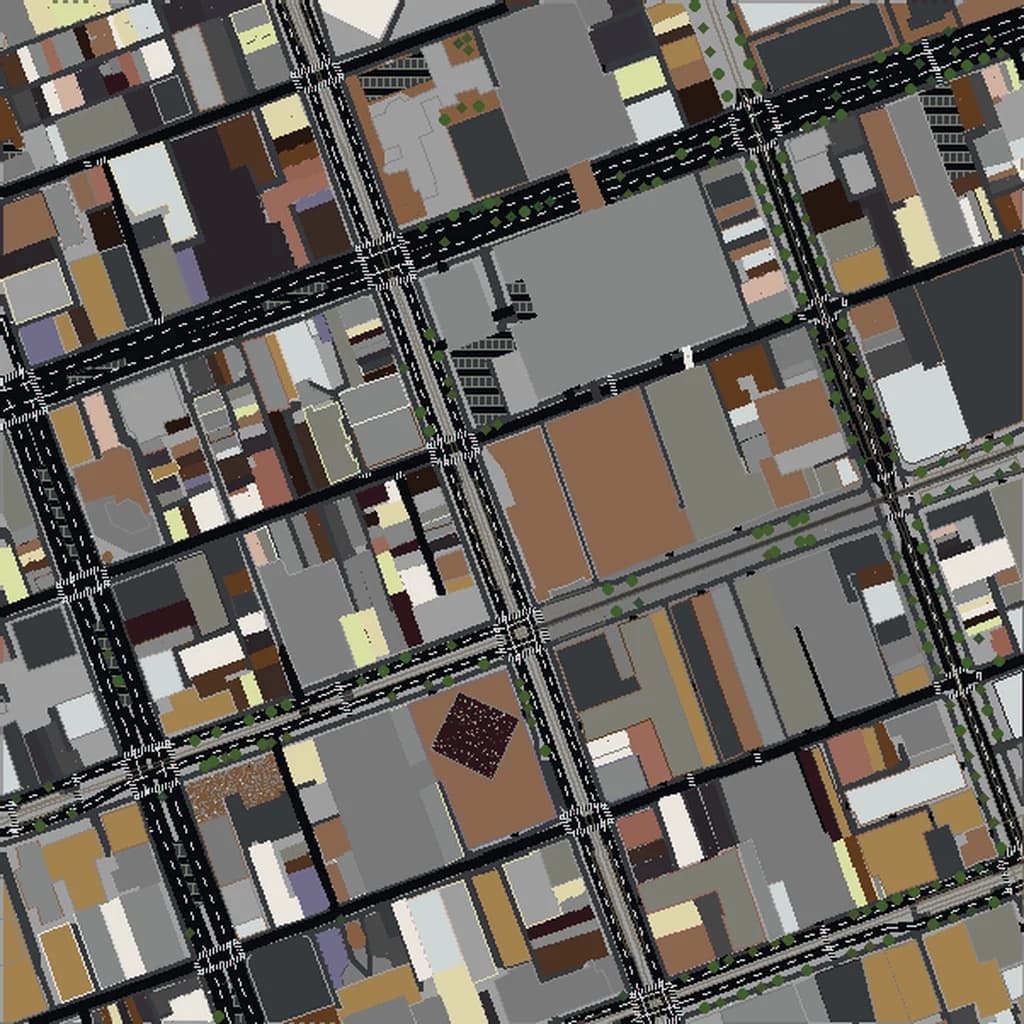
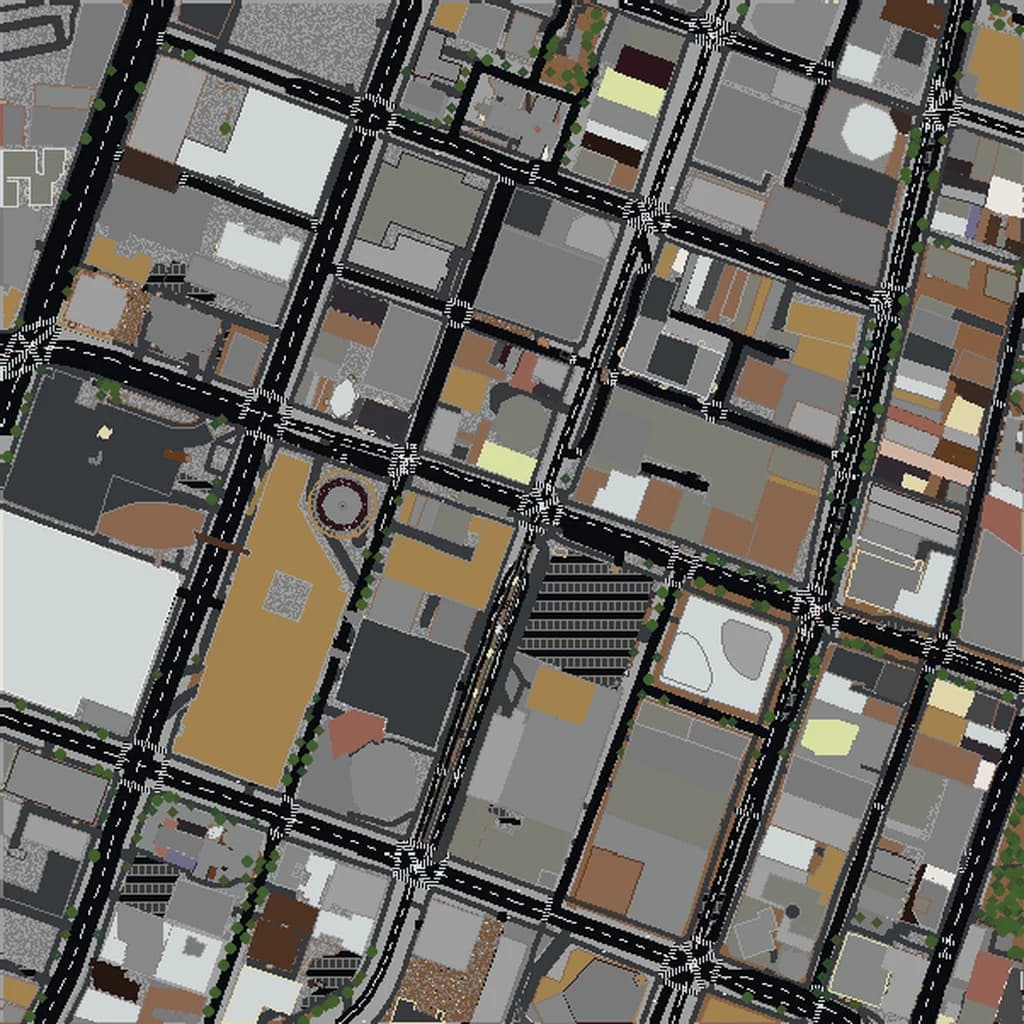
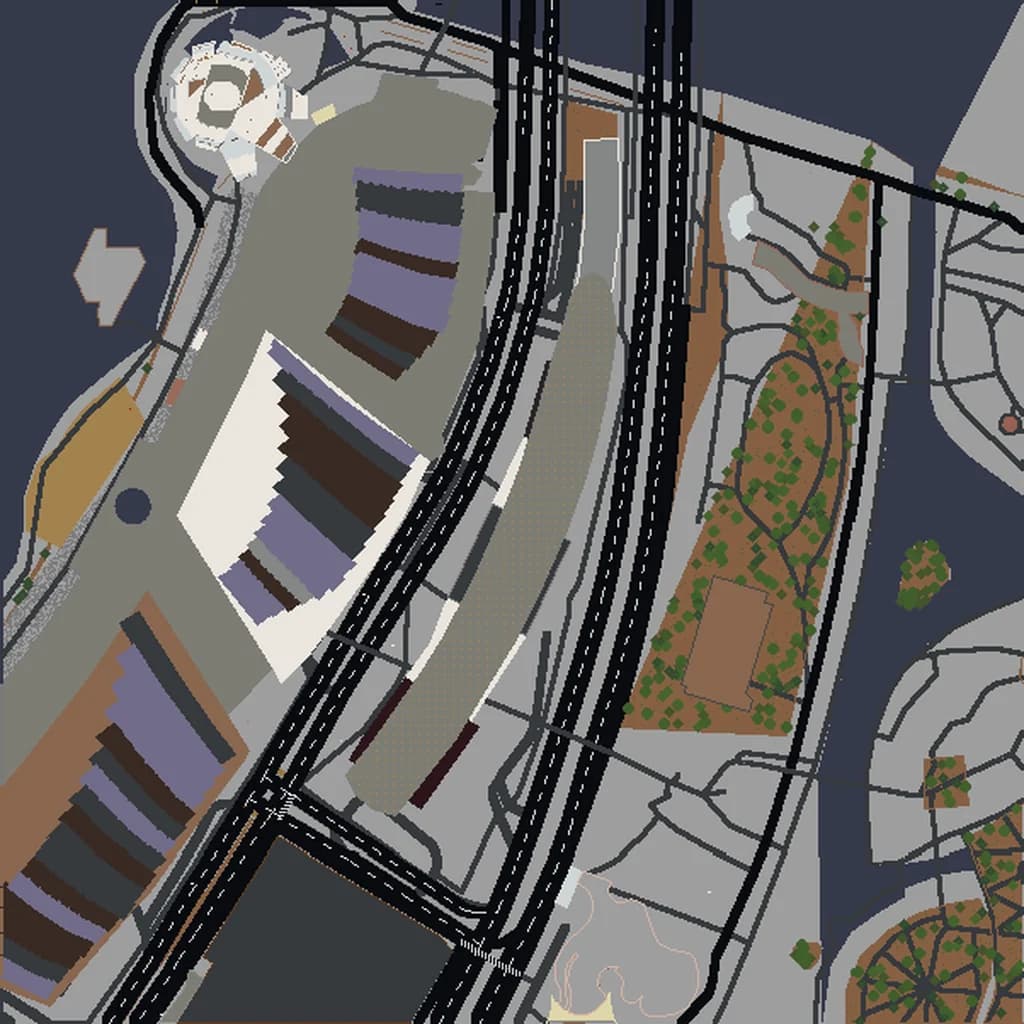
Drag the slider to compare the real street grid with the same area generated as a Minecraft world. Same blocks, same buildings, same shape.
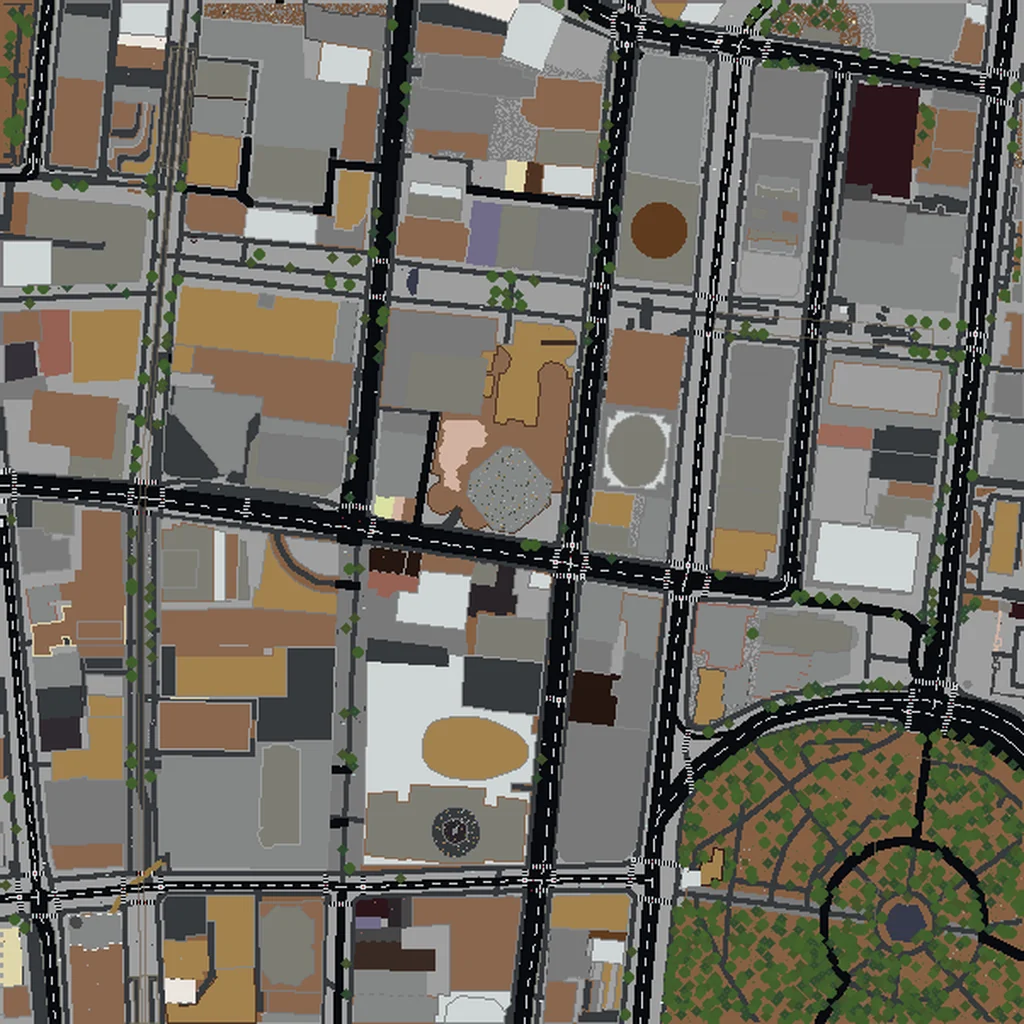
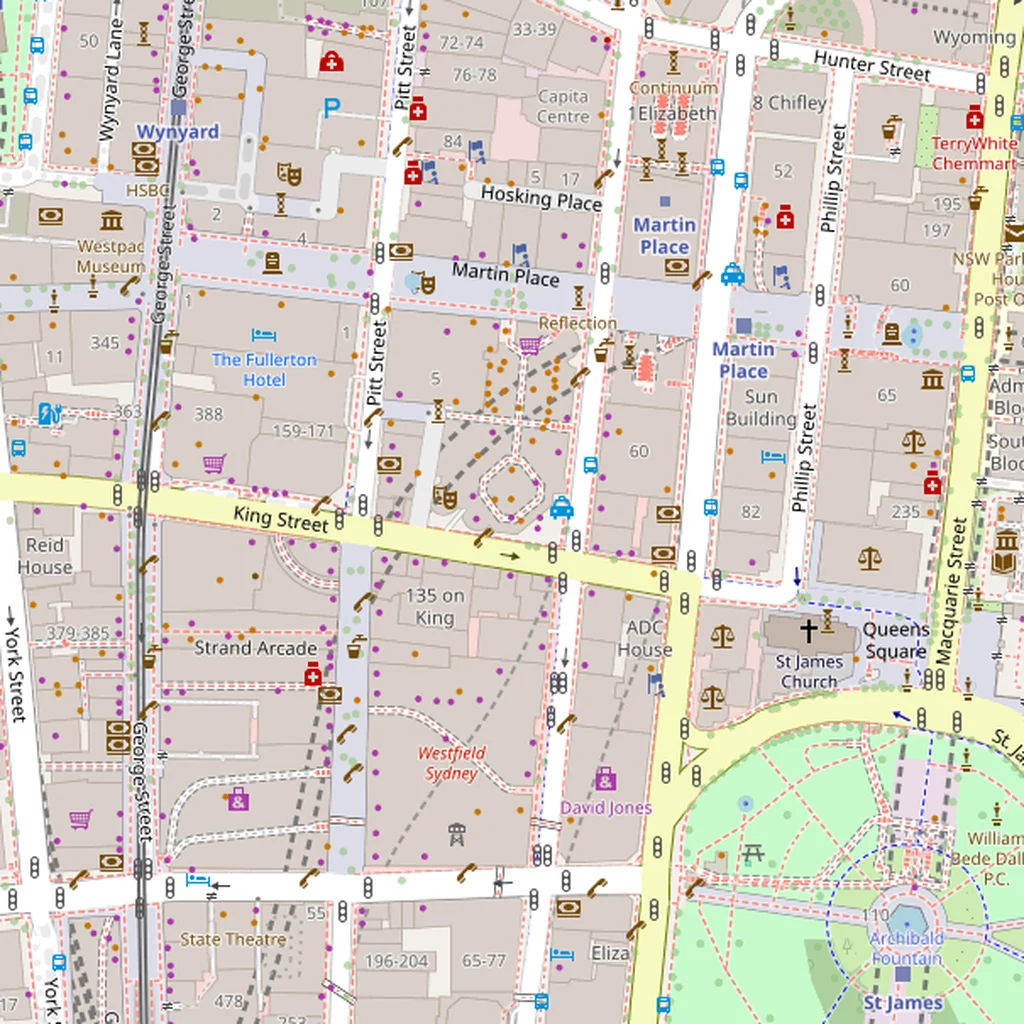
~2 minutes to generate · free 3D preview before you pay
About the Sydney Minecraft World
Sydney's harbour is one of the best-looking real-world Minecraft conversions available because the coastline is so dramatically indented — bays, peninsulas, and islands create a complex shoreline that stretches for tens of kilometers, all of which renders as accurate block-water boundaries. The Harbour Bridge and Opera House give you two of the most instantly recognizable single-structure builds of any city.
What's Included in the Sydney World
Harbour Bridge
The 503 m arch spans between Dawes Point (south) and Milsons Point (north). In Minecraft the deck renders with correct height above water and the stone pylons at each end are distinct structures.
Darling Harbour
A purpose-built entertainment district on a harbour arm west of the CBD. The Sea Life Aquarium, Convention Centre, and Pyrmont Bridge all render as distinct structures with the water forming a clear inland feature.
Bondi Beach
Sydney's most famous beach sits about 7 km east of the CBD — including it extends your bbox significantly. The curved bay with Bondi Icebergs at the south end is a clear geographical feature.
Plus all streets, buildings, parks, and terrain elevation from OpenStreetMap data — faithfully converted to Minecraft blocks. Available for both Java and Bedrock Edition.
What Makes Sydney Special in Minecraft
- The harbour's complex shape — with Circular Quay, Darling Harbour, Cockle Bay, and Lavender Bay all as separate water features — gives Sydney more coastline per area unit than almost any other city we generate.
- Elevation varies noticeably: the CBD sits at 30–40 m above sea level, North Sydney climbs to 50+, and harbourside suburbs drop back to sea level. The terrain reads as rolling rather than flat.
- The Royal Botanic Garden is a large green wedge immediately east of the CBD, giving the downtown area a natural park boundary.
- Including both the Opera House and the Bridge requires a bbox covering about 2 km × 2 km centered on Circular Quay — a tight, iconic selection.
Recommended Selection for Sydney
For the classic Sydney Harbour build — Opera House, Harbour Bridge, Circular Quay, The Rocks, and the CBD skyline — about 3 km² is enough. To include Darling Harbour and Pyrmont extend west; to include Kirribilli and Milsons Point extend north. A full harbour build with both Bondi and the Eastern Suburbs is XL tier territory (25+ km²) and starts to feel sparse because so much of the selected area is water.
How It Works
Select Area
Choose how much of Sydney you want — from a single neighborhood to the entire metro area.
Preview in 3D
Explore an interactive 3D preview before purchasing. Rotate, zoom, and inspect every block.
Download & Play
Get your world file for Java or Bedrock Edition. Drop it in your saves folder and start exploring.
Frequently Asked Questions
What's included in the Sydney Minecraft world?
How do I import the world into Minecraft?
Do I need any mods to play?
How well does the Opera House render in Minecraft blocks?
Does the world include the ocean side as well as the harbour?
Ready to Explore Sydney in Minecraft?
Free preview of any area · from $5 — no subscription, no mods, no install required.
Create Sydney WorldMinecraft maps of cities near Sydney
The closest of our 100 ready-scouted cities, nearest first