Real city world • Java & Bedrock Edition
Jacksonville Minecraft map
Downtown Jacksonville on both banks of the St. Johns River, with its bridges, the stadium and the Riverside and San Marco neighborhoods.
Want the whole city? Worlds up to 500 km² are built for you, from $49 · see large worlds
About the Jacksonville Minecraft World
Jacksonville is a river city first: downtown sits on a bend of the St. Johns, one of the few rivers in the country that flows north, and the city's shape is the shape of the bridges across it — the blue Main Street lift bridge, the Acosta, the Fuller Warren carrying I-95, the Hart's green truss to the east. The north bank holds the towers and the stadium district; the south bank holds San Marco's 1920s Mediterranean Revival square and the Southbank Riverwalk; upstream to the west, Riverside and Avondale are the historic neighbourhoods, with Five Points, Memorial Park and streets of Prairie-style and bungalow houses under live oaks. The municipal boundary covers 2,264 km² — the largest city by land area in the lower 48 — so a Jacksonville world is always a frame on one part of it.
What's Included in the Jacksonville World
Riverside
The historic district west of downtown along the river's north bank: Five Points' shops, Memorial Park's lawn on the water, the Cummer Museum and streets of early-1900s houses.
San Marco
The south-bank neighbourhood around San Marco Square and its three lion fountains, 2 km from downtown, with the Southbank Riverwalk and Friendship Fountain at its northern end.
EverBank Stadium
The Jaguars' stadium at the sports complex east of downtown, next to the arena and the ballpark on the river. Three stadium footprints in a row make the district easy to spot.
Avondale
Riverside's quieter neighbour upstream, 5 km from downtown: the Shoppes of Avondale on St. Johns Avenue and some of the largest riverfront houses in the city.
Plus all streets, buildings, parks, and terrain elevation from OpenStreetMap data — faithfully converted to Minecraft blocks. Available for both Java and Bedrock Edition.
Recommended Selection for Jacksonville
The opening Large frame on downtown spans both banks — the north-bank towers, the Main Street and Acosta bridges, the Southbank and the edge of San Marco. Move it to the San Marco pick for the square and the Southbank Riverwalk, or to the Avondale pick for Riverside and Avondale's historic streets along the river.
How It Works
- 1
Select Area
Choose how much of Jacksonville you want — from a single neighborhood to the entire metro area.
- 2
Preview in 3D
Explore an interactive 3D preview before purchasing. Rotate, zoom, and inspect every block.
- 3
Download & Play
Get your world file for Java or Bedrock Edition. Drop it in your saves folder and start exploring.
Frequently Asked Questions
What's included in the Jacksonville Minecraft world?
How do I import the world into Minecraft?
Do I need any mods to play?
Can I get the beach in the same world as downtown?
Minecraft maps of cities near Jacksonville
The closest of our 124 ready-scouted cities, nearest first
Orlando
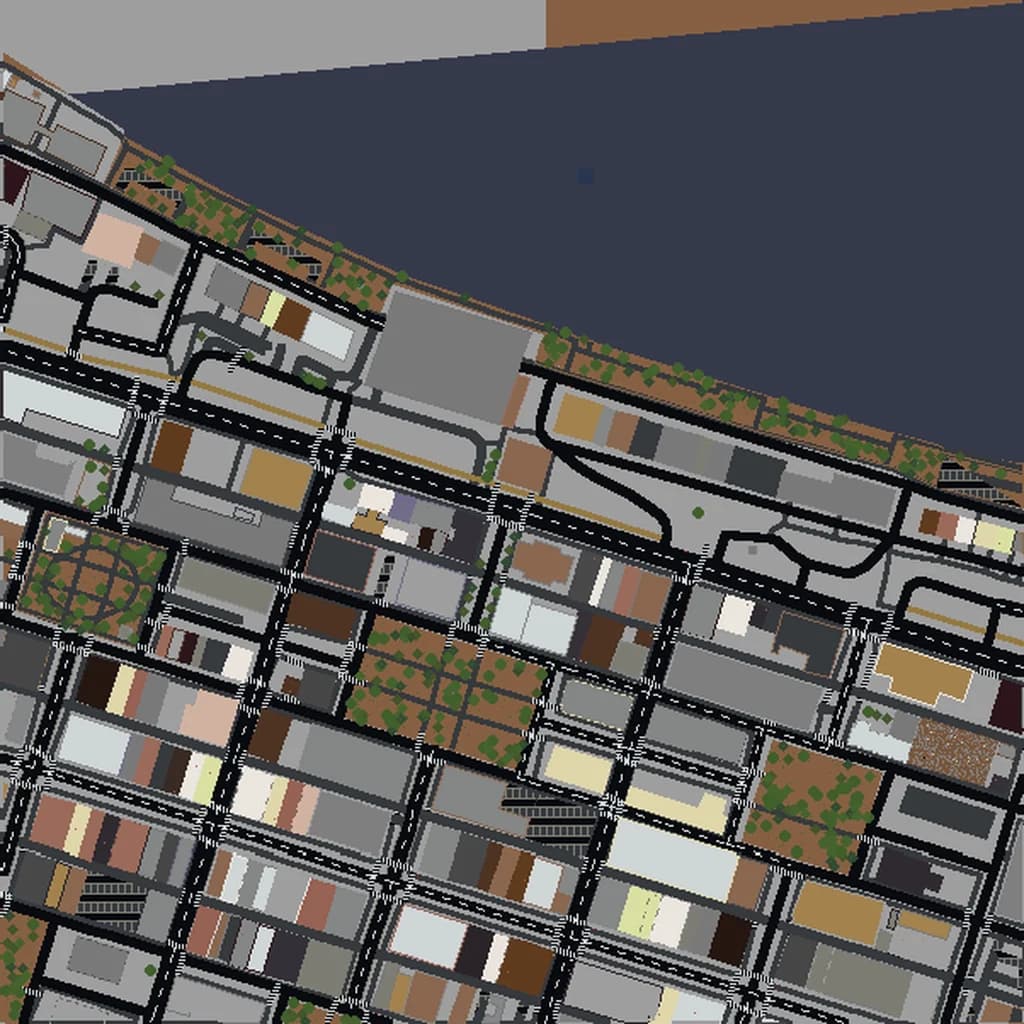
Savannah
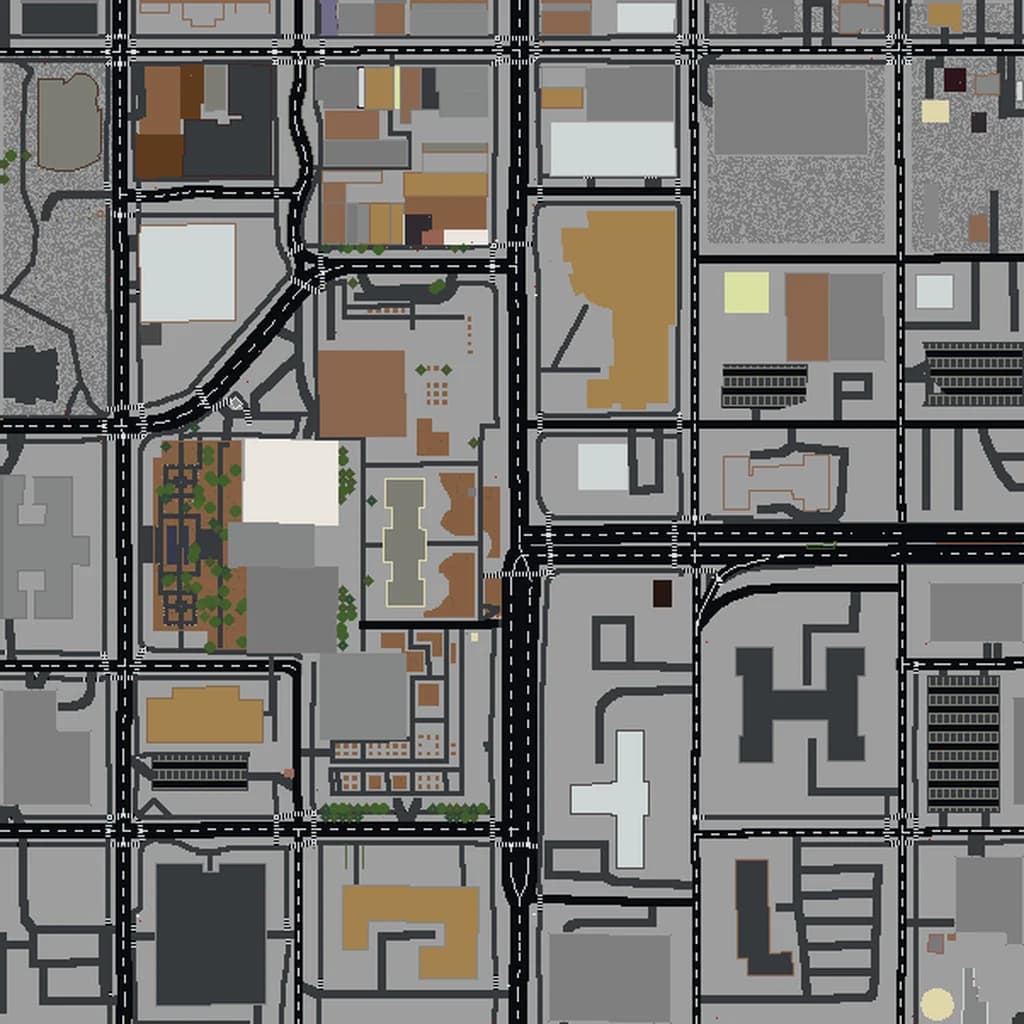
Tallahassee
Tampa
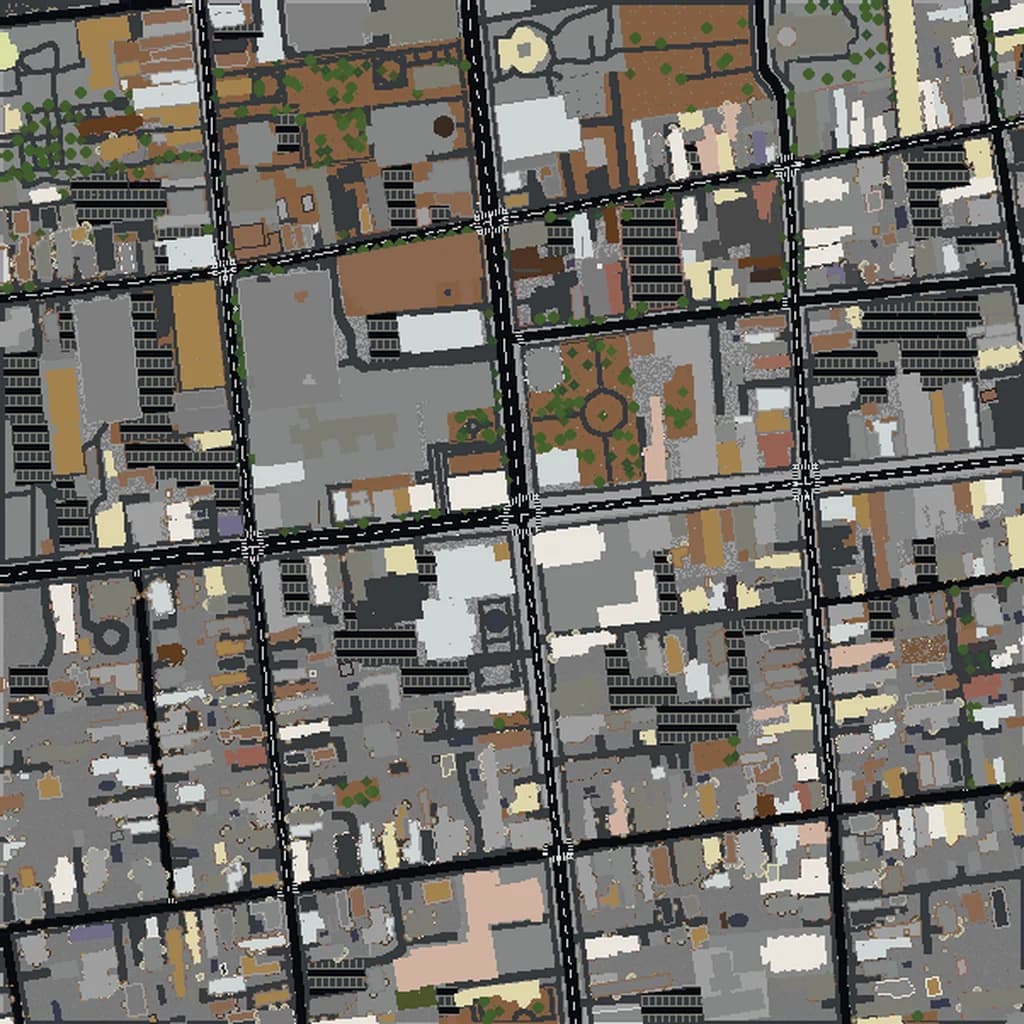
Charleston
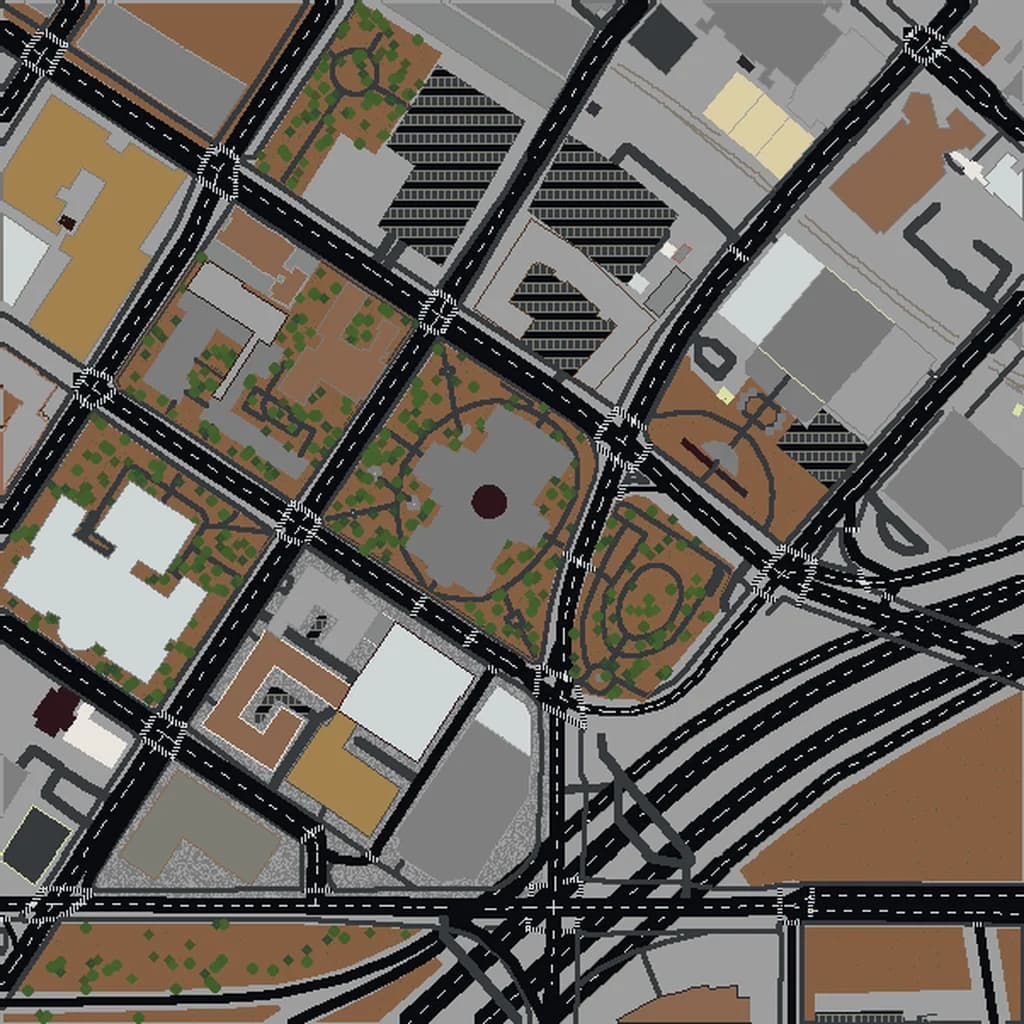
Atlanta
More Minecraft city maps in the US South
Ready to Explore Jacksonville in Minecraft?
Free preview of any area · from $5 — no subscription, no mods, no install required.