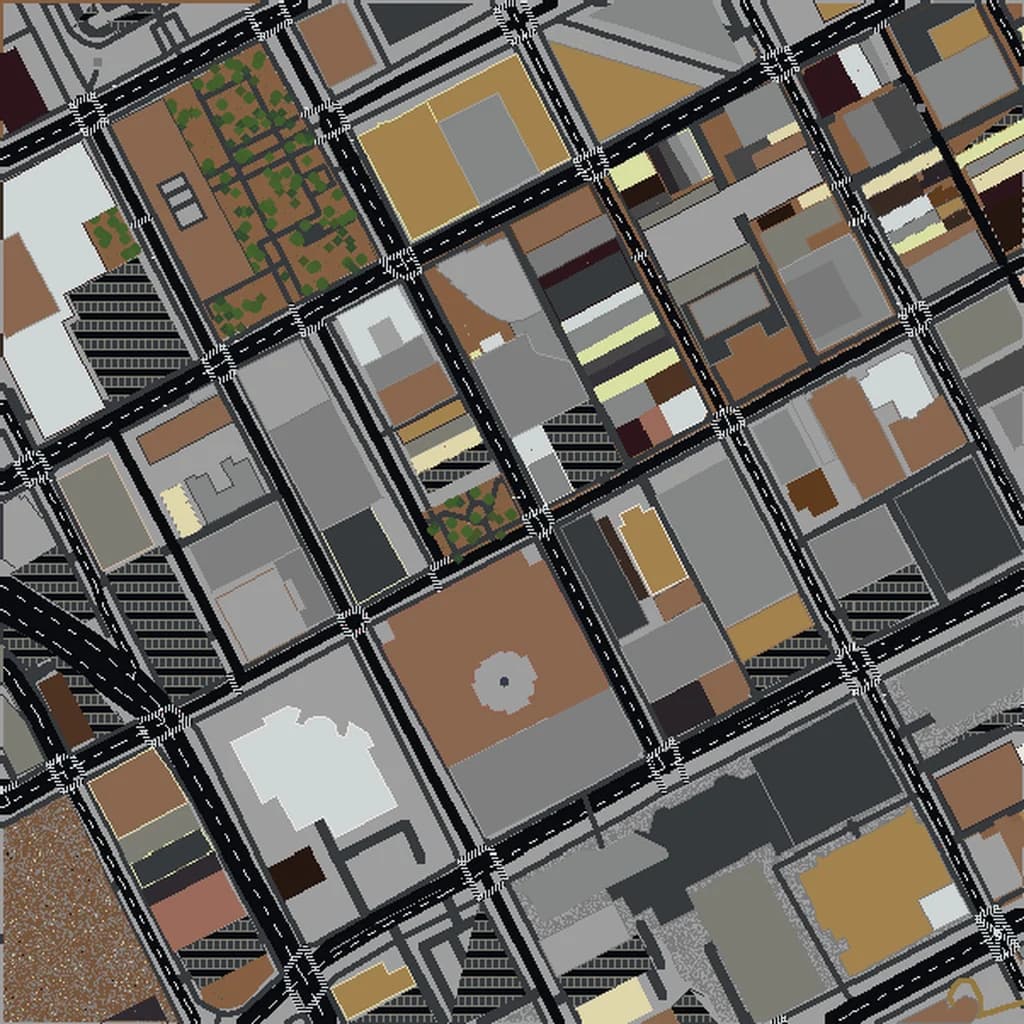
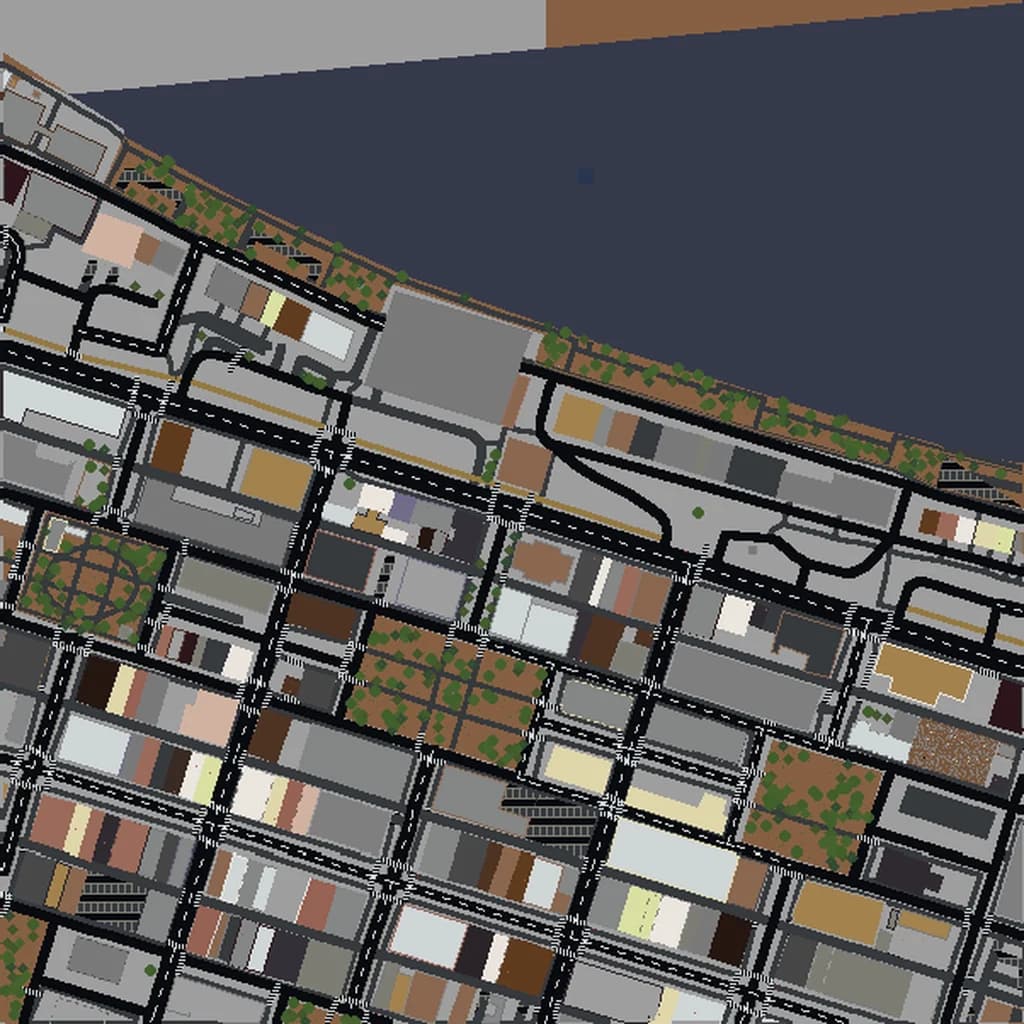
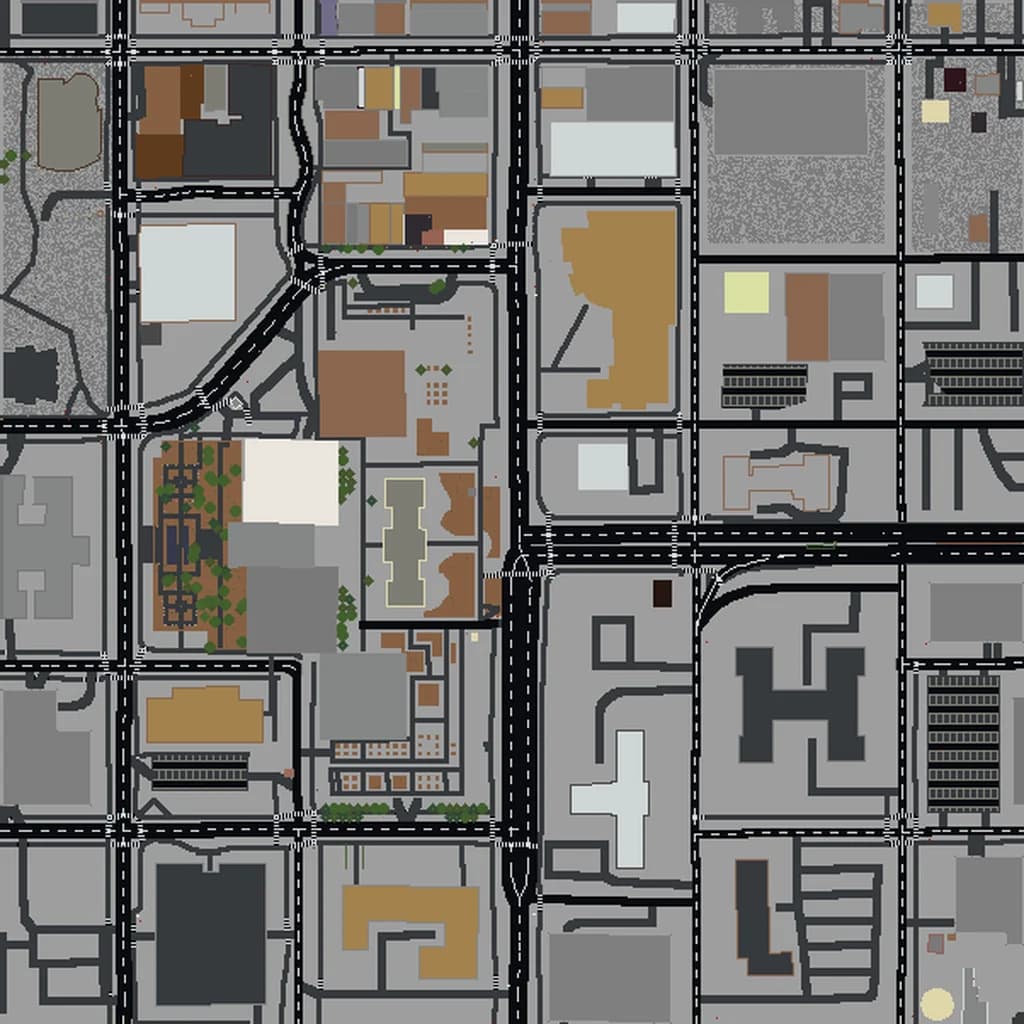
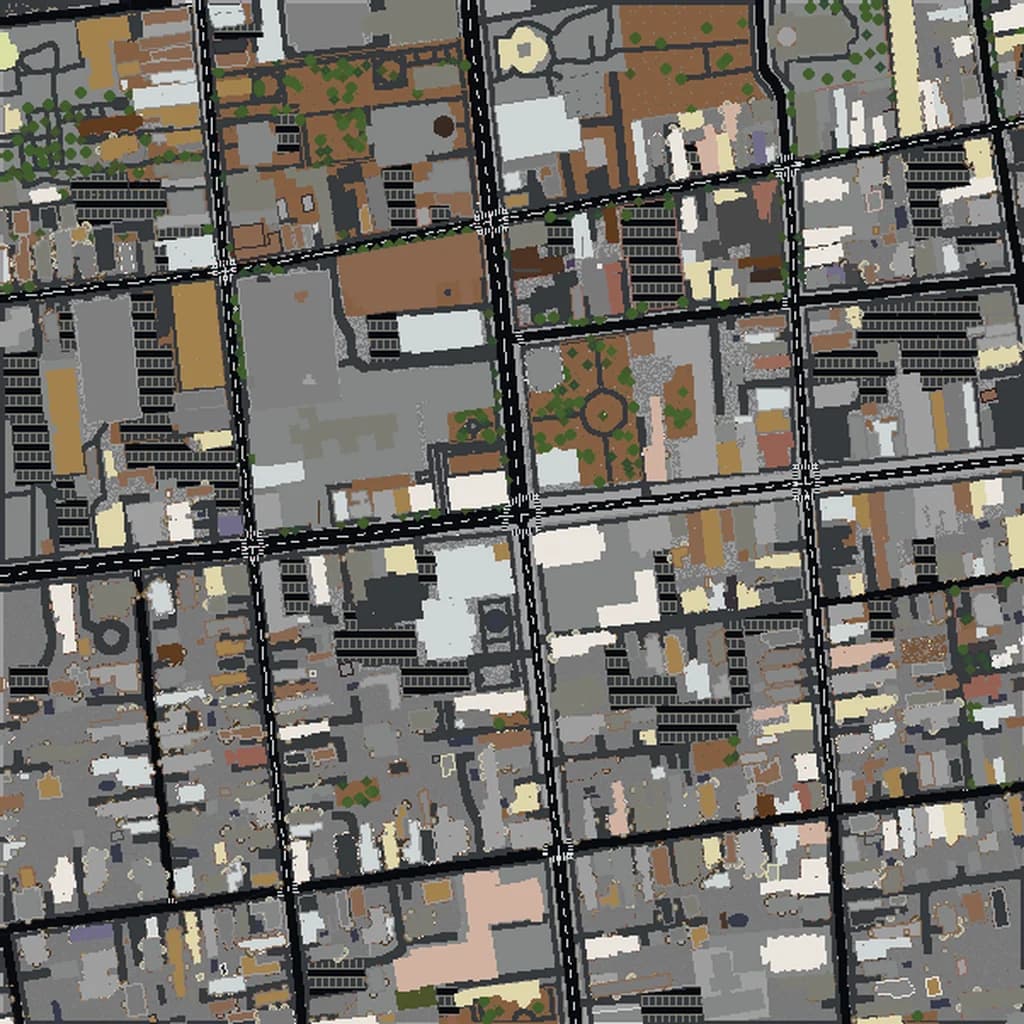
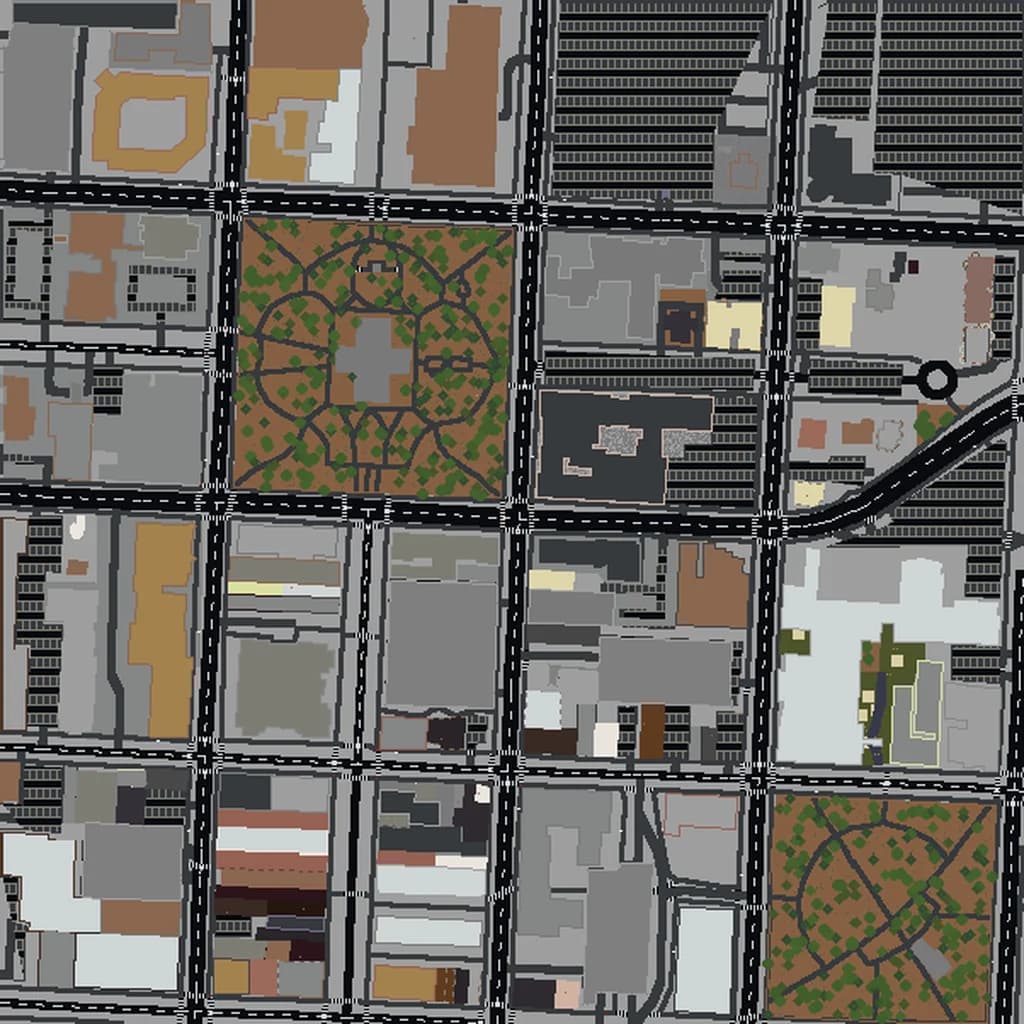
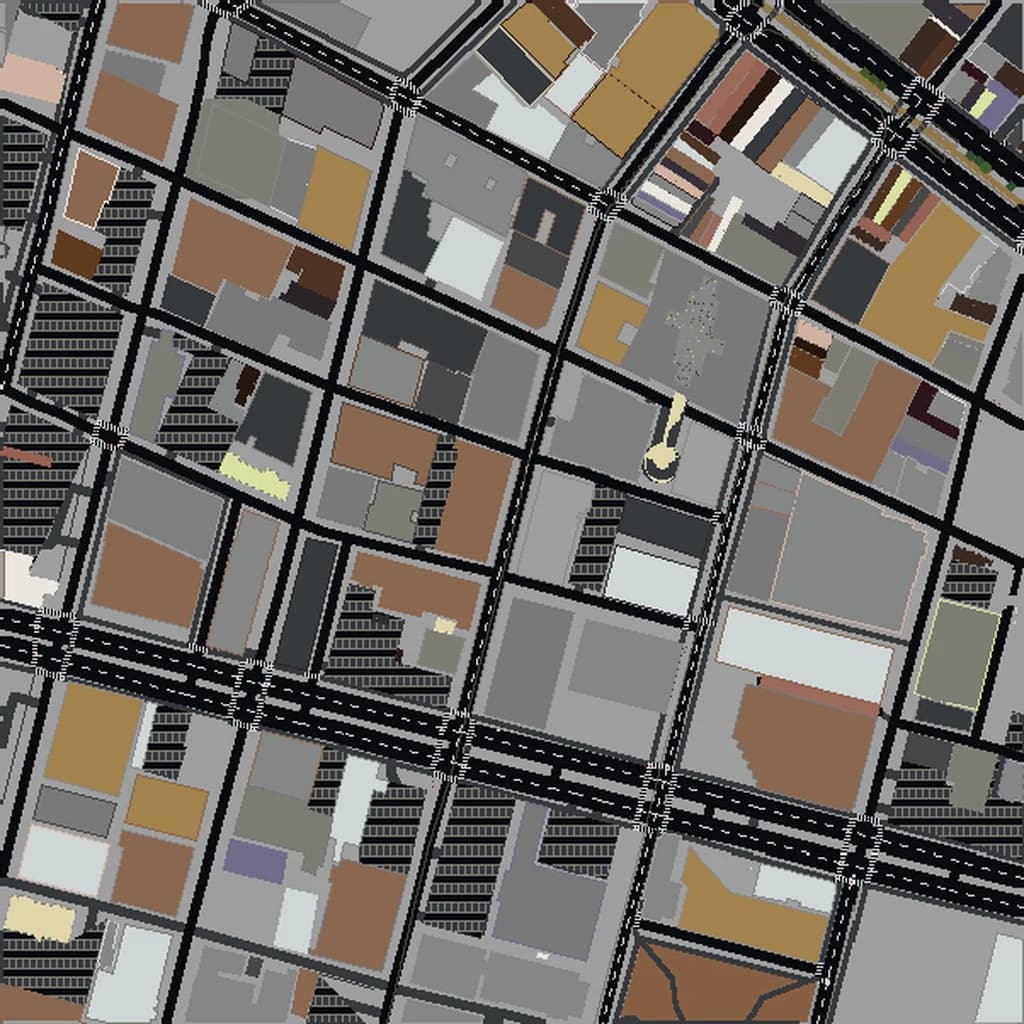
Atlanta Minecraft map
Real city world • Java & Bedrock Edition
Peachtree Street, Centennial Olympic Park, and the Atlanta skyline in blocky detail.
Or worlds up to 100 km² and unlimited generations with Pro · $39/mo
Real Atlanta vs. Your Minecraft World
Drag the slider to compare the real street grid with the same area generated as a Minecraft world. Same blocks, same buildings, same shape.
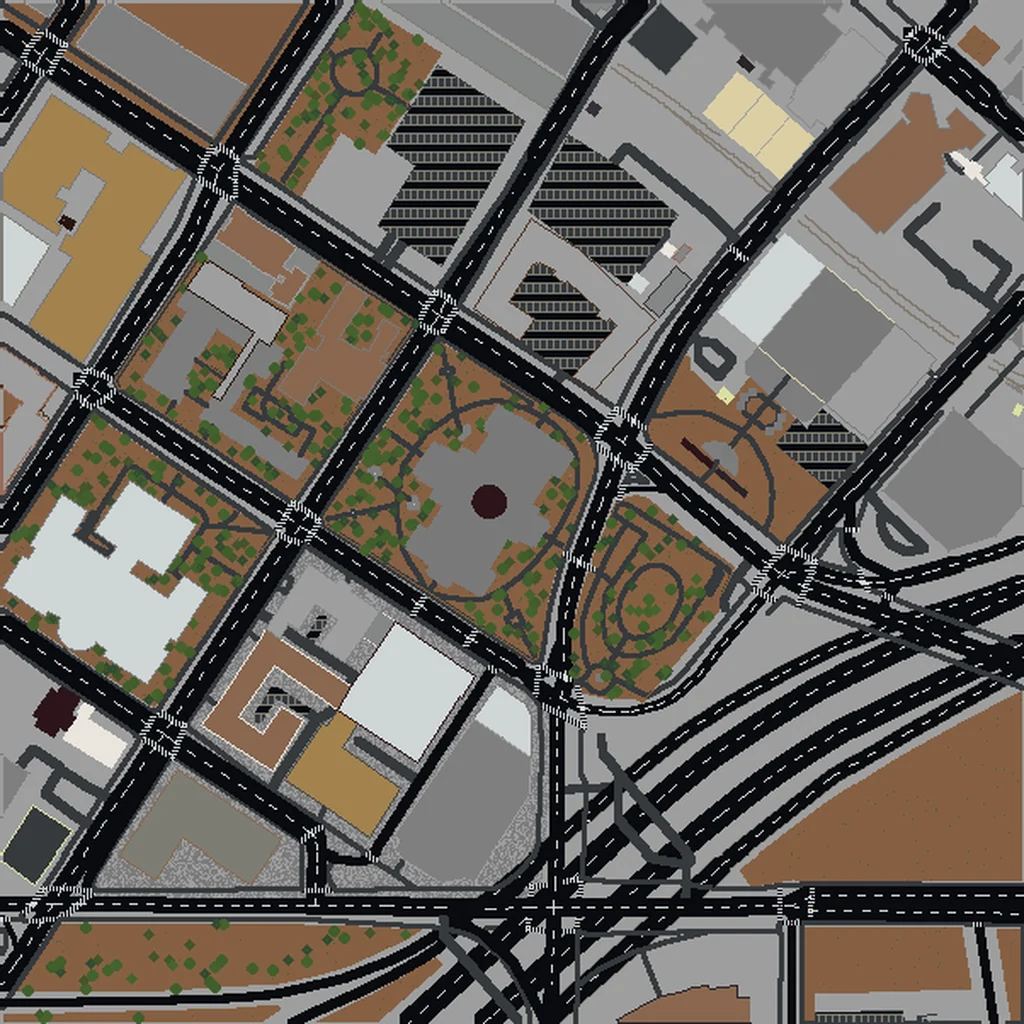
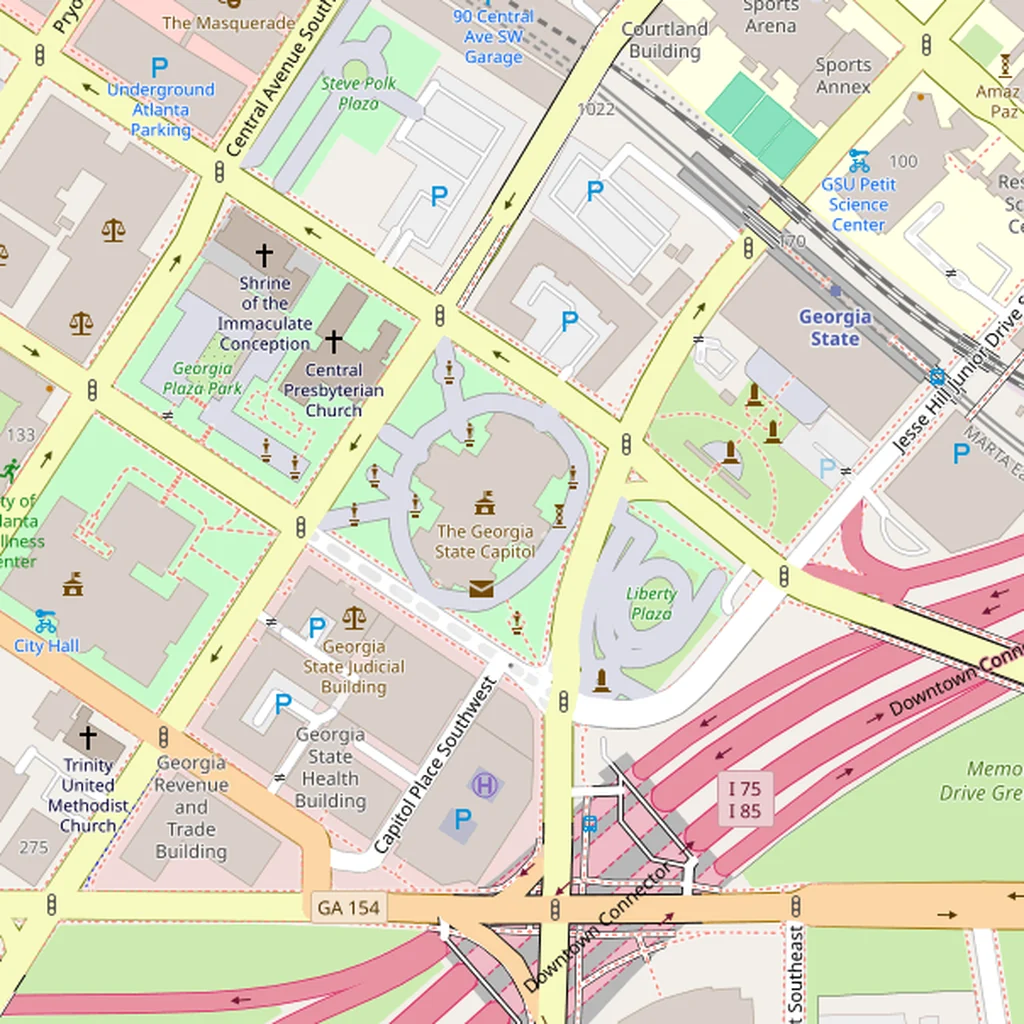
~2 minutes to generate · free 3D preview before you pay
About the Atlanta Minecraft World
Atlanta is a useful Minecraft conversion to show off because it's one of the most distinctive American cities for sheer vertical scale outside of New York and Chicago — the Midtown and Downtown skylines rise to over 300 m in multiple towers, and the city is laid out along ridges rather than a strict grid, which gives it more geographic texture than a typical Sun Belt metro. Unlike the flat grid cities, Atlanta has real elevation change and non-orthogonal streets (especially in Midtown's diagonal cut).
What's Included in the Atlanta World
Centennial Olympic Park
A 9-hectare public park built for the 1996 Olympics, sitting between Downtown and the Georgia Aquarium/World of Coca-Cola complex. Distinctive rectangular footprint with the Olympic Rings fountain at its center.
Georgia Aquarium
The largest aquarium in the Western Hemisphere, with a unique curved front. In Minecraft the building reads as a very large single mass next to Centennial Park.
Midtown
Atlanta's second skyline (Downtown is the first), with the Bank of America Plaza (312 m, the city's tallest) and One Atlantic Center towers. Peachtree Street runs diagonally through the area.
Buckhead
A third cluster of skyscrapers about 8 km north of Downtown. Including Buckhead requires a long north-south bbox, but it's what makes Atlanta visually recognizable as three distinct business districts rather than one.
Plus all streets, buildings, parks, and terrain elevation from OpenStreetMap data — faithfully converted to Minecraft blocks. Available for both Java and Bedrock Edition.
What Makes Atlanta Special in Minecraft
- Atlanta is built on a ridge system — the famous 'Peachtree Ridge' runs north-south and drops off on both sides. Elevation varies by about 90 m across the urban core, which is enough to read as rolling hills in Minecraft.
- Peachtree Street is the one non-grid artery that defines the city. It cuts diagonally and every skyline cluster (Downtown, Midtown, Buckhead) sits along it — making it the best visual anchor for navigating your world.
- The BeltLine trail system and Piedmont Park add green wedges into the urban fabric that read clearly against the dense building footprints.
- Atlanta has fewer large green areas than most major US cities, so selections that center on the skyline clusters rather than trying to include suburbs tend to feel more impressive.
Recommended Selection for Atlanta
For the dual-skyline build (Downtown + Midtown), use a 4–6 km² north-south-oriented selection from roughly Ivan Allen Jr. Blvd south to about I-20 — this captures Centennial Park, the Capitol, the State Farm Arena, and the full Midtown tower cluster. To also include Buckhead requires about 20 km² (XL tier) because of the long gap between Midtown and Buckhead; at that size you get all three skylines and Piedmont Park between them.
How It Works
Select Area
Choose how much of Atlanta you want — from a single neighborhood to the entire metro area.
Preview in 3D
Explore an interactive 3D preview before purchasing. Rotate, zoom, and inspect every block.
Download & Play
Get your world file for Java or Bedrock Edition. Drop it in your saves folder and start exploring.
Frequently Asked Questions
What's included in the Atlanta Minecraft world?
How do I import the world into Minecraft?
Do I need any mods to play?
Does the Atlanta world show the BeltLine or the airport?
Is the topography really noticeable or is it just flat?
Ready to Explore Atlanta in Minecraft?
Free preview of any area · from $5 — no subscription, no mods, no install required.
Create Atlanta WorldMinecraft maps of cities near Atlanta
The closest of our 100 ready-scouted cities, nearest first