Famous Landmarks in Minecraft: What Real-World Maps Get Right
Famous Landmarks in Minecraft From Real-World Maps
Search for famous landmarks in Minecraft and you will find two kinds of results: hand-built replicas that took someone hundreds of hours, and generated worlds that put a landmark in its real place, at its real size, in an afternoon. They are very different things. If you are thinking about generating a world around a landmark, it helps to know what map data captures well, what it simplifies, and which places look great anyway.
How a Landmark Gets Into a Generated World
Map2Minecraft worlds are built from OpenStreetMap, the community-made map, plus elevation data for terrain. A landmark arrives the same way any building does: as a mapped outline (its footprint) with whatever extra details mappers have added, such as a height, a number of floors, a roof shape, or separate parts for towers and wings.
That means a generated landmark is a block-scale version of the map, not a sculpted model. You get:
- The right footprint in the right place. The building's outline, its courtyard, its relationship to the streets and squares around it.
- A height that reflects the map. When the building and its parts have heights or floor counts in OpenStreetMap, the tall parts stand taller than the low parts.
- The setting. Plazas, gardens, rivers and terrain around the landmark, which is often what makes it recognizable.
What you do not get is carved detail: statues, columns, ornament, the exact curve of a dome or the lattice of a tower. Curves become stepped edges at roughly one block per meter. Landmarks that are not mapped as buildings (some towers, monuments and sculptures) may show up only as a small footprint or not at all. The more of the landmark's shape is in the map, the better it comes out.
Landmarks That Turn Out Well
The landmarks that work best are big, have strong outlines, and sit in a setting that is itself distinctive.
The Colosseum and the Roman Forum
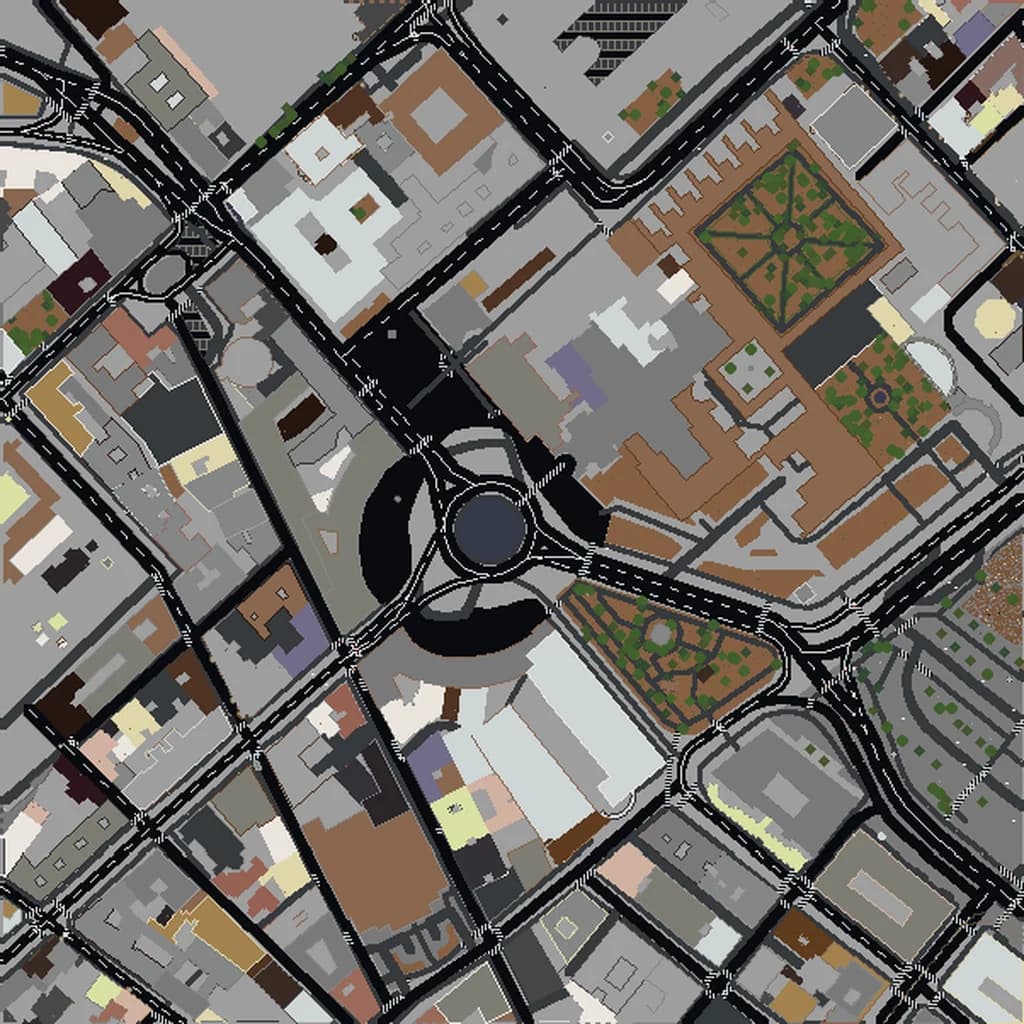
An oval ring with a hollow center is about as readable as a footprint gets, and the Forum around it is a patchwork of ruins, paths and open ground. In Rome, framing the Colosseum with the Forum and Palatine Hill gives you a world that is unmistakable from the first look.
The Louvre and the Tuileries
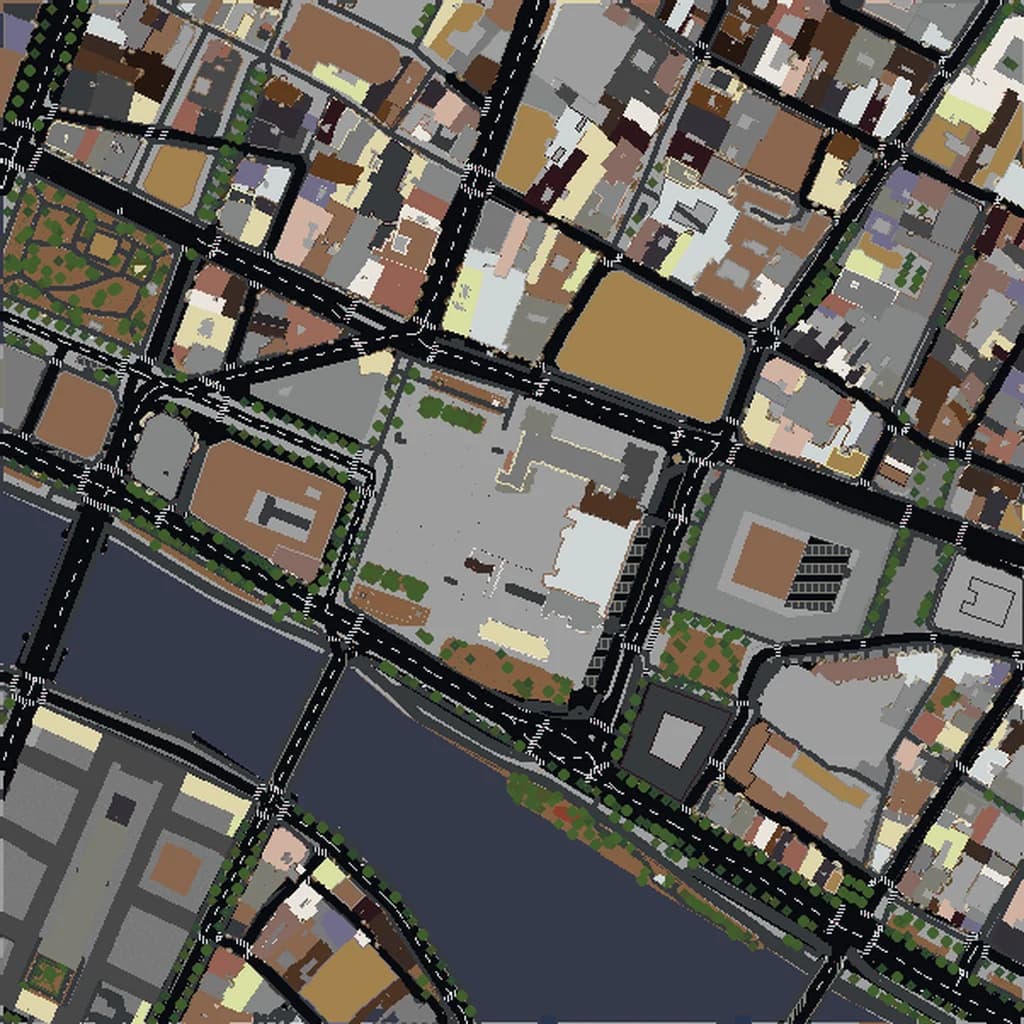
The Louvre's long wings around courtyards, the Tuileries garden stretching west and the Seine alongside make a strong composition in Paris. The pyramid is small relative to the palace, so do not expect much detail there, but the overall layout is striking.
The National Mall
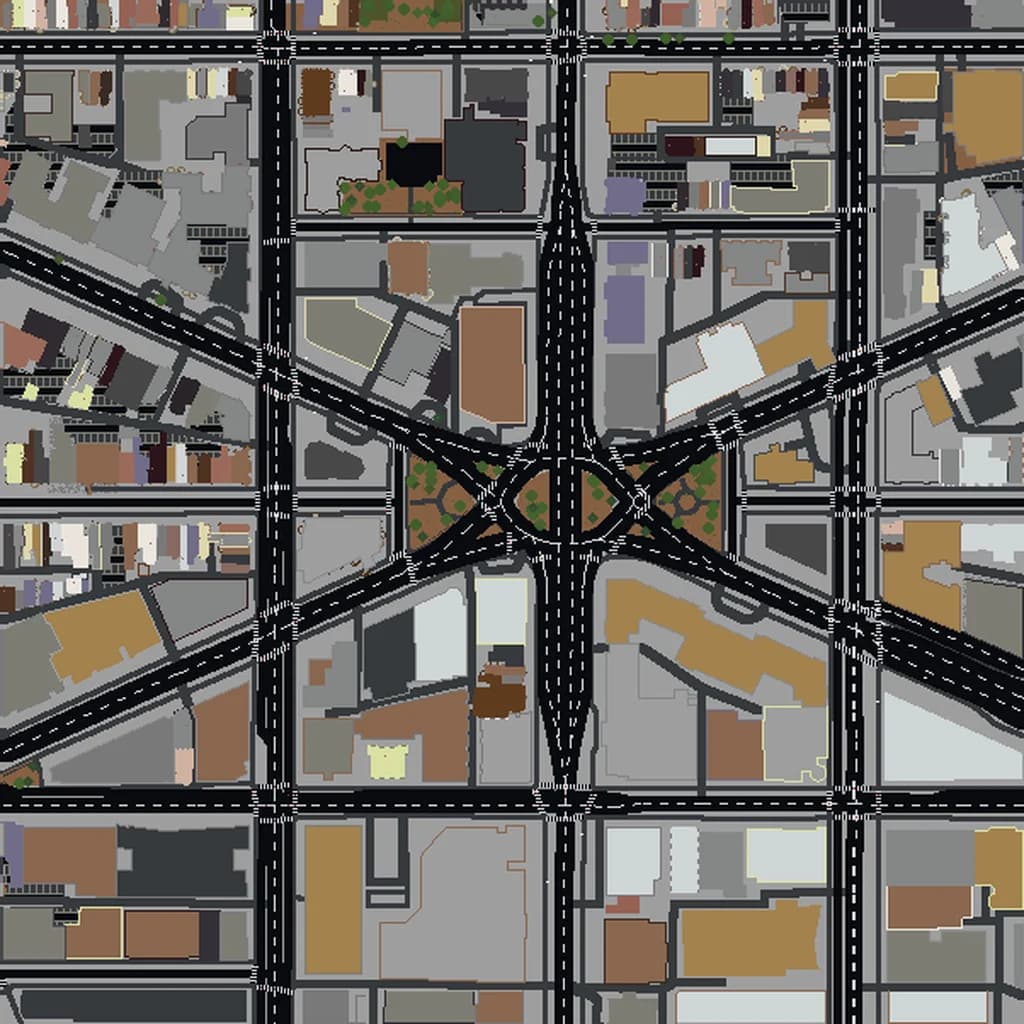
Washington is ideal because its landmarks are arranged deliberately: the Capitol at one end, the long lawns, the reflecting pool and memorials along the axis. Even simplified, the layout tells you exactly where you are.
Westminster and the Thames
In London, the Houses of Parliament, Westminster Abbey and the bridges over the Thames form a cluster that reads well from above and on foot. Towers come out as blocky versions, not exact copies.
Downtown Dubai
Supertall towers depend heavily on their mapped heights, and very tall buildings have to fit within Minecraft's build limit, so treat heights as relative rather than exact. Even so, the contrast between the tower cluster and the low-rise districts around it in Dubai is dramatic.
Landscapes as landmarks
Some of the best "landmarks" are not buildings at all. The canyon setting of Petra, the harbor of Sydney or the hills of Rio de Janeiro come from elevation data, and terrain translates into blocks very naturally.
Landmarks That Need Help
Be realistic about a few types:
- Thin towers and lattice structures. A tall open frame has very little footprint to work from, so it may not look like much without hand building.
- Statues and sculptures. These are usually mapped as a single point, not a shape.
- Domes and spires. The base and height may be right, but the curve becomes steps and the pointed top may be flattened.
- Bridges. Results depend on how the bridge is mapped; famous suspension bridges will not have their cables and towers modeled in detail.
The Best Approach: Generate the Setting, Hand-Build the Icon
The most satisfying landmark worlds combine both methods. Let the generator handle the hard, tedious part: hundreds of surrounding buildings, the street layout, the river and the terrain, all at real scale. Then spend your own time on the one landmark you care about.
Because the footprint and height are already in place, you are not guessing at size or position. You can use the generated building as a scaffold and add columns, windows, a dome or a spire on top. On Java, WorldEdit makes this much faster; our WorldEdit tips for real-world maps covers selections, replacing materials and brushes.
How to Frame a Landmark World
- Open the world creator and search for the landmark or its city.
- Pick a size and put the landmark near the center of the box, since the spawn point lands near the middle.
- Include the setting: the square in front, the river behind, the street that leads up to it.
- Walk the free 3D preview in your browser to see how the landmark came out before you download.
If a landmark's shape looks wrong, the map itself may be simplified there. OpenStreetMap is edited by volunteers, and anyone can add building parts or heights; once the map improves, so does the next world you generate.
For more places that work well as whole worlds, see the best real-world cities for Minecraft, and when you are ready, frame your landmark.
Real city maps to try