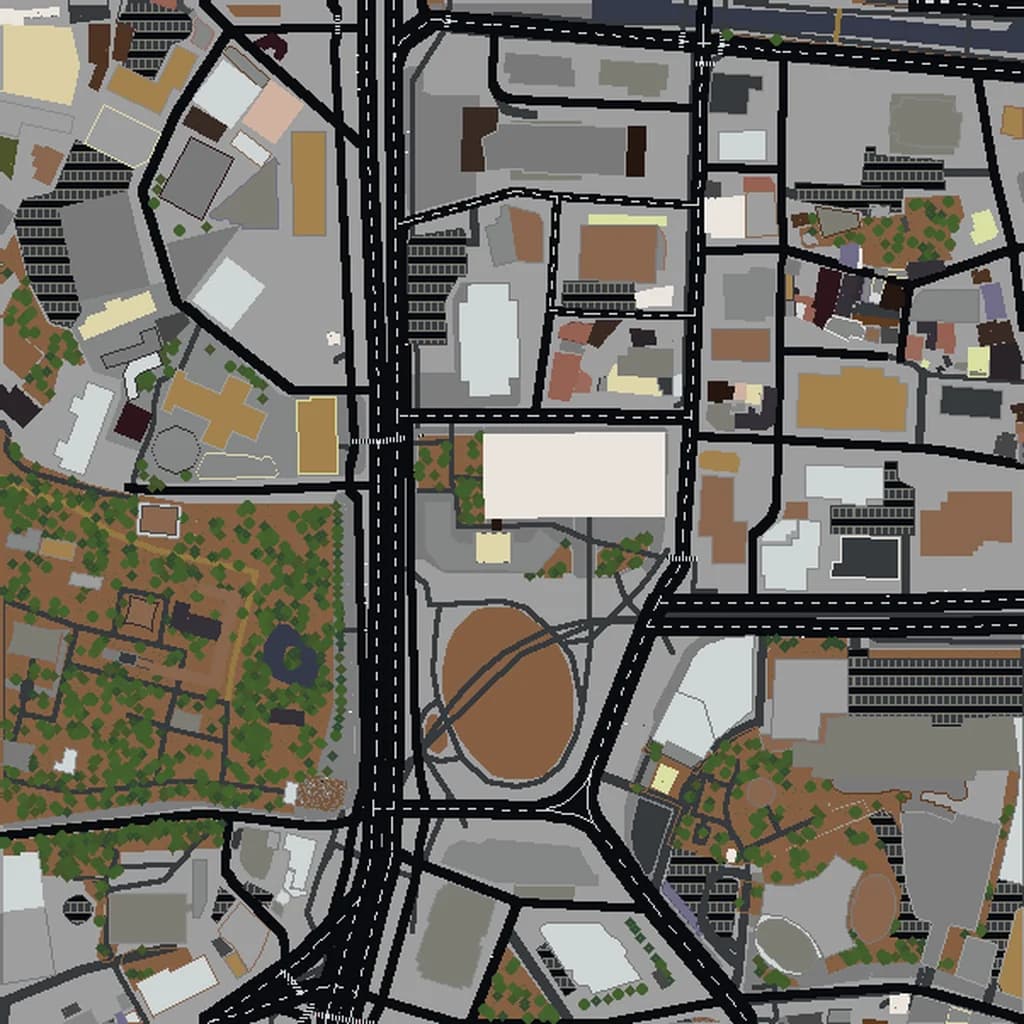
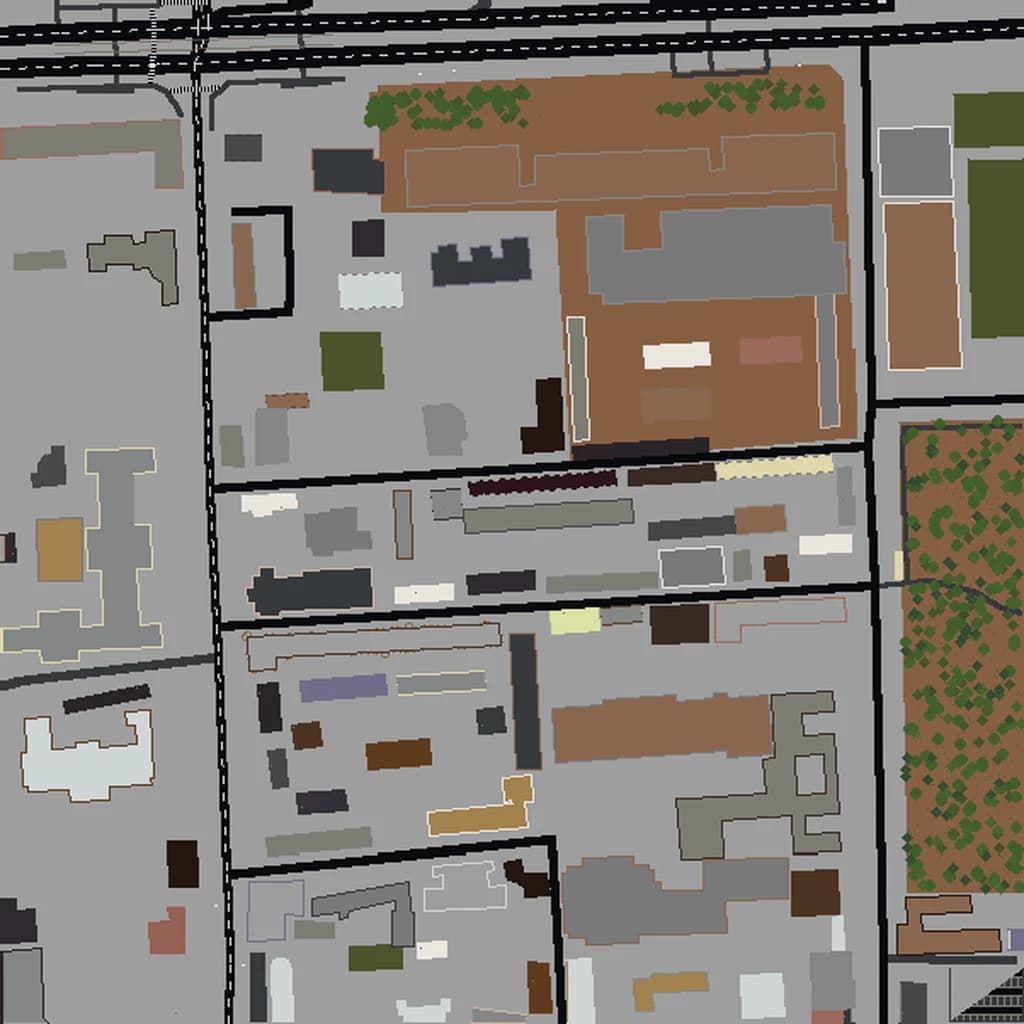
Shinjuku Minecraft map
Real city world • Java & Bedrock Edition
Tokyo's skyscraper district — the world's busiest train station, neon-lit Kabukicho, and the alleys of Golden Gai as a playable Minecraft world.
Or worlds up to 100 km² and unlimited generations with Pro · $39/mo
Real Shinjuku vs. Your Minecraft World
Drag the slider to compare the real street grid with the same area generated as a Minecraft world. Same blocks, same buildings, same shape.
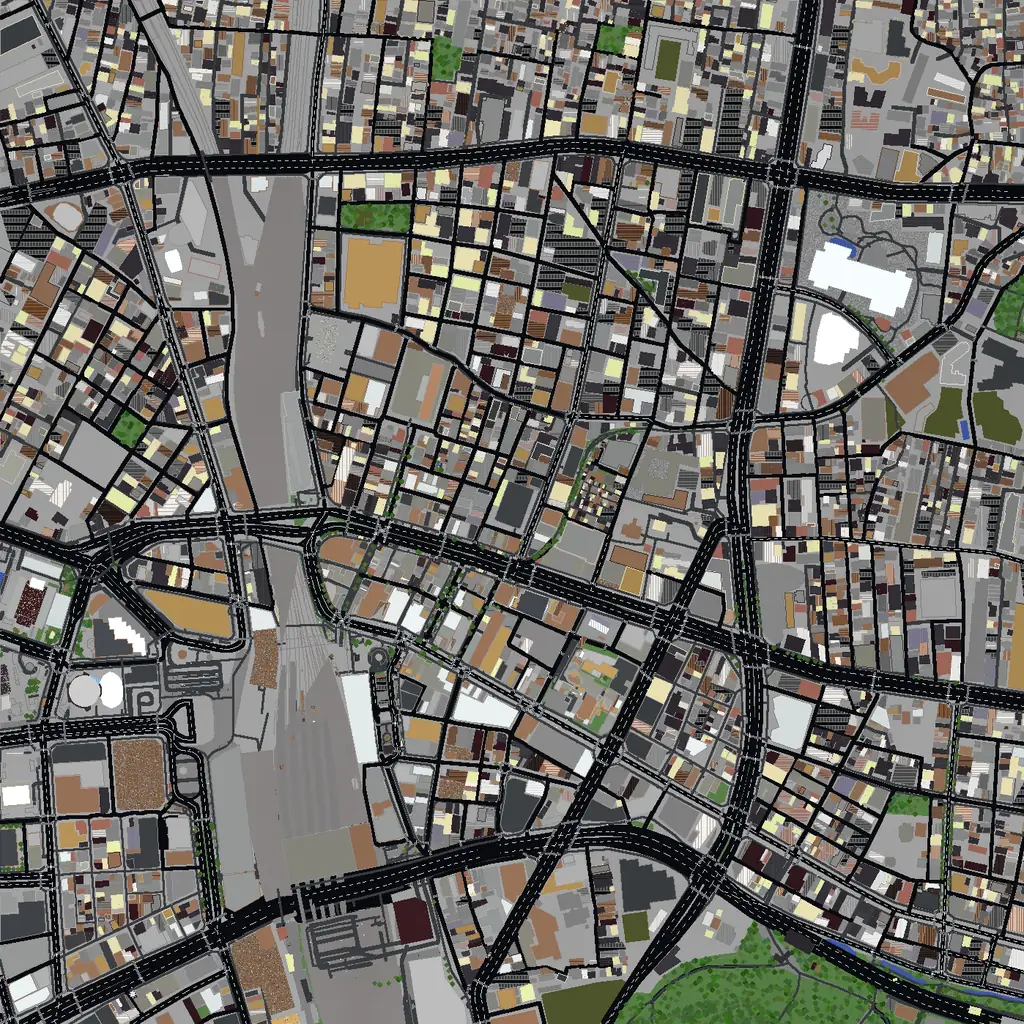
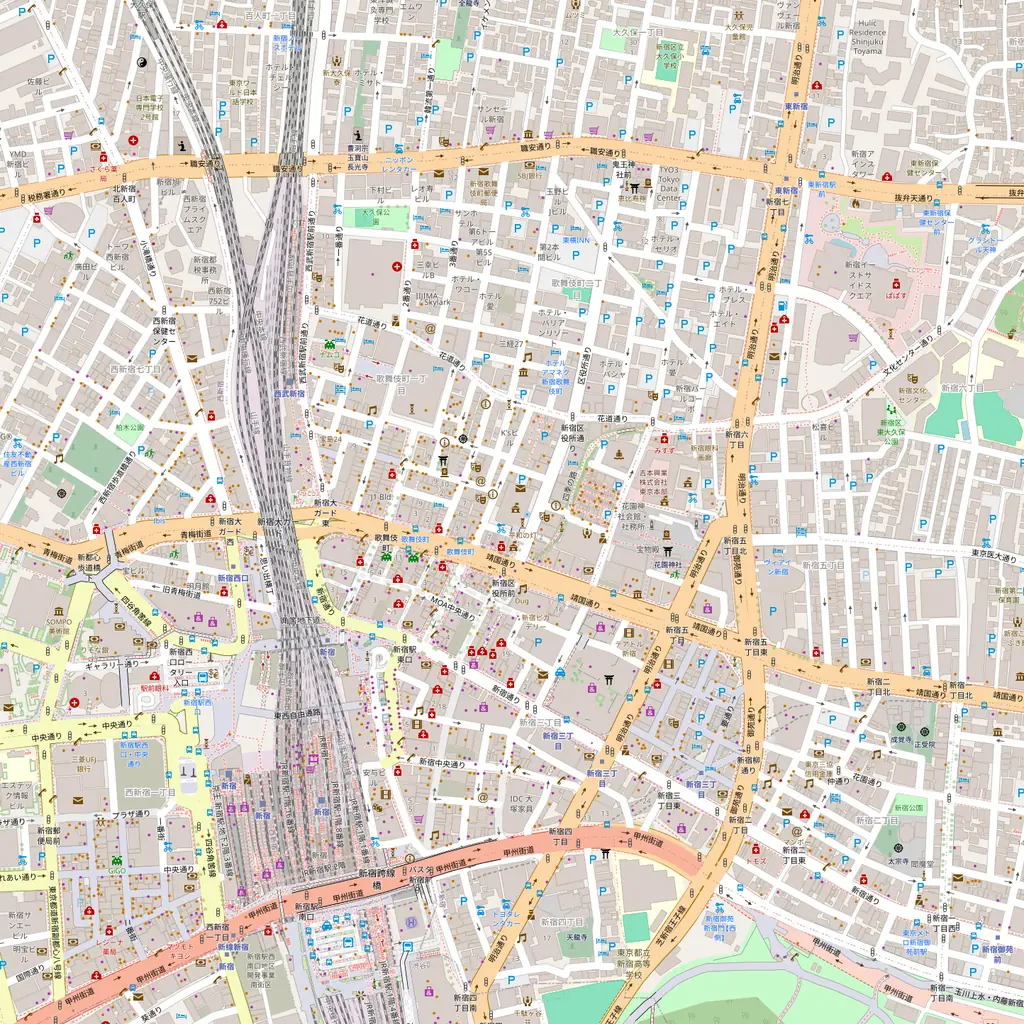
~2 minutes to generate · free 3D preview before you pay
About the Shinjuku Minecraft World
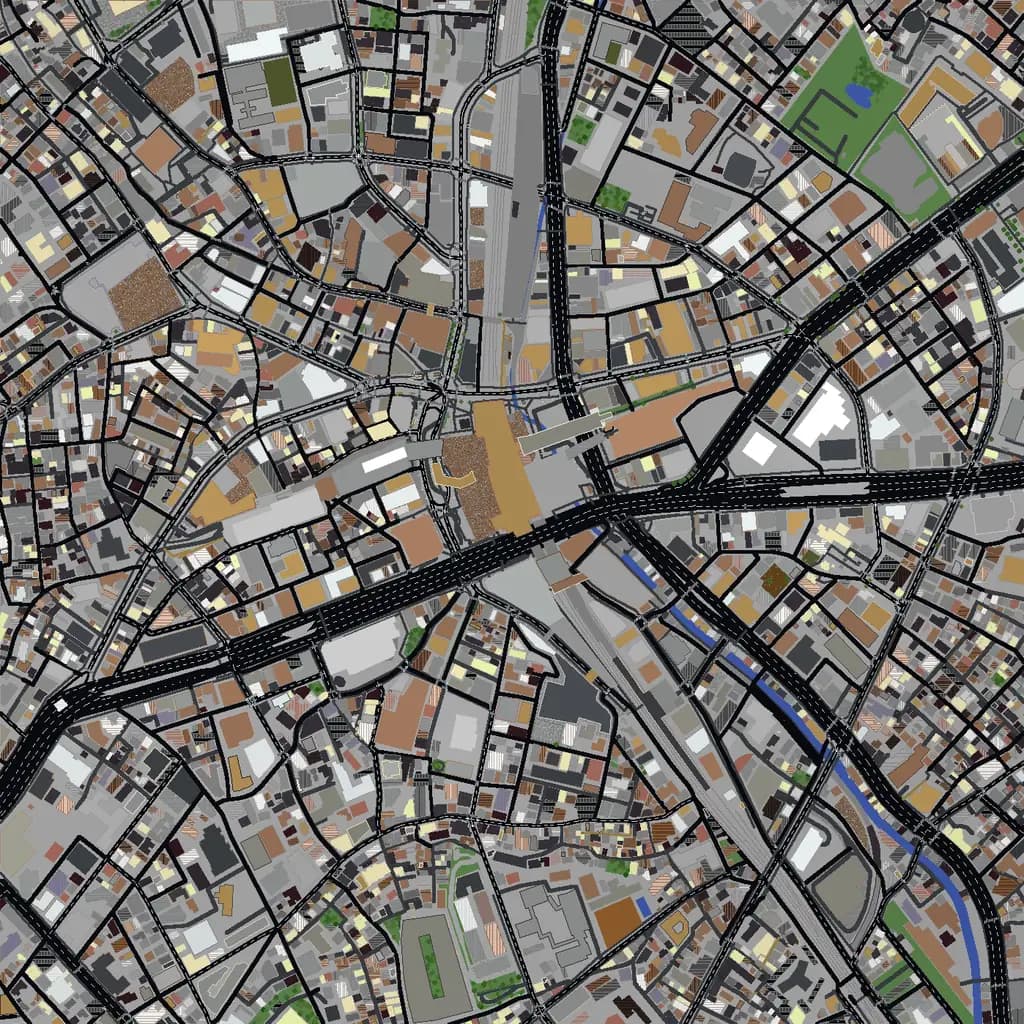
Shinjuku is the densest, most vertical square kilometer you can generate in Minecraft. West of the station, the skyscraper district stacks 40- and 50-story towers shoulder to shoulder — including the twin-towered Tokyo Metropolitan Government Building — while the east side flips to the low-rise neon maze of Kabukicho and the alley bars of Golden Gai. The contrast between those two halves, separated by the busiest train station on Earth, is what makes this world so fun to explore on foot. And because Shinjuku Gyoen's gardens sit just southeast, the selection gets a green edge that frames all that concrete.
What's Included in the Shinjuku World
Plus all streets, buildings, parks, and terrain elevation from OpenStreetMap data — faithfully converted to Minecraft blocks. Available for both Java and Bedrock Edition.
What Makes Shinjuku Special in Minecraft
- Shinjuku Station's rail corridor cuts the district in two — more than a dozen parallel tracks render as a dramatic canyon straight through the world.
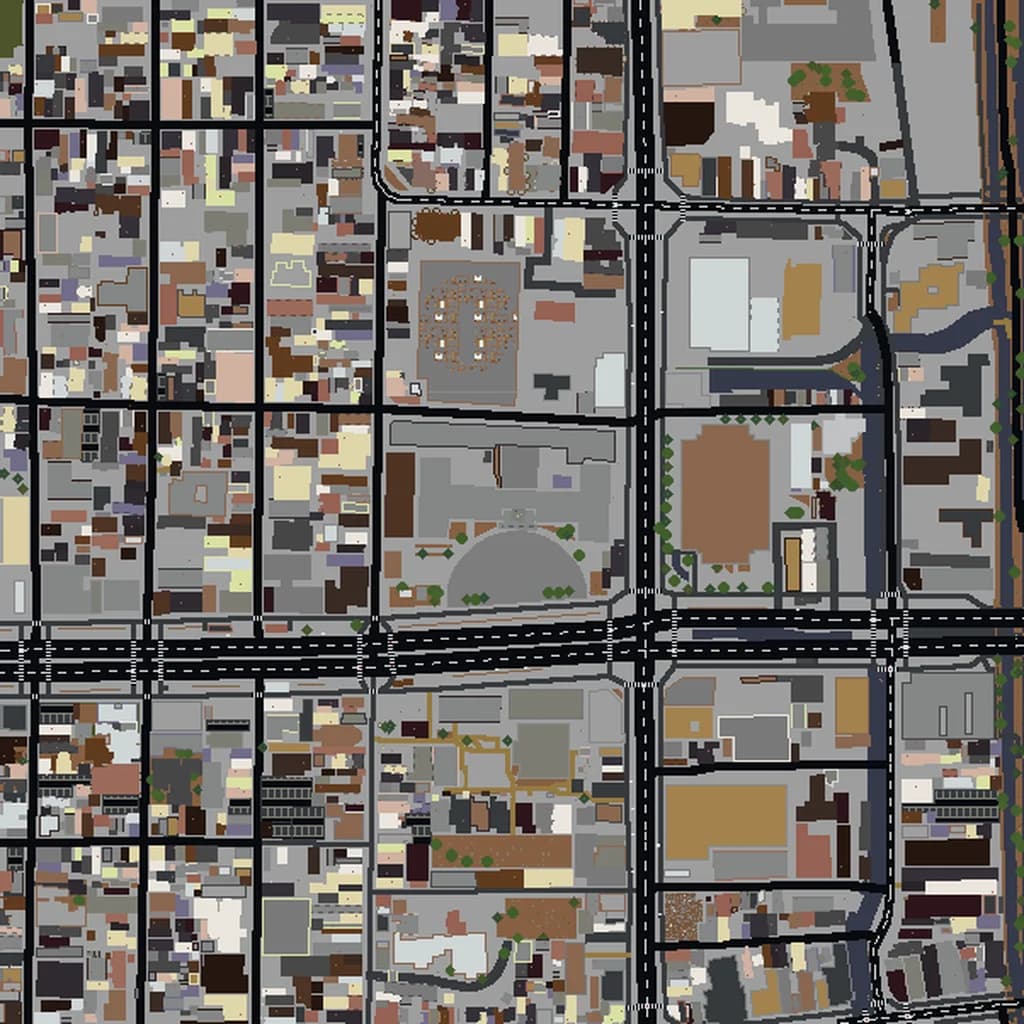
- The west-side skyscraper grid (Nishi-Shinjuku) is the closest thing Tokyo has to Manhattan: even towers on a clean grid, great for parkour across rooftops.
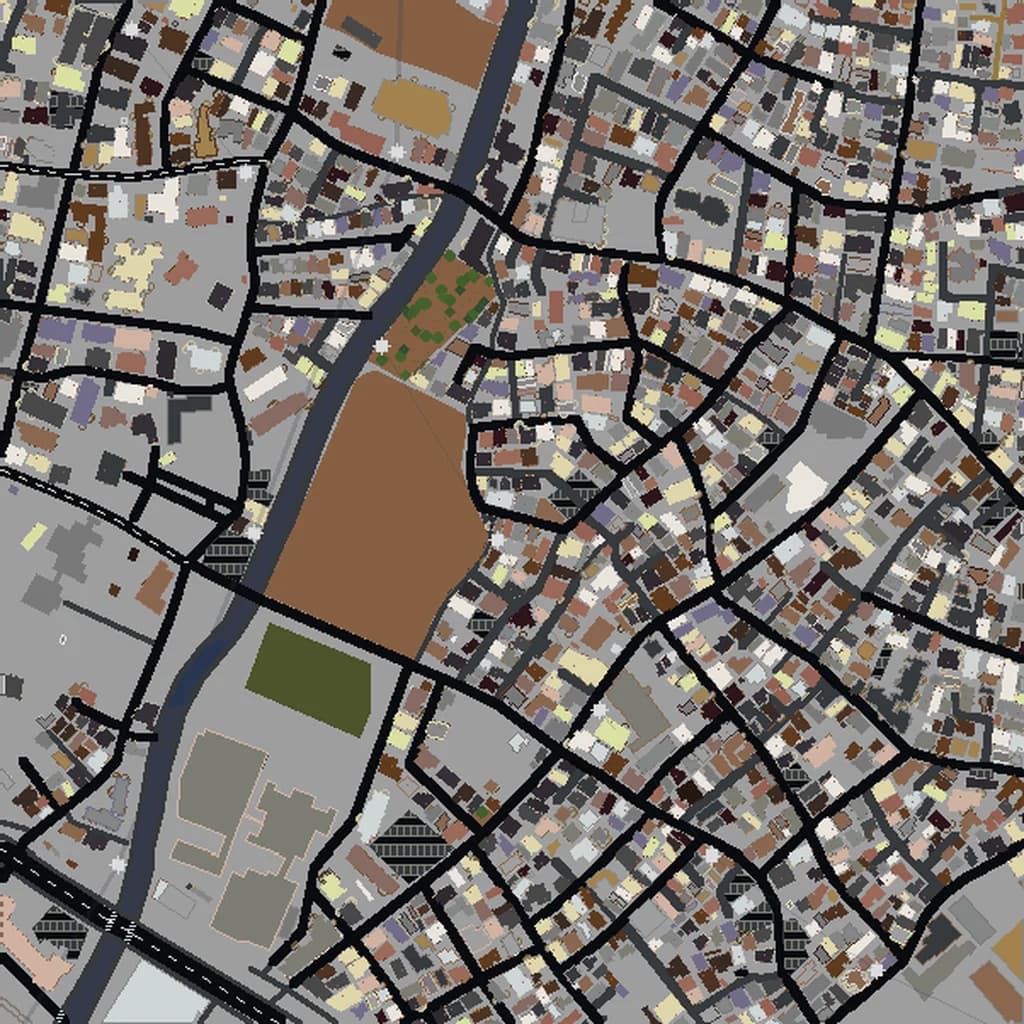
- Kabukicho and Golden Gai are tight, irregular low-rise blocks — a total change of scale from the towers a few hundred meters away.
- Include Shinjuku Gyoen in the southeast corner of your selection for a landscaped park with ponds and tree cover to balance the density.
Recommended Selection for Shinjuku
A 2–3 km² selection centered on Shinjuku Station captures the skyscraper district, Kabukicho, Golden Gai, and the station itself — that's a Medium tier world. Stretch to 4–5 km² to add all of Shinjuku Gyoen's gardens in the southeast.
How It Works
Select Area
Choose how much of Shinjuku you want — from a single neighborhood to the entire metro area.
Preview in 3D
Explore an interactive 3D preview before purchasing. Rotate, zoom, and inspect every block.
Download & Play
Get your world file for Java or Bedrock Edition. Drop it in your saves folder and start exploring.
Frequently Asked Questions
What's included in the Shinjuku Minecraft world?
How do I import the world into Minecraft?
Do I need any mods to play?
Does the Shinjuku map work on Minecraft Bedrock Edition?
Is Shinjuku included in the Tokyo map, or is it separate?
Ready to Explore Shinjuku in Minecraft?
Free preview of any area · from $5 — no subscription, no mods, no install required.
Create Shinjuku WorldMinecraft maps of cities near Shinjuku
The closest of our 100 ready-scouted cities, nearest first