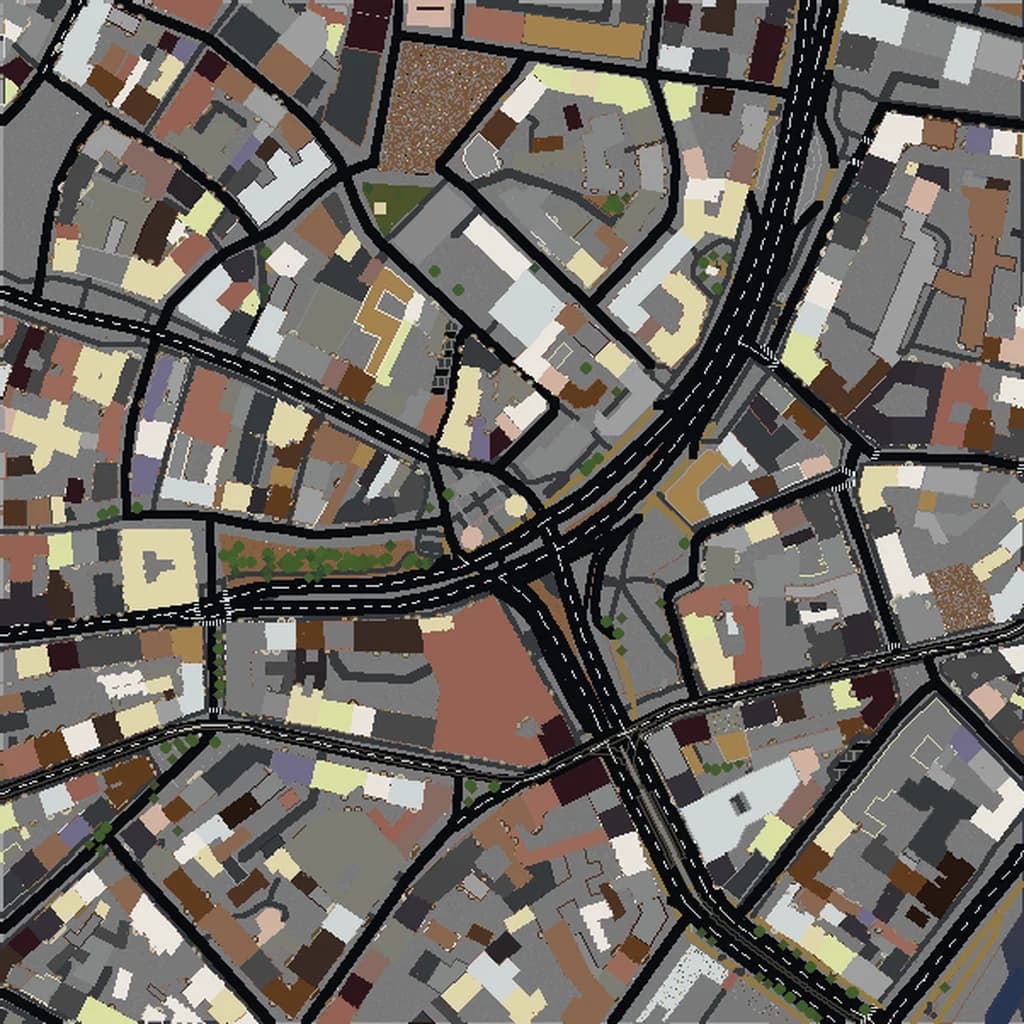
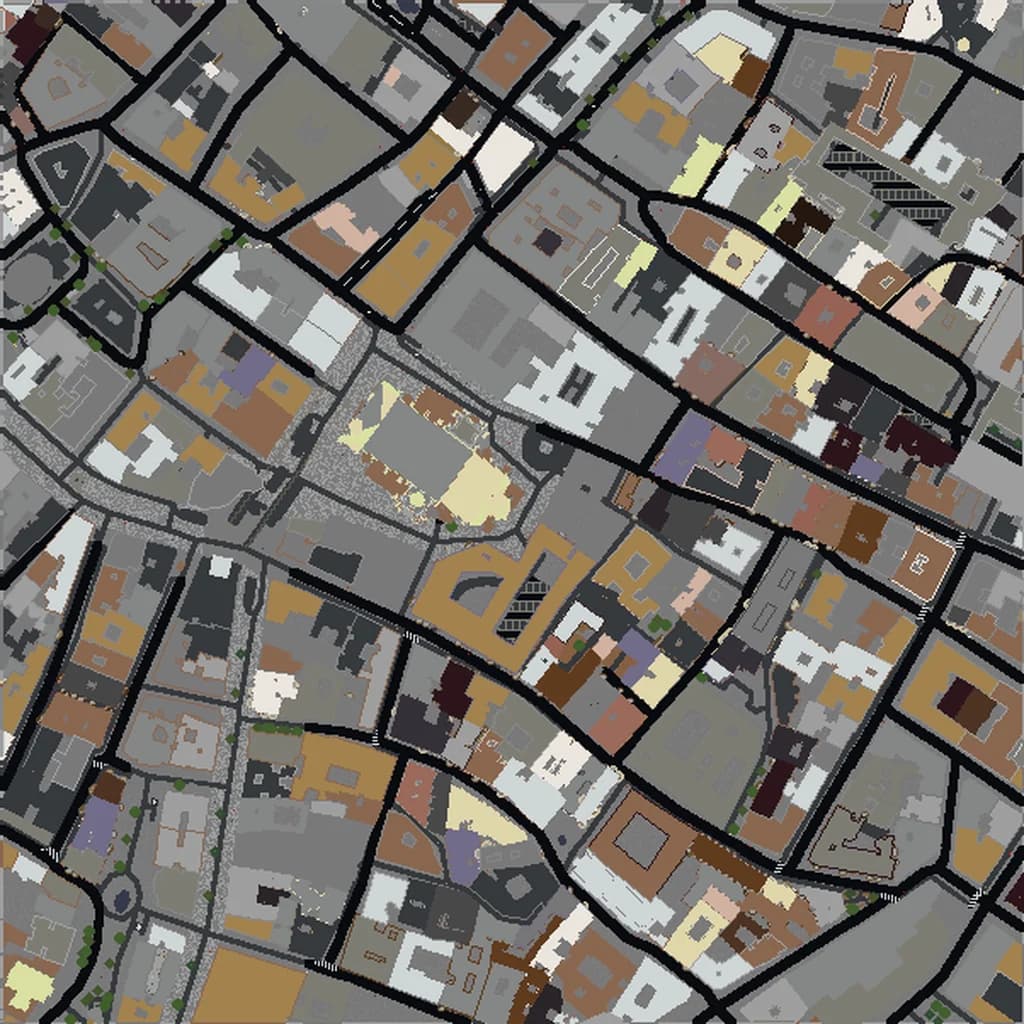
Florence Minecraft map
Real city world • Java & Bedrock Edition
The Duomo, Ponte Vecchio, and Renaissance Florence's compact historic center in Minecraft.
Or worlds up to 100 km² and unlimited generations with Pro · $39/mo
Real Florence vs. Your Minecraft World
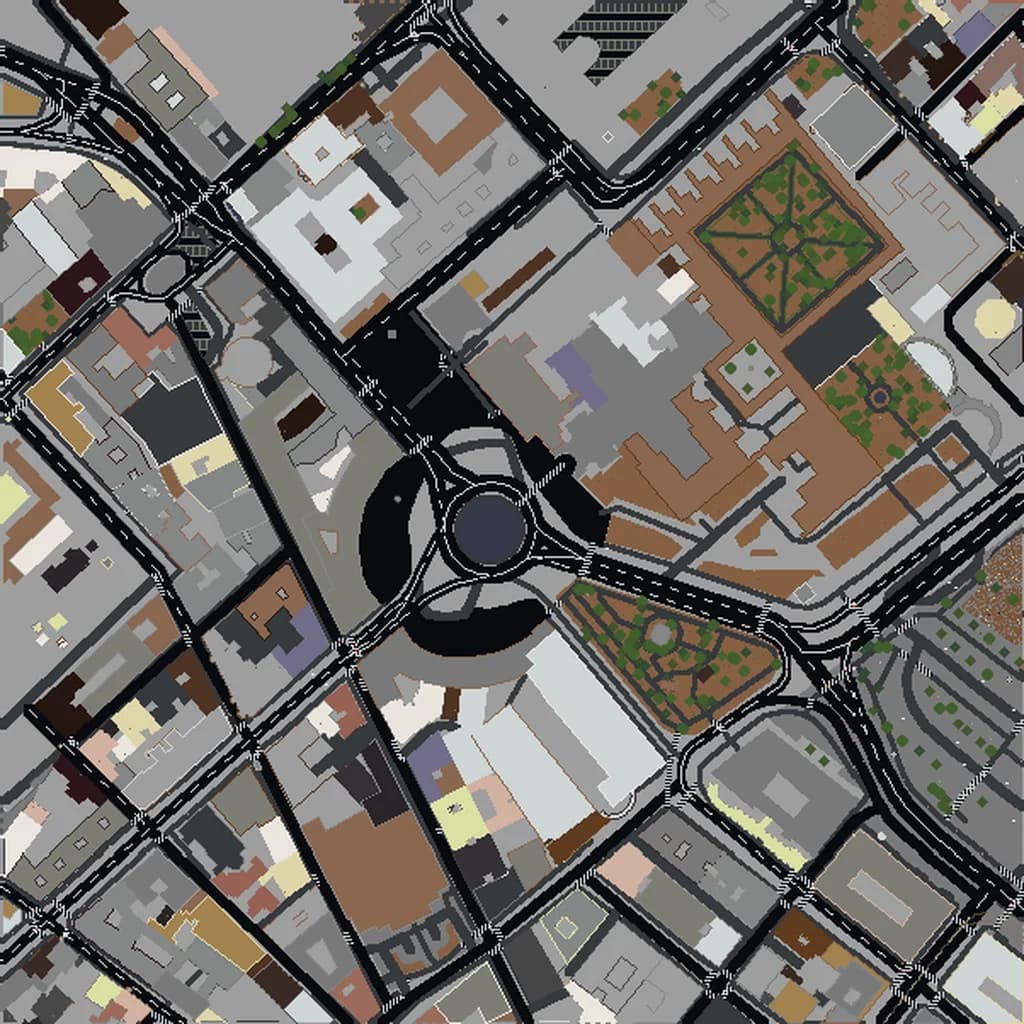
Drag the slider to compare the real street grid with the same area generated as a Minecraft world. Same blocks, same buildings, same shape.
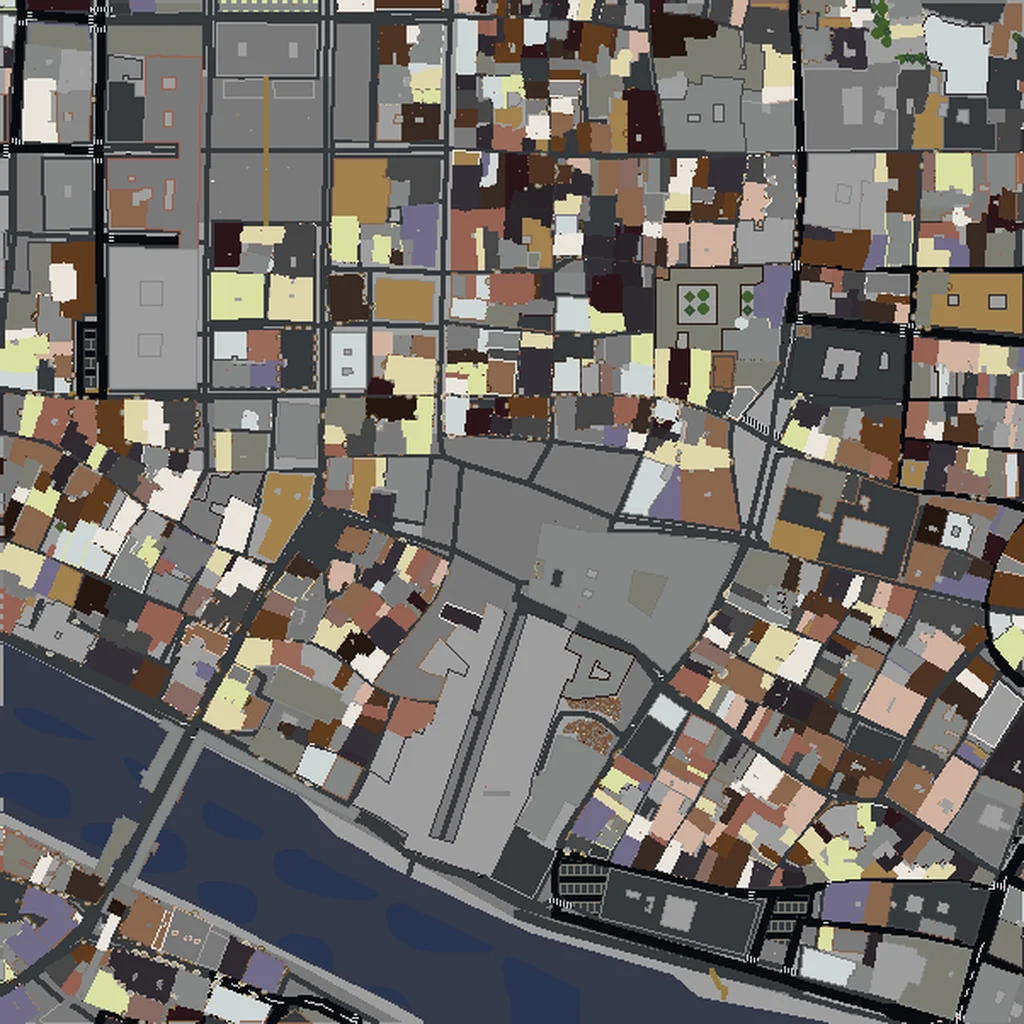
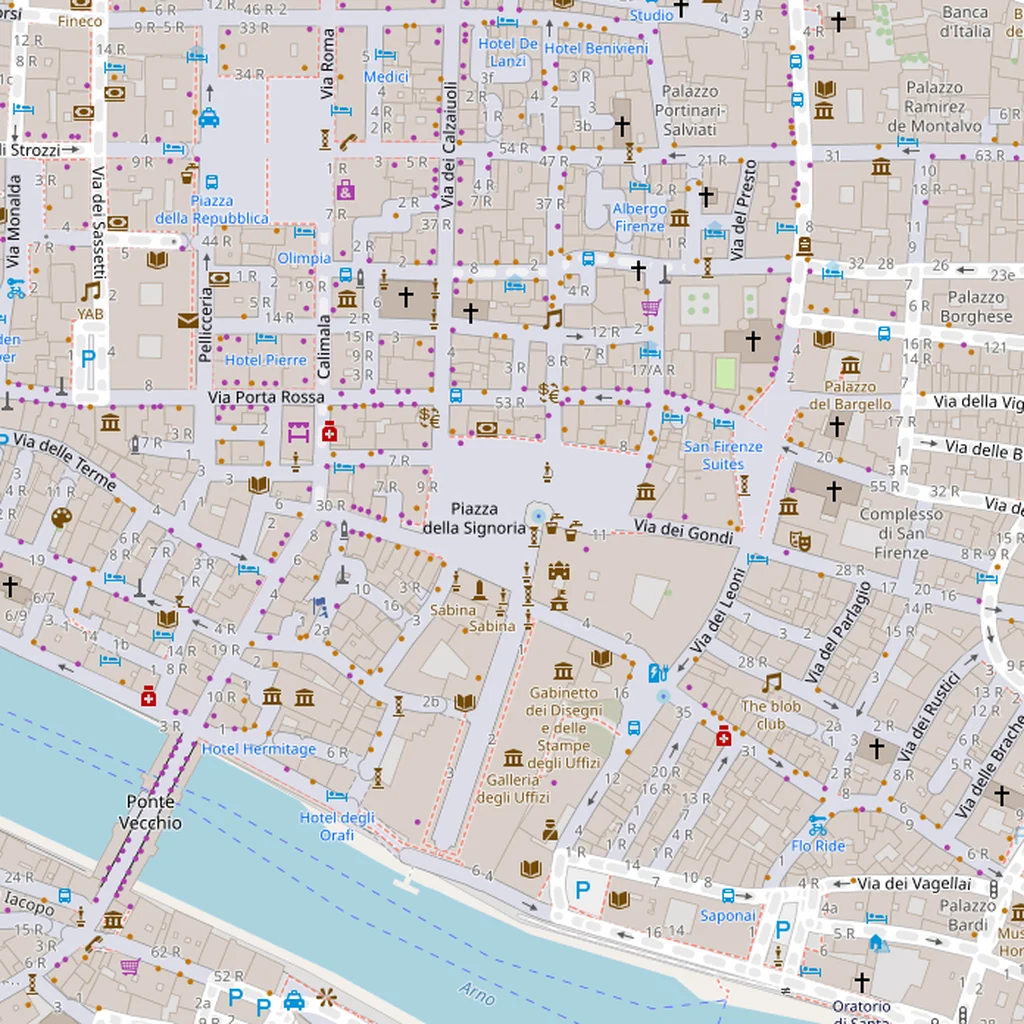
~2 minutes to generate · free 3D preview before you pay
About the Florence Minecraft World
Florence is one of the best small selections available, because the entire historic centre fits inside a world small enough to render fast and cheap. The city never spread the way its fame suggests: the Renaissance core is barely a kilometre across, wrapped by the Arno and the line of the old walls, and packed so tightly that the streets read as narrow canyons between continuous blocks of stone. Against that, the Duomo is absurd — Brunelleschi's dome is the largest masonry dome ever built and it sits in the middle of a low, dense city, so in Minecraft it towers over everything around it exactly as it does in life.
What's Included in the Florence World
Duomo
Santa Maria del Fiore's footprint plus the 114 m dome and Giotto's campanile beside it. In a city where almost nothing else rises above five storeys, this is the single dominant structure of the world.
Ponte Vecchio
The covered bridge with shops built along it — it generates as a genuine roofed structure spanning the Arno rather than a bare deck, which is what makes it recognisable.
Uffizi area
The long narrow courtyard running from Piazza della Signoria down to the river. That corridor shape is distinctive from above.
Piazza della Signoria
An irregular open square in the middle of dense blocks, with the Palazzo Vecchio's tower on its edge — one of the clearest 'this is a real place' moments in the generated world.
Plus all streets, buildings, parks, and terrain elevation from OpenStreetMap data — faithfully converted to Minecraft blocks. Available for both Java and Bedrock Edition.
What Makes Florence Special in Minecraft
- The whole historic centre fits in about 2 km², so Florence is one of the few world-famous cities you can generate complete rather than cropped.
- The Arno splits the world naturally, with the Oltrarno's tighter, less regular streets on the south bank.
- Terrain matters more than you'd expect: the hills south of the river climb toward Piazzale Michelangelo, giving a viewpoint back over the dome.
- Because the buildings are uniformly low, the dome and the Palazzo Vecchio tower are visible from nearly anywhere in the world.
Recommended Selection for Florence
A 1.5-2 km² selection centred on the Duomo captures the entire walled historic centre, both banks of the Arno and the Ponte Vecchio — a small, fast world that still contains essentially all of Renaissance Florence. Go to 4 km² if you want the hills up to Piazzale Michelangelo for the view back across the city.
How It Works
Select Area
Choose how much of Florence you want — from a single neighborhood to the entire metro area.
Preview in 3D
Explore an interactive 3D preview before purchasing. Rotate, zoom, and inspect every block.
Download & Play
Get your world file for Java or Bedrock Edition. Drop it in your saves folder and start exploring.
Frequently Asked Questions
What's included in the Florence Minecraft world?
How do I import the world into Minecraft?
Do I need any mods to play?
Does the Duomo's dome generate properly?
Is Florence too small to be worth generating?
Ready to Explore Florence in Minecraft?
Free preview of any area · from $5 — no subscription, no mods, no install required.
Create Florence WorldMinecraft maps of cities near Florence
The closest of our 100 ready-scouted cities, nearest first