Venice Minecraft map
Real city world • Java & Bedrock Edition
Venice's canals, bridges, and car-free island layout make it one of the most unique Minecraft worlds possible.
Or worlds up to 100 km² and unlimited generations with Pro · $39/mo
Real Venice vs. Your Minecraft World
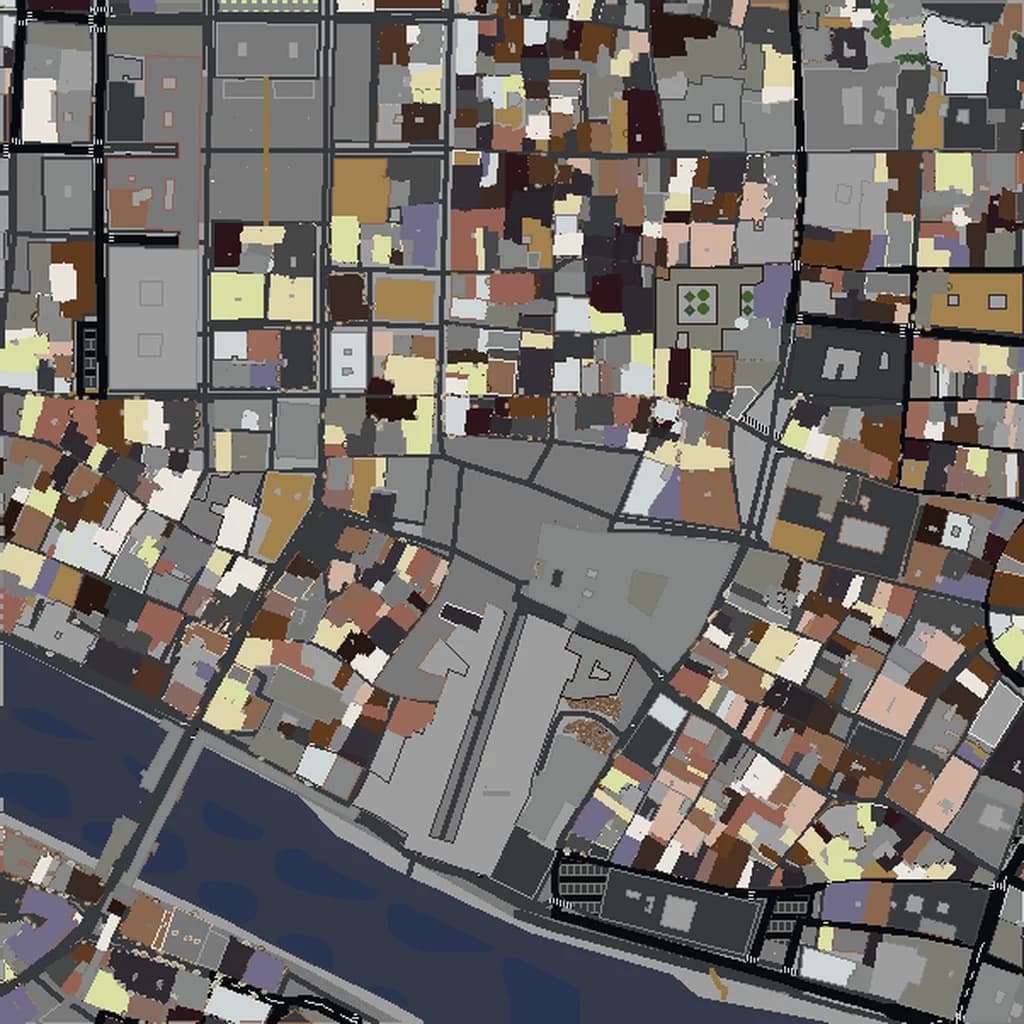
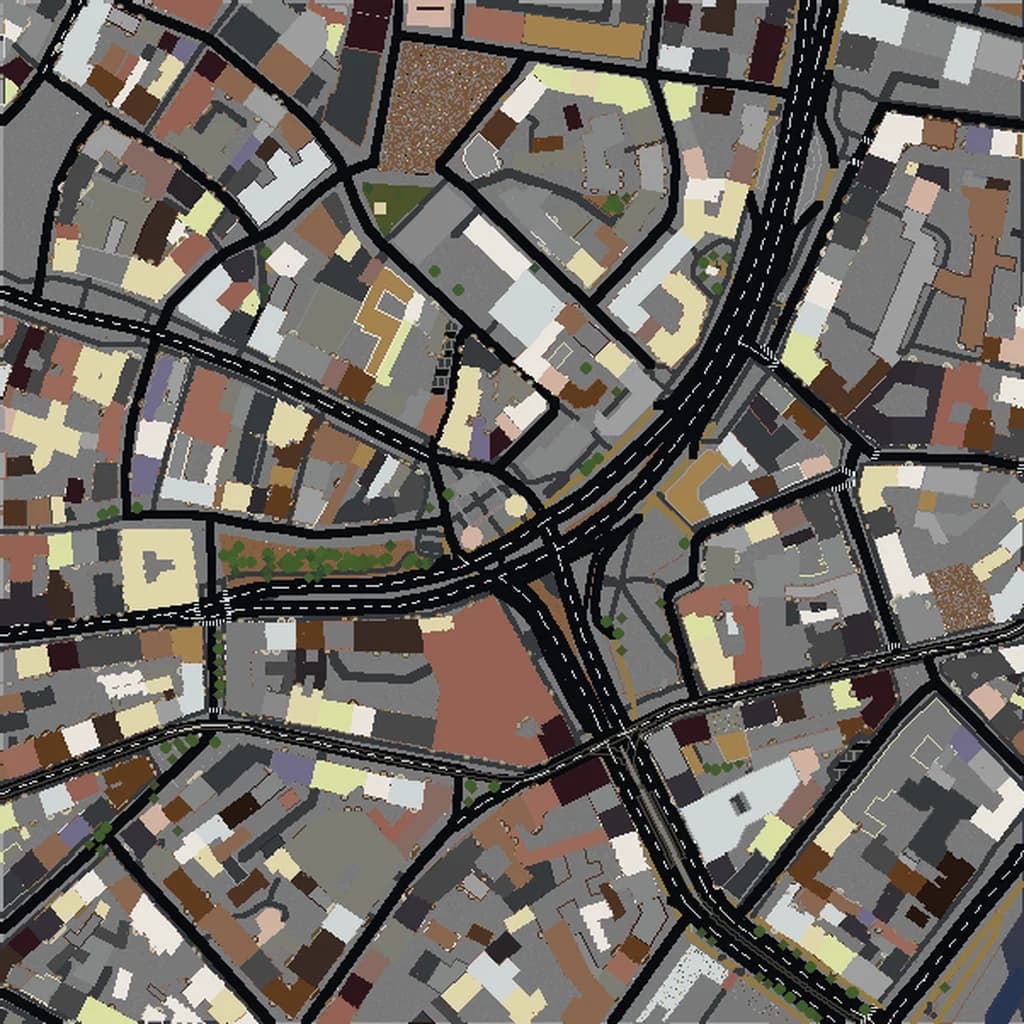
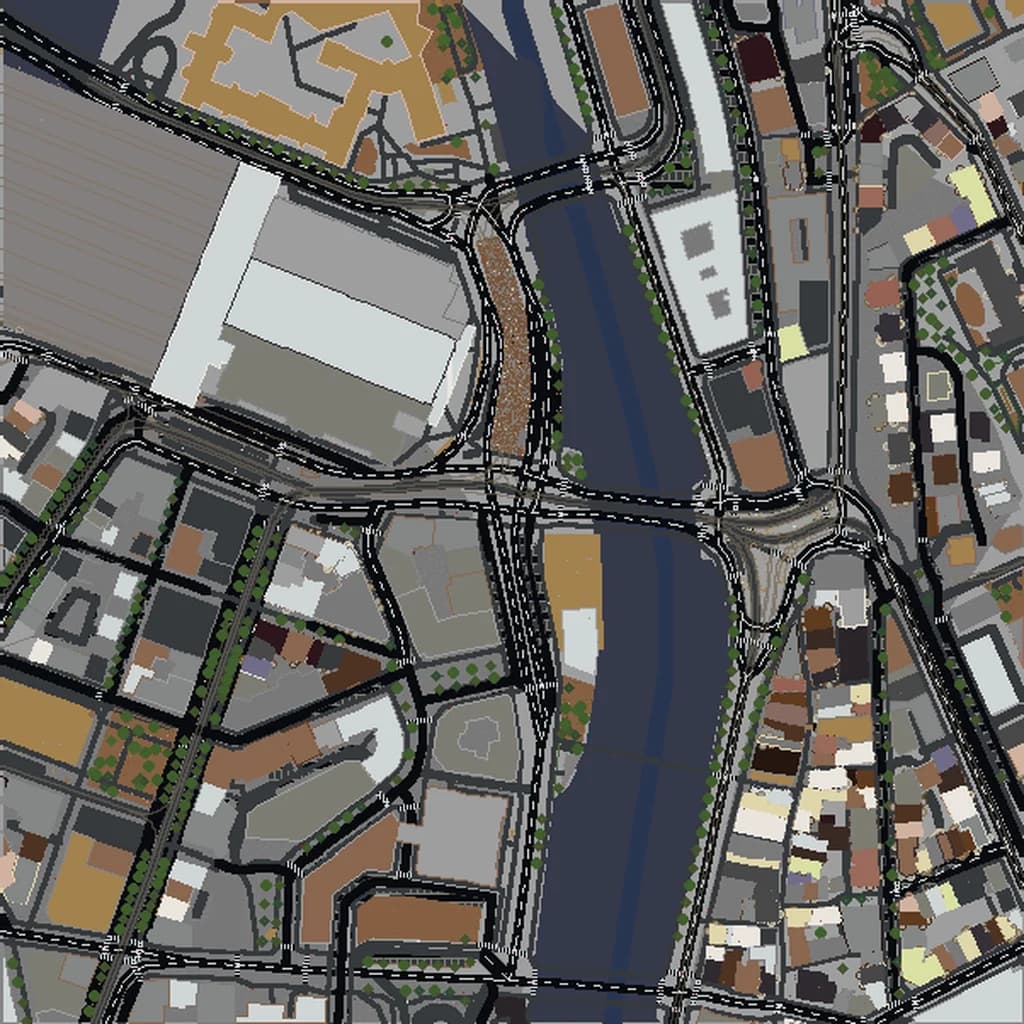
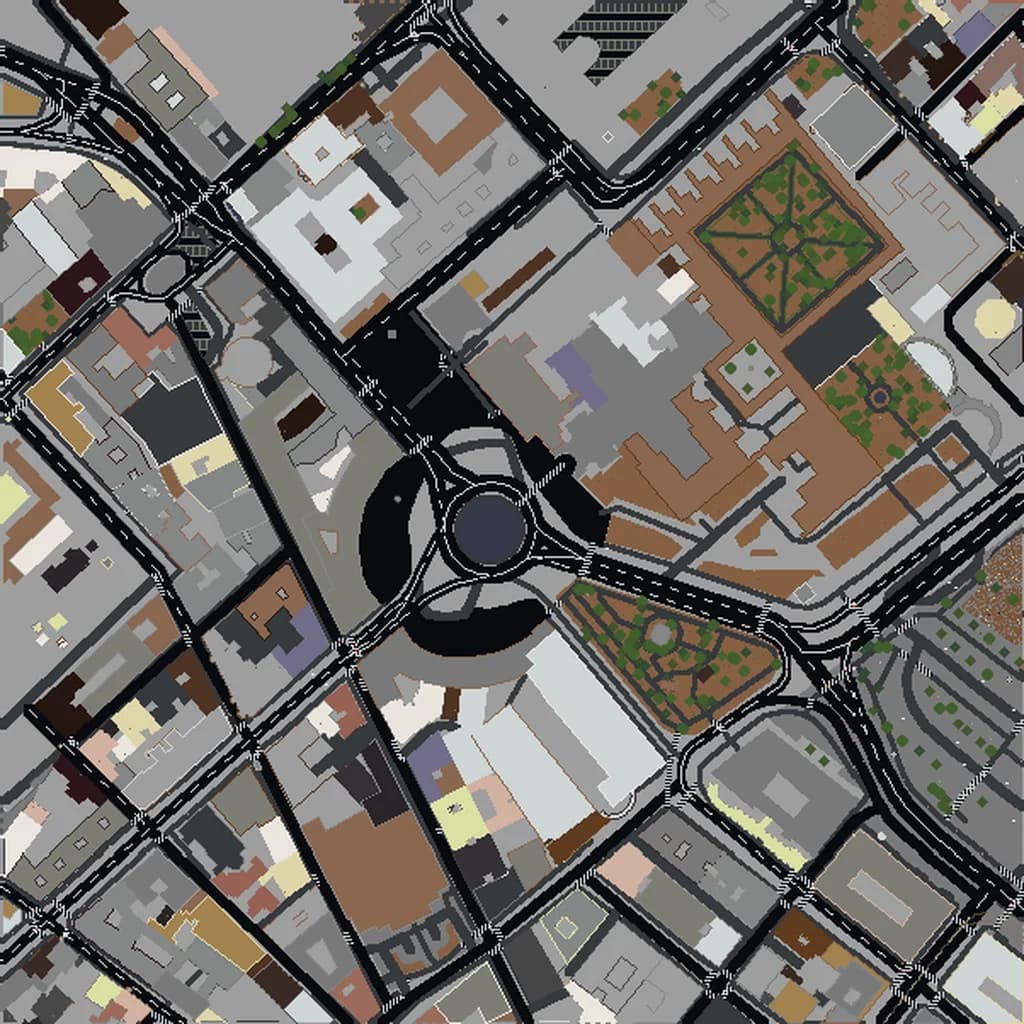
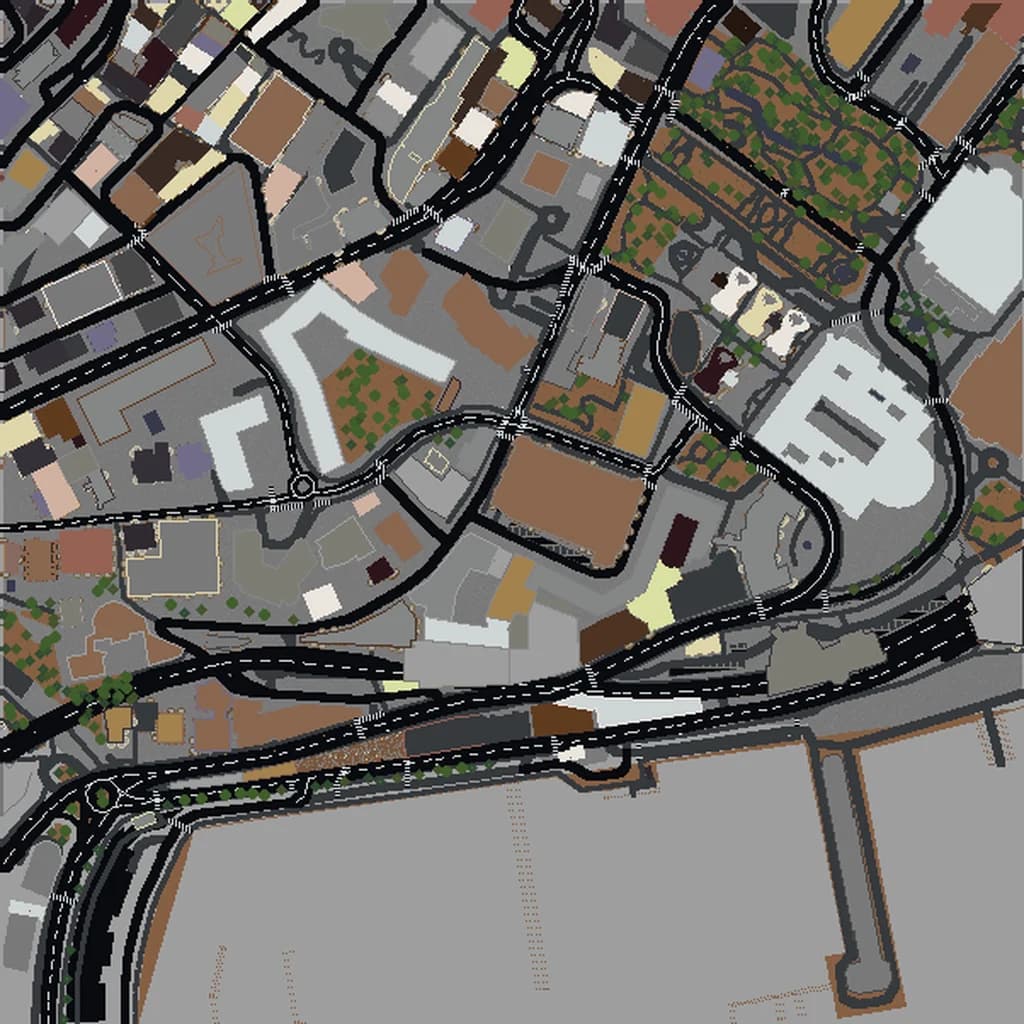
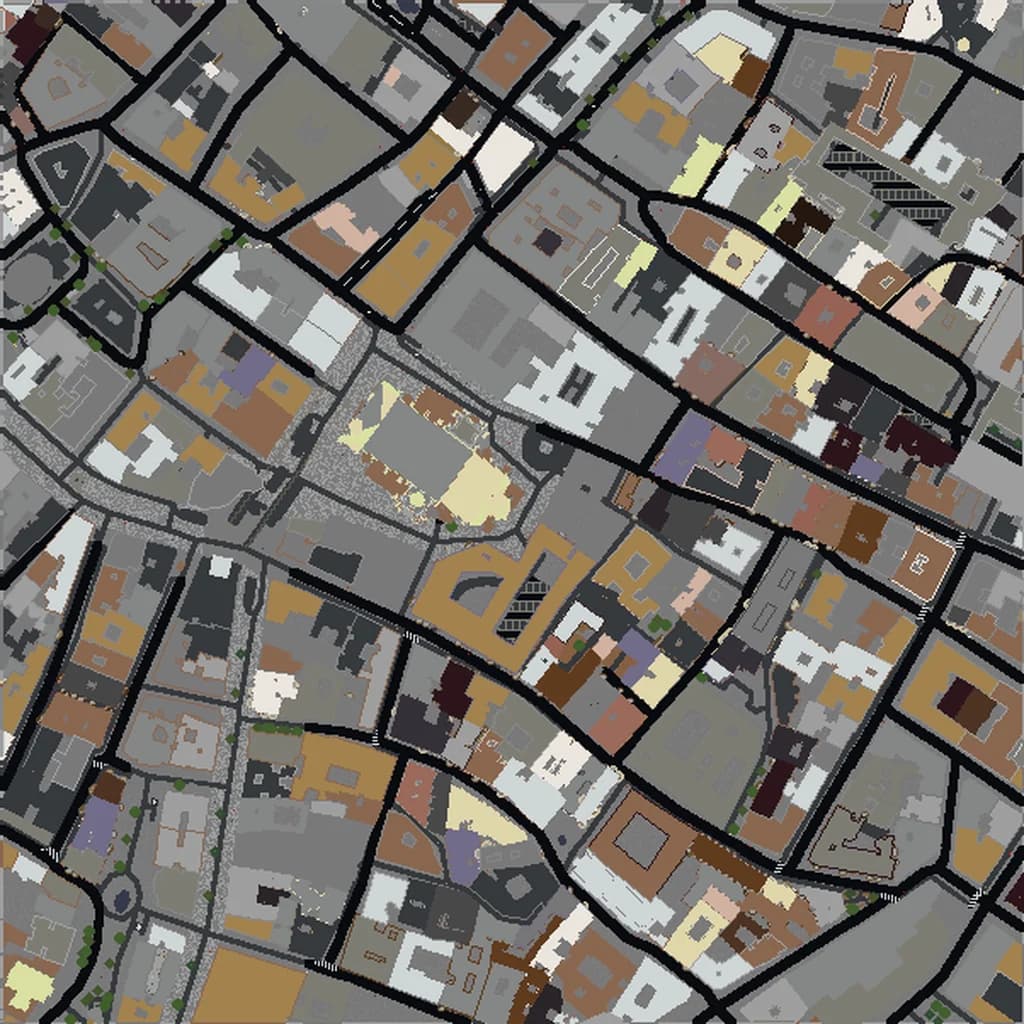
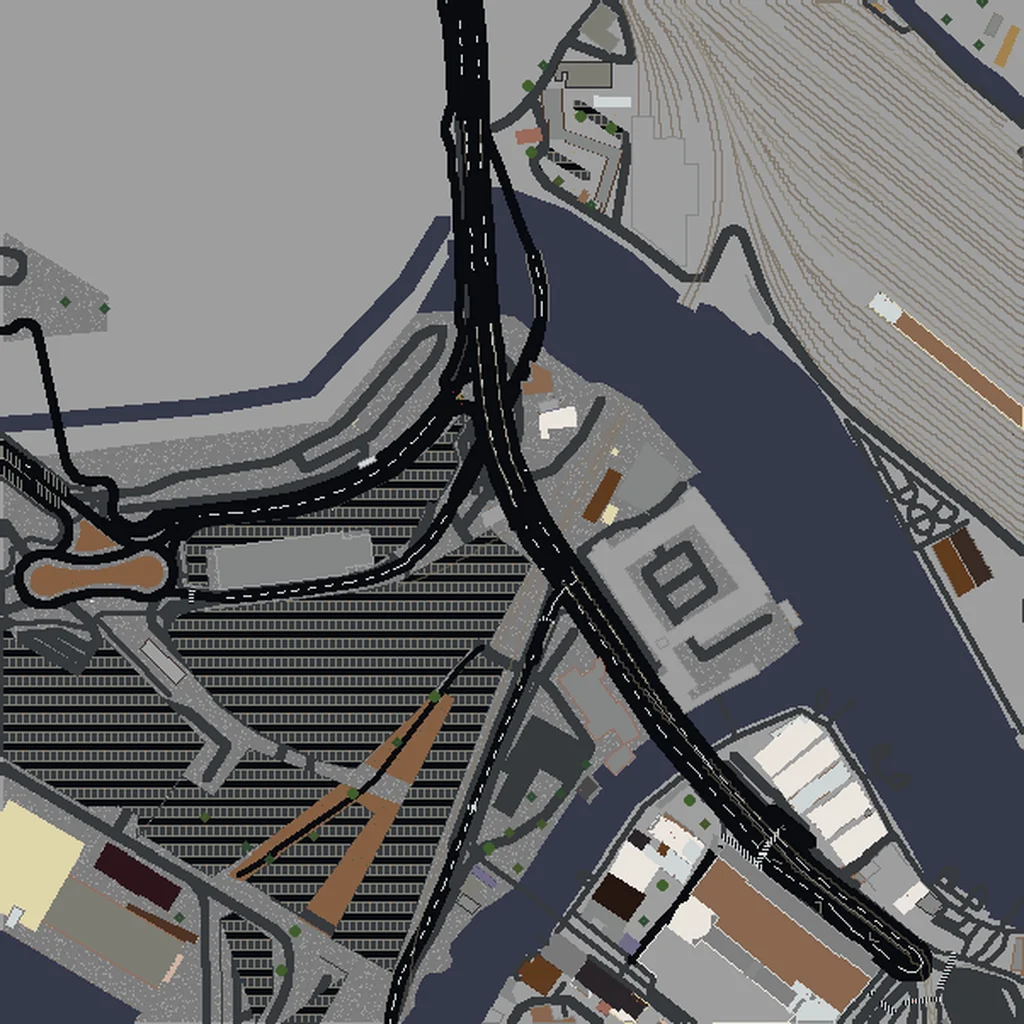
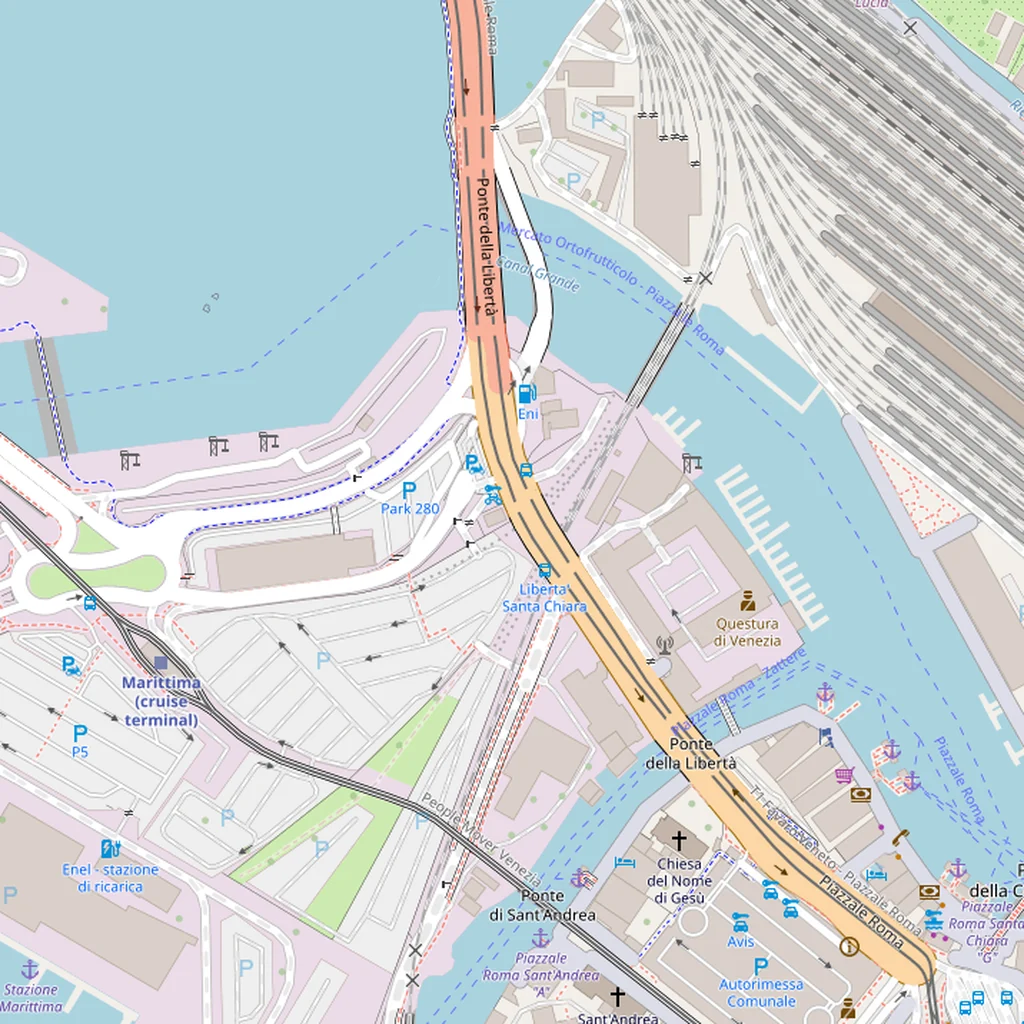
Drag the slider to compare the real street grid with the same area generated as a Minecraft world. Same blocks, same buildings, same shape.
~2 minutes to generate · free 3D preview before you pay
About the Venice Minecraft World
Venice is a singular Minecraft conversion because almost no other city in the world has such extensive coverage of water features within its urban fabric. The 118 islands, 177 canals, and 391 bridges all render from OpenStreetMap data, producing a block-built environment where water is the default and land is the exception — the inverse of almost every other generated world. Venice is one of the smaller selections we offer but one of the most visually distinct.
What's Included in the Venice World
St. Mark's Square
Piazza San Marco is about 180 m long and ringed by the Basilica, the Campanile (99 m bell tower), and the Doge's Palace. In Minecraft this is one of the most recognizable plazas you can render — an obvious open rectangle surrounded by detailed building footprints.
Rialto Bridge
The iconic stone arch bridge at the midpoint of the Grand Canal, with shops built along the deck. The shop structures render as distinct building footprints on top of the bridge itself.
Grand Canal
The 3.8 km main waterway S-curves through Venice and is crossed by only four bridges (Rialto, Accademia, Scalzi, and Costituzione). Including the whole Grand Canal requires a 2 km north-south bbox.
Plus all streets, buildings, parks, and terrain elevation from OpenStreetMap data — faithfully converted to Minecraft blocks. Available for both Java and Bedrock Edition.
What Makes Venice Special in Minecraft
- Venice has no cars — every street in OpenStreetMap is a pedestrian way. The resulting world has no wide roads, just narrow calli winding between buildings.
- The city is built on wooden piles driven into the lagoon floor. Elevation is essentially at sea level everywhere with a few steps up at bridges; there are no hills or dramatic terrain shifts.
- The six sestieri (Cannaregio, Castello, Dorsoduro, San Marco, San Polo, Santa Croce) each have distinctive street patterns. Cannaregio has the most regular grid, while Castello is the most maze-like.
- Include the nearby islands of Giudecca (south) and San Michele (the cemetery island, north) for context — both add interesting separate-land features in the lagoon water.
Recommended Selection for Venice
Venice's historic core fits into about 2 km², making it an ideal Small-to-Medium tier build. For just the Grand Canal and St. Mark's, 1 km² is enough. To include Murano (famous for glass) and Burano (famous for colored houses) extend north into the lagoon — these add charming separate islands but also a lot of empty water area, so budget accordingly. The Venice Lido (the barrier island with beaches) is 3 km southeast and best generated as its own world.
How It Works
Select Area
Choose how much of Venice you want — from a single neighborhood to the entire metro area.
Preview in 3D
Explore an interactive 3D preview before purchasing. Rotate, zoom, and inspect every block.
Download & Play
Get your world file for Java or Bedrock Edition. Drop it in your saves folder and start exploring.
Frequently Asked Questions
What's included in the Venice Minecraft world?
How do I import the world into Minecraft?
Do I need any mods to play?
Can you actually boat through the canals in Minecraft?
How do the bridges render in blocks?
Ready to Explore Venice in Minecraft?
Free preview of any area · from $5 — no subscription, no mods, no install required.
Create Venice WorldMinecraft maps of cities near Venice
The closest of our 100 ready-scouted cities, nearest first