Running a Minecraft Roleplay Server on a Real City Map
The hardest part of starting a city roleplay server is the city. Building enough streets, shops and apartments for dozens of players can take a team months before anyone plays a single scene. Starting from a real city map skips that step: the streets, blocks and building shells already exist, and they make sense, because real people use them every day. This guide covers how to set up a Minecraft roleplay server on a real city map, from picking the area to the plugins that run jobs, property and law.
Why a Real City Works for Roleplay
- Built-in districts. Real cities already have a downtown, a port, industrial areas, rich and poor neighbourhoods. Those divisions give you factions and storylines for free.
- Believable layout. Main roads, side streets and alleys are where they would be in a real city, so chases, patrols and deliveries feel natural.
- Recognition. Players who know the city enjoy finding familiar places. A local server based on your own town is an easy way to attract people.
- Room to customise. The map is a starting point. Your builders turn the generated shells into police stations, banks and shops.
Choosing the Map
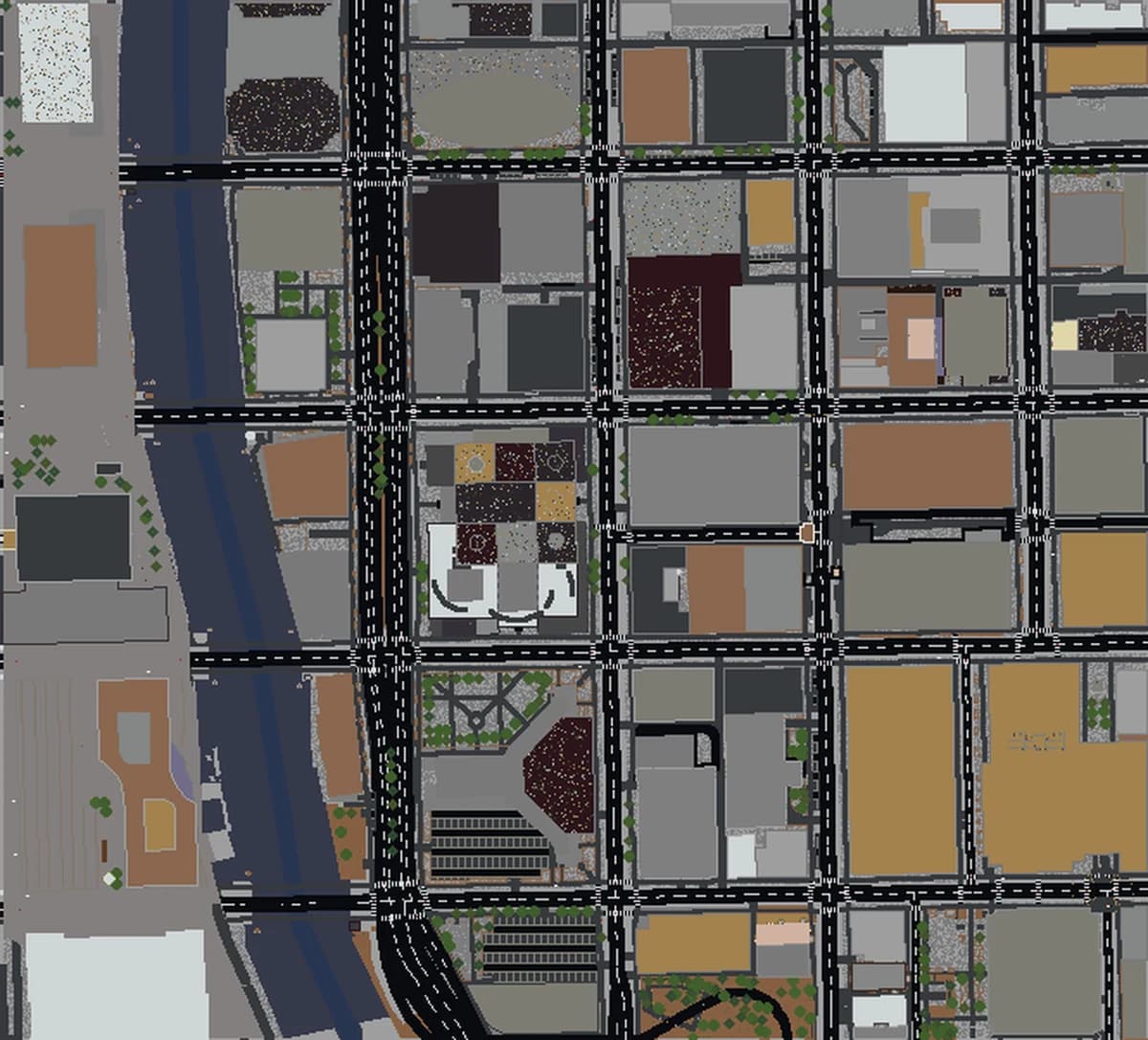
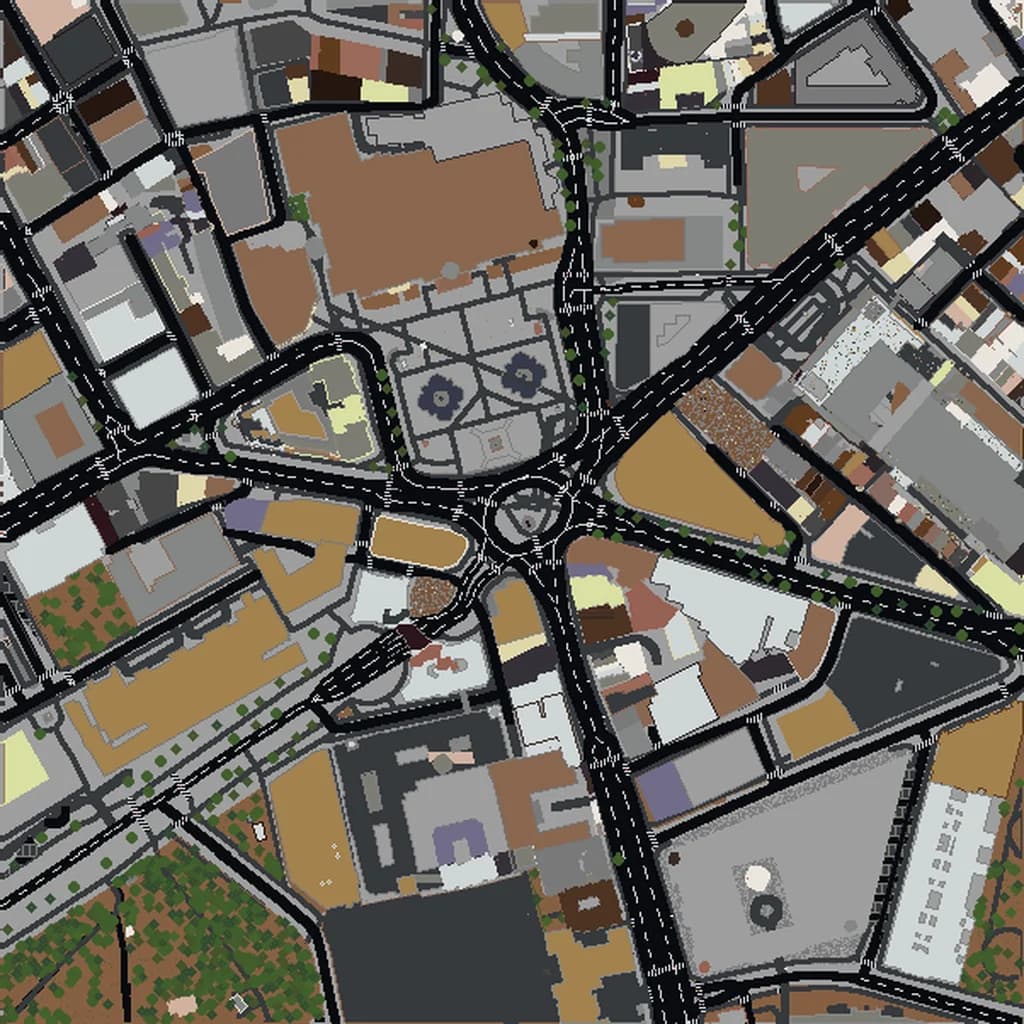
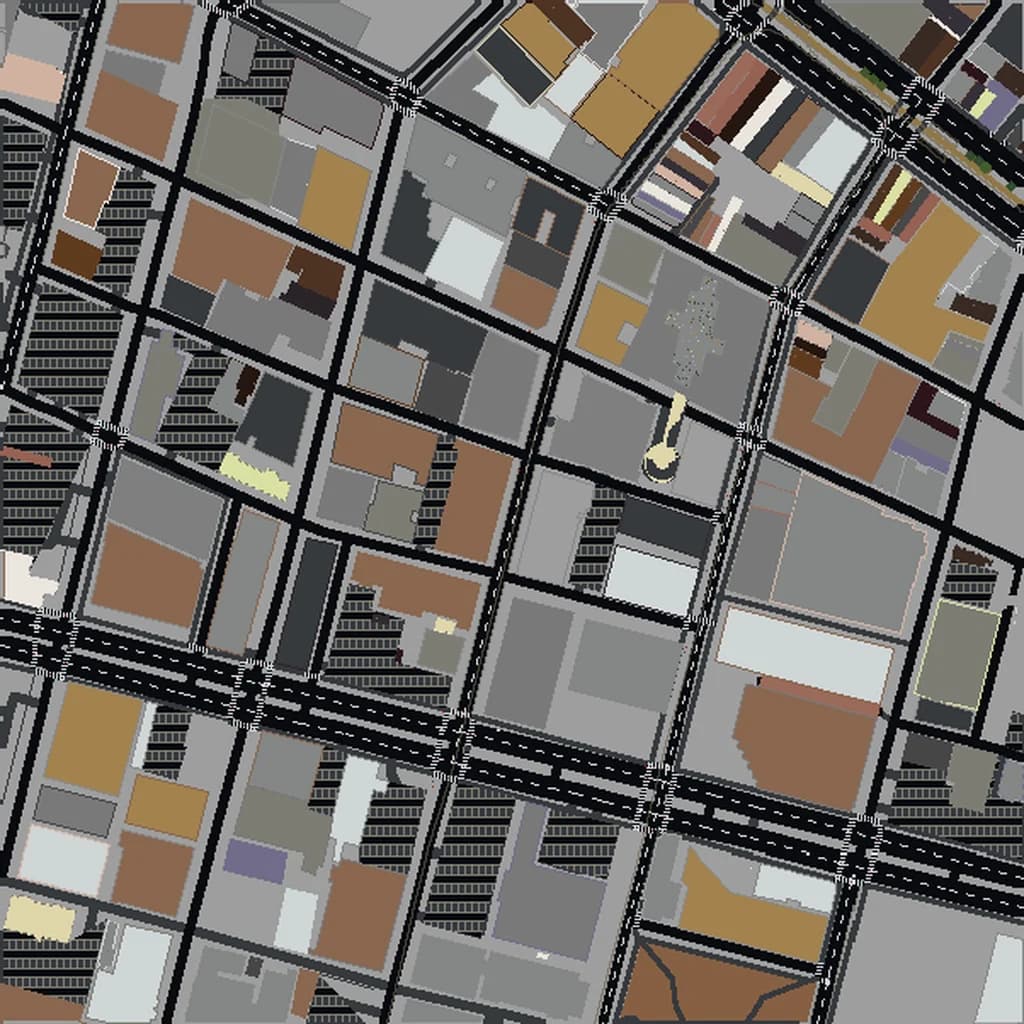
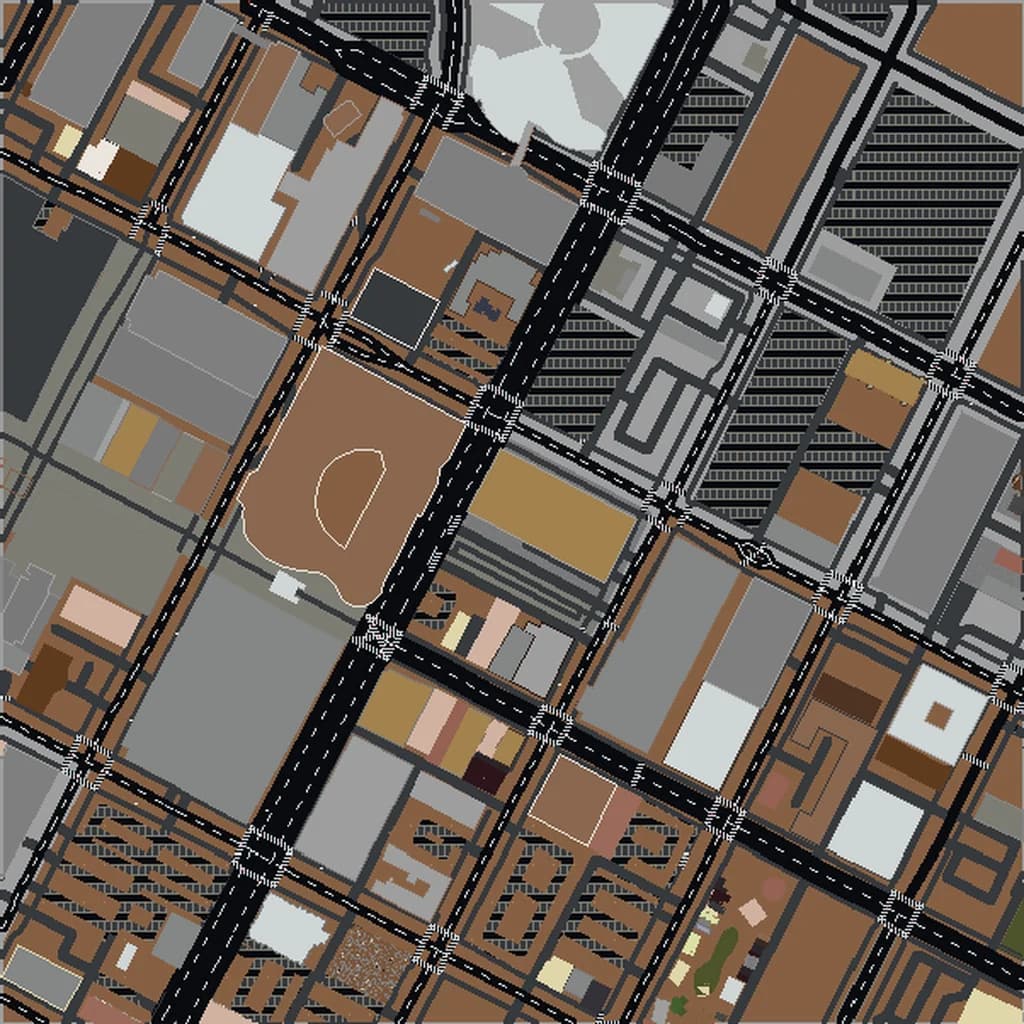
Pick a city, or a part of one, that fits your theme. A modern crime roleplay suits a dense downtown such as Chicago or Las Vegas. A historical or fantasy server suits an old town like Edinburgh or London's older districts. A port city like New Orleans gives you docks for smuggling stories.
Size matters more than you think. A roleplay server needs enough space that players spread out, but not so much that the city feels empty. For a server of a few dozen active players, a district a kilometre or two across is usually plenty. You can always generate a bigger area later and move to it.
On Map2Minecraft, search for your city, pick a size, and look over the 3D preview. Check that the area includes a clear centre, a mix of building types, and some open space for parks or markets. Keep building interiors on if you want players to be able to walk into buildings straight away; the generated floors and rooms give your builders something to start from.
Setting Up the Server
Roleplay and Towny servers almost always run on Java Edition with a plugin-capable server such as Paper. Download the Java edition of your world and upload it as described in our guide to uploading a world to a server. Then:
- Set the spawn point with
/setworldspawnsomewhere central, like a station or main square. - Set a world border with
/worldborderso players stay inside the mapped city. - Turn off things that break the setting, for example
/gamerule doMobSpawning falsefor a modern city, and/gamerule doFireTick falseso a stray fire does not burn down a district.
Plugins Overview
You do not need all of these. Pick the ones that fit your style. Always check that a plugin supports your server version before installing it.
The basics
- LuckPerms for ranks and permissions: citizen, police, mayor, staff.
- EssentialsX for core commands, homes, warps, kits and a simple economy.
- Vault, a bridge that lets economy, permission and shop plugins talk to each other.
Protecting the city
- WorldGuard (with WorldEdit) to protect regions, so players cannot break the generated buildings unless you allow it.
- CoreProtect to log and roll back griefing.
Property and districts
- Towny if you want players to found and run towns: claims, residents, mayors, taxes and nations. It suits a server where the real city is divided between player factions.
- AreaShop (or a similar plugin) if you want staff-run property instead. It rents or sells WorldGuard regions, so every generated apartment or shopfront can become a rentable plot.
- GriefPrevention or Lands as alternatives for player claims.
Jobs and economy
- Jobs Reborn pays players for in-game actions such as mining, building or farming.
- ChestShop or QuickShop let players run their own shops from chests.
Atmosphere
- Citizens adds NPCs: shopkeepers, guards, a bus driver at the station.
- A chat plugin with local chat ranges, so players have to be near each other to talk in character.
Planning Districts and Jobs
Before opening, walk the map with your staff and decide what each area is for. A simple plan might look like this:
- Downtown: city hall, bank, police headquarters, courthouse. Staff-owned and protected.
- Commercial streets: rentable shopfronts for player businesses.
- Residential blocks: apartments and houses for rent or purchase.
- Industrial or port area: jobs that produce resources, and a natural home for criminal factions.
- Parks and squares: event spaces for markets, elections and festivals.
Then attach jobs to places. A delivery job that sends players between real streets, a taxi rank at the main station, police patrol routes that follow real roads: the real map makes these easy to design because the routes already make sense.
Turning Shells Into Places
Generated buildings have the right footprint and a sensible height, but they are not finished roleplay sets. Plan to customise the important ones by hand: give the police station a front desk and cells, the bank a vault, the hospital beds. Use WorldEdit to speed up repetitive work, such as copying a furnished apartment into every unit of a block with //copy and //paste. Leave ordinary houses to players; decorating their own home is part of the fun.
A Few Lessons From Real-City Servers
- Start small and grow. Open one district first. An empty city is the fastest way to lose new players.
- Mark the map. Put street signs on the main roads so players can give directions in character.
- Respect the real place. If you base a server on a real town, avoid storylines that target real, identifiable people or businesses.
Get Your City
Choose the district your story needs, generate it, check it in the 3D preview, and download the Java world for your server. If you want more ideas about which cities make the best maps, see our best real-world cities list.
Real city maps to try