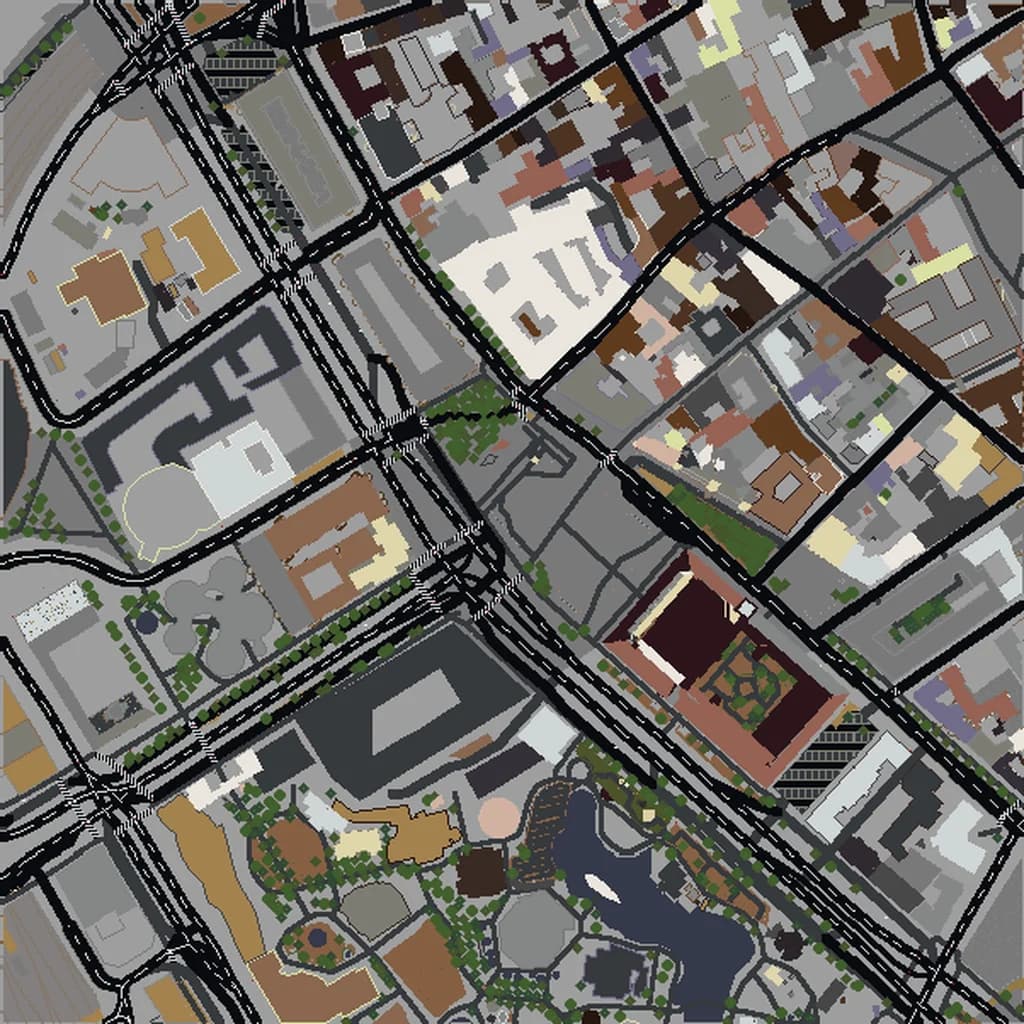
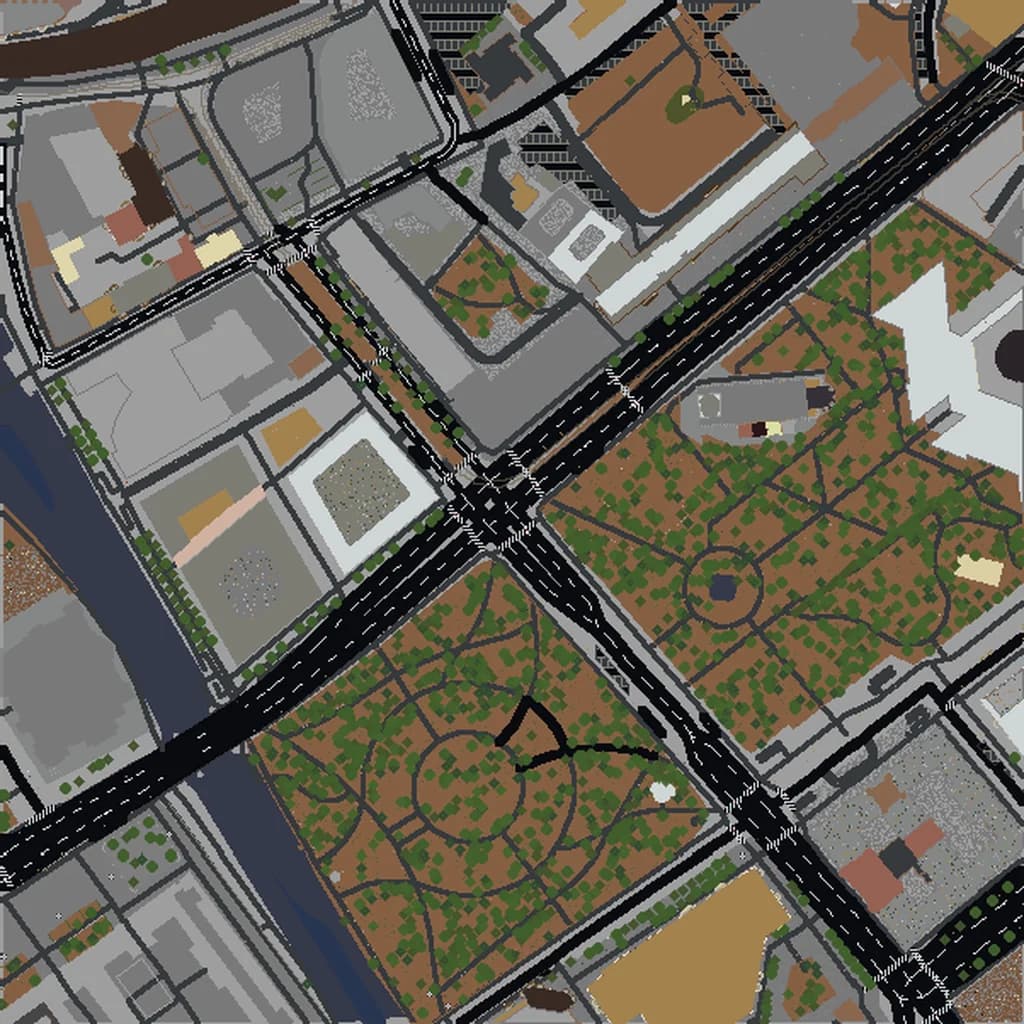
Moscow Minecraft map
Real city world • Java & Bedrock Edition
Red Square, the Kremlin walls, and Moscow's grand boulevards recreated in Minecraft.
Or worlds up to 100 km² and unlimited generations with Pro · $39/mo
Real Moscow vs. Your Minecraft World
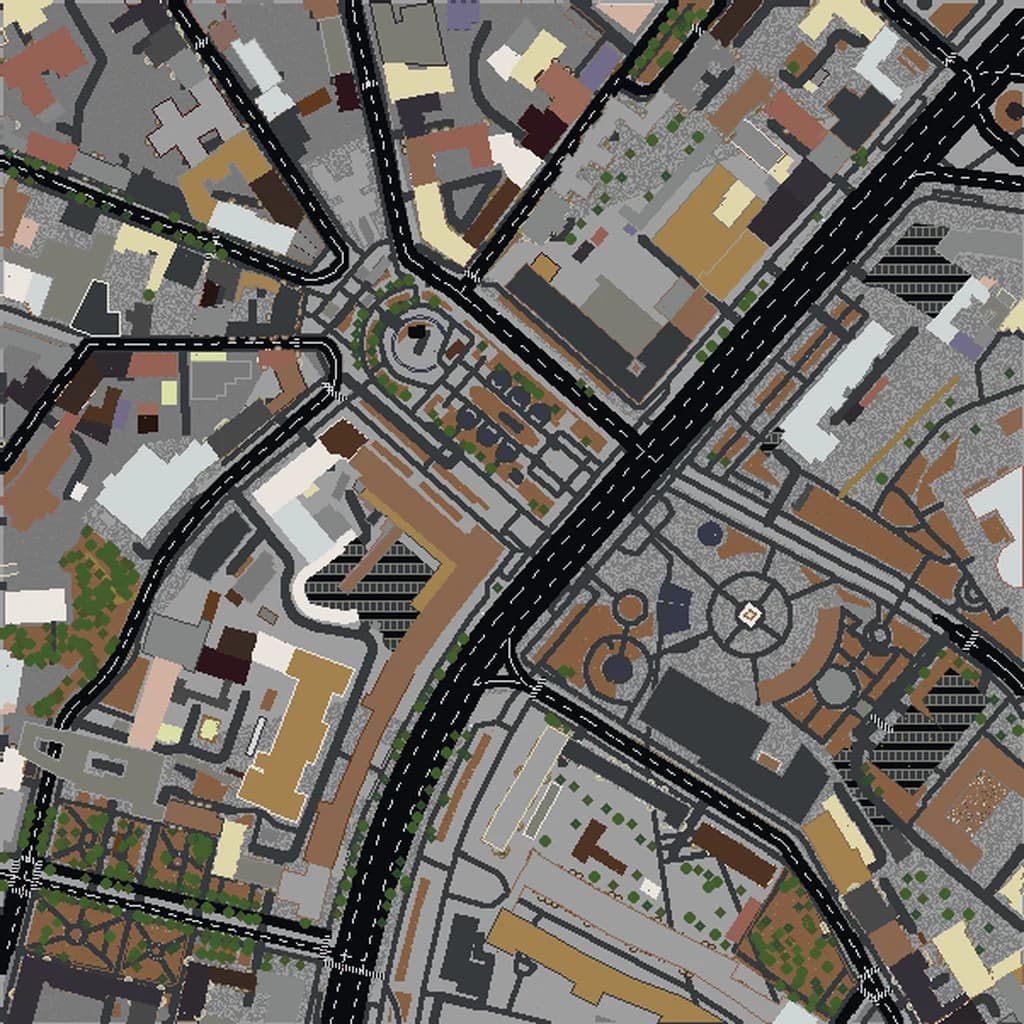
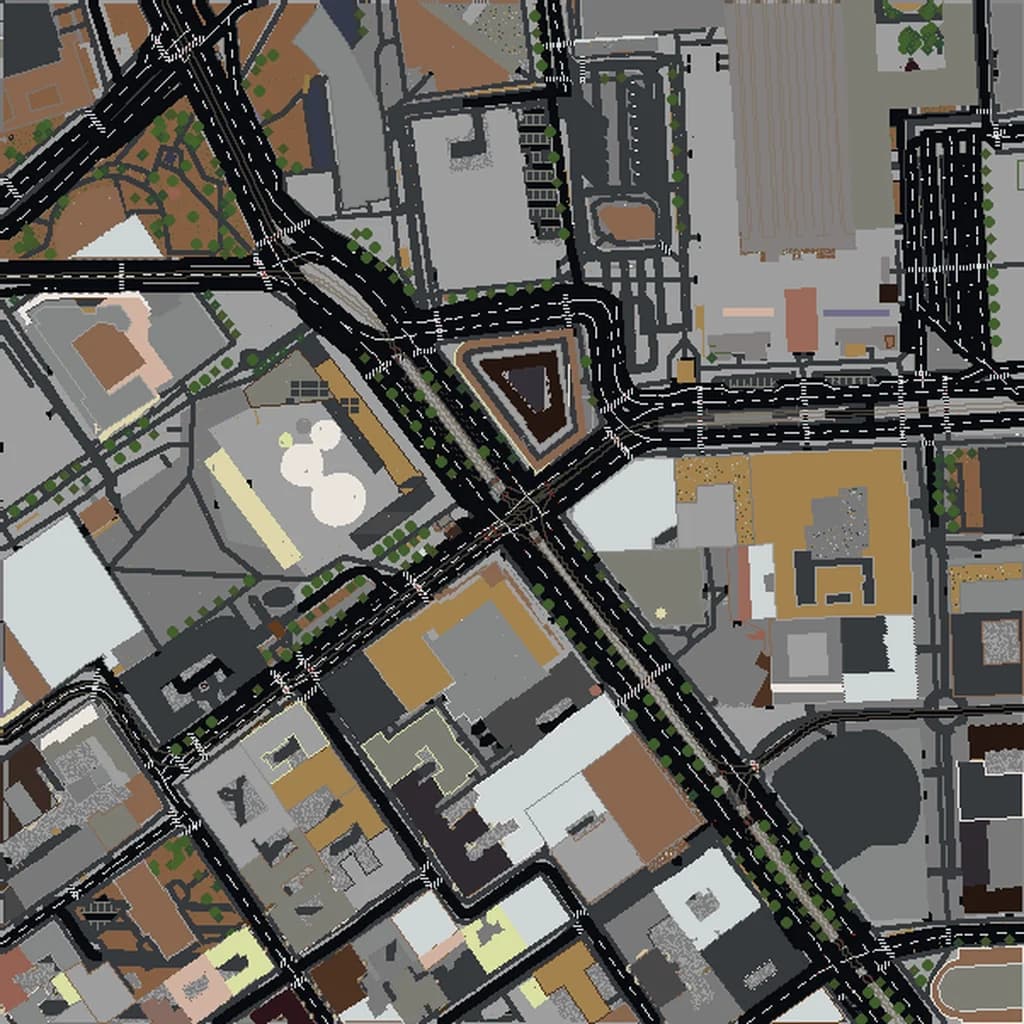
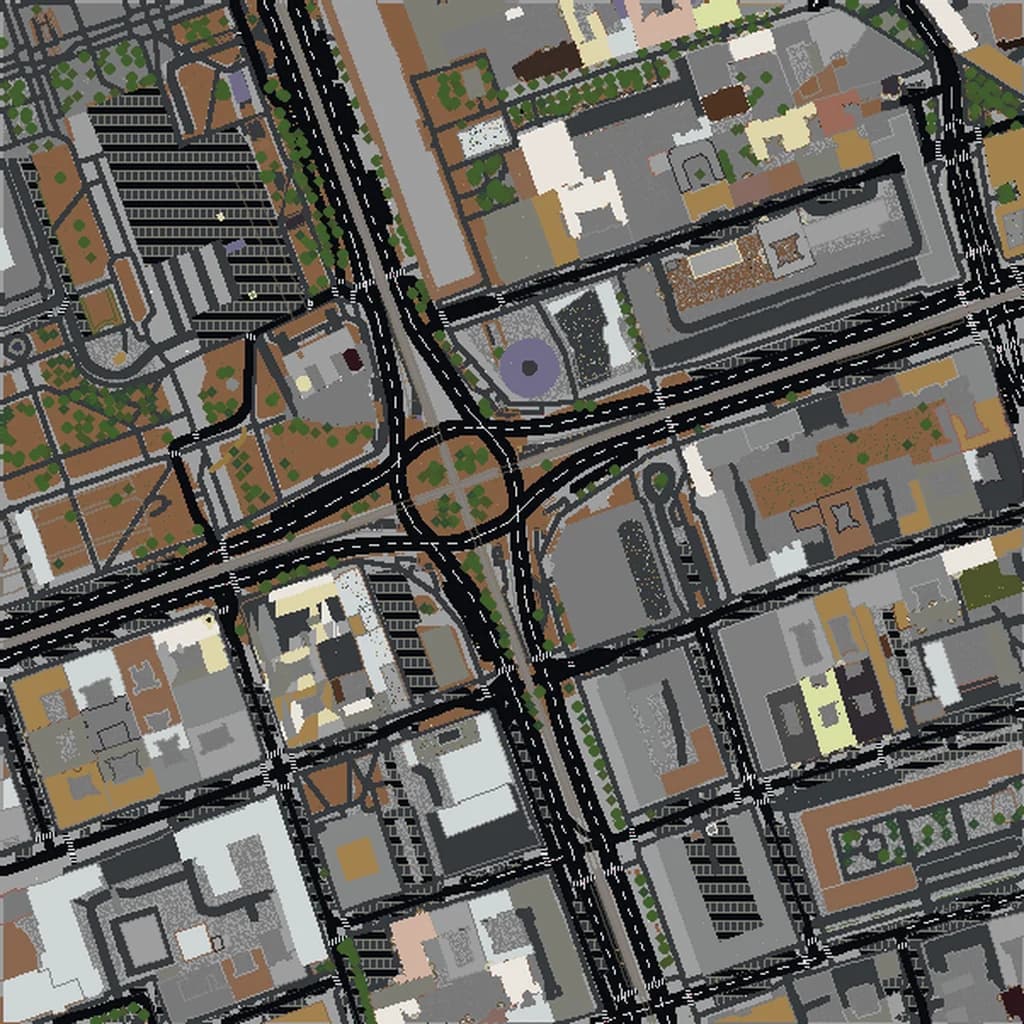
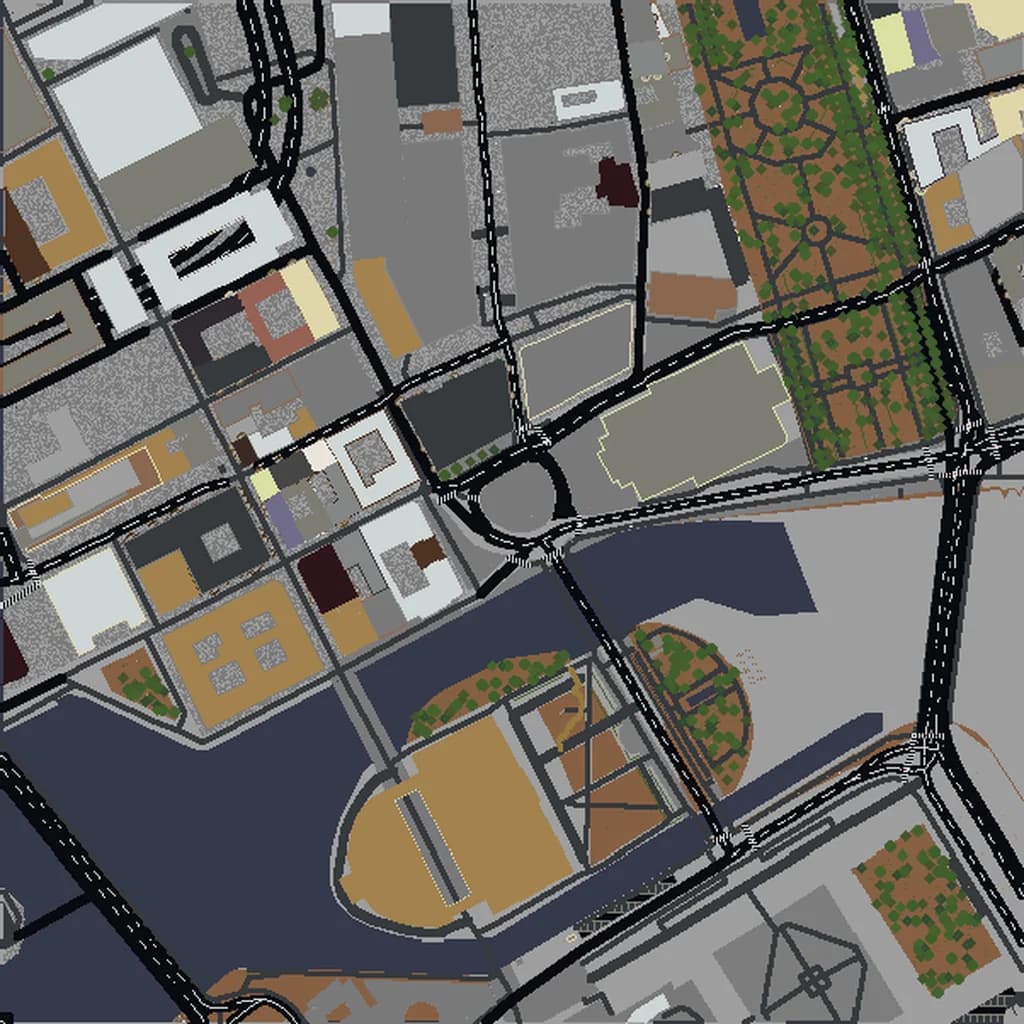
Drag the slider to compare the real street grid with the same area generated as a Minecraft world. Same blocks, same buildings, same shape.
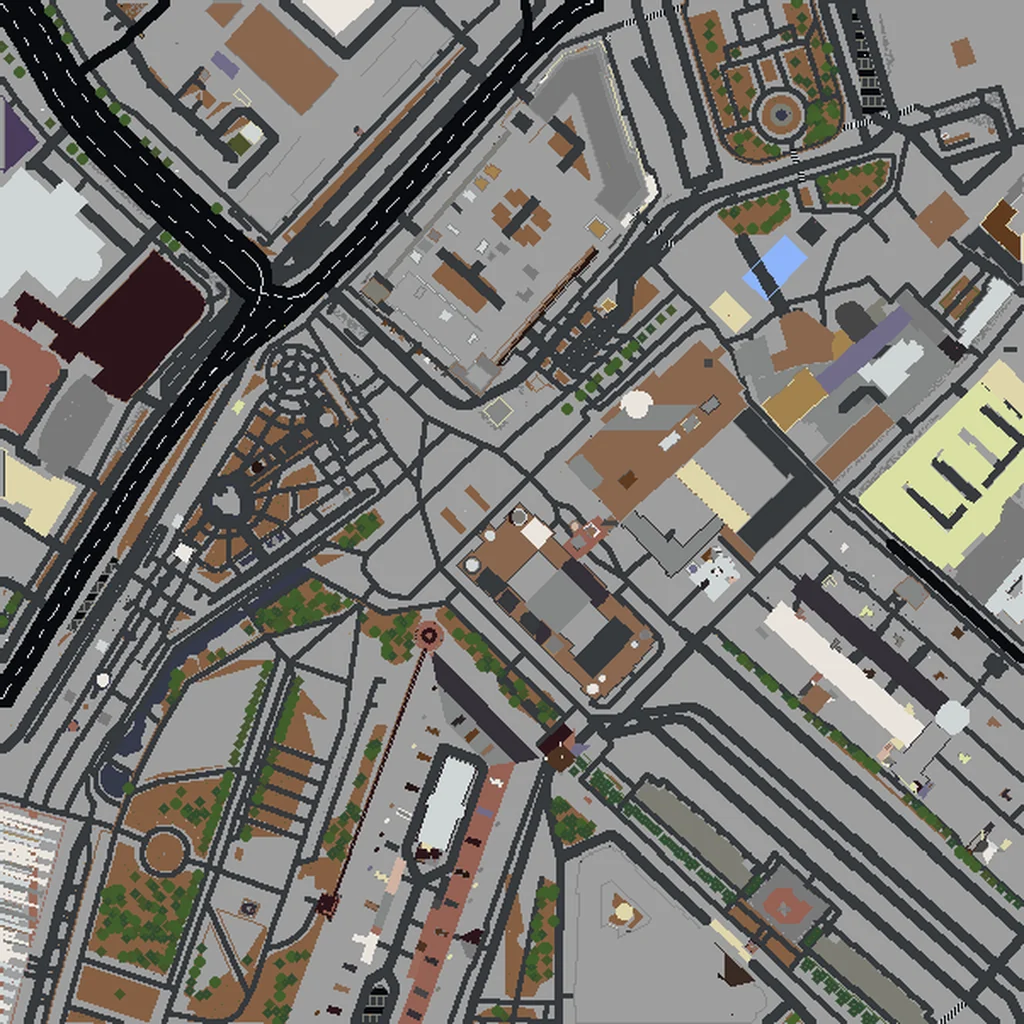
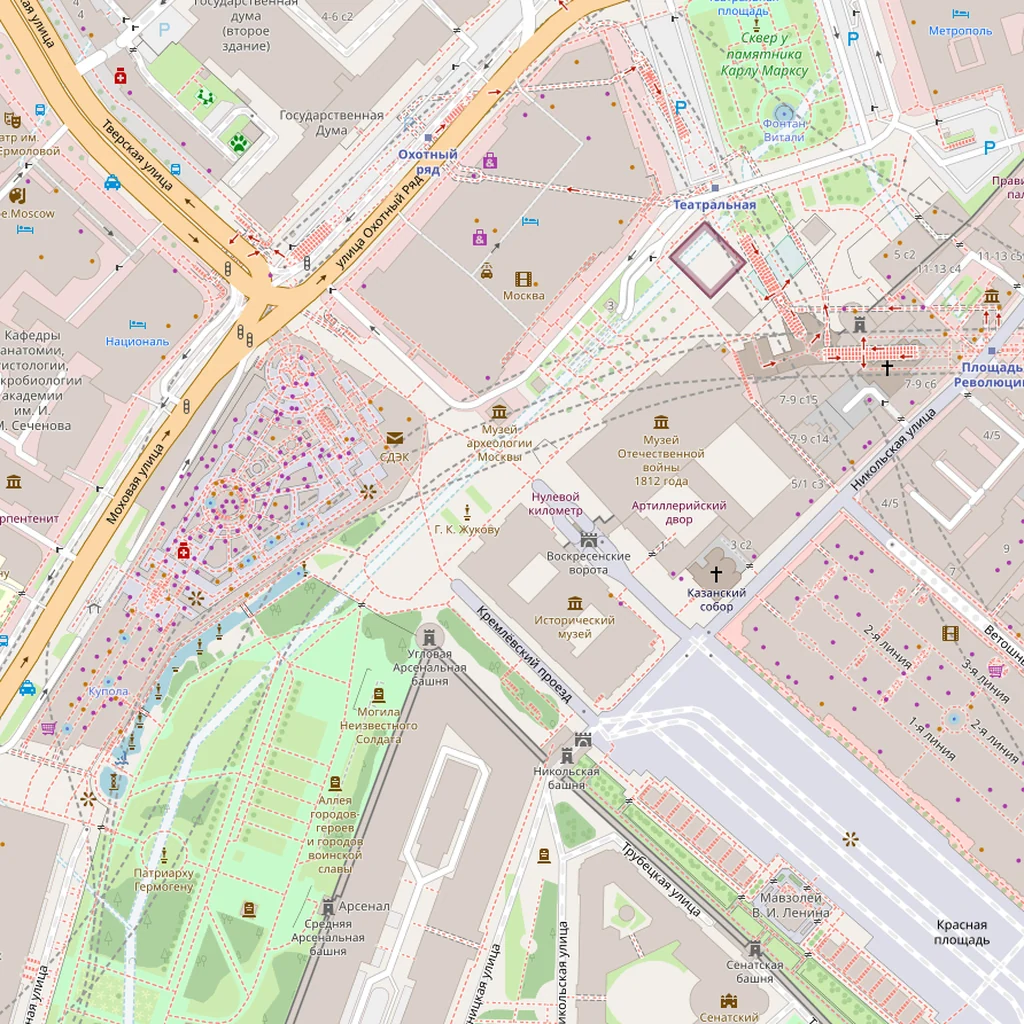
~2 minutes to generate · free 3D preview before you pay
About the Moscow Minecraft World
Moscow is built on a scale that translates unusually well to Minecraft, because the city was deliberately designed to be monumental. The ring-and-radial street plan puts the Kremlin at the centre of a set of concentric boulevards, so the generated world has a visible geometric logic from above that most organically-grown cities lack. Inside the Kremlin walls the ground rises slightly above the Moskva, the cathedral cluster generates as a tight group of distinct structures, and St. Basil's sits just outside on Red Square. The boulevards themselves are enormous — eight, ten, twelve lanes — which means the roads in this world are wide open corridors rather than the narrow slots a European old town produces.
What's Included in the Moscow World
Red Square
A long open rectangle bounded by the Kremlin wall on one side and GUM's facade on the other, with St. Basil's closing the south end. The enclosure is what makes it read correctly.
Kremlin
The triangular fortified wall with its towers, enclosing the palace and cathedral complex. One of the few places where a real city gives you a genuine walled citadel to generate.
St. Basil's Cathedral
Its footprint and height are mapped, so the structure generates at the south end of Red Square. The famous onion domes are beyond block resolution in fine detail, but the mass and position are right.
Gorky Park
A large green expanse along the river south of the centre — useful for balancing an otherwise very built-up selection.
Plus all streets, buildings, parks, and terrain elevation from OpenStreetMap data — faithfully converted to Minecraft blocks. Available for both Java and Bedrock Edition.
What Makes Moscow Special in Minecraft
- The ring roads are the signature. Centre your selection on the Kremlin and the concentric boulevard structure comes out clearly from the air.
- The Moskva River loops through the centre, so a well-placed box gets you water on two or three sides of the core.
- Moscow's boulevards are extremely wide — expect big open road corridors rather than the tight streets of an older European centre.
- The Stalin-era high-rises ringing the centre generate as isolated towers with lots of space around them, which is exactly how they sit in the real city.
Recommended Selection for Moscow
A 4-5 km² selection centred on the Kremlin captures Red Square, the walls, the river bend and the first ring of boulevards — a Large tier world that holds essentially all of central Moscow. Push toward 10 km² to bring in the Garden Ring and several of the Stalin high-rises for a fuller sense of the city's scale.
How It Works
Select Area
Choose how much of Moscow you want — from a single neighborhood to the entire metro area.
Preview in 3D
Explore an interactive 3D preview before purchasing. Rotate, zoom, and inspect every block.
Download & Play
Get your world file for Java or Bedrock Edition. Drop it in your saves folder and start exploring.
Frequently Asked Questions
What's included in the Moscow Minecraft world?
How do I import the world into Minecraft?
Do I need any mods to play?
Do St. Basil's onion domes come out right?
Is the Kremlin wall included?
Ready to Explore Moscow in Minecraft?
Free preview of any area · from $5 — no subscription, no mods, no install required.
Create Moscow WorldMinecraft maps of cities near Moscow
The closest of our 100 ready-scouted cities, nearest first