Bogotá Minecraft map
Real city world • Java & Bedrock Edition
La Candelaria, Monserrate area, and Bogotá's highland cityscape in Minecraft blocks.
Or worlds up to 100 km² and unlimited generations with Pro · $39/mo
Real Bogotá vs. Your Minecraft World
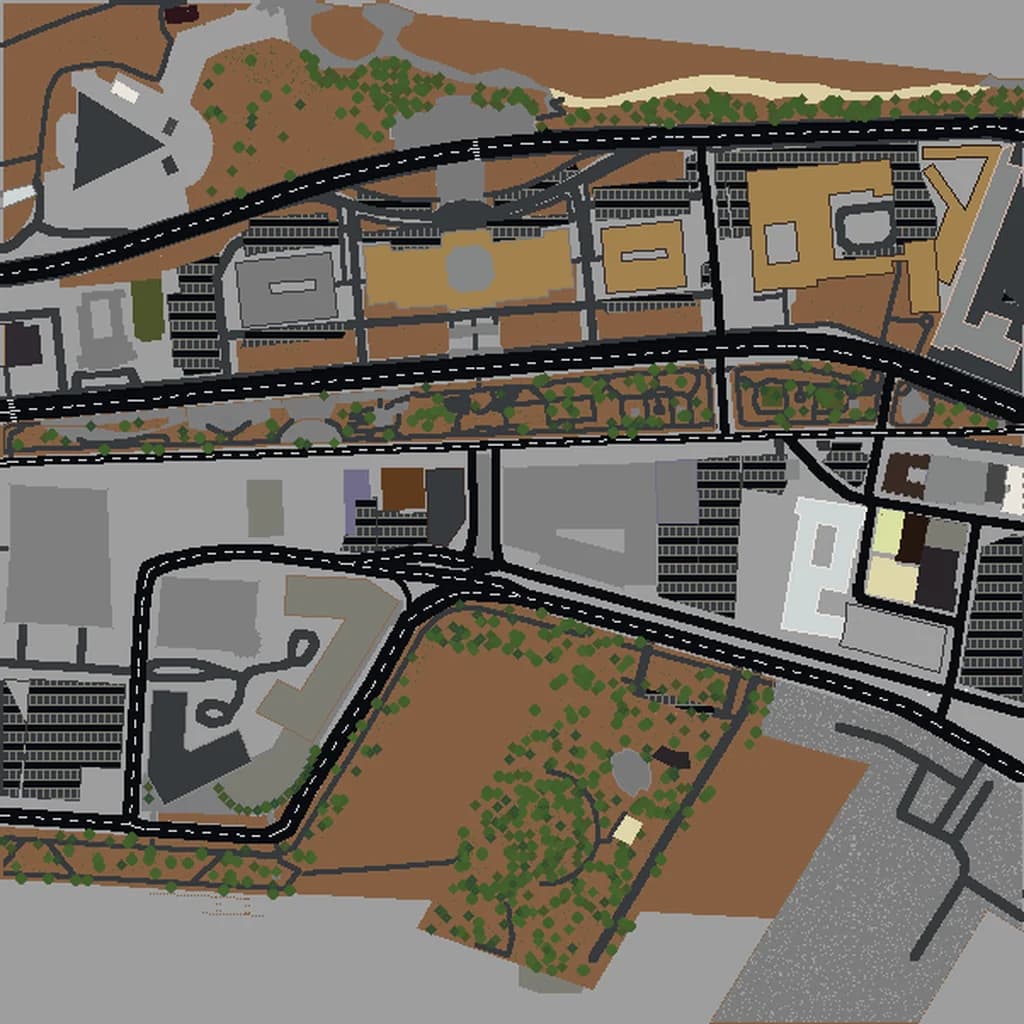
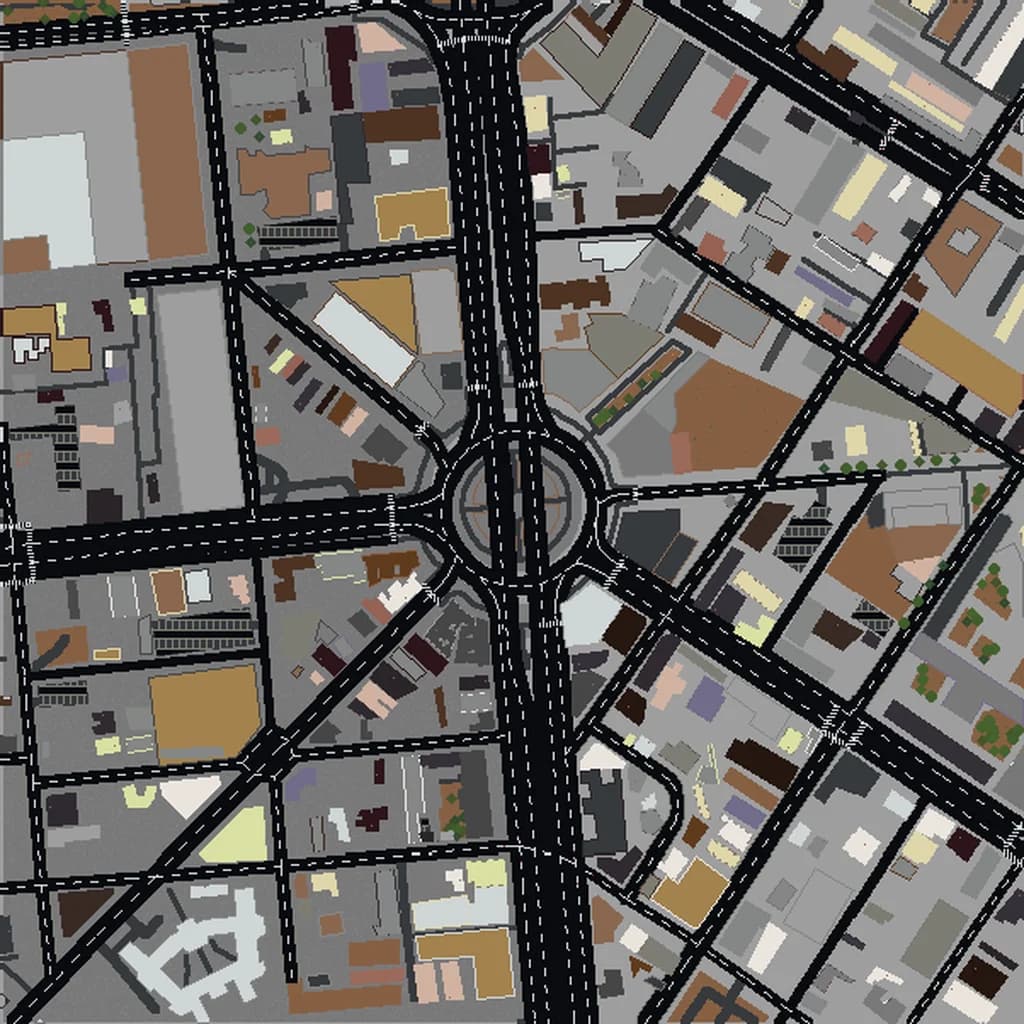
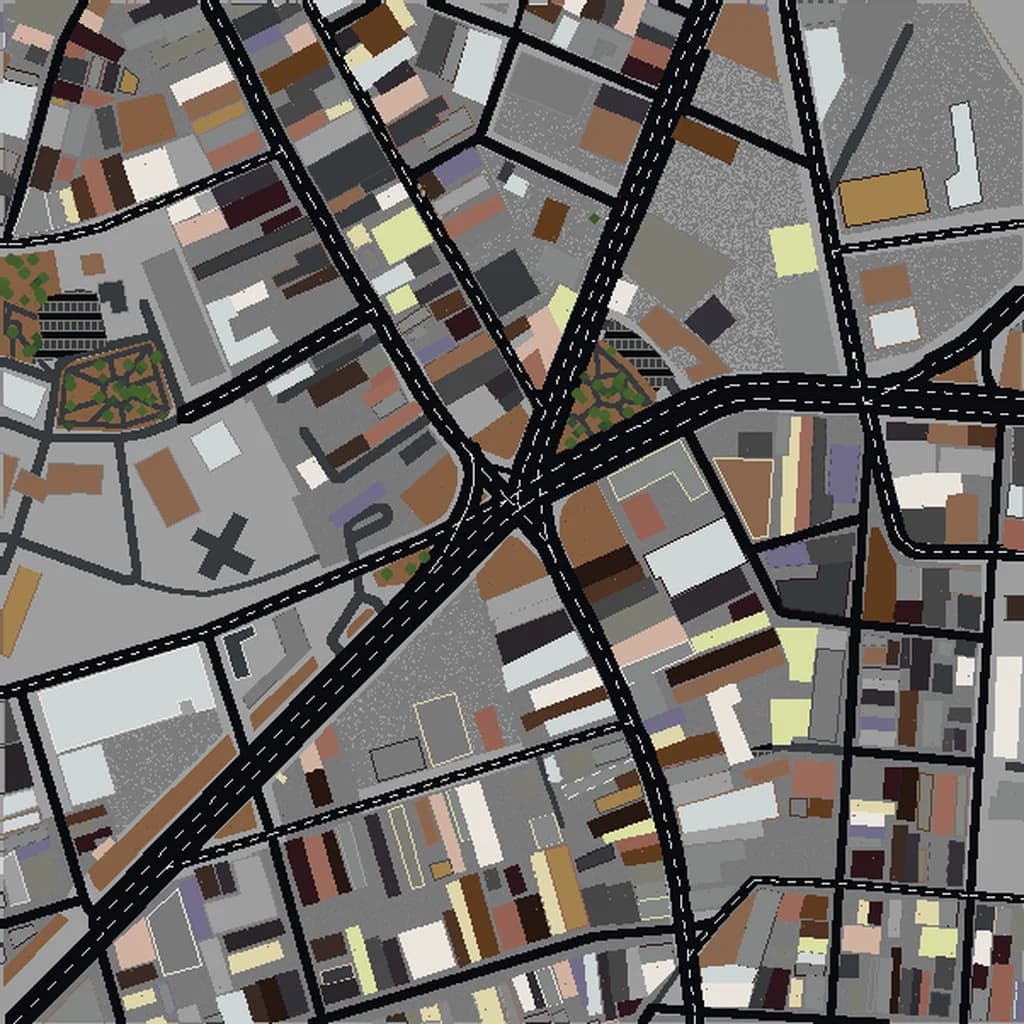
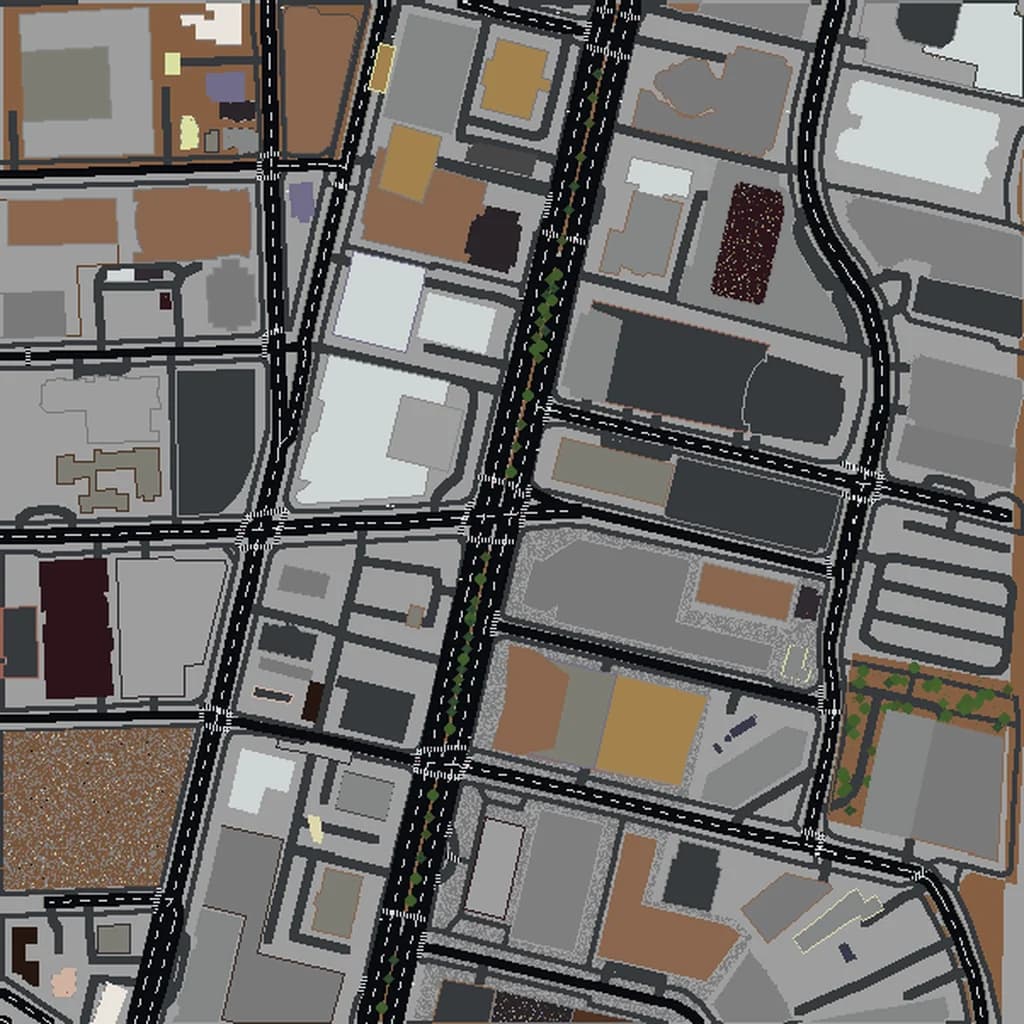
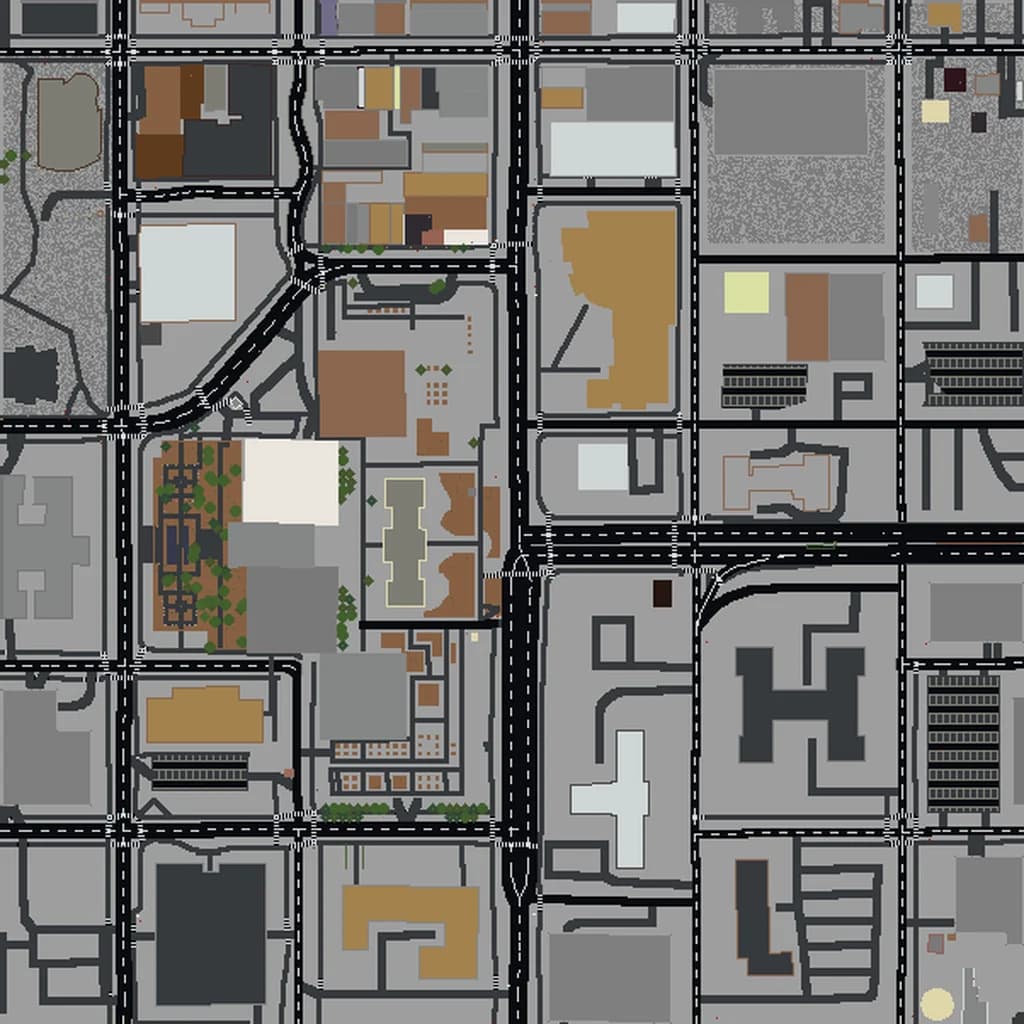
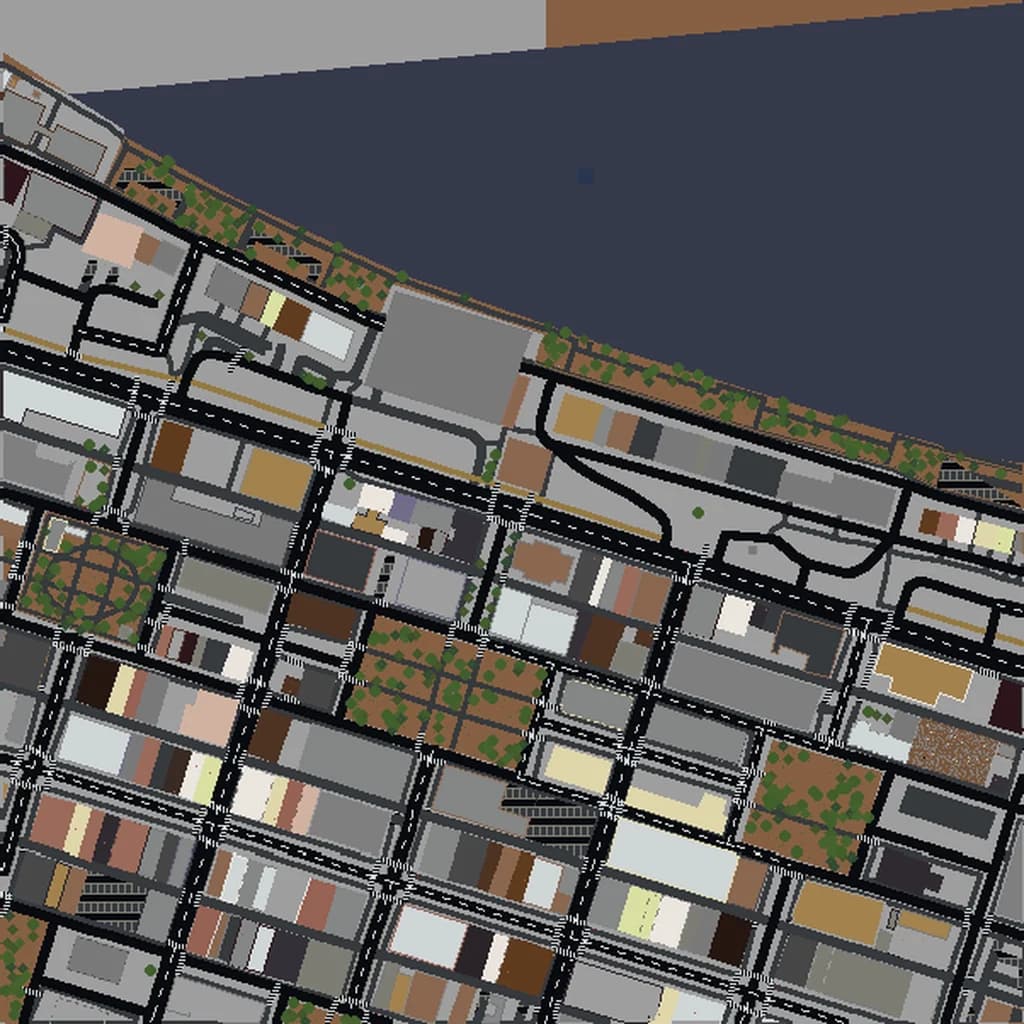
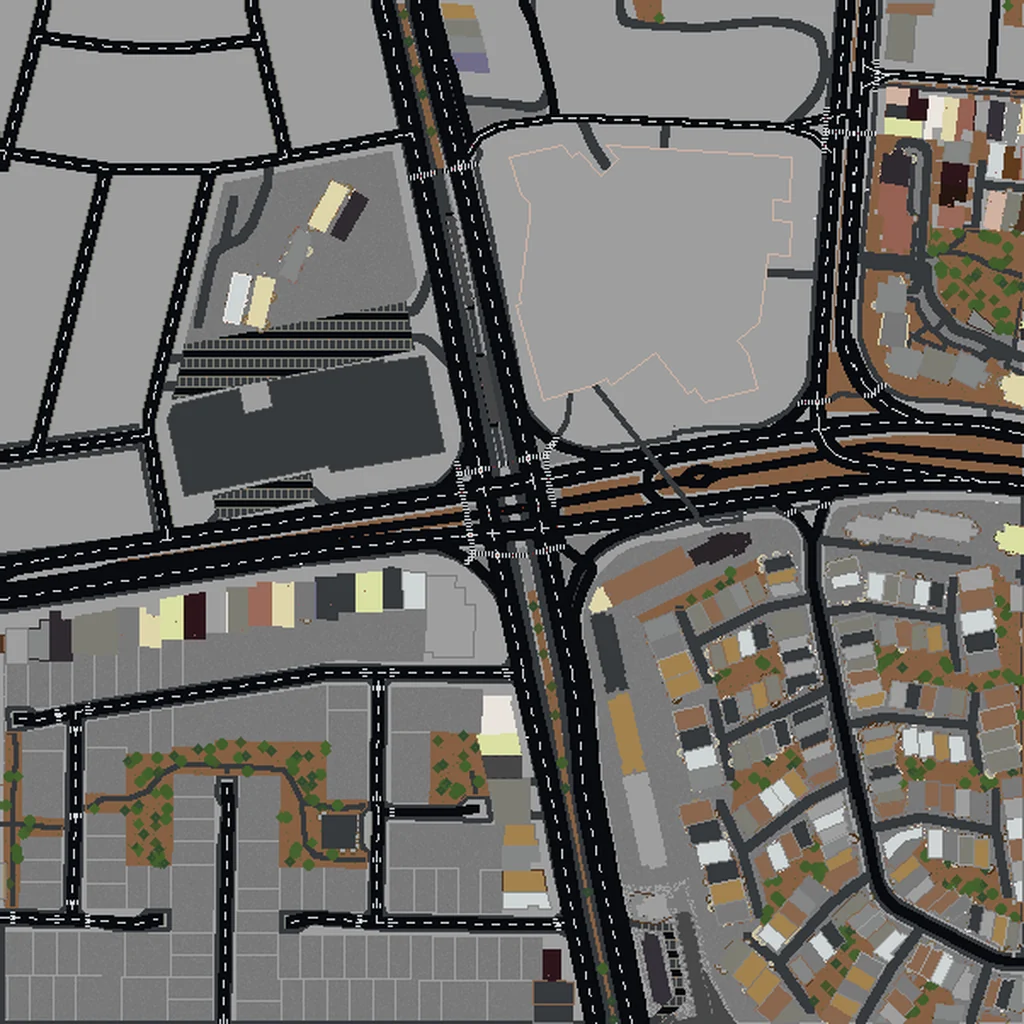
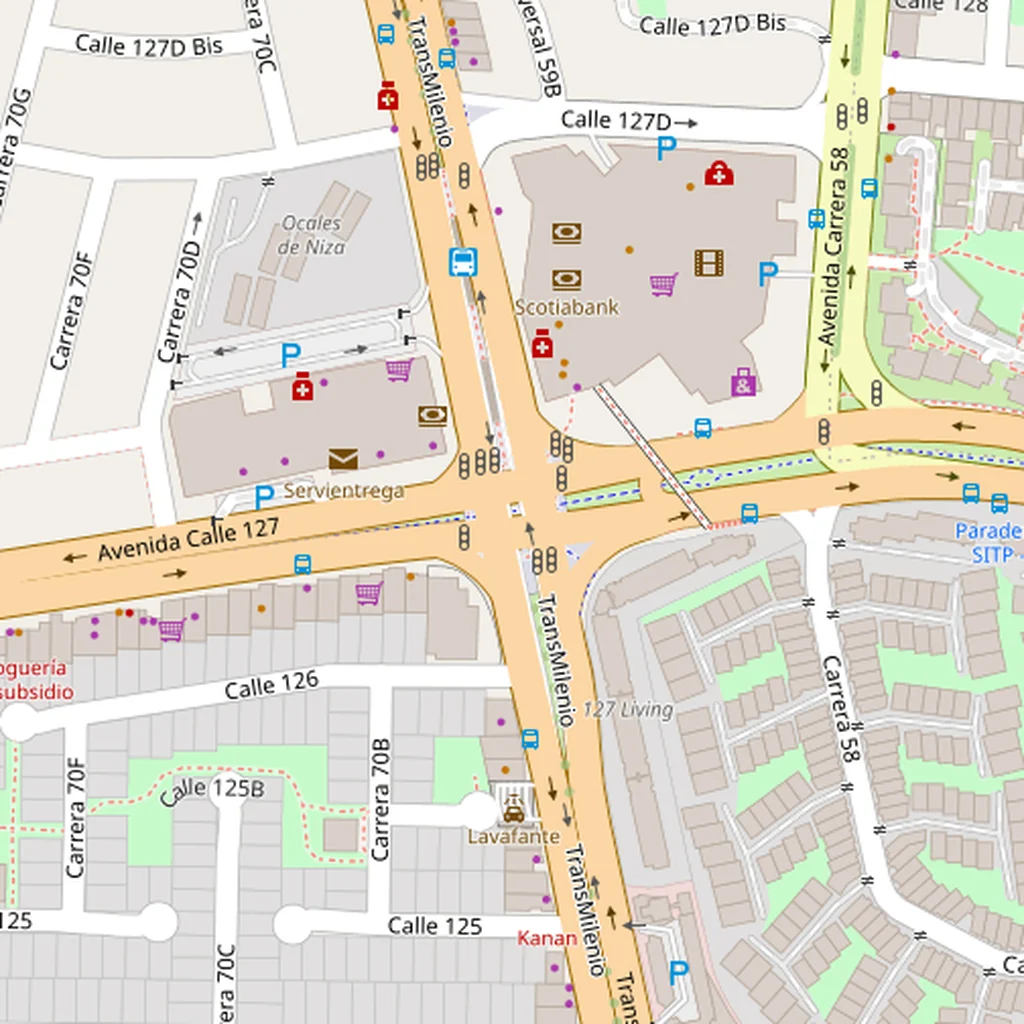
Drag the slider to compare the real street grid with the same area generated as a Minecraft world. Same blocks, same buildings, same shape.
~2 minutes to generate · free 3D preview before you pay
About the Bogotá Minecraft World
Bogotá sits at 2,640 m on a high plateau with the Andes rising sharply along its entire eastern edge, and that setting is the single most dramatic thing about generating it. The city runs flat north-to-south across the savanna, then stops abruptly where the mountains go almost vertical — Monserrate climbs another 500 m straight up from the edge of the colonial quarter. With terrain enabled that wall of mountain is genuinely there, which makes for one of the most vertically striking worlds you can build from a real place. Down on the flat, La Candelaria's steep colonial grid gives way to the glass towers of the modern centre and then the ordered affluence of the north.
What's Included in the Bogotá World
La Candelaria
The colonial old town at the foot of the mountains — tight blocks, narrow streets, and a noticeable slope as the ground begins to climb eastward.
Monserrate area
The peak above the city, roughly 500 m of climb from the streets below. With terrain on, this is a real mountain at the edge of your world.
Zona T
A dense modern commercial district to the north, with a very different texture from the colonial core — larger footprints, taller buildings.
Usaquén
A former separate village absorbed by the city, retaining its own small colonial centre and plaza in the far north.
Plus all streets, buildings, parks, and terrain elevation from OpenStreetMap data — faithfully converted to Minecraft blocks. Available for both Java and Bedrock Edition.
What Makes Bogotá Special in Minecraft
- Terrain is essential here. Bogotá's defining feature is the Andes wall on its eastern edge, and without elevation you lose the entire character of the site.
- A selection that includes both La Candelaria and the mountain edge gives you the sharpest flat-to-vertical transition of any city we offer.
- The city grid is strongly north-south, so a tall narrow selection follows the city's own logic better than a square one.
- The altitude means the mountain peaks in your world sit far above normal Minecraft terrain heights — worth seeing.
Recommended Selection for Bogotá
A 3-4 km² selection over La Candelaria and the international centre, pushed east to catch the mountain face, gives you the colonial core and the Andes climb together — the best of Bogotá in a Large tier world. Extending north toward Zona T adds the modern city but flattens the drama, so include it only if you want the contrast.
How It Works
Select Area
Choose how much of Bogotá you want — from a single neighborhood to the entire metro area.
Preview in 3D
Explore an interactive 3D preview before purchasing. Rotate, zoom, and inspect every block.
Download & Play
Get your world file for Java or Bedrock Edition. Drop it in your saves folder and start exploring.
Frequently Asked Questions
What's included in the Bogotá Minecraft world?
How do I import the world into Minecraft?
Do I need any mods to play?
Do the Andes actually generate as mountains?
Does the high altitude affect the world?
Ready to Explore Bogotá in Minecraft?
Free preview of any area · from $5 — no subscription, no mods, no install required.
Create Bogotá WorldMinecraft maps of cities near Bogotá
The closest of our 100 ready-scouted cities, nearest first